RSS to 66 social networks: Facebook, Instagram, X, LinkedIn, Telegram and more Blog Afiliasi Hubungi Kami
Updated: 2026-09-28
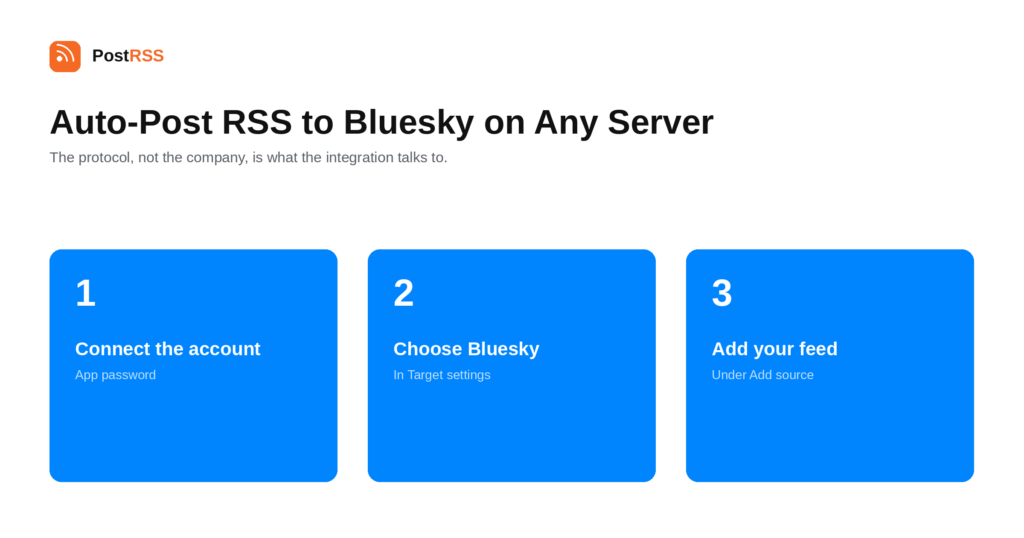
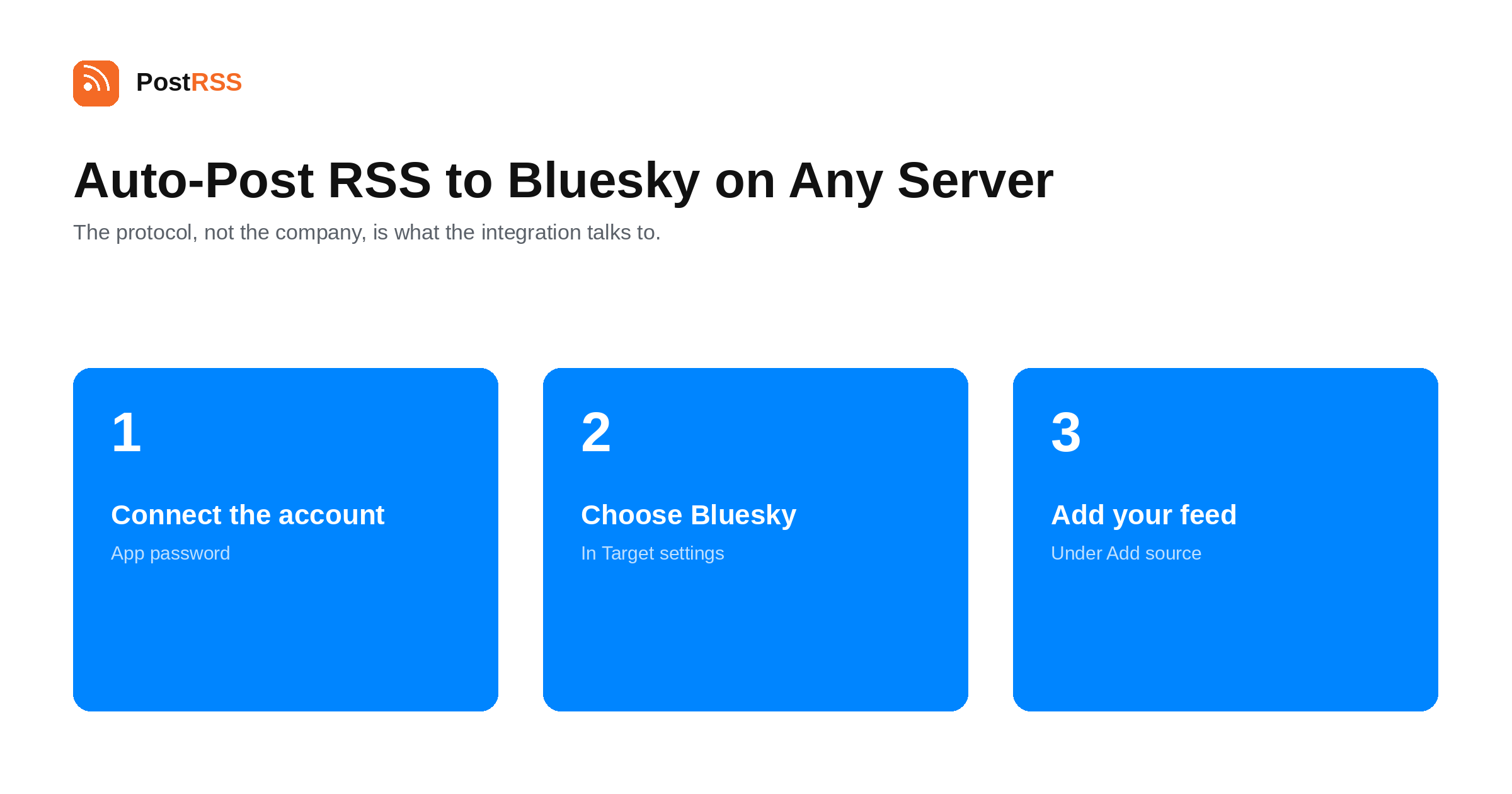
Short answer: generate an app password in your Bluesky account settings, then open Accounts → Add new Bluesky account in PostRSS and connect with it. Open Sasaran → Add feed, choose Bluesky in Target settings and add your feed under Add source (Type = RSS feed, Link = your feed address). The same setup works for accounts on other AT Protocol servers — Eurosky, Blacksky, W Social or a PDS you host yourself — because the protocol, not the company, is what the integration talks to. Bluesky is included from the Ultimate plan.
Most guides to auto-posting on Bluesky quietly assume one server: bsky.social, run by Bluesky the company. That assumption is increasingly wrong. The AT Protocol was designed so that your account can live on a personal data server run by somebody else — or by you — while still appearing in the same network to everyone else. Several such servers now carry real communities.
In the AT Protocol, your account lives on a personal data server. It holds your posts, your follows and your identity, and it speaks to the rest of the network on your behalf. bsky.social is simply the largest one.
The consequence people care about is portability: because your identity can be a domain you own, moving to a different PDS does not mean starting again with a new handle and no followers. That is the structural difference between this and every previous social network, and it is the reason independent servers exist at all.
From the integration's point of view none of this is special handling. PostRSS connects with an app password to the server your account lives on and posts through the protocol, so where that server is and who runs it does not change the setup.
PostRSS posts the title and the link, and Bluesky builds a link preview card from your page's own Open Graph image and description. That is the important detail: the card is generated from your page, so the quality of your OG tags decides what followers see. A page with a proper og:image dan og:description produces a card with a picture and a summary; a page without them produces a bare link.
If your cards look empty, the fix is on your site rather than in the integration — check the Open Graph tags on the article template.
Bluesky posts are short, and a long headline plus a URL exceeds the limit easily. The naive way to handle that is to truncate the whole string, which cuts the post off mid-URL and produces a link nobody can click.
PostRSS trims the title instead, so the link always survives. It is a small thing that matters every day: a feed with long article titles would otherwise produce a steady stream of broken posts.
Compared with the networks in the same tier, the absence of gatekeeping is striking. No business or creator account type is required, there is no app review, no tech-provider verification, and nothing to wait in a queue for. You generate a credential in your own settings and you are posting.
Feeds are checked every 5 minutes on every plan and every minute on Enterprise, so a new article normally reaches followers within a few minutes of going live.
PostRSS publishes items that appear in the feed after the Target starts running. Connecting an established feed does not import its back catalogue, which is deliberate — the alternative is a destination flooded with years of archive on day one.
It does not reply, quote, follow or manage custom feeds. It posts your new items; the account stays yours to use normally alongside it.
Bluesky is included from the Ultimate plan. Each destination you connect counts as one Target, and your plan sets how many Targets and how many posts a month you get. An annual subscription is cheaper than paying monthly. The current limits for every tier are on the pricing page, and the full list of 66 networks is on the supported networks page. The Bluesky page has the short version.
og:image atau og:description. Bluesky builds the card from those, so the fix is on your site.Self-hosting a personal data server is the part of the AT Protocol that sounds more dramatic than it is. Your posts live on your machine, your handle can be your own domain, and nobody can remove your account from the network. Everything else stays the same: your posts appear in the same feeds, your followers do not have to do anything, and moderation on the larger relays still applies to what they choose to carry.
What it does not change is this integration. PostRSS connects to whichever server holds the account, so a self-hosted PDS is the same handful of fields as bsky.social. The one operational requirement is the obvious one — the server has to be reachable over HTTPS, like any other.
For a publisher deciding where to start, the practical ranking is by friction: Bluesky and Mastodon connect in minutes, Nostr is cheaper, and the Meta-owned destinations take the longest to arrange.
Yes. The integration talks to the AT Protocol rather than to one company's server, so accounts on Eurosky, Blacksky, W Social or a self-hosted PDS connect exactly the same way — handle plus app password.
An app password is a separate credential you generate in your own Bluesky settings for one application. It can be revoked on its own without changing your account password or affecting anything else you have connected.
Bluesky builds the card from your page's Open Graph tags, so a missing og:image atau og:description produces an empty card. The fix is on your site's article template rather than in PostRSS.
The title is trimmed so the link always survives. Truncating the whole post would cut the URL in half and produce an unclickable link, which is the failure mode this avoids.
No. Bluesky has no business-account requirement, no app review and no verification queue. You generate an app password in your settings and connect.
The Ultimate plan, alongside Mastodon, Pixelfed, Lemmy / PieFed, Matrix, X, Telegram and Threads.
Bluesky is one of the least gated destinations available, and the interesting part in 2026 is that "Bluesky" no longer means one server. Generate an app password wherever your account lives — bsky.social, Eurosky, Blacksky, W Social or your own PDS — connect it, and every new article posts itself with a proper preview card. It is included from the Ultimate plan.
What changed in the networks, what broke, and how to fix it before it costs you reach.
 English
 Lietuviškai
 Deutsch
 Français
 Русский
 Español
 Polski
 Italiano
 Українська
 Čeština
 Português
 日本語
日本語 Latviešu valoda
 Eesti
Eesti Magyar
 Bahasa Indonesia
 Türkçe
 हिन्दी
 Ελληνικά
 العربية
 ไทย
ไทย Tiếng Việt
 Română
 Bahasa Melayu
 বাংলা
বাংলা