RSS uz 66 sociālajiem tīkliem: Facebook, Instagram, X, LinkedIn, Telegram un citiem Blogs Partner programma Kontakti
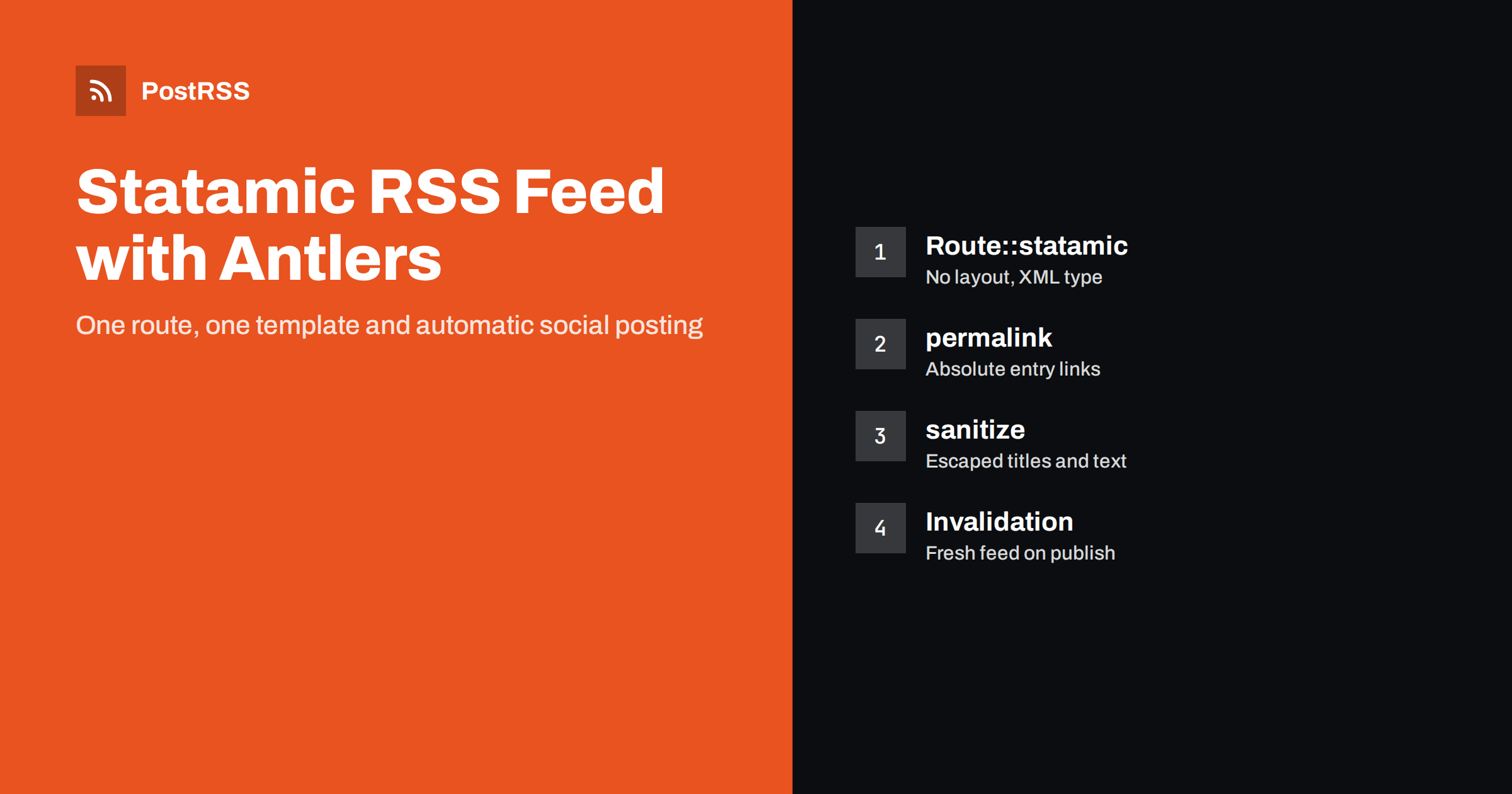
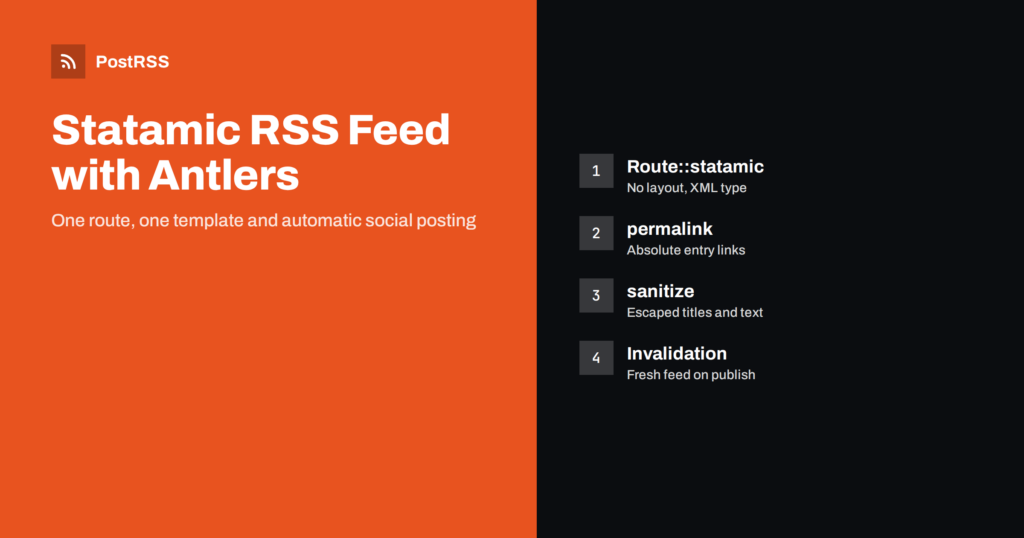
Short answer: Statamic has no RSS feed switched on by default, but you can build one in minutes with a route and an Antlers template. Register Route::statamic('feed.xml', 'feed', ...) with no layout and an XML content type, loop over your blog collection with the collection tag, output permalink for absolute links and date format="r" for valid dates, and escape text with the sanitize modifier. Add the feed to your static caching invalidation rules, and an RSS auto-poster can share every new entry automatically.
Statamic is a flat-file and database-friendly CMS built on Laravel, popular with agencies and developers who want a clean control panel without giving up code-level control. Blogs, news sections, case studies and event listings are typically collections, and every one of them can become a feed. Statamic does not generate feeds automatically, which is actually an advantage: you decide exactly what goes into the XML. This guide shows a dependable way to build the feed, the settings that most often cause broken links or stale content, and how to use the feed for automatic social sharing.
Before writing the template, agree on what the feed must deliver:
guid;Images and categories come later. For a refresher on what each element does, see what guid and pubDate actually do.
Statamic lets you add routes that render a template directly. Add this to routes/web.php:
use Illuminate\Support\Facades\Route;

Route::statamic('feed.xml', 'feed', [
    'layout' => null,
    'content_type' => 'application/rss+xml',
]);
Two options do the important work. 'layout' => null stops Statamic from wrapping the XML in your site’s HTML layout, which would make the feed invalid. 'content_type' sets the response header; Statamic also accepts the short value 'xml', but the RSS type is more precise. You can confirm the result later with curl.
Create resources/views/feed.antlers.html. The example assumes a collection with the handle blog:
<?xml version="1.0" encoding="UTF-8"?>
<rss version="2.0" xmlns:atom="http://www.w3.org/2005/Atom">
  <channel>
    <title>{{ site:name | sanitize }}</title>
    <link>{{ site:url }}</link>
    <description>New articles from {{ site:name | sanitize }}</description>
    <atom:link href="{{ site:url }}/feed.xml" rel="self" type="application/rss+xml"/>
    {{ collection:blog limit="30" sort="date:desc" }}
    <item>
      <title>{{ title | sanitize }}</title>
      <link>{{ permalink }}</link>
      <guid isPermaLink="true">{{ permalink }}</guid>
      <pubDate>{{ date format="r" }}</pubDate>
      <description>{{ excerpt | strip_tags | sanitize }}</description>
    </item>
    {{ /collection:blog }}
  </channel>
</rss>
Notes on the template:
url is the relative path of an entry and permalink is the absolute address. Feeds need absolute links, so always use permalink.sanitize modifier converts characters such as & un < into entities. Without it, one title with an ampersand breaks the whole feed.format="r" uses PHP’s RFC 2822 format, which is what RSS expects, for example Sat, 10 Oct 2026 05:15:00 +0000.excerpt with whatever field your blueprint uses for summaries, such as meta_description, and strip HTML so the description stays plain text.If your summaries are missing for some entries, a fallback such as {{ excerpt ?? content | strip_tags | truncate:200 }} keeps every item useful. More on summaries is in custom RSS feed excerpts.
The absolute links in the feed come from your site configuration. In Statamic, each site has a URL defined in the sites configuration, which usually refers to APP_URL in the .env file. If APP_URL still says http://localhost on production, or uses http while your site runs on https, every link in the feed is wrong, and every auto-posted link is broken.
Check three things after deployment:
APP_URL in the production .env is the public https address;<link> in the live feed opens the right page in a browser.Relative or internal links are a classic reason why shared posts lead nowhere; see relative URLs in RSS feeds.
The collection tag returns published entries by default, which is exactly what a feed needs. Two settings deserve attention:
When scheduled entries go live, the feed must be rebuilt, which brings us to caching.
Many Statamic sites use static caching, either the “half” strategy that stores responses in the application cache or the “full” strategy that writes HTML files to disk. The feed route is cached like any other page. That is good for performance, but if the cache is not invalidated when you publish, the feed keeps showing old content and auto-posters never see the new entry.
Add the feed to the invalidation rules in config/statamic/static_caching.php:
'invalidation' => [
    'class' => null,
    'rules' => [
        'collections' => [
            'blog' => [
                'urls' => ['/blog', '/blog/*', '/feed.xml'],
            ],
        ],
    ],
],
Now saving or publishing a blog entry clears the cached feed. For entries that are scheduled to go live later, make sure Laravel’s scheduler runs on the server, so time-based changes are picked up, and consider a short cache lifetime for the feed. A CDN in front of the site needs the same thought: very long edge caches are a frequent cause of delayed auto-posts, as explained in RSS feed caching explained.
When the feed drives social posts, images decide how each post looks. Add an enclosure when an entry has a featured image asset:
{{ if featured_image }}
  {{ featured_image }}
  <enclosure url="{{ permalink }}" type="{{ mime_type }}" length="{{ size_bytes }}"/>
  {{ /featured_image }}
{{ /if }}
Inside the asset loop, permalink refers to the asset’s absolute URL. Adjust the field name to your blueprint. Many auto-posters also read the entry page’s og:image, so make sure your SEO setup outputs it for every entry.
Taxonomy terms become categories:
{{ tags }}<category>{{ title | sanitize }}</category>{{ /tags }}
Categories help route topics to different accounts and can be turned into hashtags. If you want full content in the feed, add the content namespace and wrap rendered HTML in content:encoded with a CDATA section, keeping description short and plain. See how to control which image gets auto-posted.
Statamic’s multi-site feature is often used for languages or regional versions of the same website. Each site has its own URL and its own localized entries, and each should get its own feed:
collection tag return entries for the current site./de/, its feed’s links must include that prefix. The permalink variable handles this when each site’s URL is configured correctly.<language> element with the site’s locale, such as de vai fr, so readers can label the feed.Treat each site’s feed as a separate source in your auto-poster and connect it to the matching accounts. For strategy, see automating multi-language website content.
Add an autodiscovery link to the head of your layout, so browsers, readers and tools can find the feed from any page:
<link rel="alternate" type="application/rss+xml"
      title="{{ site:name }}" href="{{ site:url }}/feed.xml">
If you have several collections, such as news and events, create a route and template per feed, or one template that takes the collection handle from route data. Give each feed a clear title so subscribers know what they are getting.
curl -sI https://your-site/feed.xml and confirm a 200 response with the RSS content type;The Statamic routing documentation explains the route options used above. A broader checklist is in RSS feed validation before auto-posting.
| Symptom | Cause | Fix |
|---|---|---|
| Feed wrapped in HTML | Layout applied to the route | 'layout' => null |
| Served as text/html | No content type on the route | Set content_type |
| Links are relative | Using url instead of permalink | Output permalink |
| Links point to localhost | Wrong APP_URL or site URL | Set the public https address |
| Feed breaks on one entry | Unescaped ampersand | Add the sanitize modifier |
| New entries missing | Static cache not invalidated | Pievienot /feed.xml to invalidation rules |
Once the feed validates, sharing becomes configuration. Agencies that build Statamic sites for clients often get asked to “also post it on our socials”. Writing custom event listeners that call each network’s API means handling logins, tokens and rate limits for every client. A feed-based auto-poster does that work instead:
For agencies managing several client sites, see managing social automation across client websites.
PostRSS has been turning RSS and Atom feeds into social posts since 2014. Paste the feed address, connect your accounts and choose the post format: title, description, page title or your own text. PostRSS checks the feed as often as every minute and publishes each new entry, with its image and link, to the networks you choose among 66 supported networks, messengers, team chats and blogs. Keyword filters, UTM parameters, hashtags from categories and posting windows let you tailor each channel. See the PostRSS features page for the full list and the pricing page for plan limits. More developer guides are under the Technical Guide tag.
A Statamic RSS feed is one route and one Antlers template. Disable the layout, set the content type, use permalink for absolute links, format="r" for dates and sanitize for every text value. Configure the site URL correctly, add the feed to your static caching invalidation rules and validate it once. From then on, every entry you publish can be shared on your social channels automatically.
Not out of the box. You create one with a route that renders an Antlers template without a layout. It takes only a few minutes, and you control exactly which collection and fields appear in the feed.
The template probably outputs url, which is the relative path of an entry. Use permalink instead, which returns the absolute address based on your site URL configuration.
Use the date variable with format r, which is PHP’s RFC 2822 format. It produces dates such as Sat, 10 Oct 2026 05:15:00 +0000, which readers and validators accept.
Static caching is the usual cause. Add the feed URL to the invalidation rules for the collection, so publishing an entry clears the cached feed. Also check CDN cache lifetimes.
Yes. Once the feed is live and valid, an RSS auto-poster such as PostRSS can read it and share each new entry with the networks you connect, without custom code in your Statamic project.
What changed in the networks, what broke, and how to fix it before it costs you reach.
Izstrādājusi Internet Solutions — PostRSS komanda. Katrs produkts ietaupa laiku savā veidā.
 English
 Lietuviškai
 Deutsch
 Français
 Русский
 Español
 Polski
 Italiano
 Українська
 Čeština
 Português
 日本語
日本語 Latviešu valoda
 Eesti
Eesti Magyar
 Bahasa Indonesia
 Türkçe
 हिन्दी
 Ελληνικά
 العربية
 ไทย
ไทย Tiếng Việt
 Română
 Bahasa Melayu
 বাংলা
বাংলা