RSS uz 66 sociālajiem tīkliem: Facebook, Instagram, X, LinkedIn, Telegram un citiem Blogs Partner programma Kontakti
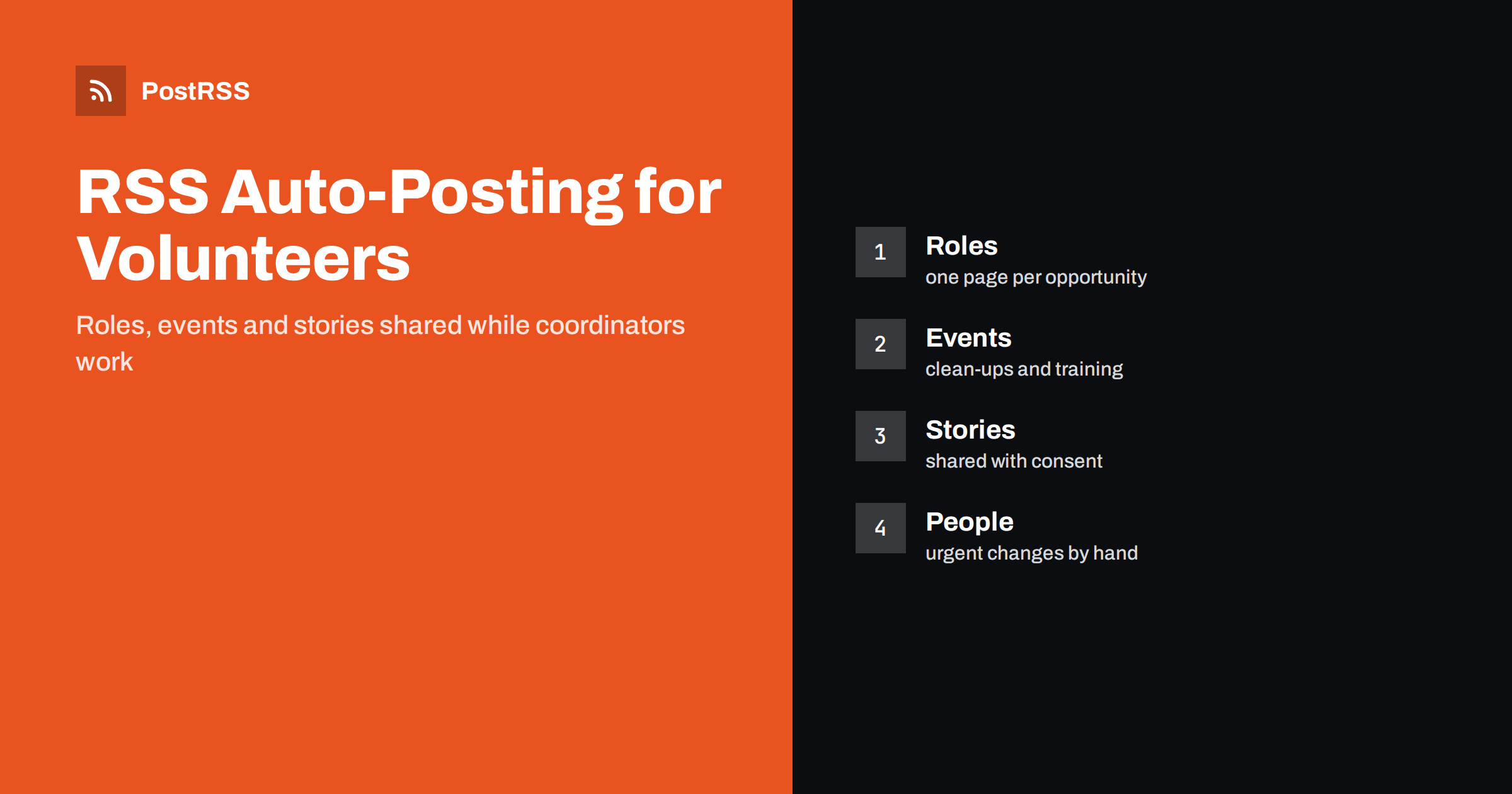
Short answer: RSS auto-posting lets volunteer centres and community service programmes share new opportunities, event dates, training sessions and impact stories on social media automatically. Publish each opportunity or story as a page on your website, let an auto-poster read the RSS feed, and every new page appears on your Facebook Page, LinkedIn, Telegram channel and other channels with its link and image. Coordinators keep their time for people, while personal details about volunteers, the people they help and last-minute changes to shifts stay out of scheduled posts.
A volunteer programme lives on attention. A food distribution needs six more people on Saturday, a river clean-up needs a team leader, a hospital visiting scheme needs drivers, and a youth club needs someone who can teach basic coding. The coordinator who knows about each need is usually the same person who trains new volunteers, answers phone calls and files the reports. The call for help is written once, in a hurry, and shared on one channel. A website with a short page for every opportunity and story solves most of the problem, because automation can carry those pages to every network where potential volunteers look. This guide explains how to set it up and where a human decision is still needed.
The advice fits many kinds of organisation that depend on volunteers:
Each of these has a steady supply of content and already has, or can easily create, a page for every opportunity on its own website.
A volunteer organisation has far more to say than a single recruitment appeal:
Each can be a short page on your own website. When the page is published, the feed announces it. You write it once, in a place you own, and the automation spreads it across the networks where people spend time. A page also appears in search results when someone looks for volunteering near a particular town, which a social post alone does not achieve.
Most volunteer organisations run a simple website on a content management system that publishes feeds without extra work:
/feed/ and one for every category, such as /category/volunteer-roles/feed/. If you are unsure of the address, see how to find your WordPress feed link.Use categories to separate audiences: new roles, events, stories and organisation news. Each category has its own feed, and each feed can go to the channel where it works best; roles to the Facebook Page, partnership news to LinkedIn and event reminders to a Telegram channel for regular volunteers. Routing by category is explained in category filtering for auto-posting.
| Content | Automate? | Notes |
|---|---|---|
| New volunteer roles | Yes | One page per role, with tasks, time, place and a sign-up link |
| Events and training dates | Yes | Date, place, what to bring and how to register |
| Impact stories | Yes, with consent | Written with permission, focused on the result |
| Urgent shift changes | No | Use direct messages or a call to the people involved |
| Details about people helped | Never | Privacy and safeguarding come first |
| Thank-you to individuals | By hand | A personal message means more than an automatic one |
A simple rule: if it is a general invitation or a finished story on a page of your website, automate it. If it concerns a specific person, a safeguarding matter or a change that happens within hours, handle it personally.
A good role page answers the questions a possible volunteer asks before deciding. What will I do, and who will I work with? How many hours a week or month, and are they fixed or flexible? Where is it, and how do I get there? Do I need experience or training, and will it be provided? Is there a background check, and what does it involve? Will my travel costs be covered? Who can I speak to before I sign up? Give each role its own page with a friendly photograph and a clear sign-up link, and close the page when the role is filled. A page that stays online after the need has gone wastes the time of people who respond.
Your organisation may be bound by data protection law and by the rules of a charity regulator. Follow your own policies, and let the person responsible for safeguarding approve the wording of new templates once, so that the scheduled posts are safe by design.
Volunteer demand follows a calendar. Winter brings coat drives and shelter shifts, spring brings clean-ups and planting days, summer brings holiday clubs and festivals, and autumn brings back-to-school collections and harvest meals. Write the appeal pages in advance, with their dates, and let the feed announce each one at the right time. For recurring calls, such as a monthly volunteer induction, keep a single page and update the date rather than creating a new page every month; the page then keeps its place in search results. A scheduled series on the website, with one page each week in the run-up to an event, gives your channels steady content without a last-minute rush.
If a network shows the wrong picture, check the Open Graph tags of the page as described in why auto-posted links show the wrong image.
Most programmes do best with a Facebook Page and LinkedIn, and add a Telegram channel if there is a loyal group of regular volunteers. Two active channels beat five forgotten ones.
/feed/, and check that it lists recent items.PostRSS has been automating RSS posting since 2014. It checks your website feeds as often as every minute and publishes each new role, event and story, with its real image and link, to the channels you connect, from Facebook Pages and LinkedIn to Telegram, Bluesky, Mastodon and many more among its 66 supported networks. You can choose how each post is built, filter items by keywords, add UTM parameters and post only within chosen hours or at exact times in your time zone. See the PostRSS features page for everything it does and the pricing page for plan limits. More ideas for non-profit and community groups are under the Nonprofits tag.
A volunteer programme has real needs and very little time to announce them. RSS auto-posting shares each new role, event and story automatically on your Facebook Page, LinkedIn and other channels, on time and with the right image. Give every role its own page and close it when it is filled, publish stories only with consent, keep safeguarding and privacy at the centre, plan seasonal appeals in advance, route content by category and leave urgent changes and personal thanks to people.
Yes. If your website has a section for roles, events or news, its RSS feed can be connected to an auto-poster that shares each new page on your Facebook Page, LinkedIn and other channels. Urgent changes and personal messages should still be handled by people.
No. The feed carries the public page with a link to your sign-up form. The form and the personal details it collects stay on your own systems, with a privacy notice.
Unpublish or archive the page when the role is filled, and the item leaves the feed. Keep the page title and summary free of dates that will pass, so that older posts do not mislead.
Only with the consent of the people shown or described, and with extra care for children and vulnerable adults. Follow your safeguarding policy and let the person review the text first.
A Facebook Page reaches local communities, and LinkedIn works for skilled and corporate volunteers. A Telegram channel suits regular volunteers who want short notices.
What changed in the networks, what broke, and how to fix it before it costs you reach.
Izstrādājusi Internet Solutions — PostRSS komanda. Katrs produkts ietaupa laiku savā veidā.
 English
 Lietuviškai
 Deutsch
 Français
 Русский
 Español
 Polski
 Italiano
 Українська
 Čeština
 Português
 日本語
日本語 Latviešu valoda
 Eesti
Eesti Magyar
 Bahasa Indonesia
 Türkçe
 हिन्दी
 Ελληνικά
 العربية
 ไทย
ไทย Tiếng Việt
 Română
 Bahasa Melayu
 বাংলা
বাংলা