RSS uz 66 sociālajiem tīkliem: Facebook, Instagram, X, LinkedIn, Telegram un citiem Blogs Partner programma Kontakti
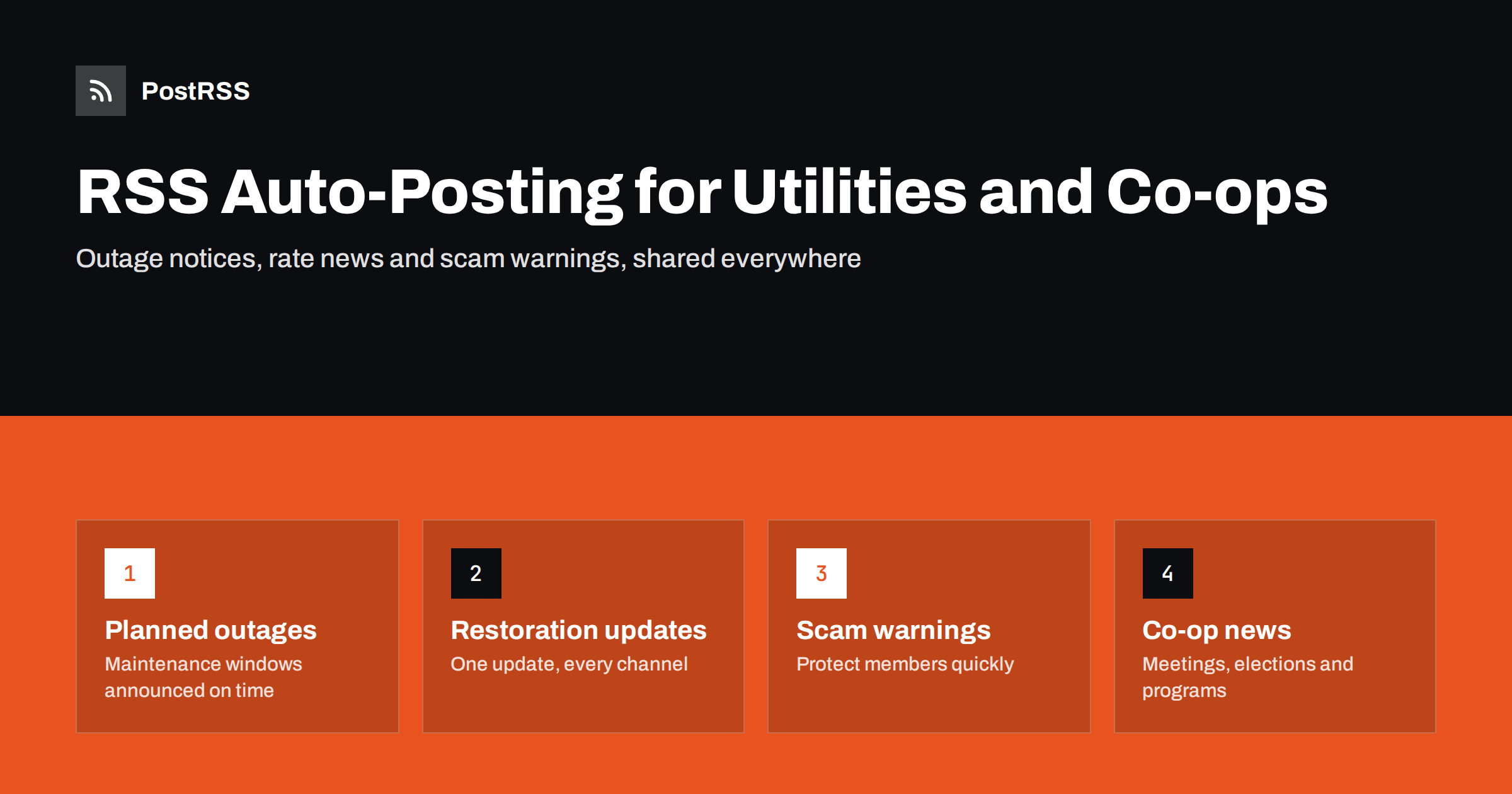
Short answer: Electric cooperatives, water utilities and municipal utilities can publish every public update, from planned maintenance and restoration progress to rate changes and scam warnings, as a news post on their own website, and let an RSS auto-posting tool share it to Facebook, X, Telegram and other channels within minutes. The website stays the official record, customers get the same message wherever they look, and the communications team stops retyping updates during the busiest hours of a storm.
A utility’s communication calendar is unlike almost any other organisation’s. For weeks, there is little to say beyond an energy-saving tip or a reminder about the annual meeting. Then a storm arrives, thousands of customers lose power or water pressure, and everyone wants an update on every channel at once.
Small and mid-sized utilities rarely have a large communications department. At a rural electric cooperative, the person who writes the newsletter may also handle member services and the website. During an outage that person is answering phones, coordinating with operations and trying to keep the Facebook Page, the website and perhaps an X account in sync. Messages end up inconsistent: the website says one estimated restoration time, Facebook says another, and customers notice.
RSS automation does not replace outage maps, alert systems or the crews in the field. What it fixes is the copying. An update is written once, on the website, and the same words go out to every connected channel. The website becomes the single source of truth, and social media simply mirrors it.
Most utility websites already have a news or announcements section. Each item in that section can become a feed item and a social post.
Scheduled work such as line upgrades, substation maintenance, meter replacements or water main repairs affects specific streets at specific times. A short post per event, with the area, date, time window and a link to details, is exactly what customers need to plan their day. Publishing these posts ahead of time and scheduling them keeps announcements punctual.
During a major event, short updates every few hours, such as “Crews have restored power to the north district, about 1,200 members remain without service, next update at 4 p.m.”, reassure customers and reduce call volume. Written as news posts, they appear on every channel in the same order and with the same numbers.
Rate adjustments, new billing systems, payment portal maintenance and changes to office hours all generate questions. A public post that explains the change plainly, and links to the full notice, gives customer service staff something to point to.
Utility impersonation scams, in which callers demand immediate payment to avoid disconnection, are a recurring problem in many regions. When a new wave starts, a clear warning that explains how the real utility contacts customers needs to reach people quickly and on every channel they use.
Hydrant flushing schedules, water quality reports, conservation measures during droughts and construction updates are ideal feed items. Urgent public health notices such as boil water advisories must still follow the official notification methods required by regulators; a social post is an additional channel, not a replacement.
Electric and telephone cooperatives have membership business that investor-owned utilities do not: annual meetings, board elections, capital credit retirements, scholarship programs and community grants. These are exactly the posts that make members feel part of the cooperative, and they are easy to forget when everyone is busy.
Energy efficiency rebates, electric vehicle charging programs, broadband expansion projects, line worker job openings and apprenticeship programs round out the calendar. They give the feed steady, positive content between storms, which keeps followers engaged so they are already there when an outage hits.
It is important to be honest about what feed-based posting can and cannot do. An RSS auto-poster checks the website’s feed at an interval, often every few minutes, then publishes new items. That delay is fine for restoration updates and planned outage notices. It is not the right tool for life-safety alerts, which should go through official emergency alert systems, direct customer notifications by text or phone, and cooperation with local emergency management.
Keep these rules in mind:
Utility customers are everyone in the service area, so the channel mix should favour reach and familiarity over novelty.
Utilities that serve several towns or districts may want separate feeds or categories per area, so that a maintenance notice for one district does not alarm customers in another.
When an update is copied automatically to five channels, its wording matters five times over. Utility communicators who handle storms well tend to follow the same habits.
Short, factual, time-stamped posts also age well. Weeks later, when a board member or a journalist asks what was communicated and when, the website’s news archive shows the complete timeline, and every social channel shows the same one.
PostRSS checks your RSS or Atom feed every 5 minutes on all plans, or every minute on Enterprise plans, and publishes each new item with its title, text, link and image to the targets you connect. It supports 66 networks, including Facebook Pages, X, Threads, Bluesky, Mastodon, Telegram, Viber, LinkedIn and team chats such as Microsoft Teams through webhooks and Google Chat. One feed can go to many targets, keyword filters can include or exclude items by words in the title or description, and a maximum number of posts per update keeps a batch of maintenance notices from flooding followers. Posting windows on paid plans can hold routine news to office hours while urgent categories go out immediately through a separate feed. See the features page for the full list and the pricing page for plan limits.
Utilities need to say the same thing, on many channels, at the worst possible moment. Publishing every public update once on the website and letting an RSS feed distribute it keeps messages consistent, frees staff to focus on customers and crews, and gives members one trusted source of information. Treat social posting as one layer of communication alongside official alert systems, and it will make both storm days and quiet weeks easier to manage.
Yes, for restoration updates, planned outage notices and general outage communication. Write each update as a news post on the website and let the feed share it. Life-safety alerts should still go through official alert systems and direct customer notifications.
That depends on how often the tool checks the feed, typically every few minutes. The website itself must also publish the item and update the feed promptly. For most outage communication this delay is acceptable, but it is not suitable for emergency warnings.
Post a new one. Edits often do not appear as new feed items, so social channels would keep showing the old information. A short new post with the time of the update is clearer for customers.
Yes, if the website separates them by category or feed. Connect each area’s feed only to the channels that serve that area, so customers see notices that affect them. A system-wide feed can still carry news that concerns everyone.
Internal operational details such as crew locations, switching plans, staff contact numbers and customer account information. Keep public and internal content in separate categories and check which categories are connected before going live.
What changed in the networks, what broke, and how to fix it before it costs you reach.
Izstrādājusi Internet Solutions — PostRSS komanda. Katrs produkts ietaupa laiku savā veidā.
 English
 Lietuviškai
 Deutsch
 Français
 Русский
 Español
 Polski
 Italiano
 Українська
 Čeština
 Português
 日本語
日本語 Latviešu valoda
 Eesti
Eesti Magyar
 Bahasa Indonesia
 Türkçe
 हिन्दी
 Ελληνικά
 العربية
 ไทย
ไทย Tiếng Việt
 Română
 Bahasa Melayu
 বাংলা
বাংলা