RSS uz 66 sociālajiem tīkliem: Facebook, Instagram, X, LinkedIn, Telegram un citiem Blogs Partner programma Kontakti
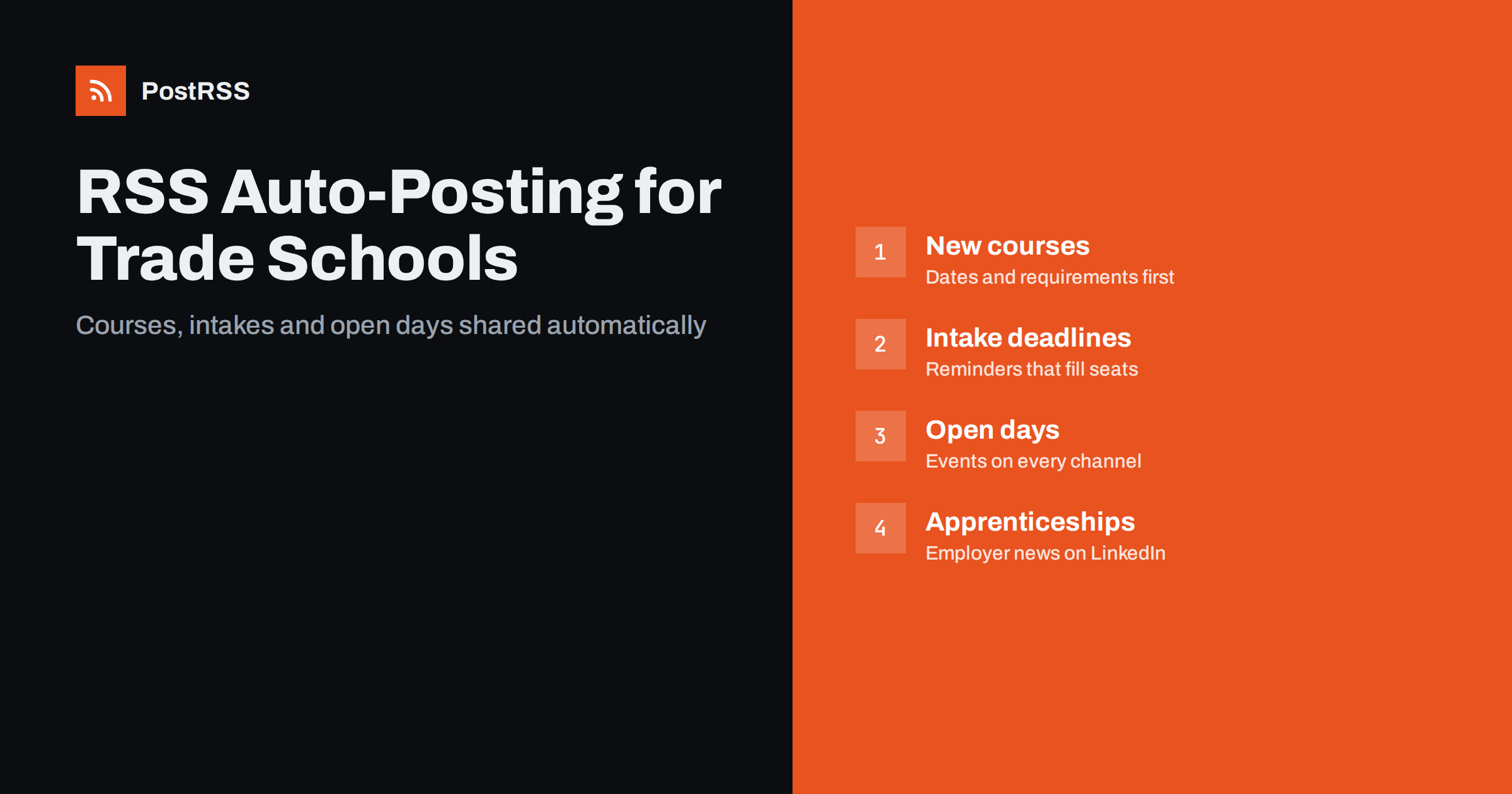
Short answer: RSS auto-posting helps trade schools and vocational training centres share every new course, intake date, open day, apprenticeship opening and student success story on social media automatically. Publish once on the school website, let an auto-poster read its RSS feeds, and each item appears on Facebook, LinkedIn, messengers and other channels with its photo and link. Staff stay focused on teaching and answering prospective students, while course and event updates reach every channel on time.
Vocational education has a marketing problem that universities do not: many of the people who would benefit most from a welding, electrical, plumbing, automotive, healthcare assistant or hospitality course are not actively looking for a school. They are working, changing careers or finishing secondary school, and they discover training options through social feeds, friends and employers. At the same time, trade schools run on fixed calendars: intakes, enrolment deadlines, open days and funding windows. Missing a post before an intake can mean empty seats for months. This guide explains how to keep your channels active automatically, what to automate, what to keep personal and how to set everything up quickly.
Most trade schools and training centres already publish plenty of useful information on their websites:
Each item deserves to be shared, but marketing is often one person’s part-time job, or a teacher’s extra task. Posting by hand across several networks gets postponed until the week before the deadline. Automation shares every published page consistently, so a prospective student sees the new evening course the day it is announced, not after it is full.
Most school websites run on systems that publish RSS feeds automatically:
/feed/ and category feeds such as /category/open-days/feed/.Use separate feeds for separate purposes: one for courses, one for events and one for news. Then each type of content can go to the channels where it performs best.
| Content | Automate? | Notes |
|---|---|---|
| New courses and intake dates | Yes | Dates and requirements in the first lines |
| Open days and taster sessions | Yes, from an events category | Booking link and location up front |
| Apprenticeships and employer partners | Yes | Great for LinkedIn and local groups |
| Workshop and equipment news | Yes | Shows practical, hands-on training |
| Student and graduate stories | By hand, with written consent | Personal, especially for minors |
| Questions from applicants | By hand | Quick, friendly answers win enrolments |
If you train students under 18, be especially careful with photos and names. Follow your school’s consent policy and never let automation publish anything that has not been approved on the website first.
Vocational schools speak to several audiences at once: school leavers, career changers, parents and employers. That calls for a mix of channels:
Start with two or three channels and keep them active. A busy Facebook Page and a professional LinkedIn page are a solid base for most training centres.
Prospective students decide quickly whether a course fits their life. The course page, and therefore the automated post, should answer the key questions in the first lines:
Use a real photo of your workshop or students at work rather than stock images. Hands-on training is your strongest selling point; show it. If a network shows the wrong image, check the page’s Open Graph tags; see why auto-posted links show the wrong image.
Be careful with claims about jobs and earnings. Do not promise employment or salaries. If you mention career prospects, link to official labour market information, such as the U.S. Bureau of Labor Statistics’ Occupational Outlook Handbook or your country’s equivalent.
The school year gives vocational education a clear rhythm. Use it:
Schools and universities use the same approach; see RSS auto-posting for schools and educational institutions.
Many vocational schools work closely with local employers: apprenticeships, placements, sponsored places and guest instructors. These partnerships are valuable content for two audiences at once. Prospective students see that the training leads somewhere real, and other employers see that the school is connected to industry.
Recruitment-focused organisations work in a similar way; see how HR and recruiting agencies automate job posting distribution.
If the news section is quiet, these topics work well and are easy to keep accurate:
One article a week, plus course and event updates, gives your channels a steady, useful rhythm.
Vocational students come from every background, and many read on phones, sometimes in a second language. Write in plain language, use short paragraphs, add alt text to images on the website and caption videos. Show diversity in photos honestly, without staging. If your school offers support for learners with additional needs, say so clearly on course pages; it is information many applicants look for before they ever contact you. See making automated posts readable for everyone.
Larger training providers often have several campuses or departments, such as construction, automotive, care and hospitality. Each has its own audience, and mixing everything into one stream makes posts feel random. A simple structure keeps it clear:
This takes a few minutes to set up in the website and in the posting tool, and it means a department head can publish news without worrying about who will see it. Multi-location organisations in other sectors use the same pattern; see how multi-location businesses automate local social media.
PostRSS has been automating RSS posting since 2014. It checks your school website’s feeds as often as every minute and publishes each new course, event or news item, with its real image and link, to the channels you connect, from Facebook Pages and LinkedIn to Telegram, Viber and many more among its 66 supported networks. You can choose the post format, filter items by keywords, add UTM parameters and post only within chosen hours or at exact times in your time zone. If you have no feed for some content, a CSV file can be used as a source on supported plans. See the PostRSS features page for everything it can do and the pricing page for plan limits. More ideas for education are under the Education Marketing tag.
Trade schools and vocational training centres already publish what prospective students need: courses, intake dates, open days, apprenticeships and workshop news. RSS auto-posting shares every item automatically on Facebook, LinkedIn and other channels, timed for the evenings and weekends when people plan their future, while staff handle stories, consent and conversations personally. Announce early, write clear course pages and let the feed keep your channels active.
Yes. If the school website publishes news, events or course pages, their RSS feeds can be connected to an auto-poster that shares each new item. Student stories and replies should still be handled by staff.
Facebook is strong for local reach, adult learners and parents, and LinkedIn is important for employers, apprenticeships and career changers. Short video platforms help reach younger audiences with content made by staff.
Publish each intake and each reminder as a separate news item with the date in the title. The feed shares them automatically, and posting windows make sure they appear when people are online.
Only photos that are already approved on the website with proper consent. For students under 18, follow your school policy strictly, and post personal stories by hand.
Yes, but honestly. Describe typical routes and qualifications, avoid promising jobs or salaries, and link to official labour market information when you mention career outlooks.
What changed in the networks, what broke, and how to fix it before it costs you reach.
Izstrādājusi Internet Solutions — PostRSS komanda. Katrs produkts ietaupa laiku savā veidā.
 English
 Lietuviškai
 Deutsch
 Français
 Русский
 Español
 Polski
 Italiano
 Українська
 Čeština
 Português
 日本語
日本語 Latviešu valoda
 Eesti
Eesti Magyar
 Bahasa Indonesia
 Türkçe
 हिन्दी
 Ελληνικά
 العربية
 ไทย
ไทย Tiếng Việt
 Română
 Bahasa Melayu
 বাংলা
বাংলা