RSS uz 66 sociālajiem tīkliem: Facebook, Instagram, X, LinkedIn, Telegram un citiem Blogs Partner programma Kontakti
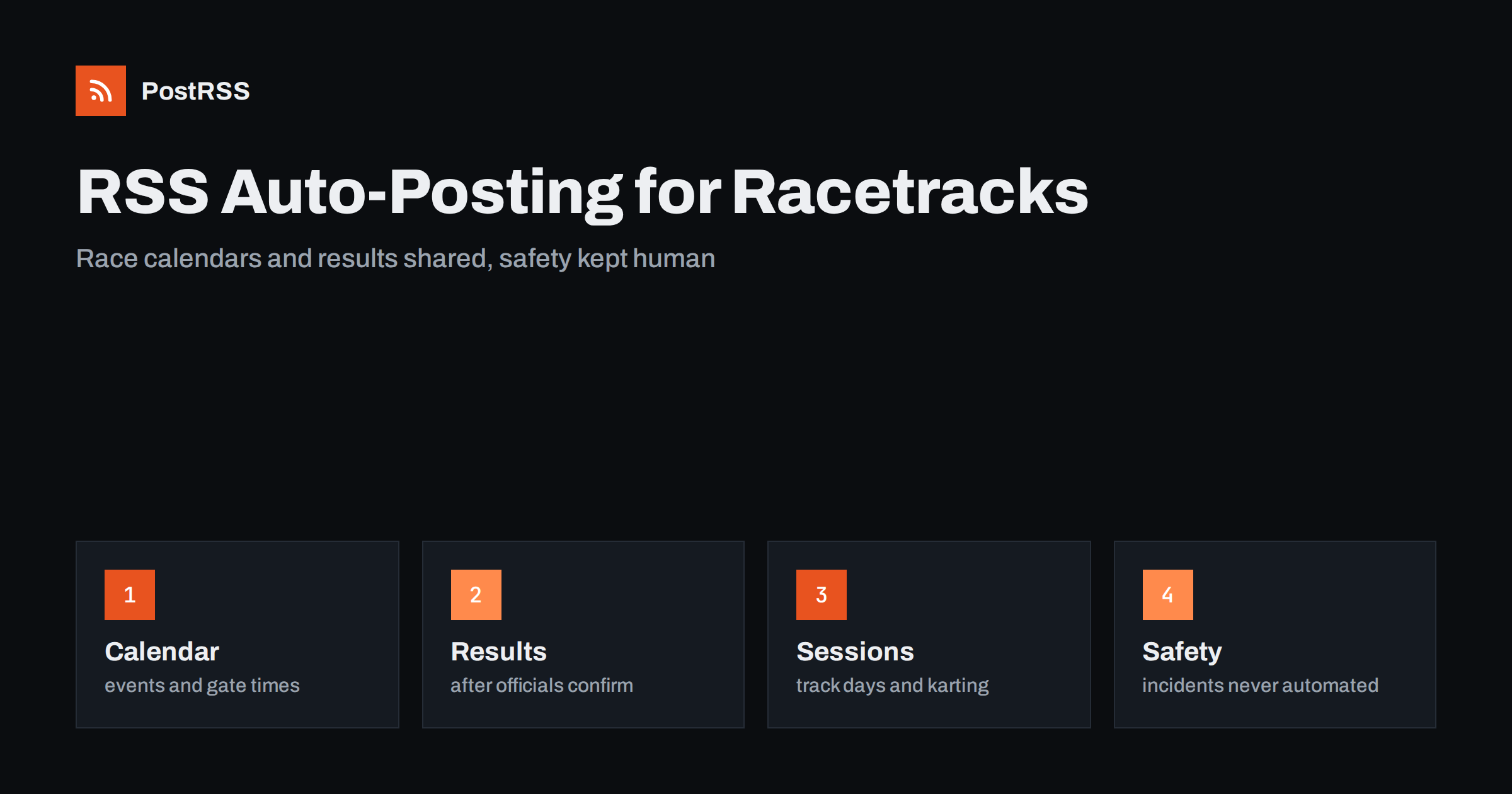
Short answer: RSS auto-posting lets racetracks, speedways and karting centers share race calendars, results, practice days, track conditions and event announcements on social media automatically. Publish each item as a page on your website, let an auto-poster read the RSS feed, and every new page appears on your Facebook Page, Telegram channel and other networks with its link and image. Drivers, parents and spectators see what is happening this weekend without anyone retyping it, while cancellations, safety notices and weather decisions stay under direct human control.
A track has a rhythm that repeats all season: open practice, club racing, a special event, a results page, a gate time that changes with the weather. The people who run it are usually busy in the pits, the office or the kitchen, and the Facebook Page is updated whenever someone has a spare minute. Meanwhile three different audiences are waiting for information: competitors who need entry details and schedules, fans who want to know when to come, and families who are thinking of a birthday party at the karting center. All of them can be served by the same pages on your website. This guide explains what to publish, how to connect your site to an auto-poster and which limits protect your drivers and your reputation.
The advice fits many kinds of motorsport venue:
Each of them has a calendar of dated events and a website, or at least a page on a club site, where those events can be listed. That page becomes the source for every other channel.
Most of what happens at a venue can become a short page:
When the page is published, the feed announces it, so you write once and the automation spreads it. A page also appears in search results when a driver searches for track days or a family searches for karting near them, which a social post alone cannot do.
Many venues already use a system that creates feeds:
/feed/ and one for every category, such as /category/results/feed/. If you are unsure of the address, see how to find your WordPress feed link.Use categories to separate the audiences: race news, results, track days, karting, notices and jobs. Each category has its own feed and each feed can go to the channel where it works best; results and race news to the Facebook Page, track-day dates to a channel for private drivers, hiring pages to LinkedIn. Routing by category is explained in category filtering for auto-posting.
| Content | Automate? | Notes |
|---|---|---|
| Season calendar and event pages | Yes | Date, gate time, classes, entry fee and deadline on every page |
| Results and championship news | Yes | Publish after officials confirm the results |
| Track-day and karting sessions | Yes | State what is included and how to book |
| Spectator information | Yes | Parking, gates, camping, food and accessibility |
| Photographs of minors and accident scenes | Not alone | Consent and judgment come first |
| Cancellations, weather and safety incidents | Not alone | Phone, text and the notice at the gate must come first |
A simple rule: if it is planned information that helps many people and sits on a finished page of your website, automate it. If it concerns an injury, a decision by the race director or a sudden change that people must hear immediately, it needs a human channel.
Motorsport carries real risk, and an accident at a track can quickly become a public conversation. Never let an automated feed announce an incident, a name or a condition. Publish nothing about an injury until the people involved and their families have been informed and your officials have agreed on the wording. Keep a clear person responsible for the Facebook Page during race days, so that a question in the comments does not wait until Monday. Photographs deserve the same care: get consent for pictures of children and junior drivers, follow the rules of your sanctioning body and take a picture down quickly when someone asks. These points are general guidance, not legal advice. Follow your own policies and the rules of your insurer and regulator.
A competitor reads an event page differently from a family. The driver looks for the class, the entry deadline, the technical rules and the cost. The parent looks for age limits, safety equipment and whether spectators can watch. The fan looks for the gate time, the ticket price and where to park. A good page answers all three in the same order: put the date, the gate time and the place at the top, then the program, then the cost, then the rules, and finish with a contact. Spell out the day and the month instead of using numbers alone, and give times in the local time zone. Use a real photograph of your own track, with a strong crop, so that the picture is recognisable in a feed.
Racing depends on the sky. A shower can cancel a dirt track program, a fog bank can delay a road course and a flooded car park can close the gates. Feeds are excellent for planned information and unsuitable for sudden changes. Decide in advance how you will announce a cancellation: a post on the main social page, a text message to registered competitors, a banner on the website and a recorded phone message. Use the website as the confirmation, and publish a short dated page that the feed can share, but treat that as an extra. A message that arrives hours late can send a family on a long drive for nothing, and that cost is worse than any missed post.
Most tracks run the same program every week, so give each series a permanent page: the class rules, the usual schedule, the points system and the contact. Add a short dated page for every round, and link it to the series page. The permanent page is the one that search engines and new competitors find, and the dated page is what the feed announces. This also helps your regulars, who can check the rules once instead of asking the same question in the comments before every race, and it gives sponsors a stable place where their name appears all season.
Most venues do best with a Facebook Page, a results page on their own website and an email list for competitors. Two active channels beat five forgotten ones.
/feed/, and check that it lists recent items.PostRSS has been automating RSS posting since 2014. It checks your website feeds as often as every minute and publishes each new page, with its real image and link, to the channels you connect, from Facebook Pages and Telegram to LinkedIn, Bluesky, Mastodon and many more among its 66 supported networks. You can choose how each post is built, filter items by keywords, add UTM parameters and post only within chosen hours or at exact times in your time zone. See the PostRSS features page for everything it does and the pricing page for plan limits. More ideas for local venues are under the Local Business tag.
A racetrack or karting center has a full calendar, a small team and three audiences to reach: competitors, fans and families. RSS auto-posting shares each new event page, result and session announcement automatically on your Facebook Page and other channels. Give every event a complete page with the date, gate time, cost, rules and contact, wait for confirmed results, keep incidents and cancellations in human hands, route content by category and let your team spend race day on the track.
Yes. If your website has a news or events section, its RSS feed can be connected to an auto-poster that shares each new page on your Facebook Page and other channels. Cancellations and safety messages should also go out by phone and text.
Session times, league nights, birthday and corporate packages, results of races and hiring pages. Keep photographs of children under the control of a clear consent process.
Yes, once officials have confirmed them. Publish a short results page on your website, link to the full table and let the feed share the page.
Not on its own. Use text messages, a phone message and a notice on the website and at the gate as the main method, and let the feed share a confirmation page as a backup.
Yes. PostRSS reads any valid RSS or Atom address that is reachable without a login. Paste the address, connect your channels and new pages are shared as soon as they appear.
What changed in the networks, what broke, and how to fix it before it costs you reach.
Izstrādājusi Internet Solutions — PostRSS komanda. Katrs produkts ietaupa laiku savā veidā.
 English
 Lietuviškai
 Deutsch
 Français
 Русский
 Español
 Polski
 Italiano
 Українська
 Čeština
 Português
 日本語
日本語 Latviešu valoda
 Eesti
Eesti Magyar
 Bahasa Indonesia
 Türkçe
 हिन्दी
 Ελληνικά
 العربية
 ไทย
ไทย Tiếng Việt
 Română
 Bahasa Melayu
 বাংলা
বাংলা