RSS uz 66 sociālajiem tīkliem: Facebook, Instagram, X, LinkedIn, Telegram un citiem Blogs Partner programma Kontakti
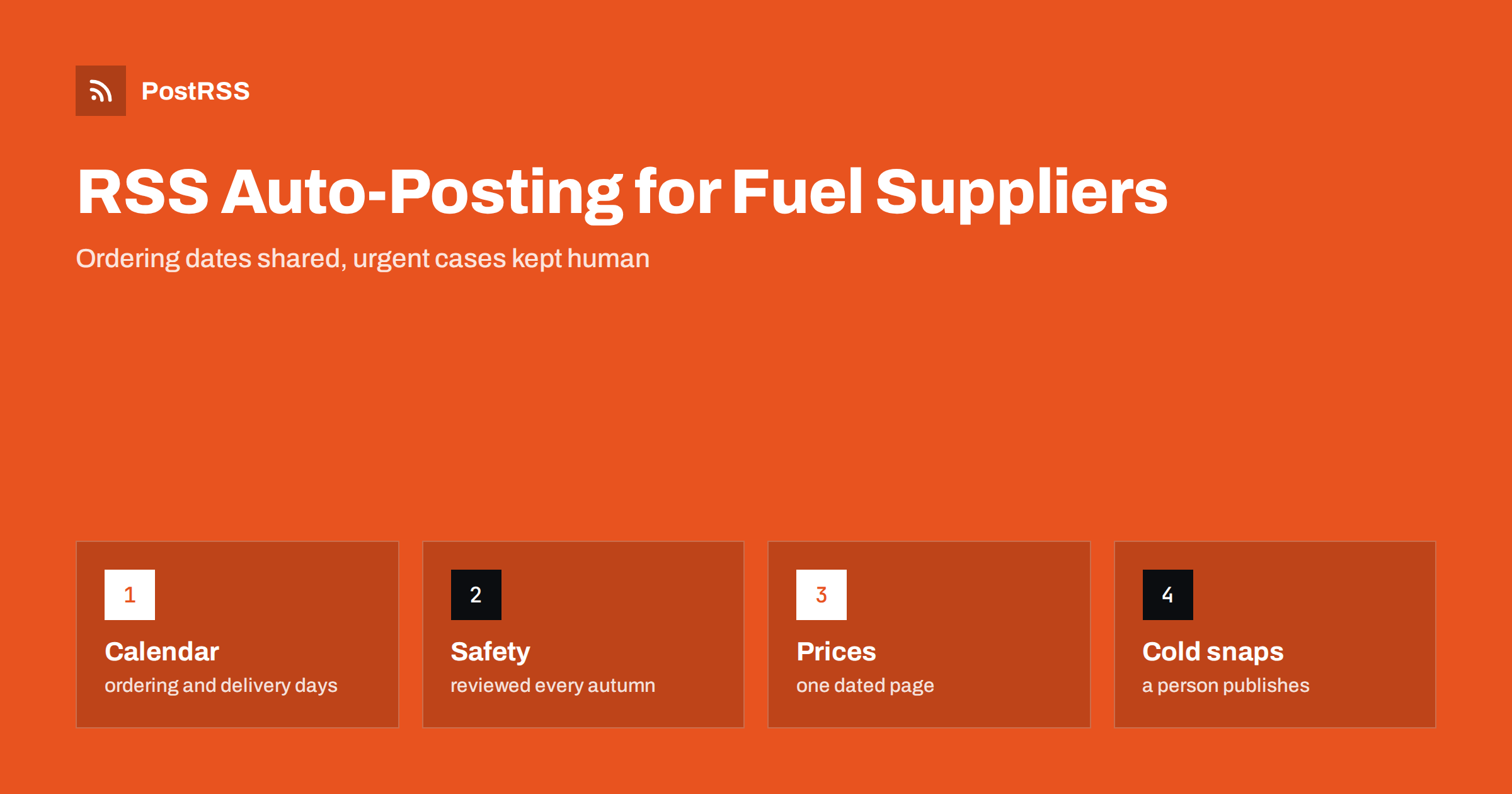
Short answer: RSS auto-posting lets heating oil, propane, pellet and firewood suppliers share delivery schedules, seasonal ordering dates, safety reminders, product guides and hiring calls on social media automatically. Publish each notice as a page on your website, let an auto-poster read the feed, and every new page appears on your Facebook Page, Telegram channel and other networks with its link and image. Customers learn when to order and how to stay safe without a phone call, while live prices, individual delivery promises and urgent shortages stay with the dispatcher.
People think about heating fuel twice a year: when they fill the tank before winter and when it is nearly empty in the middle of a cold week. A supplier needs to be present in both moments. In autumn, customers want to know about ordering dates, delivery days and the steps to take before the first frost. In winter, they ask whether a truck will come before the weekend. The office is full of calls, the drivers are on the road and nobody has time to write a post. Most of the useful information is general and repeats every year, so it can be written once, kept on a page of the website and shared automatically. This guide explains what to publish, how to connect it and where automation must give way to a person.
The advice fits many kinds of fuel and wood suppliers:
Each has a delivery area, a season and a website where news can be listed. That page becomes the source for every other channel.
Most of what a supplier communicates can be turned into a short page:
Each page is written once and appears on your website, where a person who searches for local fuel can find it. The feed then announces it automatically.
Many suppliers already use a system that creates feeds:
/feed/ and one for every category, such as /category/delivery-notices/feed/. If you are unsure of the address, see how to find your WordPress feed link.Use categories to separate audiences: delivery notices, safety, products and jobs. Each category has its own feed, and each feed can go to the channel where it works best; delivery notices to a Telegram channel and the Facebook Page, product news to the Page and jobs to LinkedIn. Routing by category is explained in category filtering for auto-posting.
| Content | Automate? | Notes |
|---|---|---|
| Ordering calendar and delivery days | Yes | Dates written out, one permanent page |
| Product guides and safety reminders | Yes | Written once, reviewed every year |
| Holiday and weather changes | Yes | Published by a person when the change is certain |
| Live prices | Not alone | Link to a page that you update, with a date |
| Delivery time for one customer | No | Answer by phone or message |
| Shortages and urgent cases | No | A person decides and calls the customer |
A simple rule: if it is general information that helps many customers and sits on a finished page, automate it. If it concerns one tank, one address or a decision about who is served first, a person should handle it.
Fuel prices change often, and a post that shows a price can be wrong by the time it is read. Keep one page for the current price list with the date of the last change at the top, and link to it from posts. When prices move sharply, publish a short dated notice that explains the reason in plain words and points to the page. Never quote a price in a post that will stay online for months, and unpublish old notices. If your business sets prices by agreement, say so honestly, so that people do not expect a fixed rate. These points are general guidance, and the rules for price information differ by country.
Heating is a safety matter, and a supplier is trusted. Write short pages about carbon monoxide alarms, safe storage of wood away from walls, checks on tanks and lines, ventilation of rooms with stoves and what to do if you smell fuel. Keep the advice general and tell readers to follow the guidance of local authorities and the manufacturer of their equipment. Do not give instructions for repairs that need a qualified technician. Review each page every autumn and add the date of the review. Safety pages are among the most shared content a supplier can publish, and they cost nothing to repeat each year.
Customers often buy firewood without knowing what to ask. A page that explains seasoned and green wood, how long drying takes, how to check moisture and how the measure you sell relates to the stack they will see saves many disagreements. Add photographs of real stacks, labelled with the species and the measure. For pellets, describe the grade, the packaging and the storage advice in plain language, and avoid claims that you cannot prove. A well-written product page is shared by satisfied customers in local groups, and it brings new buyers who trust you before they call.
When the weather turns, demand rises sharply, and trucks cannot reach everyone on the same day. Prepare a standard notice for such moments and let the dispatcher publish it as soon as the situation is clear. State which areas are served on which days, how to order and what customers should do if they have little fuel left, and give a number that is answered. Avoid promises that you cannot keep. The feed shares the notice within minutes, which reduces the number of calls and lets the office concentrate on urgent cases. People who are vulnerable or alone deserve a direct call, not a post, so keep a list of them in your own system and use it.
Many suppliers offer scheduled deliveries and automatic top-ups, and customers want to understand how they work. Publish a page that explains how the schedule is calculated in general terms, what the customer must do to keep it accurate, such as reporting a new boiler or a change of occupants, and how to ask for an extra delivery. Add a short note about what happens when access is blocked, for example by snow or a locked gate. Such a page answers dozens of calls each season, and linking to it in comments gives customers a calm, consistent answer. Because it is a permanent page, it does not need new posts, but you can announce updates to it through the feed.
Most suppliers do best with a Facebook Page and one notice channel. Two active channels beat five forgotten ones.
/feed/, and check that it lists recent items.PostRSS has been automating RSS posting since 2014. It checks your website feeds as often as every minute and publishes each new page, with its real image and link, to the channels you connect, from Facebook Pages and Telegram to LinkedIn, Bluesky, Mastodon and many more among its 66 supported networks. You can choose how each post is built, filter items by keywords, add UTM parameters and post only within chosen hours or at exact times in your time zone. See the PostRSS features page for everything it does and the pricing page for plan limits. More ideas for local suppliers are under the Local Business tag.
A fuel and firewood supplier is busiest when the weather is worst. RSS auto-posting shares each ordering calendar, delivery notice and safety page as soon as it is published on your website, so that customers find answers before they pick up the phone. Keep live prices, individual delivery times and urgent shortages out of the automated feed, let a person publish each weather notice when the plan is certain, review safety pages every autumn and let the office and the drivers concentrate on the people who need heat today.
Yes. If your website has a news section, its RSS feed can be connected to an auto-poster that shares each new page on your Facebook Page and other channels. Urgent cases should stay with the dispatcher.
Ordering dates, delivery areas, product guides, safety reminders, holiday changes and hiring pages. Keep individual customer details and promised delivery times out of public posts.
Better to link to one price page that carries the date of the last change. A price in a post can be wrong by the time it is read.
Use a standard notice that a person publishes when the plan is clear, with the served areas, the days, how to order and a number that is answered.
Yes. PostRSS reads any valid RSS or Atom address that is reachable without a login. Paste the address, connect your channels and new pages are shared as soon as they appear.
What changed in the networks, what broke, and how to fix it before it costs you reach.
Izstrādājusi Internet Solutions — PostRSS komanda. Katrs produkts ietaupa laiku savā veidā.
 English
 Lietuviškai
 Deutsch
 Français
 Русский
 Español
 Polski
 Italiano
 Українська
 Čeština
 Português
 日本語
 Latviešu valoda
 Eesti
 Magyar
 Bahasa Indonesia
 Türkçe
 हिन्दी
 Ελληνικά
 العربية
 ไทย
 Tiếng Việt
 Română
 Bahasa Melayu
 বাংলা