RSS uz 66 sociālajiem tīkliem: Facebook, Instagram, X, LinkedIn, Telegram un citiem Blogs Partner programma Kontakti
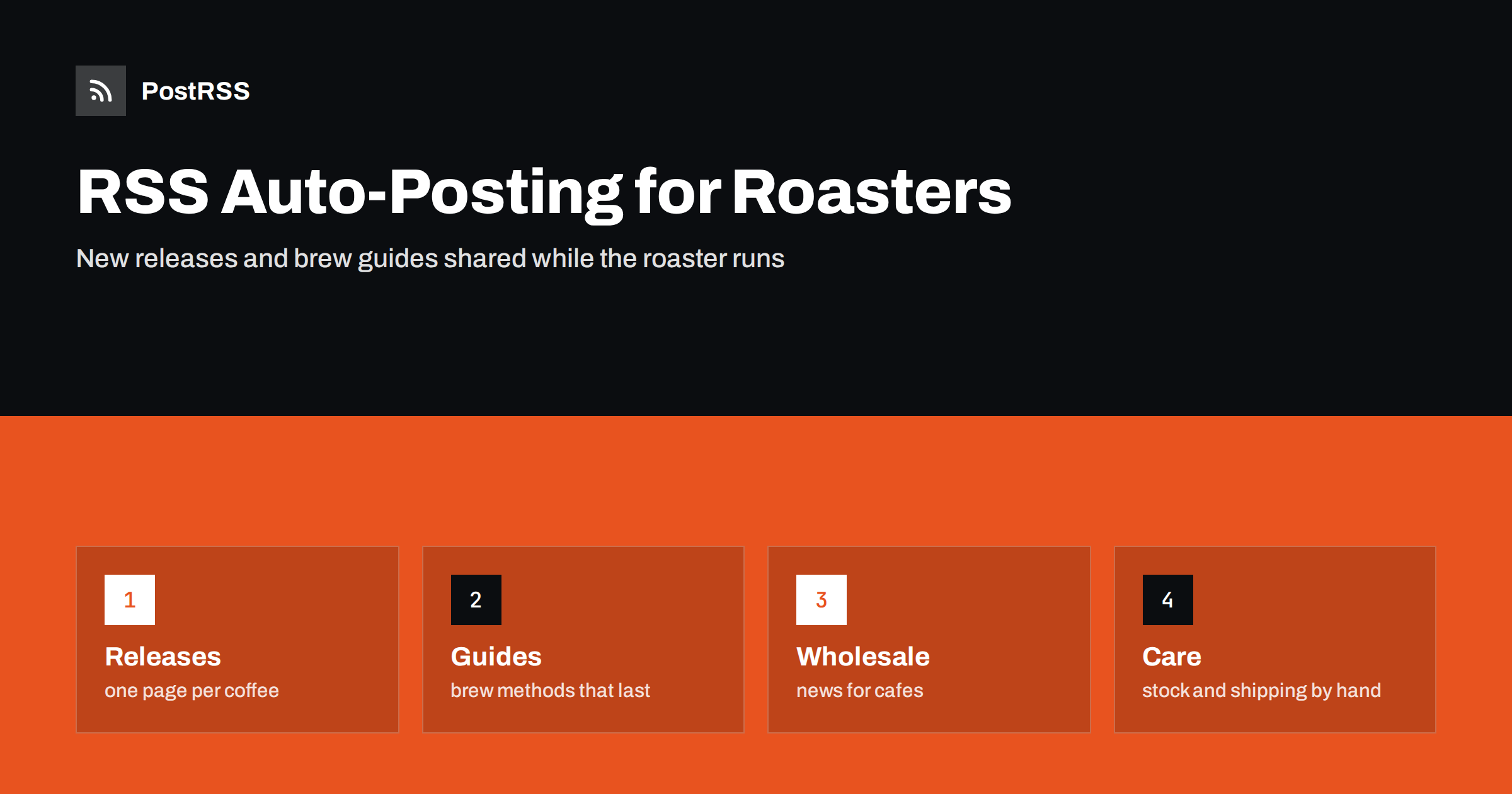
Short answer: RSS auto-posting lets coffee roasters and specialty coffee brands share new roasts, seasonal blends, brew guides, subscription news and origin stories on social media automatically. Publish each release or guide as a page on your website or shop blog, let an auto-poster read the RSS feed, and every new page appears on your Facebook Page, Pinterest boards, LinkedIn, Telegram channel and other networks with its photo and link. The roaster keeps working at the machine, while stock levels, shipping cut-offs and customer problems stay in the shop system and with people.
Specialty coffee is a business of small batches and constant change. A new lot arrives from a cooperative, a roast profile is dialled in over three days, a limited release sells out within hours, and a seasonal blend returns for the winter. Each of these is news that customers love, and each competes for the same few hours that the owner has between roasting, packing, wholesale calls and shipping. A website with a short page for every release, guide and story solves most of the problem, because automation can carry those pages to every network where coffee drinkers and cafe owners look. This guide explains how to set it up and where accuracy and judgement still matter.
The advice fits many kinds of coffee business:
Each has a steady supply of small news and a website where it can be published in one place.
A coffee business has far more to say than a product list:
Each can be a short page on your own website. When the page is published, the feed announces it. You write it once, in a place you own, and the automation spreads it across the networks where your customers spend time. A page also appears in search results when someone looks for a particular origin or brewing method, which a social post alone does not achieve.
Most coffee brands sell through a shop platform that publishes feeds without extra work:
/feed/ and one for every category. If you are unsure of the address, see how to find your WordPress feed link.If you sell mostly through products, the guide on product feeds for WooCommerce shows what a product feed can and cannot do. Use categories to separate audiences: new releases, brew guides, wholesale news and events. Each category has its own feed, and each feed can go to the channel where it works best; releases to the Facebook Page, guides to Pinterest and wholesale news to LinkedIn. Routing by category is explained in category filtering for auto-posting.
| Content | Automate? | Notes |
|---|---|---|
| New releases and blends | Yes | One page per release, with origin, notes and a photograph |
| Brew guides and explainers | Yes | Evergreen pages that keep bringing in search visitors |
| Events and cuppings | Yes | Date, place, number of seats and how to book |
| Stock levels and sell-outs | No | The shop shows the real state of each product |
| Shipping cut-offs and delays | By hand | A banner and direct messages when something changes |
| Customer problems | By hand | Answered privately and quickly |
A simple rule: if it is a story or a guide on a finished page, automate it. If it describes what is in stock at this moment or one customer’s order, handle it in the shop system or personally.
A good release page answers the questions a coffee buyer asks before clicking. What is it, and where does it come from? Who grew it, and how was it processed? How does it taste, and which brew methods suit it? How is it roasted, and when was it roasted? What sizes are offered, and does it ship whole bean or ground? Is it a one-time release or a regular? Give each release its own page with a sharp photograph of the bag and the beans, and a link to the product. For coffees that return every year, update the same page rather than starting a new one, so the page keeps its place in search results and shows the history of the producer.
Rules differ between countries, so check the requirements for your region, and let the person responsible for marketing approve the wording of new templates once.
Limited releases create a particular challenge for automation. A post that announces a coffee that has just sold out disappoints customers, and a page that stays online for months teaches them to ignore your announcements. Treat each release as a short story with an end. Publish the page when the coffee goes on sale, state the quantity in general terms and the date of the sale, and update the page when the coffee is gone, with a note about when the next lot is expected or an invitation to join an email list. Do not schedule posts about availability for days after the event. For recurring seasonal coffees, prepare the page in advance with a clear on-sale date and let the feed announce it at the right time.
Roasters who supply cafes have a second audience that reads very different content. Cafe owners want to know about new programmes, minimum orders, delivery days, training for baristas and support with equipment. Publish these on a separate section of your website with its own feed, and send it to LinkedIn and to a Telegram channel that your wholesale customers can join. Keep consumer and wholesale news apart so that each audience sees only what concerns them. Use the same page to introduce new staff in the wholesale team and to celebrate cafes that use your coffee, with their consent. Case studies written with a customer’s approval build trust with other cafes.
Most roasters do best with a Facebook Page and one more channel that fits their customers. Two active channels beat five forgotten ones.
/feed/ or on the blog of your shop platform, and check that it lists recent items.PostRSS has been automating RSS posting since 2014. It checks your website feeds as often as every minute and publishes each new release, guide and event, with its real image and link, to the channels you connect, from Facebook Pages and Pinterest to Telegram, LinkedIn, Bluesky, Mastodon and many more among its 66 supported networks. You can choose how each post is built, filter items by keywords, add UTM parameters and post only within chosen hours or at exact times in your time zone. See the PostRSS features page for everything it does and the pricing page for plan limits. More ideas for shops and brands are under the Small Business tag.
A coffee roaster has stories that customers love and very little time to write them. RSS auto-posting shares each new release, brew guide and event automatically on your Facebook Page, Pinterest and other channels, on time and with the right photograph. Give every release its own page and retire it when the lot is gone, describe origin and certification precisely, avoid vague sustainability claims, keep prices and stock on the product page, separate consumer and wholesale content, route content by category and leave shipping problems and customer questions to people.
Yes. If your website or shop blog has a news or guides section, its RSS feed can be connected to an auto-poster that shares each new page on your Facebook Page, Pinterest and other channels. Stock and shipping questions should still be handled by people.
Yes, for the launch, with a clear on-sale date. Update or retire the page when the coffee sells out, because a scheduled post cannot know the state of the stock.
Only when the product is covered by the certification, and it is best to name the scheme. Avoid vague terms such as green or ethical and describe what you actually do.
Yes. Publish wholesale news in its own category with its own feed, and connect that feed to a different channel, such as LinkedIn or a Telegram channel for cafe customers.
Yes. PostRSS reads any valid RSS or Atom address that is reachable without a login. Paste the address, connect your channels and new pages are shared as soon as they appear.
What changed in the networks, what broke, and how to fix it before it costs you reach.
Izstrādājusi Internet Solutions — PostRSS komanda. Katrs produkts ietaupa laiku savā veidā.
 English
 Lietuviškai
 Deutsch
 Français
 Русский
 Español
 Polski
 Italiano
 Українська
 Čeština
 Português
 日本語
日本語 Latviešu valoda
 Eesti
Eesti Magyar
 Bahasa Indonesia
 Türkçe
 हिन्दी
 Ελληνικά
 العربية
 ไทย
ไทย Tiếng Việt
 Română
 Bahasa Melayu
 বাংলা
বাংলা