RSS uz 66 sociālajiem tīkliem: Facebook, Instagram, X, LinkedIn, Telegram un citiem Blogs Partner programma Kontakti
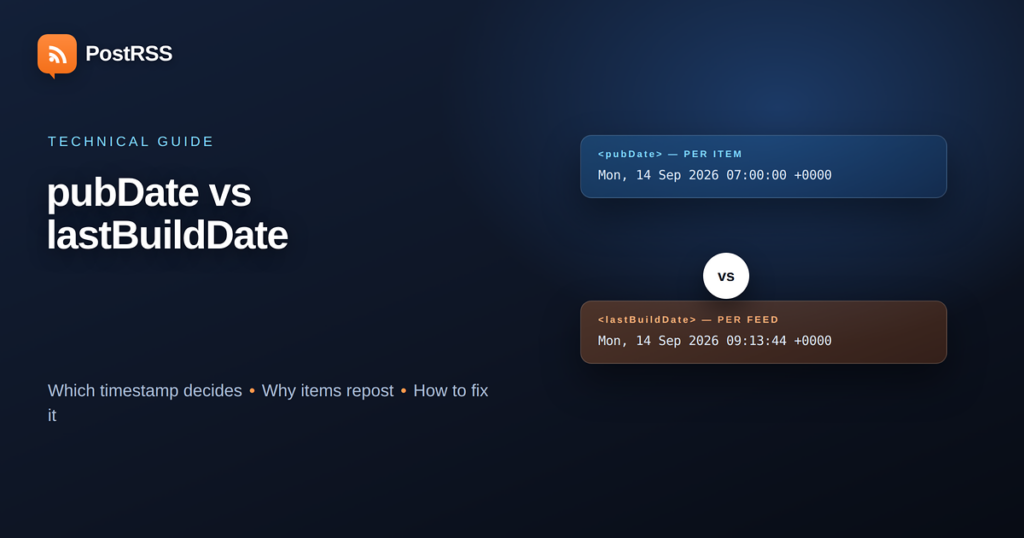
Two problems account for most of the confusion people have with automated posting. Either an article that was published weeks ago suddenly appears on social media again, or a genuinely new article never appears at all. Both usually come down to dates in the feed, and specifically to a misunderstanding about which date means what.
An RSS feed carries at least two kinds of timestamp, and they answer completely different questions. Getting them confused is easy, because the names are similar and the documentation is old. This guide explains what each one does, which one actually controls whether you get posted, and what to change when the behaviour is wrong.
Open any RSS feed and you will find dates in two places: once near the top describing the feed as a whole, and once inside each item.
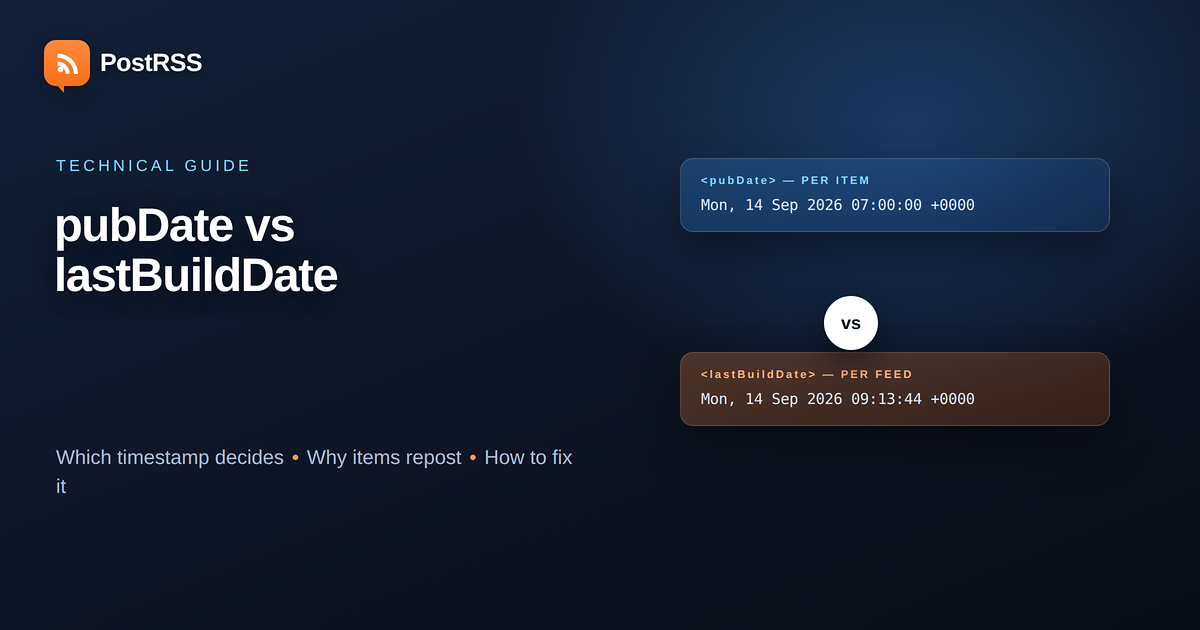
This sits in the channel, not in an item. It means “the last time the content of this feed changed”. It is a property of the document, not of any article.
Crucially, it tells you nothing about which item is new. A feed whose lastBuildDate updated five minutes ago might contain no new articles at all — a typo correction in an old post is enough to change it on many systems.
This sits inside each <item> and means “when this article was published”. It is the timestamp that answers the question an auto-posting tool is actually asking, which is not “has this feed changed” but “is this particular article one I have not seen before”.
Confusingly, pubDate can also appear in the channel, where it means the publication date of the feed itself. That channel-level use is rare and largely ignored.
Some feeds carry dc:date from the Dublin Core namespace instead of, or alongside, pubDate. Atom feeds use <published> un <updated> rather than either.
The distinction in Atom is the useful one: published is when the article first appeared, updated is when it was last changed. RSS has no standard equivalent of that pair, which is the root of most of the trouble described below.
The short answer: neither, on its own. And that surprises people.
A well-built auto-posting tool does not decide “is this new” by comparing timestamps. It decides by identity — the item’s <guid>, or failing that its link. If it has already posted an item with that identifier, it does not post it again, regardless of what the dates say.
Timestamps do two narrower jobs. They determine the order in which a batch of items is published, and they are used for cut-offs — ignoring anything older than the moment the connection was switched on, so that connecting a feed does not broadcast a five-year archive.
That second job is where dates start causing visible problems, and it is worth understanding precisely.
| Element | Where it lives | What it means | Effect on posting |
|---|---|---|---|
lastBuildDate | Channel | Feed content last changed | None directly; may affect caching |
pubDate (item) | Item | Article published | Ordering and age cut-off |
pubDate (channel) | Channel | Feed published | Generally ignored |
dc:date | Item | Same as item pubDate | Used as a fallback |
guid | Item | Permanent identifier | This is what decides new vs seen |
Atom published / updated | Entry | First published / last changed | Ordering; id decides identity |
This is the complaint that arrives most often, and there are only a handful of real causes. In rough order of frequency:
The guid changed. Something altered the item’s identifier — a change of permalink structure, a migration between platforms, a plugin that rebuilds guids, or an article deleted and recreated rather than edited. To anything reading the feed, an item with a new identifier is a new item. This causes far more reposts than date problems do.
pubDate was rewritten to the present. Some content management systems update an article’s publication date when you edit it, rather than keeping the original and recording the edit separately. An old article edited today looks, to the feed, exactly like an article published today.
The article genuinely was republished. Changing a post’s status from published to draft and back sets a new publication date on most systems.
The feed was rebuilt from a backup or a migration. Everything in it looks new because everything in it has new identifiers.
Notice what is not on that list: lastBuildDate. It changing does not cause reposts, and chasing it is the most common way people waste an afternoon on this.
The opposite failure has its own short list of causes.
The pubDate is in the future. Scheduled posts sometimes appear in a feed before their publication time, carrying a future timestamp. Anything applying an age cut-off may treat it as not yet eligible, and depending on how the feed is regenerated it can be skipped when the moment passes.
The pubDate is wrong by hours. A feed generated without timezone information, or with the wrong offset, can place a new article outside the window a tool considers current. This is covered in more detail below.
The date format is invalid. RSS requires RFC 822 style dates — Mon, 14 Sep 2026 07:00:00 +0000. A feed emitting ISO 8601 in a pubDate field, or a date with a made-up timezone abbreviation, may fail to parse. A parser that cannot read the date usually falls back to treating the item as undated, which produces unpredictable ordering.
The item never reached the feed at all. Worth checking before anything else — a caching layer serving an old copy, or a post type excluded from the feed, looks identical to a date problem from the outside.
An abstract explanation of guids convinces nobody, so here is the sequence as it actually happens, drawn from the most common support case in this category.
A site publishes an article on the first of the month. It posts to social media once, correctly. Two weeks later somebody fixes a broken link inside it. It posts again. A month after that the site moves from one permalink structure to another, and it posts a third time.
Three posts, three different causes, and only one of them is a date.
The first repost happened because the content management system treats an edit as a republication and rewrote pubDate to the moment of the edit. The guid did not change, but the item now looked newer than the cut-off, and a tool that leans on dates rather than identity treated it as fresh.
The second repost happened because the permalink changed, and the guid on that platform is derived from the permalink. A new identifier is a new item, by definition, to every consumer of that feed — readers included. Anyone subscribed in a feed reader saw it reappear as unread at the same moment.
The fix for the first is a setting: preserve the original publication date on edit. The fix for the second is timing: pause posting while a migration runs, let the feed settle, then resume. Neither fix lives in the posting tool, which is the point worth taking away — by the time an item reaches the automation, the decision about whether it is new has already been made by whatever generated the feed.
The diagnostic habit that follows from this is simple. When something posts twice, open the feed and compare the item’s current guid with what it was before. If you cannot check what it was before, check whether the publication date matches when the article really went live. One of those two will explain it almost every time.
Dates in feeds carry an offset for a reason, and feeds that omit or mangle it cause a specific, recognisable symptom: everything appears to happen an hour or several hours away from when it really did.
Three rules avoid nearly all of it. Always emit an explicit numeric offset, +0000 rather than GMT vai UTC, because named zones are ambiguous and some are not recognised at all. Never emit a local time without an offset, since the reader has no way to know which zone you meant. And be aware that a server whose clock or timezone configuration is wrong will produce a feed that is consistently, invisibly incorrect — the feed looks valid, the dates are simply not true.
If your posts consistently arrive an hour early or late, and daylight saving has recently started or ended, the feed generator is almost certainly emitting a fixed offset rather than a correct one for the date in question.
This takes two minutes and settles most arguments.
Open your feed URL in a browser while signed out — a private window is the reliable way. Look for the channel-level lastBuildDate, then look inside the first <item> for its pubDate un guid.
Then ask three questions. Does the first item’s pubDate match when that article actually went live? Does the guid look stable — a permalink or a permanent identifier rather than something containing a changing parameter? And does the date carry a numeric offset?
If all three are right and something still posts twice, the cause is upstream of the feed: your CMS is rewriting dates or identifiers. If any of the three is wrong, you have found the problem, and it is fixed in the feed generator rather than in the posting tool.
Your CMS is updating pubDate on edit. Configure it to preserve the original publication date, or accept that substantive edits will re-announce. Do not delete and recreate posts.
The guids changed. This is expected and unavoidable if permalinks changed; the mitigation is to pause posting during the migration and resume after the feed has settled.
Dates are missing, unparseable or identical. Items sharing one timestamp have no defined order.
Daylight saving, or a hard-coded offset in the feed generator. See the timezone section above.
Check the feed is actually updating before touching dates — a stale cached feed produces this symptom far more often than timestamps do.
If you control the feed, five habits prevent essentially all of this.
Give every item a guid that never changes, and mark it isPermaLink="false" if it is not a URL. Set pubDate once, at first publication, and never rewrite it on edit. Use RFC 822 format with a numeric offset. Keep the feed to a sensible number of recent items rather than the whole archive. And if you need to express “this was updated”, use Atom, which has a proper field for it, rather than overloading pubDate.
Those five make a feed predictable for every consumer, not only for automated posting — readers, aggregators and search crawlers all behave better with them in place.
No. It describes the feed document, not any article. It changing does not cause posts, and it changing does not prevent them.
The guid, or the link when no guid is present. Dates control ordering and age cut-offs, not identity.
Either your CMS rewrote the publication date, or it changed the guid. The first is a setting; the second usually means the post was recreated rather than edited.
RFC 822 style, for example Mon, 14 Sep 2026 07:00:00 +0000. Use a numeric offset rather than a zone abbreviation.
Usually not — most parsers accept it as a fallback. Emitting pubDate as well is safer if you control the generator.
Atom, if you have the choice. It separates published from updated, which removes the ambiguity that causes most of these problems.
Yes — that is what the age cut-off is for. Items already in the feed when a connection starts are treated as history, not as new.
The two timestamps in an RSS feed answer different questions, and only one of them is about an article. lastBuildDate describes the document; pubDate describes the item. Neither of them decides whether you get posted — the guid does.
That single fact resolves most of the confusion. When an old article reposts, look at what changed its identifier or its publication date, not at the feed’s build time. When a new article never posts, check that it is actually in the feed before suspecting the dates at all.
If you control the feed, the fix is permanent and takes an afternoon: stable guids, a publication date set once and never rewritten, and RFC 822 dates with numeric offsets. Do that and the whole category of problem disappears — for your automated posting, and for every reader and crawler that consumes the same feed.
What changed in the networks, what broke, and how to fix it before it costs you reach.
Izstrādājusi Internet Solutions — PostRSS komanda. Katrs produkts ietaupa laiku savā veidā.
 English
 Lietuviškai
 Deutsch
 Français
 Русский
 Español
 Polski
 Italiano
 Українська
 Čeština
 Português
 日本語
日本語 Latviešu valoda
 Eesti
Eesti Magyar
 Bahasa Indonesia
 Türkçe
 हिन्दी
 Ελληνικά
 العربية
 ไทย
ไทย Tiếng Việt
 Română
 Bahasa Melayu
 বাংলা
বাংলা