RSS uz 66 sociālajiem tīkliem: Facebook, Instagram, X, LinkedIn, Telegram un citiem Blogs Partner programma Kontakti
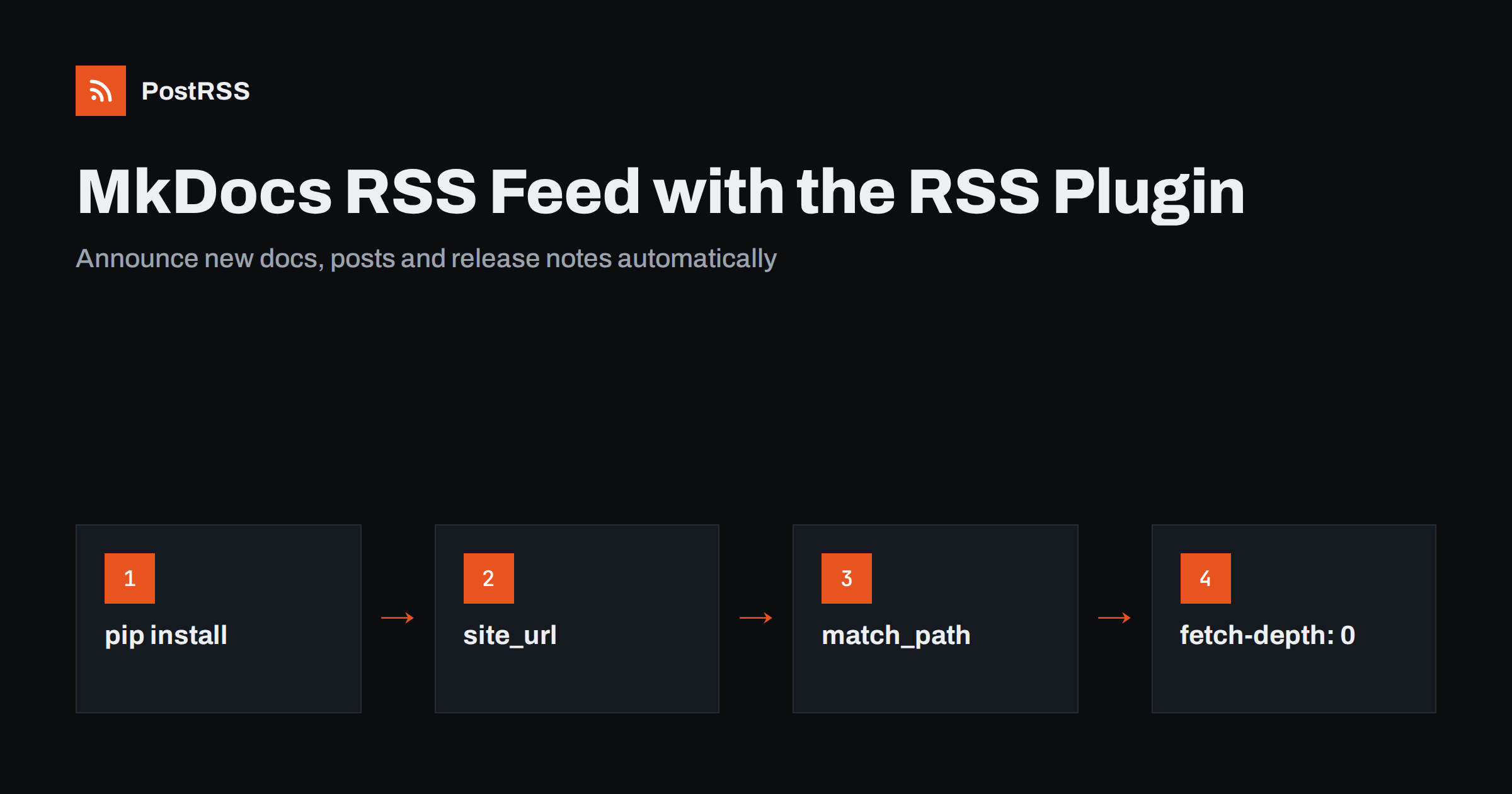
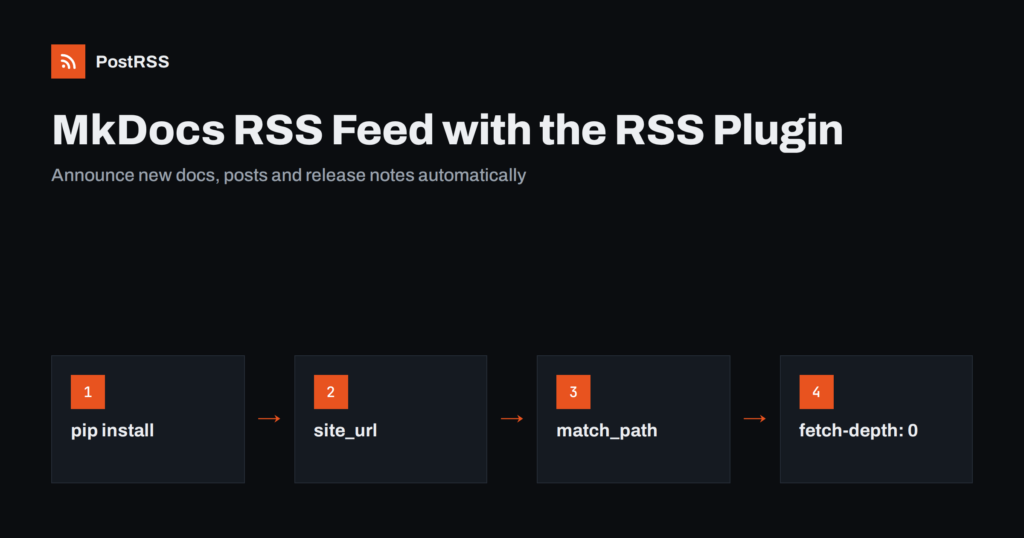
Short answer: MkDocs does not generate an RSS feed by itself, but the mkdocs-rss-plugin package does. Install it with pip, add rss to the plugins list in mkdocs.yml, set site_url, and limit the feed to the pages that should appear in it with match_path. The plugin writes one feed of newly created pages and one of recently updated pages on every build. Point an RSS auto-poster at the “created” feed and every new blog post or release note is shared automatically.
MkDocs, and especially the Material for MkDocs theme, has become a standard tool for documentation: product docs, internal knowledge bases, open source project sites and engineering blogs. Documentation changes all the time, but readers rarely notice unless someone tells them. An RSS feed is the simplest way to announce new guides, release notes and blog posts, both to people who subscribe and to tools that share updates on social networks and in team chats. This guide shows how to add a reliable feed to an MkDocs site, the settings that cause wrong dates and broken links, and how to automate announcements from it.
Not by default. MkDocs builds a static site from Markdown and has no feed feature in its core. Material for MkDocs includes a blog plugin for posts, archives and categories, but its documentation also recommends a separate plugin for RSS. That plugin is mkdocs-rss-plugin, a mature, maintained package that works with any MkDocs theme.
Check your live site first: if /feed_rss_created.xml returns XML, the plugin is already active and you can skip to the configuration tips.
Install the package in the same environment you build the site with:
pip install mkdocs-rss-plugin
Add it to your requirements.txt as well, so CI builds on GitHub Actions, GitLab CI or Read the Docs install it too. Then enable it in mkdocs.yml:
site_name: Example Docs
site_url: https://docs.example.com/

plugins:
  - search
  - rss
Note that once you define a plugins list, MkDocs no longer adds the built-in search plugin automatically, so list search explicitly if you use it.
After mkdocs build, the site folder contains two new files:
feed_rss_created.xml: pages ordered by creation date, which is what you want for announcing new content;feed_rss_updated.xml: pages ordered by last update, useful for people who follow changes to existing docs.Recent versions can also write JSON Feed files next to them. For auto-posting, use the “created” RSS feed, so an edit to an old page is not shared as if it were new.
The plugin builds absolute item links from site_url. If it is missing, links cannot be absolute, and feed readers or auto-posters cannot open them. If it is wrong, for example still pointing to a staging domain or missing a subfolder on GitHub Pages, every shared link goes to the wrong place.
For a project site at https://user.github.io/project/, include the folder: site_url: https://user.github.io/project/. After building, open the feed and click the first item link. It should open the page in a browser exactly as visitors see it. For more on why this matters, see relative URLs in RSS feeds.
By default the plugin considers every page. On a documentation site that is rarely what you want: nobody needs a social post every time the installation page is touched. Use match_path, a regular expression on the source path, to limit the feed:
plugins:
  - rss:
      match_path: "(blog/posts|releases)/.*"
      length: 20
      abstract_chars_count: 200
Here only blog posts and release notes are included, the feed holds 20 items, and each description is cut at about 200 characters. Typical patterns:
blog/posts/.*releases/.* vai changelog/.*Think about the audience of the feed. A feed for social sharing should contain announcements. A feed for engineers who track documentation changes can include more. Nothing stops you from running separate builds or separate sites for each, but most projects are best served by one focused feed.
Dates are where MkDocs feeds most often go wrong. The plugin can take dates from two places: the page’s front matter, or the Git history of the Markdown file.
Front matter dates are the most predictable. Material blog posts already have them, and you can map them explicitly:
plugins:
  - blog
  - rss:
      match_path: "blog/posts/.*"
      date_from_meta:
        as_creation: date.created
      categories:
        - categories
        - tags
If your posts use a single date: value instead of the nested date: created: form, set as_creation: date.
Git dates are used when no front matter date is configured. They work well locally, but there is a classic CI trap: many pipelines check out the repository with a shallow clone, so every file appears to have been created in the latest commit. The result is a feed where all items share today’s date, and tools may treat old pages as new. In GitHub Actions, fix it with:
- uses: actions/checkout@v4
  with:
    fetch-depth: 0
If you cannot get a full history in your build environment, use front matter dates for the pages in the feed. Validators and readers also expect correct RFC 822 dates; our article on pubDate errors covers the common mistakes.
Each feed item needs a short description. The plugin uses the page’s description front matter if present and otherwise takes the beginning of the content, cut to abstract_chars_count characters. A written description is almost always better: it becomes the text of many social posts, and an automatic excerpt may start with an admonition or a code block.
---
title: Version 3.2 released
description: Faster builds, a new CLI command and two deprecations to plan for.
date:
  created: 2026-10-01
categories:
  - Releases
---
Categories listed under the categories option become <category> elements in the feed, which helps route items and turn them into hashtags. For images, the plugin can add an image for each item from page metadata; check the plugin documentation for the exact key in your version. Social networks also read the page’s og:image, and Material’s social cards feature can generate those images automatically. See how to control which image gets auto-posted.
Readers and tools find a feed most easily through an autodiscovery link in the HTML head. With Material for MkDocs, add it through a theme override, for example in overrides/main.html:
{% extends "base.html" %}
{% block extrahead %}
  <link rel="alternate" type="application/rss+xml"
        title="Example Docs: new pages"
        href="{{ config.site_url }}feed_rss_created.xml">
{% endblock %}
Also link the feed visibly, for example in the footer or on the blog index, with a short line such as “Subscribe to new posts via RSS”. More on discovery is in RSS plūsmas automātiska atklāšana.
Larger documentation sites often publish several versions side by side, for example with the mike tool, or several languages built from separate folders. Both affect the feed.
latest is an alias for the current version, decide whether the feed’s links should use the alias or the version number. Links with the version number never change meaning; links through the alias always show the newest docs. Pick one and keep it, because changing it later changes every item’s ID.Whatever the structure, the principle is the same as for any site: one feed per audience, stable links, and dates that reflect when content really appeared.
Because MkDocs is static, the feed changes only when the site is rebuilt. Make sure your pipeline builds on every merge to the main branch, and that the deploy step publishes the feed files together with the pages. Then:
feed_rss_created.xml and check that the newest post is first;The mkdocs-rss-plugin documentation lists every option and is worth checking after upgrades. A broader checklist is in RSS feed validation before auto-posting.
| Symptom | Cause | Fix |
|---|---|---|
| No feed file on the live site | Plugin missing from requirements.txt in CI | Pievienot mkdocs-rss-plugin to requirements |
| Search stopped working | Custom plugins list without search | List search explicitly |
| Item links are relative or wrong | Missing or incorrect site_url | Set the full public URL, including subfolders |
| All items have the same date | Shallow Git clone in CI | fetch-depth: 0 or front matter dates |
| Feed full of reference pages | No match_path | Limit to blog and release folders |
| Edited pages shared as new | Auto-poster uses the updated feed | Use feed_rss_created.xml |
Documentation teams often write a release note, then post about it in a chat channel, on Mastodon, on LinkedIn and in a community forum, one by one. With a feed, that is configuration rather than routine work. Typical set-ups:
Use clear titles such as “Version 3.2 released” or “How to migrate from the v2 API”, and write a one-sentence description for every announced page. Those two fields decide how good the automated posts look.
PostRSS has been publishing RSS and Atom feeds to social networks and team tools since 2014. Paste the address of feed_rss_created.xml, connect your accounts and choose the post format. PostRSS checks the feed as often as every minute and shares each new page, with its image and link, to the networks you choose among 66 supported networks, including Mastodon, Bluesky, Discord, Telegram, Mattermost, Zulip, Google Chat and DEV, plus webhooks for Slack, Microsoft Teams, Zapier and n8n. Keyword filters, UTM parameters and hashtags from categories help you tailor each channel. See the PostRSS features page and the plan details on the pricing page. More developer guides are under the Technical Guide tag.
An MkDocs RSS feed takes one plugin and a few lines of configuration. Install mkdocs-rss-plugin, set site_url, limit the feed with match_path, and get dates from front matter or a full Git history. Use the “created” feed for announcements, validate it once, and every new blog post or release note can reach your community and team channels automatically.
Install mkdocs-rss-plugin with pip, add rss to the plugins list in mkdocs.yml and set site_url. On the next build the plugin writes feed files for created and updated pages into the site folder.
Use feed_rss_created.xml. It lists pages by creation date, so only new pages are announced. The updated feed also includes edits to existing pages, which would be shared as if they were new.
The plugin reads Git history, and many CI pipelines use a shallow clone. Fetch the full history, for example with fetch-depth 0 in GitHub Actions, or take dates from front matter instead.
Yes. Limit the feed to the blog posts folder with match_path, map the creation date from the post front matter, and add categories and tags. Material’s documentation recommends this plugin for blog feeds.
Yes. Point an RSS auto-poster at the feed and connect a team chat or a webhook. Every new release note or post then appears in the channel without anyone copying links by hand.
What changed in the networks, what broke, and how to fix it before it costs you reach.
Izstrādājusi Internet Solutions — PostRSS komanda. Katrs produkts ietaupa laiku savā veidā.
 English
 Lietuviškai
 Deutsch
 Français
 Русский
 Español
 Polski
 Italiano
 Українська
 Čeština
 Português
 日本語
日本語 Latviešu valoda
 Eesti
Eesti Magyar
 Bahasa Indonesia
 Türkçe
 हिन्दी
 Ελληνικά
 العربية
 ไทย
ไทย Tiếng Việt
 Română
 Bahasa Melayu
 বাংলা
বাংলা