RSS uz 66 sociālajiem tīkliem: Facebook, Instagram, X, LinkedIn, Telegram un citiem Blogs Partner programma Kontakti
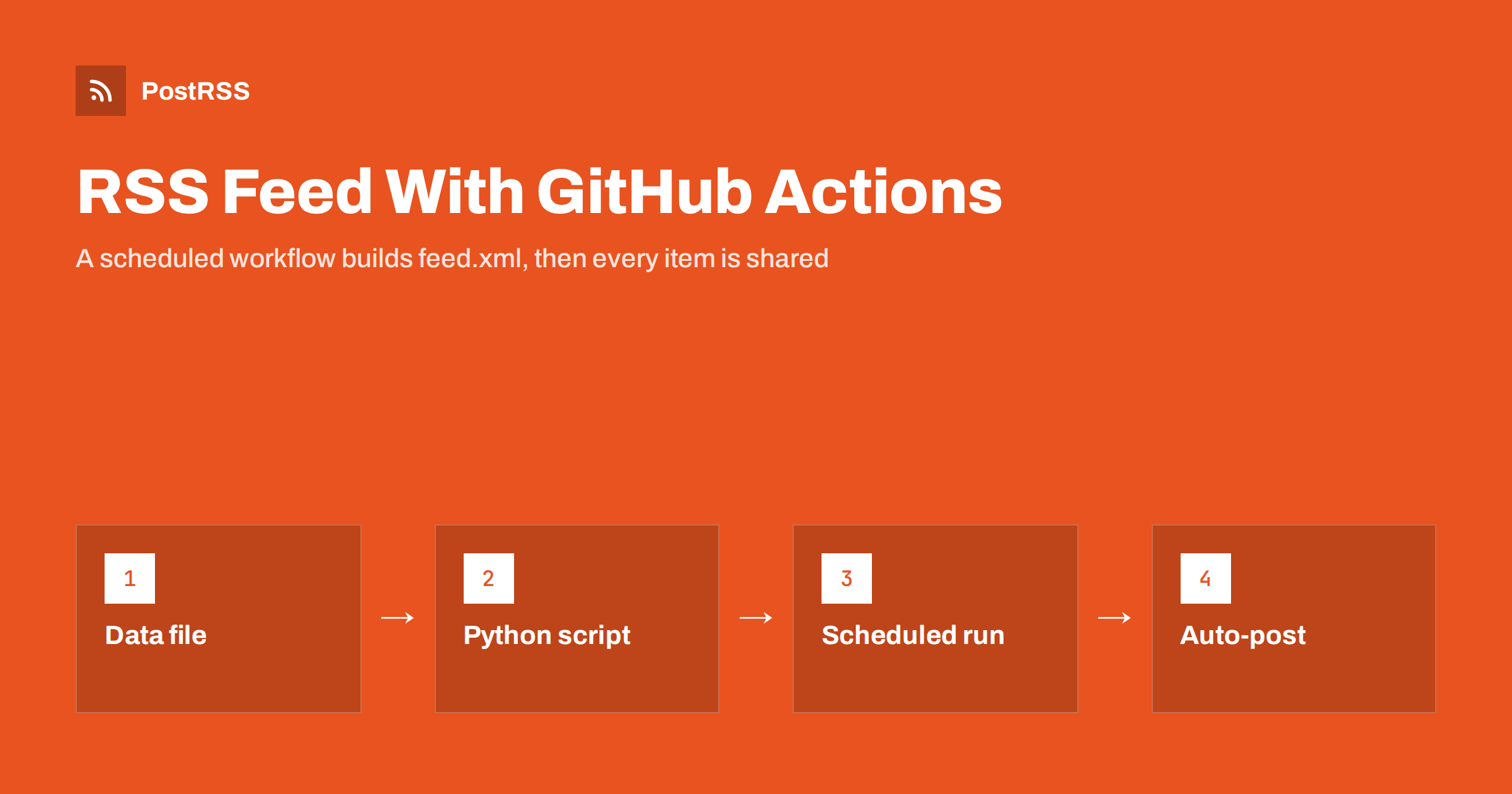
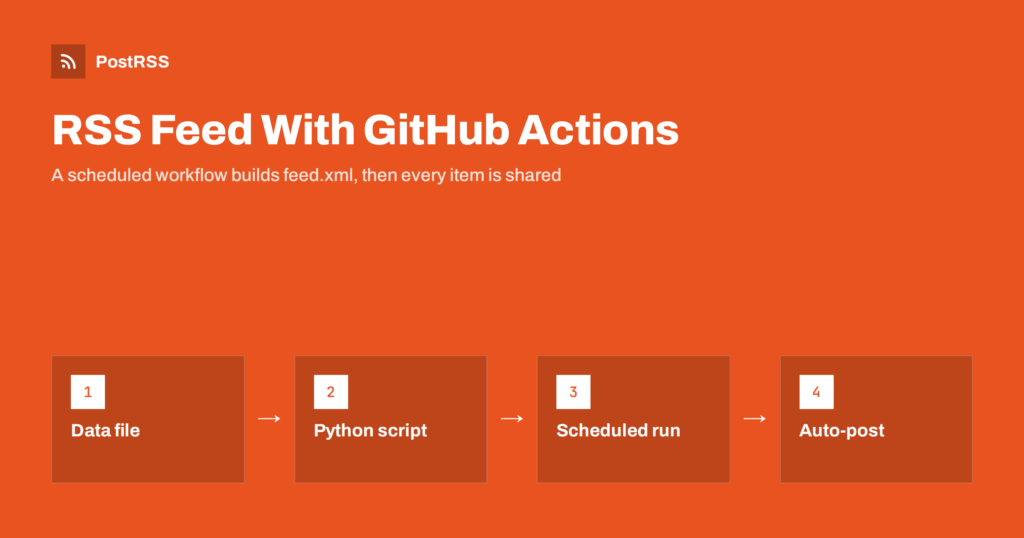
Short answer: You can generate an RSS feed with GitHub Actions by committing a small Python script and a data file to a repository, then running a scheduled workflow that builds feed.xml, commits it only when the content changed, and lets GitHub Pages serve the file at a public address. No server is needed. Give that address to an auto-poster, and every new item you add to the data file or the content folder reaches your social channels automatically.
Not every project has a server. Documentation sites, project pages, link collections, release notes and small personal sites often live in a repository and are published as static files. They need a feed just as much as a blog does, but there is no application that could build one on request. A repository with a scheduled workflow solves this neatly. The workflow acts as a tiny build server, the repository holds the data and the generated file, and GitHub Pages or another static host delivers it. This guide shows the complete set-up, explains the settings that cause most problems, and ends with the steps that connect the feed to social media.
A generated feed in a repository is a good fit when:
It is a weaker fit for sites that publish many times per hour, because scheduled workflows run at fixed intervals and are not instant. For static site generators that already include a feed plugin, use the plugin instead; the guides on finding a Hugo, Jekyll or Eleventy feed explain where those feeds live.
The example reads a file named content/posts.json, which contains a list of items. Each item has an identifier, a title, an address, a short summary and a publication date in ISO format:
[
  {
    "id": "release-2-1",
    "title": "Version 2.1 is out",
    "url": "https://example.github.io/project/news/release-2-1/",
    "summary": "Faster imports, a new export option and fixes for three bugs.",
    "date": "2026-10-17T08:30:00+00:00"
  }
]
Keeping the data in one file makes the script short and the history readable. If you already have Markdown files with front matter, the script can read those instead; only the loading part changes. The date decides when an item becomes visible, so you can add items for the future and let the schedule publish them.
Save this as scripts/build_feed.py. It uses only the standard library:
import json
import os
import tempfile
from datetime import datetime, timezone
from email.utils import format_datetime
from xml.sax.saxutils import escape

SITE = "https://example.github.io/project"
SOURCE = "content/posts.json"
OUT = "public/feed.xml"
LIMIT = 20


def moment(value):
    parsed = datetime.fromisoformat(value)
    if parsed.tzinfo is None:
        parsed = parsed.replace(tzinfo=timezone.utc)
    return parsed.astimezone(timezone.utc)


def main():
    now = datetime.now(timezone.utc)
    with open(SOURCE, encoding="utf-8") as handle:
        posts = json.load(handle)

    visible = [p for p in posts if moment(p["date"]) <= now]
    visible.sort(key=lambda p: moment(p["date"]), reverse=True)
    visible = visible[:LIMIT]
    if not visible:
        raise SystemExit("No visible items: keeping the old feed")

    newest = format_datetime(moment(visible[0]["date"]), usegmt=True)
    items = []
    for post in visible:
        items.append(
            "<item>"
            "<title>" + escape(post["title"]) + "</title>"
            "<link>" + escape(post["url"]) + "</link>"
            '<guid isPermaLink="false">' + escape(post["id"]) + "</guid>"
            "<pubDate>" + format_datetime(moment(post["date"]), usegmt=True) + "</pubDate>"
            "<description>" + escape(post["summary"]) + "</description>"
            "</item>"
        )

    xml = (
        '<?xml version="1.0" encoding="UTF-8"?>'
        '<rss version="2.0"><channel>'
        "<title>Project News</title>"
        "<link>" + SITE + "/news/</link>"
        "<description>Release notes and news for the project</description>"
        "<lastBuildDate>" + newest + "</lastBuildDate>"
        + "".join(items)
        + "</channel></rss>"
    )

    os.makedirs(os.path.dirname(OUT), exist_ok=True)
    handle, temp_path = tempfile.mkstemp(dir=os.path.dirname(OUT), suffix=".tmp")
    with os.fdopen(handle, "w", encoding="utf-8") as out:
        out.write(xml)
    os.replace(temp_path, OUT)


if __name__ == "__main__":
    main()
One detail is easy to miss and important in this setup: the lastBuildDate is set to the date of the newest item and not to the current time. If it were the current time, the file would differ on every run, the workflow would commit a change every time and your history would fill with meaningless commits. With a stable value, the file changes only when the content changes.
Many repositories keep one Markdown file per post, with a short block of front matter at the top that holds the title, the date and the summary. The script can read those files instead of a JSON list. Loop over the files in the folder, split the front matter from the body, parse the three fields and build the same list of items that the JSON version produces. The filename without its extension makes a good identifier, because it stays the same as long as the file is not renamed. Keep the rule about visibility: skip files whose date lies in the future, and skip files marked as drafts. A small test in the workflow, which fails when a file has no date or an invalid one, saves you from publishing a broken feed on a busy day. Whatever the source, the output code stays exactly the same, so you can switch later without touching the workflow.
Create .github/workflows/feed.yml:
name: Build RSS feed

on:
  schedule:
    - cron: "*/30 * * * *"
  workflow_dispatch:
  push:
    branches: [main]
    paths: ["content/**", "scripts/**"]

permissions:
  contents: write

concurrency:
  group: feed
  cancel-in-progress: false

jobs:
  build:
    runs-on: ubuntu-latest
    steps:
      - uses: actions/checkout@v4
      - uses: actions/setup-python@v5
        with:
          python-version: "3.12"
      - name: Build feed
        run: python scripts/build_feed.py
      - name: Commit the feed if it changed
        run: |
          git config user.name "feed-bot"
          git config user.email "[email protected]"
          git add public/feed.xml
          git diff --cached --quiet || git commit -m "Update feed"
          git push
Each part has a purpose. The schedule runs the build every thirty minutes. The manual trigger lets you run it from the Actions tab when you are in a hurry. The push trigger rebuilds the feed as soon as you change content or the script. The permission line allows the workflow to push its commit. The concurrency block prevents two runs from fighting over the same file. And the last step commits only when the staged file really differs, so unchanged runs leave the history clean.
Scheduled runs have limits that matter for a feed:
The simplest option is GitHub Pages serving the folder that holds the feed, so the file appears at an address such as https://example.github.io/project/feed.xml. Any static host that deploys from the repository works equally well. Check three things after the first publication. The address should return a 200 status. The content type should be an XML type; static hosts usually send application/xml or application/rss+xml, and the details are explained in the Content-Type guide. And the cache should not hold the file for hours: hosts that sit behind a content delivery network often keep a copy for several minutes, which is acceptable, but see RSS feed caching explained if updates seem slow.
The identifier in the data file becomes the GUID of the item. Choose it once and never change it, even if you rename the page or move it to a new address. A changed GUID makes an old item look new, and an auto-poster may share it a second time; see why your RSS feed auto-posts the same article twice. Dates must be in the RFC 822 form that the script produces, as described in RSS date formats and pubDate errors. Links must be absolute, because feed items are read far from your site; see relative URLs in RSS feeds.
curl -i; the method is explained in debugging an RSS feed with curl.PostRSS has been publishing RSS and Atom feeds to social networks since 2014. Paste the public address of your feed.xml file, connect your accounts and choose how each post is built from the title, the description or the page title. PostRSS checks the feed as often as every minute and shares each new item, with its link, to the channels you choose among 66 supported networks, messengers, team chats and blogs, including LinkedIn, X, Bluesky, Mastodon and Telegram. Keyword filters, UTM parameters and posting windows let you tune each channel. See the PostRSS features page and the plan limits on the pricing page. More developer guides are under the Technical Guide tag.
A repository can publish its own feed. Keep the items in one data file, build the XML with a short script, hide items whose date has not arrived, use stable identifiers, avoid a build date that changes on every run and commit only when the file differs. Let a scheduled workflow refresh the feed, accept that schedules are approximate and serve the file from a static host. Test it with curl and a validator, then connect it to an auto-poster so each new item is shared without manual work.
Yes. A workflow can run any script, so it can read your content, write a feed file, commit it and let a static host publish it. No server of your own is required.
The shortest allowed interval for a schedule is five minutes, and runs can be delayed. For most static sites, a run every thirty minutes or every hour is a sensible choice.
In public repositories GitHub pauses scheduled workflows after a long period without repository activity. Push a commit or re-enable the workflow from the Actions tab to restart it.
No. Any static host that deploys from the repository can serve the file. Pages is simply the easiest choice because the files already live on GitHub.
Yes. Add the public address of the file as a source in PostRSS, connect your social accounts and each new item is posted automatically. Open the address in a private browser window first to confirm that it needs no login.
{“@context”: “https://schema.org”, “@type”: “FAQPage”, “mainEntity”: [{“@type”: “Question”, “name”: “Can GitHub Actions really generate an RSS feed?”, “acceptedAnswer”: {“@type”: “Answer”, “text”: “Yes. A workflow can run any script, so it can read your content, write a feed file, commit it and let a static host publish it. No server of your own is required.”}}, {“@type”: “Question”, “name”: “How often can the workflow run?”, “acceptedAnswer”: {“@type”: “Answer”, “text”: “The shortest allowed interval for a schedule is five minutes, and runs can be delayed. For most static sites, a run every thirty minutes or every hour is a sensible choice.”}}, {“@type”: “Question”, “name”: “Why does my scheduled workflow stop running?”, “acceptedAnswer”: {“@type”: “Answer”, “text”: “In public repositories GitHub pauses scheduled workflows after a long period without repository activity. Push a commit or re-enable the workflow from the Actions tab to restart it.”}}, {“@type”: “Question”, “name”: “Do I need GitHub Pages?”, “acceptedAnswer”: {“@type”: “Answer”, “text”: “No. Any static host that deploys from the repository can serve the file. Pages is simply the easiest choice because the files already live on GitHub.”}}, {“@type”: “Question”, “name”: “Can I use the generated feed with PostRSS?”, “acceptedAnswer”: {“@type”: “Answer”, “text”: “Yes. Add the public address of the file as a source in PostRSS, connect your social accounts and each new item is posted automatically. Open the address in a private browser window first to confirm that it needs no login.”}}]}
What changed in the networks, what broke, and how to fix it before it costs you reach.
Izstrādājusi Internet Solutions — PostRSS komanda. Katrs produkts ietaupa laiku savā veidā.
 English
 Lietuviškai
 Deutsch
 Français
 Русский
 Español
 Polski
 Italiano
 Українська
 Čeština
 Português
 日本語
日本語 Latviešu valoda
 Eesti
Eesti Magyar
 Bahasa Indonesia
 Türkçe
 हिन्दी
 Ελληνικά
 العربية
 ไทย
ไทย Tiếng Việt
 Română
 Bahasa Melayu
 বাংলা
বাংলা