RSS uz 66 sociālajiem tīkliem: Facebook, Instagram, X, LinkedIn, Telegram un citiem Blogs Partner programma Kontakti
If you write about code, tooling, or anything technical, your own blog is rarely where most of your readers actually find you. Developer communities like DEV Community (dev.to) and Hashnode have their own built-in audiences, their own discovery algorithms, and — importantly for this guide — genuinely different levels of support for pulling in content automatically from an RSS plūsma. This is one of the rare cases where “can I automate this” has a real yes for one platform and a more qualified answer for the other, so it’s worth understanding the mechanics of each before you set anything up. Getting this right once, at the feed level, saves you from re-pasting the same article into two extra editors every single time you hit publish on your own site, and it means the extra reach doesn’t depend on you remembering to do the manual step at all.
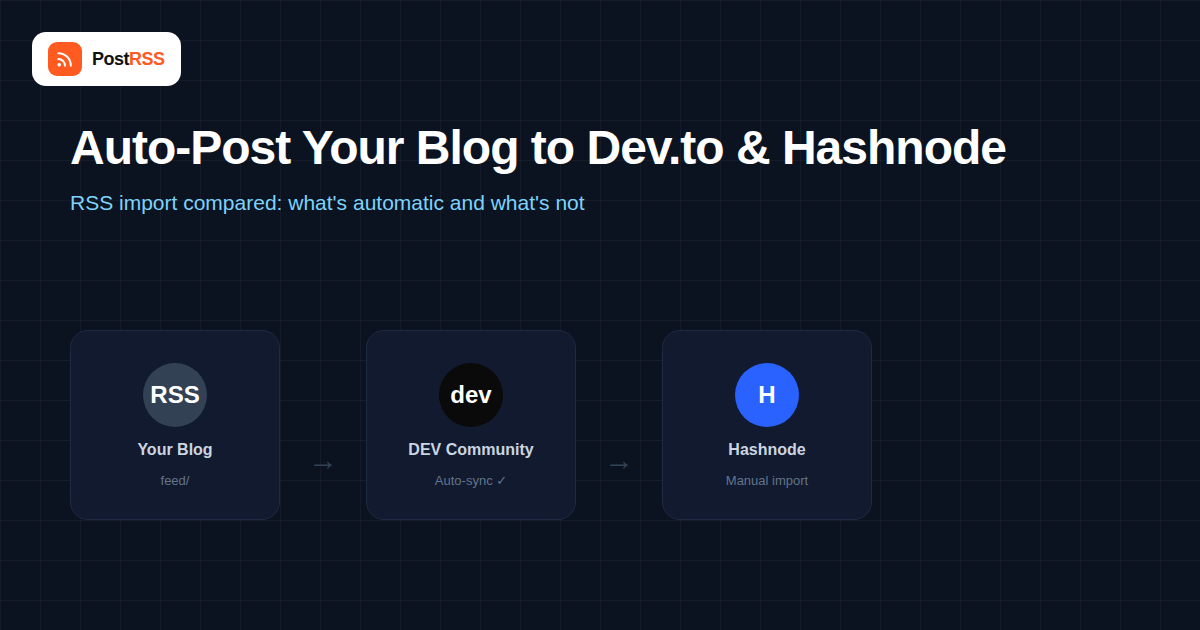
DEV Community is the more automation-friendly of the two. It has a built-in feature, found under Settings → Extensions → “Publish to DEV Community from RSS,” where you paste your blog’s feed URL once. From that point on, DEV periodically checks the feed and automatically creates a new article on your DEV profile whenever it detects a new post, pulling in the title, body content, and tags where possible.
A few details make this genuinely useful rather than a half-measure:
Hashnode approaches this differently. When you set up a Hashnode blog, its onboarding flow offers a one-time import from an external source — including pointing it at your RSS feed or an existing blog URL — which pulls your back catalog of posts into Hashnode in a single batch. That’s genuinely useful for populating a new Hashnode blog quickly, but it is not the same as DEV’s always-on watcher: it’s designed as a migration and backfill tool, not a continuous sync.
For new posts going forward, Hashnode’s model leans on you (or your workflow) publishing directly to Hashnode, then setting the canonical URL back to your original blog post if the content also lives elsewhere. If you’re publishing to your own site first and want it to show up on Hashnode without typing it twice, check your specific publication’s current import and syndication settings before assuming an ongoing RSS watcher is active — Hashnode’s feature set here has moved around over time, and what’s available can vary by plan and by when your publication was created.
| Feature | DEV Community | Hashnode |
|---|---|---|
| Ongoing RSS auto-import for new posts | Yes, built-in and continuous | Import is primarily a one-time backfill |
| Automatic canonical URL on import | Yes, set automatically | Must typically be set manually per post |
| Best used for | Keeping a DEV profile continuously mirrored | Migrating an existing archive into a new Hashnode blog |
| Manual touch required per new article | None, after initial setup | Usually yes, unless publishing natively on Hashnode |
| Tag/category mapping | Attempts automatic mapping from feed categories | Set manually during import or publish |
This process only takes a few minutes, and once it’s running you shouldn’t need to touch it again unless you change your feed URL or migrate platforms.
Both platforms parse your raw RSS or Atom XML, which means the quality of the import depends heavily on what’s actually in your feed. A feed that only publishes short excerpts instead of full post content will produce thin, truncated imports on DEV, since there’s no full article text for the importer to pull from. Code blocks are a common trouble spot too — if your feed strips formatting or converts fenced code blocks into plain paragraphs, the imported version will lose syntax highlighting even though your original post looks fine. Before relying on either platform’s import feature, view your feed’s raw XML directly and confirm it contains full HTML content, not just a summary, and that code formatting survives intact.
Both DEV and Hashnode are communities first and publishing tools second, and that shapes how syndicated posts are received. Articles imported via RSS are usually marked with a small “originally published at” note pointing to your site, which is good for transparency but also means readers and moderators can immediately tell a post wasn’t written natively for that community. A few practical implications worth knowing before you turn on auto-import:
None of this is a reason to avoid auto-importing — it’s simply a reason to treat the automated feed as a distribution layer on top of some actual presence in the community, rather than a replacement for it.
Import quality on both platforms is only as good as the underlying feed. WordPress’s default feed generally works well out of the box, since it includes full post content by default (unless a plugin has trimmed it to excerpts). Ghost, Substack, and most static site generators also produce full-content feeds suitable for this kind of content syndication. Where things get inconsistent is with page builders and headless CMS setups that generate a feed as an afterthought — these are worth testing with a single article before you commit to relying on the automation for your entire publishing workflow.
Cross-posting to DEV and Hashnode covers the developer-community discovery layer, but it’s a separate concern from general social distribution. Many technical writers run both in parallel: the RSS-based import keeps DEV mirrored automatically, while a broader RSS-to-social tool handles announcing the same post on X, LinkedIn, and Facebook, where a different slice of your audience — including non-developers who follow your company page — actually sees it. The two systems don’t conflict, since they’re reading from the same feed but acting on completely different destinations.
Confirm your RSS feed URL is still correct and publicly accessible without authentication — DEV can’t import from a feed that requires a login or is blocked by a firewall rule. Also double-check that your feed actually updates when you publish; some caching plugins delay feed regeneration by several minutes.
This usually traces back to relative image URLs in your feed’s content. If your feed outputs image tags with paths like /wp-content/uploads/image.png instead of the full https://yourdomain.com/wp-content/uploads/image.png, the importer has no way to resolve where the image actually lives.
That’s expected behavior rather than a bug — Hashnode’s import is generally a one-time action rather than a persistent watcher, so posts published after the import need to be added through your regular Hashnode publishing workflow or canonical-URL cross-posting.
No, both platforms’ free tiers include their respective import tools. DEV’s RSS import in particular has always been part of the standard free account experience.
Not if the canonical URL is set correctly, which DEV does automatically during RSS import. That tells search engines your own site is the original source, so the DEV copy is treated as syndicated content rather than a competing duplicate.
The standard RSS import watches your entire feed, so if you want to exclude certain posts, the cleanest approach is publishing a separate, filtered feed (many CMS platforms support category-specific feeds) and pointing DEV at that instead of your full feed.
Yes — when you publish directly on Hashnode, there’s a field to set a canonical URL pointing to another version of the article, which is the recommended way to avoid duplicate-content issues if the same post also lives on your own site.
It depends on DEV’s polling interval for RSS imports, which isn’t instantaneous. Most users see new posts appear within a reasonable window after publishing, though it’s not designed for real-time syndication the way a dedicated social auto-poster is.
Yes, and it’s a common setup. Both tools independently poll the same feed URL and act on new items in their own way, so there’s no conflict between DEV importing an article and a social tool posting a link to it at the same time.
You’ll need to update the feed URL saved in DEV’s RSS import settings, or the import will silently stop picking up new content. It’s worth adding “update the DEV RSS import URL” to any domain migration checklist.
No. Because the importer works by fetching your feed URL the same way any outside crawler would, the feed needs to be publicly reachable without a login, API key, or IP restriction. A staging site or a feed hidden behind basic auth won’t import successfully.
Yes, and it’s a good approach if your blog covers more than one subject. Most CMS platforms can generate a feed scoped to a single category or tag, and pointing DEV’s importer at that narrower feed instead of your site-wide feed keeps only the relevant posts flowing through.
DEV Community and Hashnode look similar on the surface but behave differently once you dig into how they handle RSS. DEV’s RSS import is a genuine ongoing automation — set it up once and new posts keep appearing with correct canonical tags, no further action needed. Hashnode’s import is better thought of as a one-time migration tool for getting your archive in, with ongoing cross-posting handled more manually through canonical URLs. Treat them accordingly: let DEV run unattended, and build a lightweight manual or semi-automated habit for keeping Hashnode current, the same way you would for any platform without a persistent RSS watcher.
What changed in the networks, what broke, and how to fix it before it costs you reach.
Izstrādājusi Internet Solutions — PostRSS komanda. Katrs produkts ietaupa laiku savā veidā.
 English
 Lietuviškai
 Deutsch
 Français
 Русский
 Español
 Polski
 Italiano
 Українська
 Čeština
 Português
 日本語
日本語 Latviešu valoda
 Eesti
Eesti Magyar
 Bahasa Indonesia
 Türkçe
 हिन्दी
 Ελληνικά
 العربية
 ไทย
ไทย Tiếng Việt
 Română
 Bahasa Melayu
 বাংলা
বাংলা