RSS uz 66 sociālajiem tīkliem: Facebook, Instagram, X, LinkedIn, Telegram un citiem Blogs Partner programma Kontakti
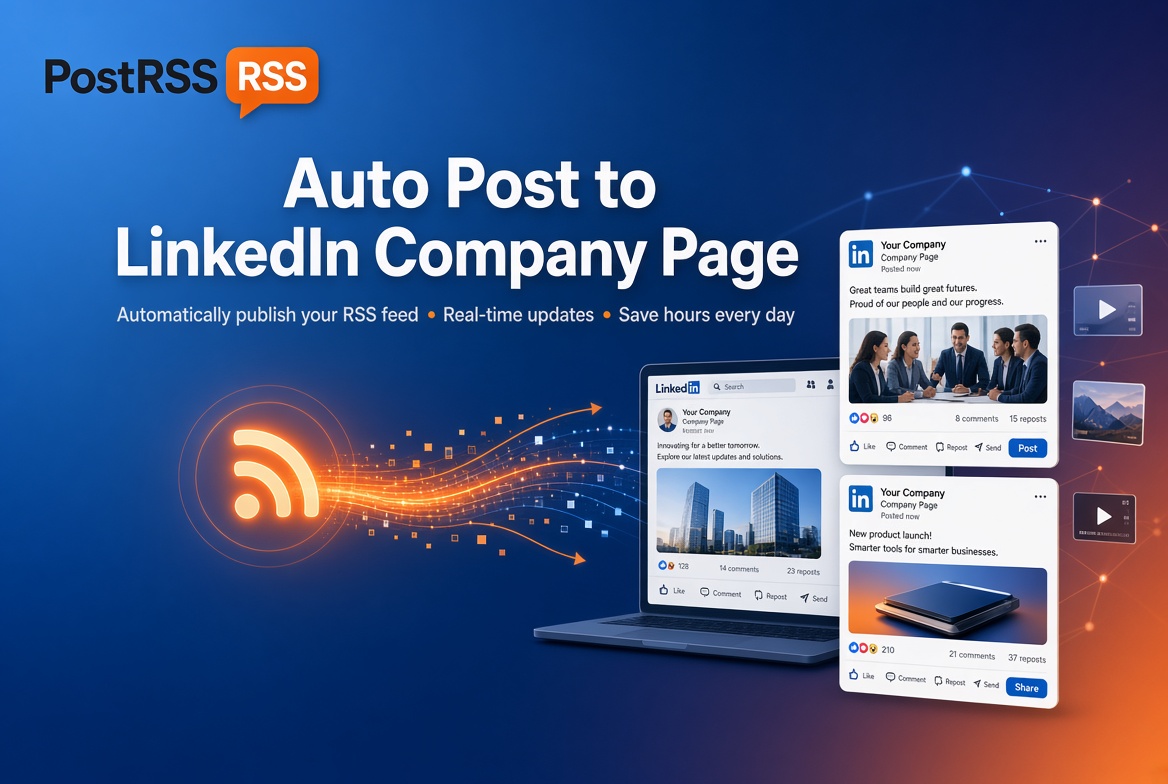
Building a strong corporate brand requires a consistent content strategy. With PostRSS, you can automate your company's B2B outreach. Automatically publish corporate blog updates, industry news, press releases, and product announcements directly to your LinkedIn Company Page the moment they're published on your website.
Keep your clients, partners, and future talent engaged without spending hours on manual updates.
LinkedIn automation is available starting on PostRSS's Professional Plus plan ($20/month) and above — it isn't included on Free, Start, or Professional tiers. If B2B distribution is central to your marketing, Professional Plus is the entry point that unlocks it.
Get your company profile automated in four steps:
LinkedIn's audience behaves differently from other platforms — people come here for industry insight and professional credibility, not casual browsing. PostRSS syndicates your professional articles, case studies, and corporate updates using secure, official API access, so your automated presence looks exactly as polished as a manually-crafted post.
Each new item in your feed becomes one native LinkedIn post. The image comes from the feed item itself (an enclosure, a media:content tag or the first image in the item) or, if the item has none, from the Open Graph tags of the linked page. The text is set by the message format you choose for the target: PostRSS offers nine formats built from the item title, the item description, the page title or your own static text. The link points back to the article on your website, so every post sends readers to your own domain rather than keeping them on LinkedIn.
For a Company Page, a short, factual format usually works best: the article title plus the first sentence of the description reads like a normal company update, not like an automated feed dump. You can also add a fixed line of static text, for example a short call to read the full case study, to keep every post consistent with your brand voice.
Not everything your website publishes belongs on your company’s LinkedIn presence. Job-board items, minor product changelog entries or local event notices may be better suited to other channels. PostRSS gives you two simple ways to keep the Company Page focused:
If your posts use categories and tags, PostRSS can also turn them into hashtags, up to a set limit, which helps LinkedIn show your updates to people who follow those topics.
PostRSS checks your feed every 5 minutes, so a new article normally reaches the Company Page within minutes of going live. If you prefer your updates to appear during business hours, paid plans let you set posting windows or exact posting times on chosen days in your own time zone. When you publish several articles at once, the order setting (newer first, older first or random) and the maximum number of posts per update keep the page from filling up with a burst of posts in a single minute.
To see what LinkedIn actually brings you, add your own query parameters to every link, such as utm_source=postrss. Your analytics will then separate Company Page traffic from the visits your other networks send.
The same feed can post to your Company Page, your Facebook Page and other networks at the same time, each target with its own format, filters and schedule. Current plan limits and the networks each plan includes are listed on the pricing page. If you want the setup rather than the background, see our RSS to LinkedIn page.
Yes — PostRSS supports personal profiles, Company Pages, and Groups, each with its own separate authorization step.
Yes — LinkedIn requires Administrator rights on the Company Page for any third-party tool, including PostRSS, to publish on its behalf.
PostRSS triggers automatically from your website’s feed the moment you publish, rather than requiring you to manually draft and schedule each post inside LinkedIn itself.
Yes. Point the target at a category feed, or add include and exclude keywords to the source, and PostRSS posts only the items that match.
PostRSS takes the picture from the feed item, such as an enclosure or media:content tag, or from the Open Graph image of the linked page when the item has no picture of its own.
What changed in the networks, what broke, and how to fix it before it costs you reach.
 English
 Lietuviškai
 Deutsch
 Français
 Русский
 Español
 Polski
 Italiano
 Українська
 Čeština
 Português
 日本語
日本語 Latviešu valoda
 Eesti
Eesti Magyar
 Bahasa Indonesia
 Türkçe
 हिन्दी
 Ελληνικά
 العربية
 ไทย
ไทย Tiếng Việt
 Română
 Bahasa Melayu
 বাংলা
বাংলা
