RSS į 66 socialinius tinklus: Facebook, Instagram, X, LinkedIn, Telegram ir kitus Blogas Partnerių programa Kontaktai
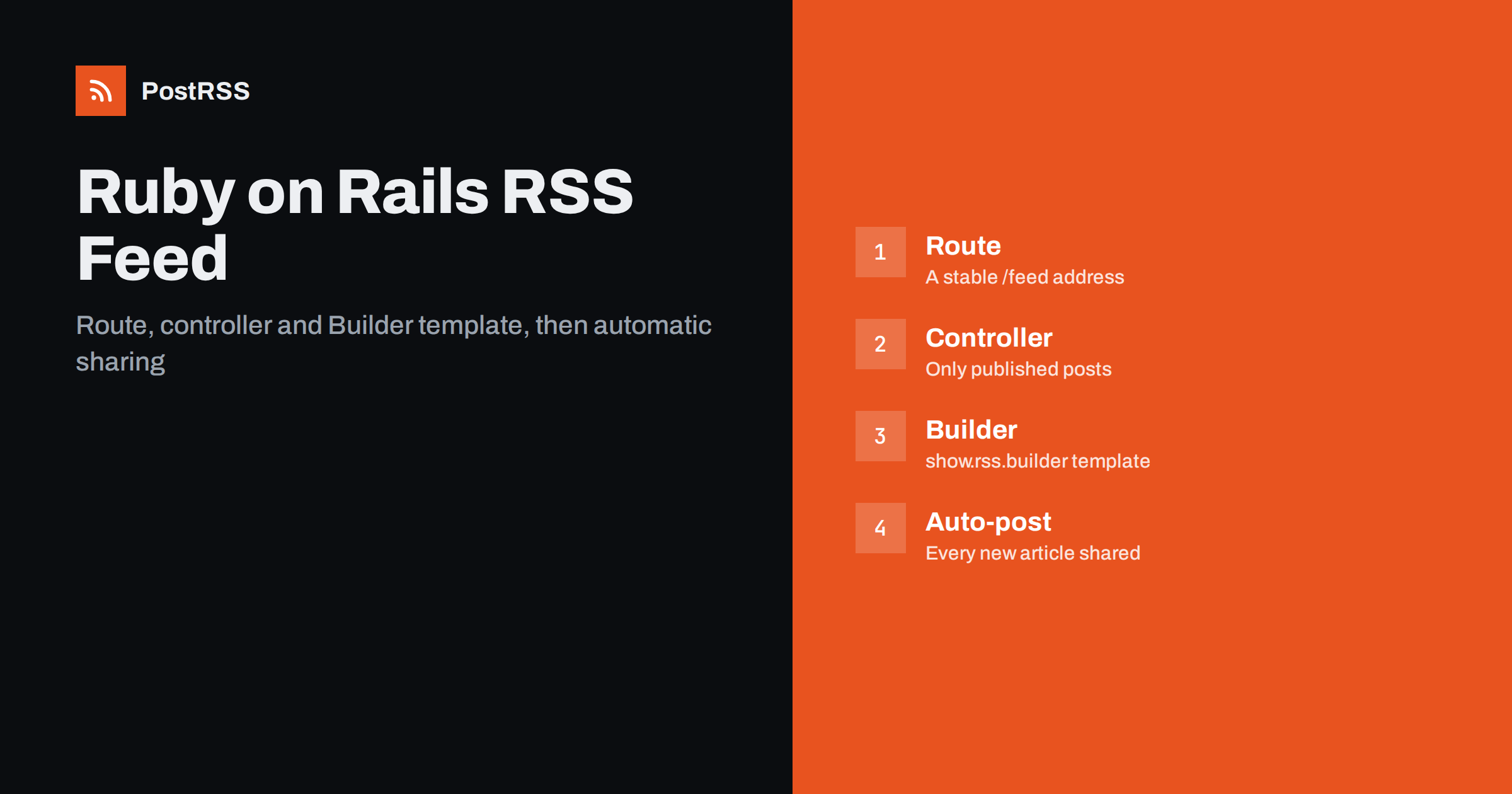
Short answer: A Ruby on Rails RSS feed needs three small pieces: a route that answers with the rss format, a controller action that loads your latest published records, and a Builder template such as show.rss.builder that writes the XML. Rails ships with Builder through Action View and also includes an atom_feed helper for Atom. Once the feed validates, an auto-poster can read it and share every new article on your social channels without anyone copying links by hand.
Rails makes it easy to forget that a feed is a public contract. The same URL is read by feed readers, aggregators, search tools and auto-posting services, and each of them expects stable links, correct dates and a unique identifier for every item. This guide walks through a clean Rails RSS feed from route to template, then covers Atom, images, Action Text, caching, testing and the details that decide whether your posts appear on social media correctly. The examples use plain Rails conventions and work in current Rails versions.
No. A new Rails application has no feed until you build one. What Rails does give you is everything required to build it quickly:
.builder receives an xml object, and each method call on it becomes an XML element.rss ir atom formats are already known, so a request for /feed.rss renders the matching template and sends the right content type.atom_feed produces a valid Atom document with ids, update times and links generated from your models.auto_discovery_link_tag writes the link tag that lets browsers and tools find the feed from any page.That means a working feed is usually under fifty lines of code. The effort is not in the syntax but in getting the details right.
Give the feed a short, permanent address. Many sites use /feed, which is also where readers and auto-posters look first:
# config/routes.rb
Rails.application.routes.draw do
  resources :posts, only: [:index, :show]
  get "feed", to: "feeds#show", defaults: { format: "rss" }, as: :feed
end
The defaults option means /feed renders RSS even without an extension, while /feed.rss works as well. Pick one address and keep it. Changing the feed URL later breaks every subscription and every auto-posting connection that uses it.
The controller loads only published records, newest first, with a sensible limit:
# app/controllers/feeds_controller.rb
class FeedsController < ApplicationController
  def show
    @posts = Post.where("published_at <= ?", Time.current)
                 .order(published_at: :desc)
                 .limit(20)

    respond_to do |format|
      format.rss { render layout: false }
      format.atom { render layout: false }
    end
  end
end
Three choices here matter more than they look:
created_at. An article written last month and published today should appear at the top.If your model already has a published scope, use it so the feed and the website always agree on what is public.
Create app/views/feeds/show.rss.builder. Each line maps directly to an RSS element:
xml.instruct! :xml, version: "1.0"
xml.rss version: "2.0", "xmlns:atom" => "http://www.w3.org/2005/Atom" do
  xml.channel do
    xml.title "Example Blog"
    xml.description "New articles from Example"
    xml.link root_url
    xml.language "en"
    xml.tag! "atom:link", href: feed_url(format: :rss), rel: "self", type: "application/rss+xml"

    @posts.each do |post|
      xml.item do
        xml.title post.title
        xml.description post.summary
        xml.pubDate post.published_at.to_fs(:rfc822)
        xml.link post_url(post)
        xml.guid post_url(post), isPermaLink: "true"
      end
    end
  end
end
Builder escapes text automatically, so ampersands and angle brackets in titles do not break the XML. Use the _url helpers rather than _path: feed links must be absolute, because a relative link means nothing outside your site. The atom:link element with rel="self" is optional but recommended, and validators warn when it is missing.
Most feed problems in Rails come from two fields. The first is pubDate. RSS expects the RFC 822 format, and to_fs(:rfc822) produces it from any time object. A date in another format may be read as missing or as the current time, which can make old items look new. The common pitfalls are covered in RSS date format and RFC 822 errors.
The second is guid. Auto-posters use it to remember which items they have already shared. If the GUID changes, for example because you changed the slug or switched from http to https, the same article is treated as new and posted again. Base the GUID on something permanent. The canonical URL works if your URLs never change; otherwise use a stable value such as "post-#{post.id}" with isPermaLink: "false". Read why a feed auto-posts the same article twice before you change anything in a live feed.
| Element | Rails source | Why it matters |
|---|---|---|
| title | post.title | Becomes the headline of the social post |
| link | post_url(post) | Must be absolute and https |
| guid | URL or post-ID | Prevents duplicate posts |
| pubDate | published_at.to_fs(:rfc822) | Correct order and freshness |
| description | Summary or plain-text excerpt | Preview text on networks |
| enclosure | Active Storage blob URL | Supplies the post image |
Rails includes a helper that writes a complete Atom document. Create app/views/feeds/show.atom.builder:
atom_feed do |feed|
  feed.title "Example Blog"
  feed.updated @posts.first&.updated_at

  @posts.each do |post|
    feed.entry post, published: post.published_at do |entry|
      entry.title post.title
      entry.summary post.summary
      entry.author do |author|
        author.name post.author_name
      end
    end
  end
end
The helper generates each entry id and link from the record, using the polymorphic URL for the model. Atom and RSS work equally well for auto-posting, so choose one as your main feed and keep the other as an alternative if you like. If you are unsure which format to pick, the differences are explained in whether the feed format matters for auto-posting.
Social posts with a real picture get far more attention than plain links. Feed consumers find images in two ways: in the feed itself, or in the Open Graph tags of the linked page. For the feed, add an enclosure when a post has a cover image:
if post.cover.attached?
  xml.enclosure url: rails_blob_url(post.cover),
                length: post.cover.byte_size,
                type: post.cover.content_type
end
Make sure blob URLs are public and absolute. If you serve images through a CDN or a proxy route, use that URL instead, and test it in a private browser window. For the page, add og:image, og:title ir og:description tags to your layout. Many networks build the preview from those tags, so they decide what your followers actually see. See how to control which image gets auto-posted for the order in which tools look for a picture.
If your posts use Action Text, keep the description short and readable. A plain-text excerpt works best:
xml.description post.content.to_plain_text.truncate(280)If you also want the full article in the feed, add the content namespace to the rss element ("xmlns:content" => "http://purl.org/rss/1.0/modules/content/") and write the HTML inside a CDATA block with xml.tag!("content:encoded") { xml.cdata!(post.content.to_s) }. Check the result for relative links: attachment and image URLs inside rich text are often root-relative, and they break outside your site. The fix is described in relative URLs in RSS feeds.
Add one line to the head of your application layout:
<%= auto_discovery_link_tag(:rss, feed_url(format: :rss), title: "Example Blog") %>With this tag, browsers, feed readers and auto-posting tools can find the feed from any page of your site, even when someone pastes your home page address instead of the feed URL. More on why this matters is in RSS kanalo automatinis aptikimas.
One feed per topic lets you send each topic to a different account. A route with a parameter is enough:
get "categories/:slug/feed", to: "feeds#category",
    defaults: { format: "rss" }, as: :category_feed
The action loads the category by slug and filters posts the same way as the main feed, and it can reuse the same template by calling render :show. A technology category might go to a developer community, while company news goes to your Facebook Page and LinkedIn. The approach is explained in category filtering for auto-posting.
A feed is requested often, so make it cheap to serve. Rails supports conditional GET out of the box:
def show
  @posts = Post.published.order(published_at: :desc).limit(20)
  fresh_when @posts
  # renders only when the collection changed
end
When nothing changed, Rails answers 304 Not Modified without rendering. You can add expires_in 10.minutes, public: true for a CDN, but keep the cache short. A feed cached for hours delays every auto-post by the same amount, a problem described in why auto-posts are delayed by caching.
Also check that URLs in the feed use https. Behind a load balancer or reverse proxy, Rails may think requests arrive over plain http and write http links. Setting config.assume_ssl = true ir config.force_ssl = true in production, or making sure the proxy passes the forwarded protocol header, fixes this. Finally, confirm the response type: Rails sends application/rss+xml for the rss format, which is what consumers expect. Details are in the RSS feed content type header.
A short integration test protects the feed from accidental breakage during refactoring:
class FeedTest < ActionDispatch::IntegrationTest
  test "feed lists published posts" do
    get feed_url(format: :rss)
    assert_response :success
    assert_equal "application/rss+xml", response.media_type
    doc = Nokogiri::XML(response.body)
    assert doc.at_xpath("//item/guid")
    assert_no_match "Draft title", response.body
  end
end
Before connecting the feed to any service, also run it through the W3C Feed Validation Service. The Rails API documentation for AtomFeedHelper lists every option of the Atom helper if you need more control.
layout: false, or the XML is wrapped in page markup and becomes invalid.default_url_options with the real host.Time.current arba updated_at instead of the publication date.Time.current with stored dates in the console.If the feed stops changing after you publish, work through how to diagnose a feed that is not updating.
PostRSS has been publishing RSS and Atom feeds to social networks since 2014. Paste the address of your Rails feed, or several category feeds, connect your accounts and choose the post format. PostRSS checks the feeds as often as every minute and shares each new article, with its image and link, to the networks you choose among 66 supported networks, messengers, team chats and blogs, including LinkedIn, Mastodon, Bluesky, Telegram, Discord and DEV. Keyword filters, UTM parameters, hashtags from categories and posting windows let you tailor each channel, and developers can also use the REST API and webhooks. See the PostRSS features page and the plan limits on the pricing page. More developer guides are under the Technical Guide tag.
A Rails RSS feed is a route, a controller action and a Builder template, and Rails provides all three tools out of the box. The work that makes the feed reliable is in the details: only published posts, absolute https links, RFC 822 dates, permanent GUIDs, images that load, and a short cache. Test the feed, validate it, advertise it in your layout, and then let an auto-poster share every new article for you.
Rails has no ready-made feed, but it includes everything needed to build one: Builder templates, registered rss and atom formats, the atom_feed helper and the auto_discovery_link_tag helper.
Either works for readers and auto-posters. RSS with a Builder template is the most common choice, while atom_feed is convenient if you prefer Atom. Pick one main feed and keep its URL stable.
URLs generated outside a web request use default_url_options. Set the real host and protocol for production, and check proxy settings so links are written with https.
Add an enclosure element with the public, absolute Active Storage URL, its size and content type. Also add Open Graph tags to each post page, because many networks build previews from them.
Keep caching short, for example a few minutes, and use conditional GET with fresh_when. Long cache times delay every automated post by the same amount.
What changed in the networks, what broke, and how to fix it before it costs you reach.
Sukūrė Internet Solutions – PostRSS komanda. Kiekvienas produktas sutaupo laiko savaip.
 English
 Lietuviškai
 Deutsch
 Français
 Русский
 Español
 Polski
 Italiano
 Українська
 Čeština
 Português
 日本語
日本語 Latviešu valoda
 Eesti
Eesti Magyar
 Bahasa Indonesia
 Türkçe
 हिन्दी
 Ελληνικά
 العربية
 ไทย
ไทย Tiếng Việt
 Română
 Bahasa Melayu
 বাংলা
বাংলা