RSS į 66 socialinius tinklus: Facebook, Instagram, X, LinkedIn, Telegram ir kitus Blogas Partnerių programa Kontaktai
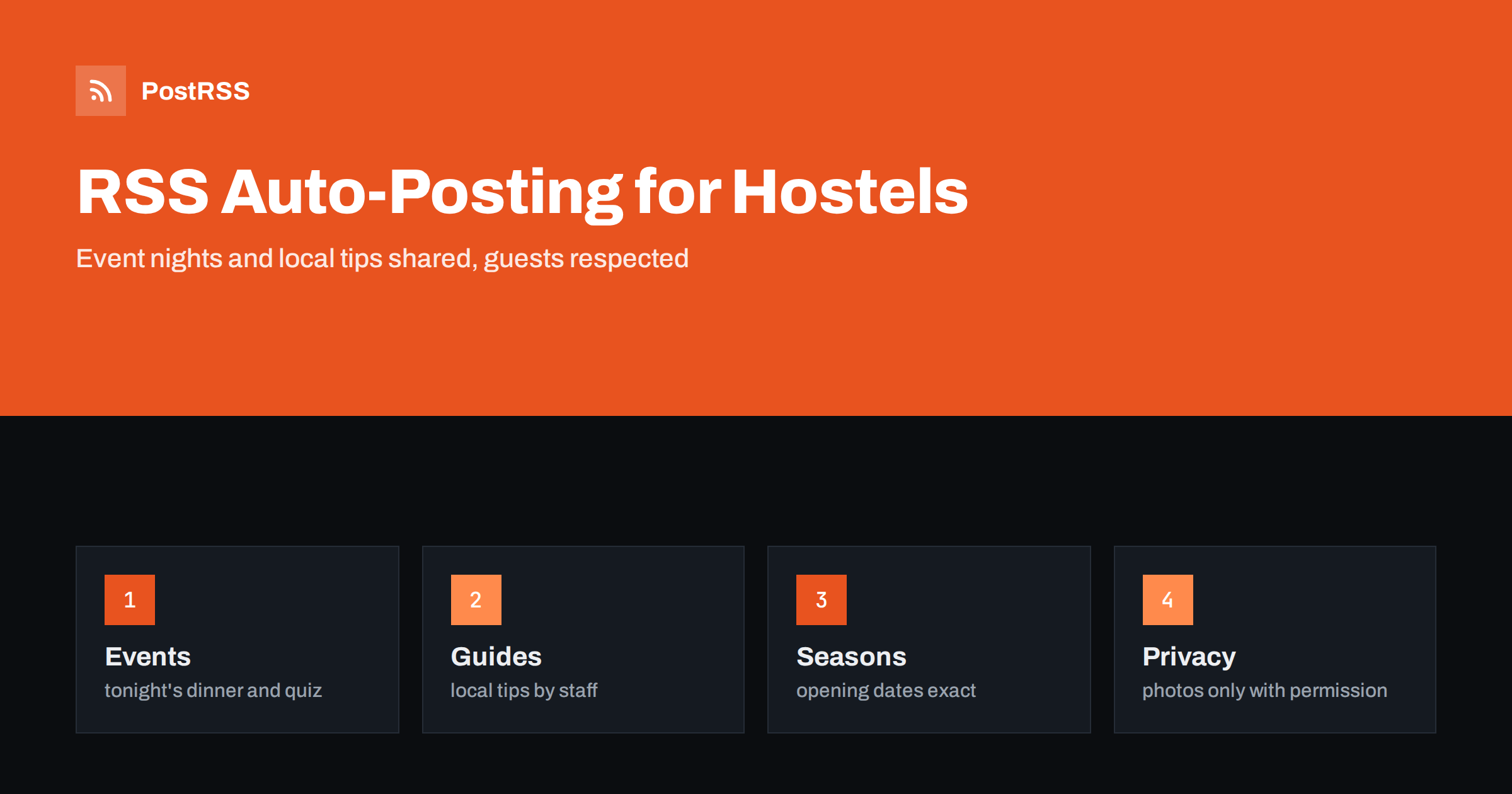
Short answer: RSS auto-posting lets hostels, guesthouses and small inns share event nights, room offers, local tips, seasonal openings and staff stories on social media automatically. Publish each item as a page on your own website, let an auto-poster read the RSS feed, and every new page appears on your Facebook Page, Telegram channel and other networks with its link and image. Travelers see what is on tonight without anyone retyping it, while guest names, booking details and urgent changes stay under careful human control.
A small place to stay lives on its reputation and on direct bookings. The owners often work the front desk, clean rooms, answer messages and cook breakfast, and the social accounts are updated when the last guest has gone to bed. At the same time, travelers decide quickly. They look at a photograph, a few lines about the atmosphere, the location and the next event, and then they book through a large platform that takes a commission. Your own website can compete, but only if it is active and visible, and posting the same news to three networks by hand is rarely realistic. This guide explains what to publish, how to connect your website to an auto-poster and which limits protect your guests and your team.
The advice fits many kinds of small accommodation:
Each has a website or at least a page with a blog or news section where updates can be listed. That page becomes the single source for every other channel.
Most of what happens at a hostel or guesthouse can be turned into a short page:
Each page is written once and appears on your website, where search engines can find it when someone searches for a hostel or guesthouse in your town. The feed then announces it automatically.
Many small properties already use a system that creates feeds:
/feed/ and one for every category, such as /category/events/feed/. If you are unsure of the address, see how to find your WordPress feed link.Use categories to separate topics: events, local guides, offers, news and jobs. Each category has its own feed, and each feed can go to the channel where it works best; events to the Facebook Page, local guides to a travel-minded audience, hiring pages to LinkedIn. Routing by category is explained in category filtering for auto-posting.
| Content | Automate? | Notes |
|---|---|---|
| Weekly events and tours | Yes | One page per event, with the day, time and meeting point |
| Local guides and tips | Yes | Written by staff, updated each season |
| Seasonal news and opening dates | Yes | Keep the dates exact and remove old pages |
| Photographs of guests | Only with permission | Ask at check-in and respect a refusal |
| Replies to questions and booking requests | No | Answer each person directly |
| Closures, safety notices and emergencies | Not alone | Message guests directly first |
A simple rule: if it is general information that helps many people and sits on a finished page of your website, automate it. If it concerns one guest, one booking or a sudden change that people must hear immediately, it needs a human channel.
The atmosphere of a hostel is its people, and pictures of laughing guests sell better than any room description. They also carry responsibility. Ask for clear permission before you publish a photograph that shows a guest, and offer an easy way to say no, for instance a sign at the common area or a question at check-in. Never publish names, room numbers, travel plans or the dates of someone’s stay. Be careful with children and with pictures taken in the evening in a bar or a dormitory. Remove a picture quickly when someone asks. Private reviews and messages belong to the guest, so do not copy them into a feed without agreement. These points are general guidance, not legal advice. Follow your local rules on privacy and your own house policy.
Your reader is often on a phone, in another country, comparing several places. Put the facts first: the town, the date, the price or the fact that it is free, and how to join. Use plain words and avoid slang that a non-native speaker may not know. Mention accessibility honestly, including stairs, shared bathrooms and quiet hours, because an honest page prevents unhappy surprises and bad reviews. Use a real photograph of your own building and your own breakfast table, not a stock picture. Give times in the local time zone and spell out the day and the month. Travelers share a page that answers who, what, when, where and how much without scrolling.
Many small properties open only part of the year, and the site must follow. A post about the summer program that is still visible in November looks careless, and a feed that keeps announcing last year’s event confuses new visitors. Give every seasonal page a clear date in the title or the first line, unpublish it when the season ends and write the next one as a fresh page instead of editing the old one. A recurring weekly event can keep one permanent page, with a short dated note for each occasion. This keeps your website tidy, saves time and makes sure that nobody arrives on the wrong night.
Feeds are excellent for information that is planned, and unsuitable for information that is urgent. If a storm closes the road, the water is cut off or a booking must be moved, do not rely on an automated post. Message the people who are affected directly, by email, text or the booking platform, and use your social channels only as an additional notice. You can still publish a short page that the feed shares, but treat it as an extra, not as the notice itself.
Small properties often depend on a few kinds of guest who return: school and club groups, cyclists and hikers, people who work remotely for a few weeks and families who come every summer. Give each group a permanent page that explains what you offer, such as space for bicycles, a quiet corner for laptops or a kitchen for a group meal, and add short dated pages for news that matters to them. The permanent page is what search engines show to a coach planning a trip, and the dated pages keep repeat guests in touch without a newsletter that someone has to write by hand every month.
Most small places do best with a Facebook Page and a good website that uses the same pages. Two active channels beat five forgotten ones.
/feed/, and check that it lists recent items.PostRSS has been automating RSS posting since 2014. It checks your website feeds as often as every minute and publishes each new page, with its real image and link, to the channels you connect, from Facebook Pages and Telegram to LinkedIn, Bluesky, Mastodon and many more among its 66 supported networks. You can choose how each post is built, filter items by keywords, add UTM parameters and post only within chosen hours or at exact times in your time zone. See the PostRSS features page for everything it does and the pricing page for plan limits. More ideas for local businesses are under the Local Business tag.
A hostel or guesthouse has a small team, a strong atmosphere and a need for direct bookings. RSS auto-posting shares each new event page, local guide and seasonal notice automatically on your Facebook Page and other channels. Give every page the facts a traveler needs, ask permission before showing guests, retire old seasonal pages, keep urgent messages in direct channels, route content by category and let your team spend the evening with the people who are staying.
Yes. If your website has a news or events section, its RSS feed can be connected to an auto-poster that shares each new page on your Facebook Page and other channels. Urgent changes should still be sent to guests directly.
Weekly events, local tips written by staff, seasonal opening dates, offers and hiring pages. Show real photographs of your own place, and ask guests before you publish pictures of them.
Not without agreement. Reviews belong to the people who wrote them and to the platforms that host them. Quote a review only with permission and link to the original.
Only as an extra. Message the affected guests directly, and let the feed share a short page as a backup notice.
Yes. PostRSS reads any valid RSS or Atom address that is reachable without a login. Paste the address, connect your channels and new pages are shared as soon as they appear.
What changed in the networks, what broke, and how to fix it before it costs you reach.
Sukūrė Internet Solutions – PostRSS komanda. Kiekvienas produktas sutaupo laiko savaip.
 English
 Lietuviškai
 Deutsch
 Français
 Русский
 Español
 Polski
 Italiano
 Українська
 Čeština
 Português
 日本語
日本語 Latviešu valoda
 Eesti
Eesti Magyar
 Bahasa Indonesia
 Türkçe
 हिन्दी
 Ελληνικά
 العربية
 ไทย
ไทย Tiếng Việt
 Română
 Bahasa Melayu
 বাংলা
বাংলা