RSS į 66 socialinius tinklus: Facebook, Instagram, X, LinkedIn, Telegram ir kitus Blogas Partnerių programa Kontaktai
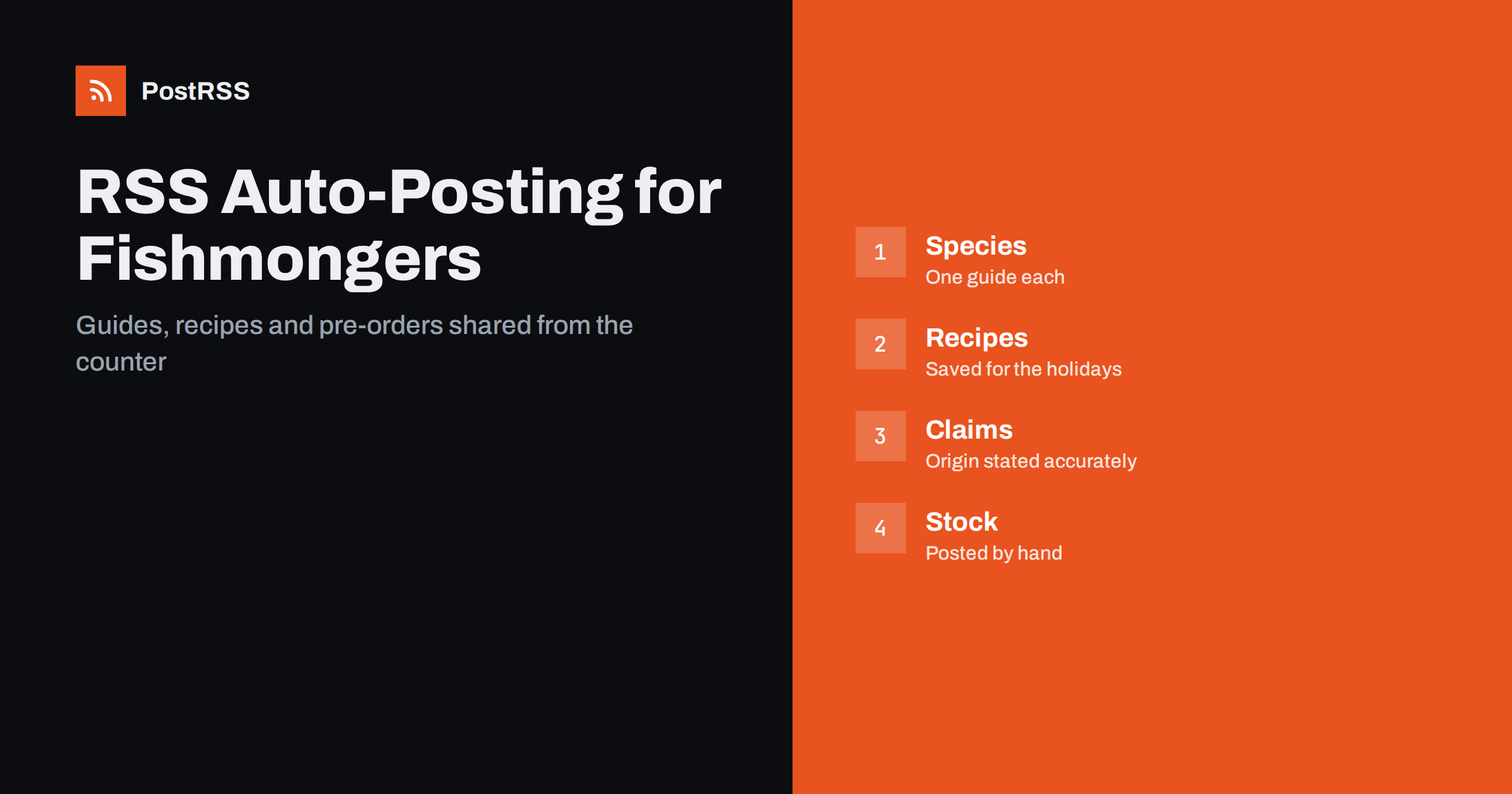
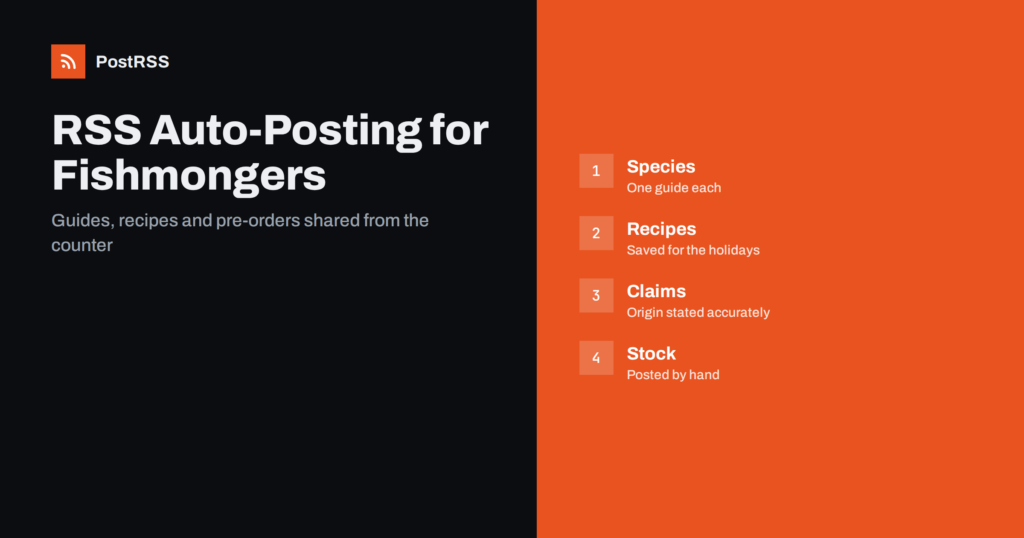
Short answer: RSS auto-posting lets fishmongers and seafood markets share new arrivals, seasonal specials, recipes, preparation guides and shop news on social media automatically. Publish each item as a page on your website, let an auto-poster read the RSS feed, and it appears on your Facebook Page, Pinterest boards, Telegram channel and other channels with its link and image. Customers see what came in this morning while you are at the counter, while daily stock, prices and orders stay in human hands, and every page keeps its claims about freshness, origin and sustainability accurate.
A fishmonger starts the day before most people wake up. The delivery arrives, the catch is checked, the counter is arranged and the first customers appear with questions: what is the best fish for a family dinner, how long can it keep, how should it be cooked and what is in season. A seafood market is a place of knowledge as much as of products. A website can hold that knowledge in short pages: guides to species, preparation tips, recipes and the story behind a supplier. Automation can carry those pages to the networks where customers decide what to cook. This guide explains how to set it up and where accuracy, food safety and fast-changing stock need a human decision.
A seafood business has a steady stream of things customers want to know:
Each of these can be a short page on your own website. When the page is published, the feed announces it. You write it once, in a place that you own, and the automation spreads it to the networks where customers plan their meals. Pages on your site also appear in search results when someone looks for fresh fish or a seafood shop in your area, which social posts alone do not achieve.
Most shop websites run on platforms that publish feeds without extra work:
/feed/ and a feed for every category, such as /category/recipes/feed/. If you are unsure of the address, see how to find your WordPress feed link.Use categories to separate the audiences: arrivals and specials, species guides, recipes and shop news. Each category has its own feed, and each feed can go to the channel where it works best; recipes to Pinterest, specials and news to the Facebook Page. Routing by category is explained in category filtering for auto-posting.
| Content | Automate? | Notes |
|---|---|---|
| Species guides and preparation tips | Yes | Evergreen pages that keep bringing visitors |
| Recipes and seasonal pages | Yes | One page per recipe, with a good photograph |
| Supplier stories and shop news | Yes | Only claims you can document |
| Holiday pre-order pages | Yes | Keep deadlines on the page, so one change updates everything |
| Today’s catch and prices | By hand | Stock changes by the hour; post it yourself when it is true |
| Orders, allergies and complaints | By hand | A person answers, quickly and carefully |
A simple rule: if it is general information on a finished page of your website, automate it. If it concerns today’s stock, one order or a food safety question, handle it personally.
A species guide is the page a customer would love to read at the counter. What does this fish taste like, and is it mild or strong? Which cooking methods suit it, and which spoil it? How should it be stored at home, and how long will it keep? Which fish can replace it when it is not in season? Give each popular species its own page with those answers, a clear photograph and a link to your ordering page or opening hours. Add one practical tip that only an experienced fishmonger knows, such as how to tell that a fillet is truly fresh. These pages work all year and bring in people who have never visited your shop.
Many people avoid cooking fish because they are unsure how. A short recipe page, with a short list of ingredients, clear steps, a cooking time and a photograph of the finished plate, removes that doubt. Link each recipe to the species it uses and mention substitutes, so a customer can still cook it when something is sold out. Seasonal recipe collections, such as a festive seafood table or light summer dishes, are easy to share and are saved again and again.
Keep file sizes reasonable so pages load quickly on a phone, because many customers read them while shopping; see image optimization for RSS auto-posting. If a network shows the wrong picture, check the Open Graph tags of the page as described in why auto-posted links show the wrong image.
Seafood sales peak around holidays, when families order platters, whole fish and shellfish well in advance. A pre-order page, with the items, the deadlines, the collection days and the way to order, can be written once and shared in the weeks before each holiday. The same applies to gift boxes and party catering. Put the dates on the page, not in each post, so that a change in one place corrects everything, and remove the page from the feed or update it when the season ends.
Most shops do best with a Facebook Page and Pinterest. Add others only if you can keep them active.
/feed/, and check that it lists recent items.A seafood shop does not need a large content calendar. One species guide, one recipe and one piece of shop news each week already gives customers a reason to follow you, and the pages accumulate into a library that works all year. Plan the heavy seasons, such as holidays and Lent, a month ahead, write the pages on a quiet afternoon and let the feed publish them at the right time. That leaves your mornings free for the fish and the people at the counter.
PostRSS has been automating RSS posting since 2014. It checks your website feeds as often as every minute and publishes each new guide, recipe and piece of shop news, with its real image and link, to the channels you connect, from Facebook Pages and Pinterest boards to Telegram, X and many more among its 66 supported networks. You can choose how each post is built, filter items by keywords, add UTM parameters and post only within chosen hours or at exact times in your time zone. See the PostRSS features page for everything it does and the pricing page for plan limits. More ideas for local businesses are under the Local Business tag.
A fishmonger or seafood market shares expertise with every customer, and the day starts too early to write posts. RSS auto-posting shares each new species guide, recipe, holiday page and piece of shop news automatically on your Facebook Page, Pinterest boards and other channels, on time and with the right image. Give every popular species its own page, keep origin and freshness claims accurate, keep dates and prices on the ordering page, route content by category and handle today’s stock, orders and allergy questions personally.
Yes. If your website has a news or blog section, its RSS feed can be connected to an auto-poster that shares each new page on your Facebook Page, Pinterest boards and other channels. Daily stock and orders should still be handled personally.
Species guides, preparation tips, recipes, supplier stories, holiday pre-orders and shop news. Each item should have its own page on your website so the feed can share it.
It is better to post it by hand when it is true. Stock changes by the hour, and a scheduled post can promise something that has already sold out.
Only what you can document, using the names and labels that your local rules require. Avoid vague claims and keep certifications current.
A Facebook Page reaches local customers who follow specials and market days, Pinterest suits recipes that people save before holidays, and Telegram helps with pre-order reminders to regulars.
What changed in the networks, what broke, and how to fix it before it costs you reach.
Sukūrė Internet Solutions – PostRSS komanda. Kiekvienas produktas sutaupo laiko savaip.
 English
 Lietuviškai
 Deutsch
 Français
 Русский
 Español
 Polski
 Italiano
 Українська
 Čeština
 Português
 日本語
日本語 Latviešu valoda
 Eesti
Eesti Magyar
 Bahasa Indonesia
 Türkçe
 हिन्दी
 Ελληνικά
 العربية
 ไทย
ไทย Tiếng Việt
 Română
 Bahasa Melayu
 বাংলা
বাংলা