RSS į 66 socialinius tinklus: Facebook, Instagram, X, LinkedIn, Telegram ir kitus Blogas Partnerių programa Kontaktai
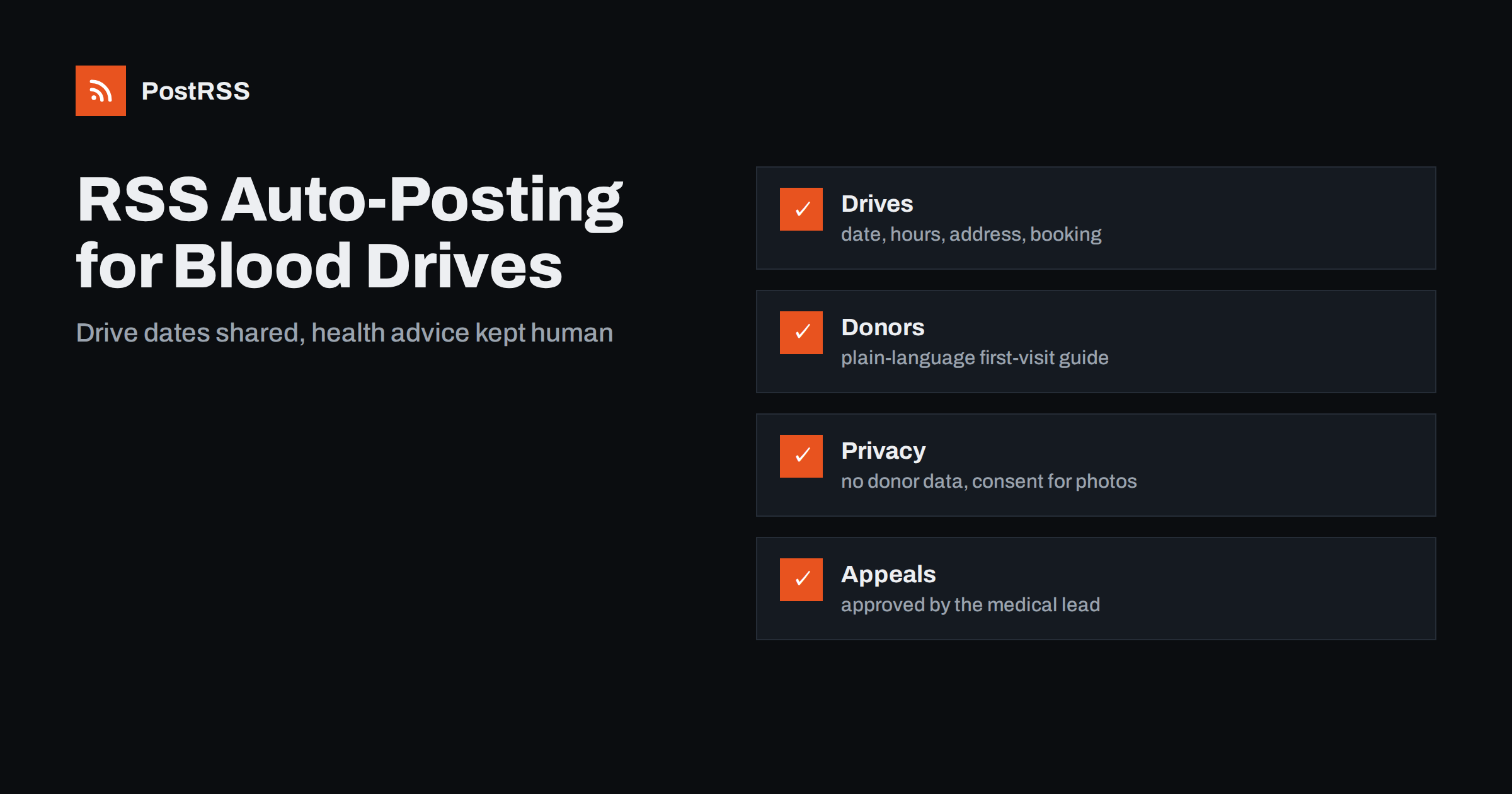
Short answer: RSS auto-posting lets blood donation centers and mobile blood drives share drive dates, opening hours, appointment information, donor stories and volunteer calls on social media automatically. Publish each item as a page on your website, let an auto-poster read the RSS feed, and every new page appears on your Facebook Page, Telegram channel and other networks with its link and image. Donors see when and where they can help without anyone retyping the details, while eligibility questions, urgent shortage calls and every piece of health information stay with trained staff and official sources.
Blood collection depends on regular donors, and regular donors depend on clear, friendly and timely information. They want to know where the next drive is, how to book a slot, how long it takes and what to bring. The communication team of a blood service, a hospital donor program or a local charity is usually small, and it answers the same questions again and again. Most of those answers can be written once, as a page on the website, and the page can be shared automatically. This guide explains what to publish, how to connect your website to an auto-poster and where automation must stop because health and privacy are involved.
The advice fits many kinds of organization that collect blood or plasma, or that help to organize collection:
Each has a calendar of dated events and a website or a page on a larger site where those events can be listed. That page becomes the source for every other channel.
Most of what a collection team does can be turned into a short page:
Each page is written once and appears on your website, where a person who searches for a place to donate can find it. The feed then announces it automatically.
Many organizations already use a system that creates feeds:
/feed/ and one for every category, such as /category/drives/feed/. If you are unsure of the address, see how to find your WordPress feed link.Use categories to separate audiences: drives, first-time donors, results, employers and jobs. Each category has its own feed, and each feed can go to the channel where it works best; drives to the Facebook Page, employer information to LinkedIn, volunteer calls to a messaging channel. Routing by category is explained in category filtering for auto-posting.
| Content | Automate? | Notes |
|---|---|---|
| Drive dates, hours and addresses | Yes | Date, time, place, parking and how to book on every page |
| First-time donor information | Yes | Written or approved by qualified staff |
| Results and thank-you stories | Yes | Ask permission before naming a donor |
| Eligibility and medical questions | No | Answer through trained staff and official guidance |
| Individual donor data and appointments | No | Never in a feed or a public post |
| Urgent shortage appeals | Not alone | Approved by the medical lead and sent through several channels |
A simple rule: if it is general information that helps many people and sits on a finished page of your website, automate it. If it concerns one person, one health question or a medical decision, it needs a trained human.
Blood services have strict rules about who may donate, and those rules depend on the country, the service and sometimes the week. A friendly post that says that everyone is welcome can mislead someone who is not eligible and waste their trip. Never invent eligibility criteria in a post. Write general invitations, such as asking readers to check the official eligibility page of your service before booking, and link to that page. Keep medical wording under the control of qualified staff, and review every health statement before it is published. Rules for health communication, advertising and privacy differ from place to place, so follow your local regulations and your own organization policy. These points are general guidance, not medical or legal advice.
Sometimes a blood service needs donors of one group urgently, after an accident or a period of low stock. Those appeals matter, but they must be accurate: the right blood group, the right sites and the right deadline. Decide in advance who may approve an appeal, how it is worded and where it goes: the main page, a banner on the website, a message to registered donors and local media. A feed can carry a page about the appeal, and it will reach followers within minutes, but it should never be the only channel, and nobody should publish an appeal without the approval of the medical lead. An appeal that is out of date is harmful, so remove or update it as soon as the need is over.
Donors share personal information, and many do not want to be named or photographed. Publish photographs of drives only with consent, and avoid pictures of people in the middle of donating unless they have agreed. Never name a donor in a post about eligibility, a deferral or a medical event. Thank donors in general terms and show totals, such as the number of people who attended a drive, instead of lists of names. If a donor writes a public comment with health details, reply by suggesting a private conversation. Treat the comment section as a place for thanks and logistics, not for medical advice.
Many visitors decide on the day. Put the facts at the top of every page: the date, the opening hours, the address and how to book, in that order. Add a line about parking and public transport, how long a visit usually takes and what to bring. Use a clear photograph of your own site, with staff in uniform if they agree, instead of a stock picture. Spell out the day and the month and give times in the local time zone. A page that answers what, when, where and how without scrolling is a page that people share with friends, and a shared page brings the next donor.
Many drives happen at a workplace, a school or a community hall, and the host is often your best channel. Give hosts a page that they can link to from their own website, with the date, the room and the booking method. When the host publishes the same facts, search engines and social networks see a consistent story, and employees hear about the drive from a source they trust. Ask partners to share your page and not to retype it, because a retyped address or time is the usual cause of confusion on the day. Thank every host publicly after the drive, with their permission.
Most donation teams do best with a Facebook Page and a simple email list that uses the same pages. Two active channels beat five forgotten ones.
/feed/, and check that it lists recent items.PostRSS has been automating RSS posting since 2014. It checks your website feeds as often as every minute and publishes each new page, with its real image and link, to the channels you connect, from Facebook Pages and Telegram to LinkedIn, Bluesky, Mastodon and many more among its 66 supported networks. You can choose how each post is built, filter items by keywords, add UTM parameters and post only within chosen hours or at exact times in your time zone. See the PostRSS features page for everything it does and the pricing page for plan limits. More ideas for community organizations are under the Nonprofits tag.
A blood donation center depends on trust and on a steady stream of regular donors. RSS auto-posting shares each new drive page, donor guide and thank-you automatically on your Facebook Page and other channels. Give every drive a complete page with the date, hours, address and booking information, link to the official eligibility page, keep medical answers and donor data with trained staff, treat urgent appeals as a decision for the medical lead and let your team spend its time with the people who come to give.
Yes. If your website has a news or events section, its RSS feed can be connected to an auto-poster that shares each new page on your Facebook Page and other channels. Urgent appeals should also go out through other channels and be approved by the medical lead.
Drive dates and hours, the address and parking, how to book, first-time donor information and thank-you results. Keep eligibility decisions and personal data out of public posts.
Only if the wording comes from your official eligibility rules. It is safer to link to the official page and to ask readers to check it before they book.
Only with their permission. Thank donors in general terms and share totals instead of names.
Yes. PostRSS reads any valid RSS or Atom address that is reachable without a login. Paste the address, connect your channels and new pages are shared as soon as they appear.
What changed in the networks, what broke, and how to fix it before it costs you reach.
Sukūrė Internet Solutions – PostRSS komanda. Kiekvienas produktas sutaupo laiko savaip.
 English
 Lietuviškai
 Deutsch
 Français
 Русский
 Español
 Polski
 Italiano
 Українська
 Čeština
 Português
 日本語
日本語 Latviešu valoda
 Eesti
Eesti Magyar
 Bahasa Indonesia
 Türkçe
 हिन्दी
 Ελληνικά
 العربية
 ไทย
ไทย Tiếng Việt
 Română
 Bahasa Melayu
 বাংলা
বাংলা