RSS į 66 socialinius tinklus: Facebook, Instagram, X, LinkedIn, Telegram ir kitus Blogas Partnerių programa Kontaktai
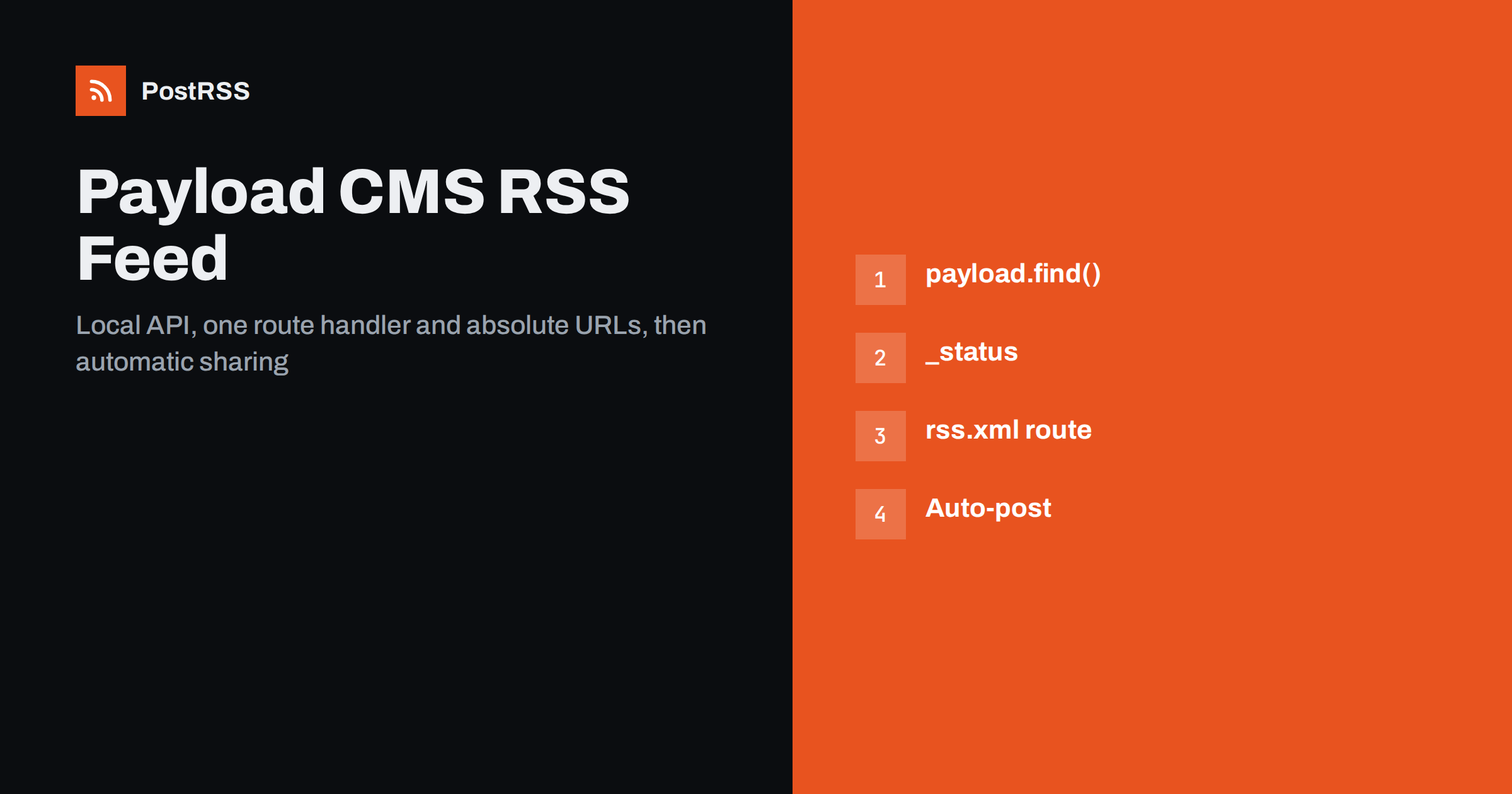
Short answer: Payload CMS has no built-in RSS feed, but since Payload 3 runs inside a Next.js app, the feed is one route handler away. Create app/(frontend)/rss.xml/route.ts, fetch the latest published posts with the Local API using payload.find() and a filter on _status, render them as RSS XML with absolute links and image URLs, and refresh the route from an afterChange hook. Then connect the feed to an auto-poster so every newly published post is shared on social media automatically.
Payload is an open-source, TypeScript-first headless CMS. With version 3 it moved into the Next.js App Router: the admin panel, the API and your website can live in the same project and deployment. That changes how a feed is built. Instead of calling a remote API, your route handler queries the database directly through Payload’s Local API, with full types and no network round trip. This guide covers the collection fields a feed needs, the query, the route handler, drafts and access control, rich text, images, revalidation and testing.
Payload is a content framework, not a blog engine. A collection called posts could be news, case studies, documentation or product updates, and only your front end decides the URL of each document. So Payload leaves the feed to you, just as it leaves page templates to you.
The good news is that a feed needs very little: the newest published documents, a public URL for each, a date, a short text and an image. All of that is easy to get from a Payload collection. The general approach for headless platforms is described in auto-posting from a headless CMS without native RSS; what follows is the Payload-specific version.
A typical posts collection with drafts enabled:
import type { CollectionConfig } from 'payload';

export const Posts: CollectionConfig = {
  slug: 'posts',
  versions: { drafts: true },
  fields: [
    { name: 'title', type: 'text', required: true },
    { name: 'slug', type: 'text', required: true, unique: true, index: true },
    { name: 'publishedAt', type: 'date' },
    { name: 'excerpt', type: 'textarea' },
    { name: 'heroImage', type: 'upload', relationTo: 'media' },
    { name: 'content', type: 'richText' },
  ],
};
Each field has a job. versions.drafts adds the _status field, which separates drafts from published documents. publishedAt is the publication date shown in the feed; set it with a hook when a post is first published, or let editors choose it, but do not rely on updatedAt, which changes on every save. excerpt is a plain summary of one or two sentences, the ideal start of a social post. heroImage provides the picture for previews.
The Local API runs on the server inside your Next.js app:
import { getPayload } from 'payload';
import config from '@payload-config';

const payload = await getPayload({ config });

const { docs } = await payload.find({
  collection: 'posts',
  where: { _status: { equals: 'published' } },
  sort: '-publishedAt',
  limit: 20,
  depth: 1,
});
The minus sign in sort means descending, so the newest post comes first. depth: 1 populates the upload relationship, so heroImage arrives as a full media document with its URL and sizes instead of an ID. limit: 20 keeps the feed short.
If your website is a separate application rather than the same Next.js project, the REST API gives you the same result with query parameters on the collection endpoint, such as where[_status][equals]=published, sort=-publishedAt ir limit=20.
The Local API skips access control by default. That is convenient for server code, but it means your collection’s read access rules do not protect the feed. Without the _status filter, a document that has only ever been saved as a draft can appear in the feed, and from there on social media within minutes.
Two safeguards are worth adding:
_status, as in the query above, and never pass draft: true in feed code. That option asks for the newest draft versions, which is right for preview pages and wrong for a feed.overrideAccess: false, so the query behaves like a request from an anonymous visitor. Any document a visitor cannot read is then also absent from the feed.Test it once: create a post, save it as a draft only, and confirm it does not appear at /rss.xml.
In a Payload 3 project, the website usually lives in the (frontend) route group. Create src/app/(frontend)/rss.xml/route.ts:
import { getPayload } from 'payload';
import config from '@payload-config';
import { Feed } from 'feed';

const SITE = process.env.NEXT_PUBLIC_SERVER_URL ?? 'https://example.com';
export const revalidate = 600;

export async function GET() {
  const payload = await getPayload({ config });
  const { docs } = await payload.find({
    collection: 'posts',
    where: { _status: { equals: 'published' } },
    sort: '-publishedAt',
    limit: 20,
    depth: 1,
  });

  const feed = new Feed({
    title: 'Example Blog',
    description: 'News and articles from Example',
    id: SITE + '/posts',
    link: SITE + '/posts',
    copyright: 'Example',
  });

  for (const post of docs) {
    const url = SITE + '/posts/' + post.slug;
    const media = typeof post.heroImage === 'object' ? post.heroImage : null;
    const img = media?.sizes?.og?.url ?? media?.url;
    feed.addItem({
      title: post.title,
      id: 'post-' + post.id,
      link: url,
      description: post.excerpt ?? '',
      date: new Date(post.publishedAt ?? post.createdAt),
      image: img ? new URL(img, SITE).href : undefined,
    });
  }

  return new Response(feed.rss2(), {
    headers: { 'Content-Type': 'application/rss+xml; charset=utf-8' },
  });
}
A folder named rss.xml gives the route a literal file-like address. The feed package from npm escapes text and formats dates for RSS 2.0, and it can also output Atom or JSON Feed from the same items. The GUID is built from the document ID, which never changes, so editing a slug later does not make an old post look new; why that matters is explained in why a feed auto-posts the same article twice. Framework details such as static export are covered in adding an RSS feed to a Next.js site.
With the default local storage, upload URLs from Payload are often relative paths served by your app, such as /api/media/file/cover.jpg. Feed readers and social networks cannot use relative paths, which is why the route above wraps every image URL in new URL(img, SITE). Cloud storage adapters usually return absolute URLs already, and the same line leaves those unchanged.
For better previews, add an image size to the media collection, so Payload creates a 1200 by 630 crop on upload:
export const Media: CollectionConfig = {
  slug: 'media',
  upload: {
    imageSizes: [{ name: 'og', width: 1200, height: 630 }],
  },
  fields: [{ name: 'alt', type: 'text' }],
};
The route uses sizes.og.url when it exists and falls back to the original file. Use the same image for the og:image tag in the post page’s metadata, because many networks build the link preview from the page. Image choice is explained in how to control which image gets auto-posted.
Payload’s default rich text editor is Lexical, which stores content as JSON. For a summary feed you do not need it: the excerpt field is cleaner and better suited to social posts. If you also want a full-text feed for readers, the Lexical package includes converters that turn the JSON into HTML on the server; the exact import depends on your Payload version, so check the rich text section of the documentation for yours.
When you convert, check three things in the output: internal links must become absolute URLs, uploaded images inside the body need absolute URLs, and custom blocks need their own converters or they disappear. A common approach is a summary feed for automation and a separate full-text feed for readers, as discussed in full-text vs excerpt RSS feeds.
| Feed element | Payload source | Note |
|---|---|---|
| link | Server URL plus slug | Must be your public domain |
| guid | Document id | Stable when slugs change |
| pubDate | publishedAt | Not updatedAt |
| description | excerpt | Plain text, one or two sentences |
| image | heroImage sizes or url | Made absolute in the route |
| Item filter | _status equals published | Local API skips access control |
revalidate = 600 regenerates the cached feed at most every ten minutes. To update it immediately, revalidate it from a collection hook, the same way Payload’s website template refreshes pages:
import { revalidatePath } from 'next/cache';
import type { CollectionAfterChangeHook } from 'payload';

export const revalidateFeed: CollectionAfterChangeHook = ({ doc, previousDoc }) => {
  if (doc._status === 'published' || previousDoc?._status === 'published') {
    revalidatePath('/rss.xml');
  }
  return doc;
};
Add it to the collection with hooks: { afterChange: [revalidateFeed] }. The condition also covers unpublishing, so a post that is taken down disappears from the feed. Recent Payload versions can also schedule publishing through the jobs queue; the hook runs when the scheduled change happens, so the feed follows.
Keep any CDN cache on the feed short as well. A feed cached for hours delays every social post by hours. How automation tools notice new items is explained in RSS vs webhooks vs API polling.
Add an autodiscovery link in the root layout’s metadata, so browsers and tools can find the feed from any page. With the Next.js Metadata API, set alternates.types to map application/rss+xml to /rss.xml. Then test from the outside:
/rss.xml in a private window. The newest published post should be first, and no drafts should appear.application/rss+xml.The Local API, drafts, hooks and uploads are documented in the Payload documentation.
PostRSS has been publishing RSS and Atom feeds to social networks since 2014. Paste the address of your rss.xml route, connect your accounts and choose how each post is built from the title, the description or the page title. PostRSS checks the feed as often as every minute and shares each new post, with its image and link, to the channels you choose among 66 supported networks, messengers, team chats and blogs, including LinkedIn, X, Bluesky, Mastodon, Discord and DEV. Keyword filters, UTM parameters, hashtags from categories and posting windows let you tune each channel, and the REST API and webhooks connect PostRSS to your own systems. See the PostRSS features page and the plan limits on the pricing page. More developer guides are under the Technical Guide tag.
A Payload CMS RSS feed is a Next.js route handler that reads published posts through the Local API. Filter on _status, because the Local API skips access control, sort by publishedAt, use the excerpt as the description and the document ID as the GUID, and make every link and image URL absolute. Refresh the route from an afterChange hook, validate once, and every post you publish in Payload can reach your social channels automatically.
No. Payload is a headless CMS and framework. In Payload 3 you add the feed as a Next.js route handler that queries posts with the Local API and returns XML.
The Local API skips access control by default, so it returns every matching document. Filter on _status equal to published, or pass overrideAccess set to false.
With local storage, upload URLs are paths served by your app. Prefix them with your public server URL, or use a cloud storage adapter that returns absolute URLs.
Add an afterChange hook to the posts collection that calls revalidatePath for the feed route whenever a post is published or unpublished.
Yes. Query the REST API with a published status filter, sort and limit from your other application, and build the feed there with links to that site.
What changed in the networks, what broke, and how to fix it before it costs you reach.
Sukūrė Internet Solutions – PostRSS komanda. Kiekvienas produktas sutaupo laiko savaip.
 English
 Lietuviškai
 Deutsch
 Français
 Русский
 Español
 Polski
 Italiano
 Українська
 Čeština
 Português
 日本語
日本語 Latviešu valoda
 Eesti
Eesti Magyar
 Bahasa Indonesia
 Türkçe
 हिन्दी
 Ελληνικά
 العربية
 ไทย
ไทย Tiếng Việt
 Română
 Bahasa Melayu
 বাংলা
বাংলা