RSS į 66 socialinius tinklus: Facebook, Instagram, X, LinkedIn, Telegram ir kitus Blogas Partnerių programa Kontaktai
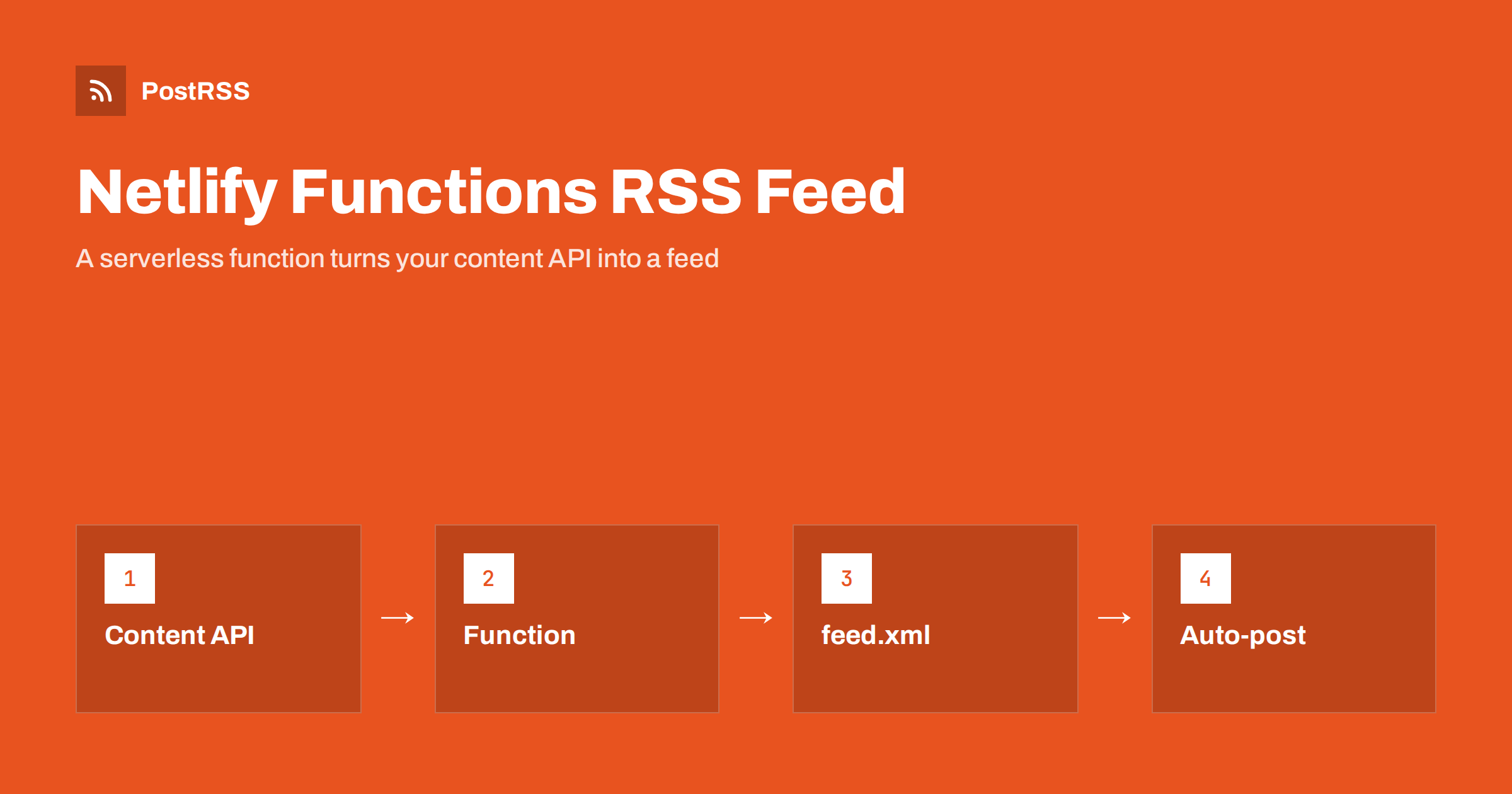
Short answer: To serve an RSS feed from Netlify Functions, create a function that loads your published items from a content API, builds RSS 2.0 XML with an escape helper, and returns it as a Response with the content type application/rss+xml and a short cache header. Export a config object with the path /feed.xml so the function answers at a clean address, return an error status when the source is down instead of an empty feed, test it with Netlify’s local development server and curl, and then give its public address to an auto-poster so every new item reaches your social channels.
Many sites hosted on Netlify are static, and their content lives somewhere else: a headless content system, a spreadsheet, a database with an API. The pages are built from that content, but a feed has to follow it as it changes. A small serverless function is a neat answer. It runs only when someone requests the feed, needs no server of your own and sits at the same domain as the site. This guide builds a complete Netlify Functions RSS feed, explains each decision and ends with the checks that keep it dependable.
There are two sound ways to publish a feed on a Netlify site. The first is to generate the file during the build, which is simple and fast, but the feed changes only when the site is rebuilt. The second is a function, which builds the feed on request, so it can reflect your content immediately. A function is a good choice when:
If your site is a blog that already has a feed, use it; see how to find your WordPress feed link. For the same job with a traditional Node.js server, see the Express guide.
Functions live in the folder netlify/functions of your repository. Create a file called feed.mjs there. You will also need two environment variables, the public address of the site and the address of your content API. Set them in the Netlify settings or with the command line tool, and never put them in the repository.
netlify env:set SITE_URL https://www.example.com
netlify env:set CONTENT_API_URL https://cms.example.com/api/posts.json
The example expects the API to return a list of objects with an identifier, a title, a slug, a summary, a status and a publication time. Adapt the field names to your own source.
// netlify/functions/feed.mjs
const SITE_URL = process.env.SITE_URL ?? 'https://www.example.com';
const API_URL = process.env.CONTENT_API_URL;
const esc = (s) => String(s ?? '')
.replaceAll('&', '&')
.replaceAll('<', '<')
.replaceAll('>', '>')
.replaceAll('"', '"');
async function loadPosts() {
const res = await fetch(API_URL, { headers: { accept: 'application/json' } });
if (!res.ok) throw new Error(`Content API answered ${res.status}`);
const all = await res.json();
const now = Date.now();
return all
.filter((p) => p.status === 'published' && Date.parse(p.publishedAt) <= now)
.sort((a, b) => Date.parse(b.publishedAt) - Date.parse(a.publishedAt))
.slice(0, 20);
}
function buildFeed(posts) {
const newest = posts.length ? new Date(posts[0].publishedAt) : new Date(0);
const items = posts.map((p) => `
<item>
<title>${esc(p.title)}</title>
<link>${SITE_URL}/news/${encodeURIComponent(p.slug)}/</link>
<guid isPermaLink="false">post-${esc(p.id)}</guid>
<pubDate>${new Date(p.publishedAt).toUTCString()}</pubDate>
<description>${esc(p.summary)}</description>
</item>`).join('');
return `<?xml version="1.0" encoding="UTF-8"?>
<rss version="2.0" xmlns:atom="http://www.w3.org/2005/Atom">
<channel>
<title>Example News</title>
<link>${SITE_URL}/news/</link>
<description>Latest news from Example</description>
<language>en</language>
<lastBuildDate>${newest.toUTCString()}</lastBuildDate>
<atom:link href="${SITE_URL}/feed.xml" rel="self" type="application/rss+xml"/>${items}
</channel>
</rss>`;
}
export default async () => {
try {
const posts = await loadPosts();
return new Response(buildFeed(posts), {
status: 200,
headers: {
'Content-Type': 'application/rss+xml; charset=utf-8',
'Cache-Control': 'public, max-age=0, must-revalidate',
'Netlify-CDN-Cache-Control': 'public, max-age=300, stale-while-revalidate=60',
},
});
} catch (err) {
console.error(err);
return new Response('Feed temporarily unavailable', {
status: 503,
headers: { 'Retry-After': '120' },
});
}
};
export const config = { path: '/feed.xml' };Several details carry most of the correctness. The filter keeps only published items dated in the past, so drafts and future items never appear. The escape helper turns an ampersand or an angle bracket into a safe entity, so one careless character cannot break the file. The date comes from toUTCString, which writes English UTC dates such as Mon, 19 Oct 2026 07:40:00 GMT. The GUID is marked with isPermaLink set to false because it is an identifier and not an address. The config object at the end gives the function the clean path /feed.xml, so you do not need a redirect rule.
The most important decision in the code is the catch block. If the content API is down and the function returned a valid feed with no items, an auto-poster would conclude that there is nothing new and carry on. That is harmless once, but a feed that suddenly lists a different set of items can also cause tools to treat old items as new when the source recovers. An honest 503 answer with a Retry-After header tells the tool that the problem is temporary and that it should try again later. Most tools simply skip the check and ask again, which is exactly what you want. Log the error so that you notice a failing source; the checklist in RSS feed HTTP status codes explained describes how tools react to each status.
| RSS element | Source in the content API | Rule |
|---|---|---|
| title | post title | Escaped, under about 100 characters |
| link | site address plus slug | Always absolute and always the public address |
| guid | API identifier | Never changes, even if the slug changes |
| pubDate | publication time | UTC, RFC 822 style, never in the future |
| description | summary | Plain text; the first sentences matter most |
The GUID deserves special attention. Use the identifier from the content system and not the slug, because slugs get edited. A new GUID makes an old item look new, and an auto-poster may share it again; see why your RSS feed auto-posts the same article twice. Date mistakes are another common cause of trouble; see RSS date format errors. If your summaries contain HTML, escape them as shown, or wrap them in CDATA as described in CDATA and HTML in RSS descriptions.
A function runs every time it is called, and a feed is requested often, mostly by robots. Without a cache, each request would call your content API again. The example sets two headers. The ordinary Cache-Control header tells browsers and other clients to revalidate each time. The Netlify-specific header lets the Netlify network keep the response for 300 seconds and serve a slightly older copy for a short time while it fetches a new one. Check the current Netlify documentation for the exact behaviour in your plan, because caching features change. Do not cache for hours: a long lifetime delays every share by the same amount, as explained in RSS feed caching explained.
If your content changes only when you publish and you already rebuild the site on every change, a static feed is simpler. Generate feed.xml in the build script from the same data as the pages and publish it with the rest of the site. Many content systems can call a build hook when an item is published, which rebuilds the site and updates the feed within a minute or two. Static site generators already do this; see how to find your Hugo, Jekyll or Eleventy feed. Choose the function when you need the feed to follow the content more quickly than a rebuild allows, or when a rebuild takes long.
Auto-posters build the preview card from the image of the item, so add one when you can. If your content API returns the address of a main image, add an enclosure element inside each item with the address, the size and the real type of the file. Always use absolute addresses, because a relative one breaks when the feed is read elsewhere; see relative URLs in RSS feeds. The way these tags are handled is explained in RSS enclosure tags explained. Also make sure each article page carries correct Open Graph tags, because many networks use them for the card.
netlify dev and request http://localhost:8888/feed.xml. Check for a 200 status and the XML content type.curl -i https://www.example.com/feed.xml. The method is explained in debugging an RSS feed with curl.If anything looks wrong later, the checklist in RSS feed not updating helps you find the cause quickly. Also remember that functions have a time limit, so check the current value in the Netlify documentation and keep the call to your content API fast; a slow source leads to the timeouts described in RSS feed timeouts.
PostRSS has been publishing RSS and Atom feeds to social networks since 2014. Paste the address of your feed.xml path, connect your accounts and choose how each post is built from the title, the description or the page title. PostRSS checks the feed as often as every minute and shares each new item, with its image and link, to the channels you choose among 66 supported networks, messengers, team chats and blogs, including LinkedIn, X, Bluesky, Mastodon and Telegram. Keyword filters, UTM parameters and posting windows let you tune each channel, and webhooks connect PostRSS to your own systems. See the PostRSS features page and the plan limits on the pricing page. More developer guides are under the Technical Guide tag.
A Netlify function turns a content API into a dependable RSS feed: keep only published items dated in the past, escape every value, use a stable GUID, format dates in English UTC, build links from a configured site address, answer with the right content type and a short cache, and return an error status instead of an empty feed when the source fails. Test it locally and after deployment, keep the path unchanged and connect it to an auto-poster. After that, every item you publish can reach your social channels automatically.
Yes. A function can return any text response, including XML. Set the content type to application/rss+xml and use the config export to give the function a clean path such as /feed.xml.
If you rebuild the site whenever content changes, a static file is simpler and faster. A function is better when the feed must follow the content between builds or when a rebuild takes long.
Return a 503 status with a Retry-After header and log the error. An empty feed looks like a valid answer, while an error tells tools to try again later.
Between ten and twenty of the newest published items is enough. An auto-poster only needs recent items, and a smaller file is faster to download and parse.
Give every item a stable identifier and use it as the GUID. Avoid editing the publication date of items that are already public, because some tools treat a changed date as a new item.
Yes. PostRSS reads any valid RSS or Atom address that is reachable without a login. Paste the address, connect your channels and new items are shared as soon as they appear.
What changed in the networks, what broke, and how to fix it before it costs you reach.
Sukūrė Internet Solutions – PostRSS komanda. Kiekvienas produktas sutaupo laiko savaip.
 English
 Lietuviškai
 Deutsch
 Français
 Русский
 Español
 Polski
 Italiano
 Українська
 Čeština
 Português
 日本語
日本語 Latviešu valoda
 Eesti
Eesti Magyar
 Bahasa Indonesia
 Türkçe
 हिन्दी
 Ελληνικά
 العربية
 ไทย
ไทย Tiếng Việt
 Română
 Bahasa Melayu
 বাংলা
বাংলা