RSS į 66 socialinius tinklus: Facebook, Instagram, X, LinkedIn, Telegram ir kitus Blogas Partnerių programa Kontaktai
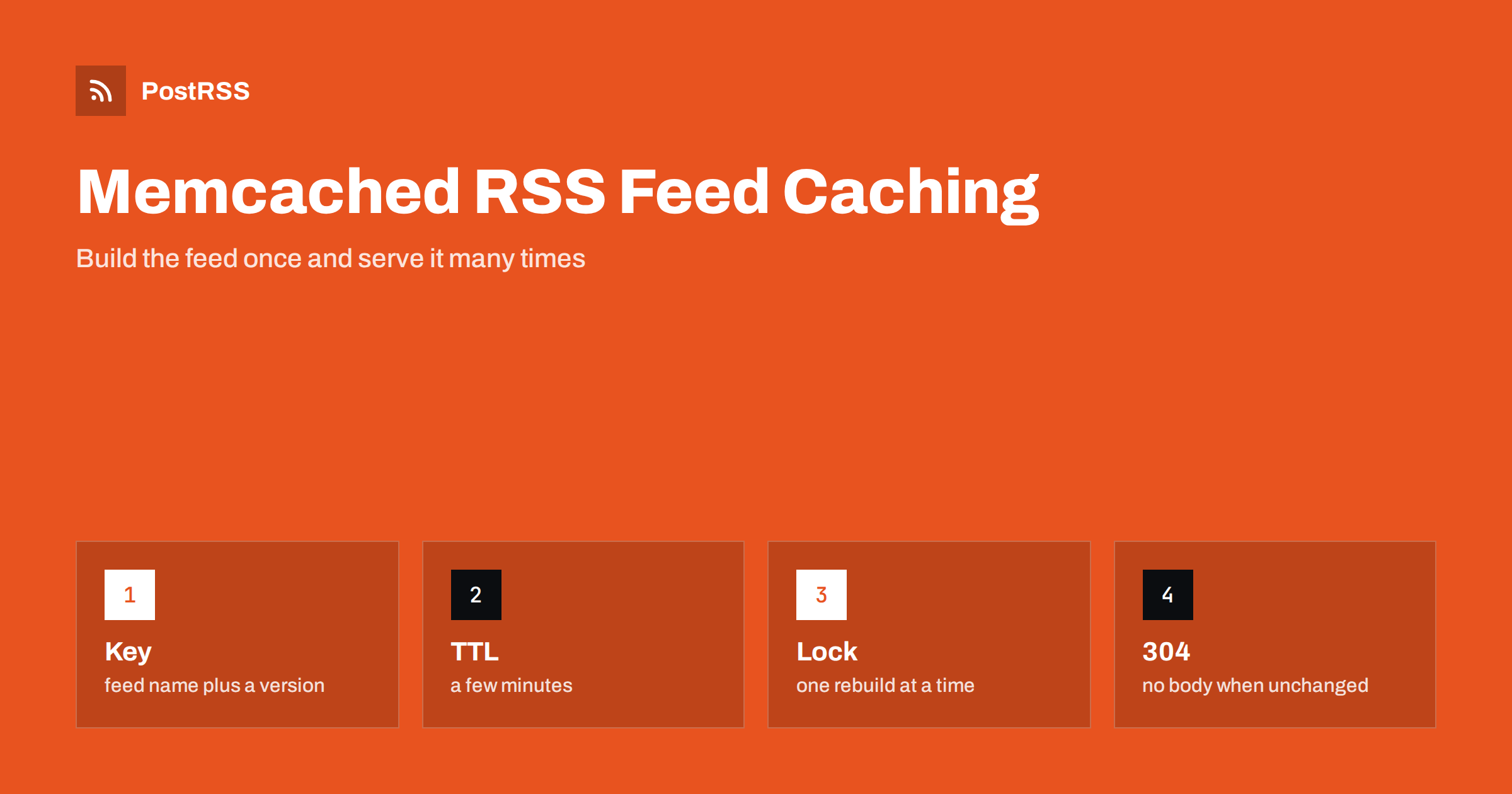
Short answer: Memcached is a good fit for caching a generated RSS feed. Build the feed XML once, store it under a versioned key with a lifetime of a few minutes, serve the stored copy to every tool that asks and rebuild it only when the key expires or when you publish something new. Keep a validator next to the XML so that conditional requests can return a 304 answer without a body, protect the rebuild with a short lock so that a burst of requests does not trigger many database queries and keep the memcached port closed to the outside. Then connect the feed address to an auto-poster so that every new article reaches your social channels.
A feed that is built from a database on every request works well until it does not. A CMS plugin queries the latest posts, loads their fields, builds XML and sends it, and it does this for every reader, every search crawler and every auto-poster that checks the address every minute. On a small site the load is invisible. On a site with a heavy theme, a slow database or a lot of traffic, the feed becomes one of the most requested pages and one of the most expensive ones. Memcached is a simple in-memory cache that many hosting stacks already run for page and object caching, and it is a natural place to keep the finished feed. This guide explains the pattern step by step, shows examples that you can adapt to your language and lists the mistakes that cause stale or missing items.
A feed has three properties that make it ideal for a cache. It is requested often and mostly by machines. It is the same for every requester, because it does not depend on a login, a cookie or a language preference. And it changes rarely compared with the number of requests: a blog that publishes a few times a day serves the same XML thousands of times between two changes. Caching it for a few minutes removes nearly all of the work without hiding anything from your readers, because the tools that follow the feed expect a delay of that size anyway.
The cost of a wrong cache is different from the cost of no cache. If the lifetime is too long, new articles reach social channels late. If the key is shared by feeds that should differ, readers see the wrong items. If the cache fails and the application does not fall back, the feed returns an error. The pattern below avoids all three.
| Choice | Recommended | Why |
|---|---|---|
| Lifetime | Two to five minutes | Fresh enough for auto-posting, cheap for the server |
| Key name | Feed name plus a version | Lets you invalidate by changing the version |
| Stored value | XML text plus a validator | Allows 304 answers |
| Rebuild protection | A short lock key | Stops many requests from rebuilding at once |
| Network access | Local address only | An open cache port is a security risk |
The logic is the same in every language: look for the key, return the value if it exists, otherwise build the feed, store it with a lifetime and return it. The example below uses Python and a common client library, but the commands map directly to PHP, Node.js, Ruby or any other client.
import hashlib
from pymemcache.client.base import Client

mc = Client(("127.0.0.1", 11211))
KEY = "feed:main:v1"

def get_feed():
    xml = mc.get(KEY)
    if xml is None:
        xml = build_feed_xml()          # your slow query and XML build
        mc.set(KEY, xml, expire=300)    # five minutes
    return xml

def etag_for(xml):
    return '"' + hashlib.md5(xml).hexdigest() + '"'
The build function is whatever your application already uses. The validator is computed from the stored text, so it stays the same until the content changes, which is exactly what a conditional request needs. The details of that mechanism are described in the guide to ETags and conditional requests.
When a tool sends the validator back in an If-None-Match header and the cached text still produces the same value, you can answer with a 304 status and no body. That saves bandwidth as well as processing. The handler in your framework needs only a few lines.
def feed_response(request):
    xml = get_feed()
    tag = etag_for(xml)
    if request.headers.get("If-None-Match") == tag:
        return Response(status=304, headers={"ETag": tag})
    return Response(xml, headers={
        "Content-Type": "application/rss+xml; charset=utf-8",
        "ETag": tag,
        "Cache-Control": "public, max-age=300",
    })
Notice the content type and the cache header. The type tells tools what they received, as explained in the guide to the content type header, and the lifetime in the header matches the lifetime in memcached, so that a content delivery network in front of the site does not keep the feed longer than you intend.
The moment a cached feed expires, several requests may arrive together and each one finds the key empty. If each of them runs the slow query, the server does the work many times at once, which is exactly the load you wanted to avoid. A short lock solves this. Memcached has an add command that stores a value only when the key does not exist, and it is atomic, so only one request wins.
def get_feed_safe():
    xml = mc.get(KEY)
    if xml is not None:
        return xml
    if mc.add("feed:main:lock", b"1", expire=30):
        xml = build_feed_xml()
        mc.set(KEY, xml, expire=300)
        mc.set("feed:main:stale", xml, expire=3600)
        mc.delete("feed:main:lock")
        return xml
    return mc.get("feed:main:stale") or build_feed_xml()
The request that gets the lock builds the feed and stores two copies: the fresh one with a short lifetime and a stale one with a long lifetime. The other requests do not wait; they return the stale copy, which is at most a few minutes old, and the next request after the rebuild sees the fresh one. The lock expires by itself after thirty seconds, so a crash during the build cannot block the feed forever. If neither copy exists, for example after a restart, the request builds the feed itself, which is rare and acceptable.
A lifetime of a few minutes is enough for most sites, but you can make new articles appear in the feed at once. Most platforms offer a hook that runs when a post is published or changed. In that hook, delete the key, or change the version in its name, and the next request rebuilds the feed with the new item.
def on_post_published(post):
    mc.delete("feed:main:v1")
    mc.delete("feed:category:" + post.category + ":v1")
Delete only the keys that really change. A site with a feed for each category should clear the main feed and the feed of the category of the post, not every feed. If you keep a version number in a separate key, you can invalidate everything at once by increasing it, and the old keys expire on their own. This approach also avoids the problem of scheduled posts, which become public at a set time without any editor action: use the lifetime as a safety net so that a scheduled article appears within a few minutes even if no hook fires.
Memcached stores items in memory and removes the least recently used ones when it is full. A feed is small, usually well below the default item size limit, which is about one megabyte, but a feed with full article text and many items can approach it. Check the size of your XML. If it is large, reduce the number of items, as most readers and auto-posters only need the latest ones, or store a compressed copy. Remember that the cache is shared with other parts of the application, so a feed key can be evicted at a bad time. That is another reason to keep the stale copy and to let the application fall back to a rebuild.
echo stats | nc 127.0.0.1 11211 | grep -E "get_hits|get_misses|evictions|curr_items"The hit and miss counters show how well the cache works, and a growing eviction number means that memory is too small for what you store. A healthy feed key produces a high hit ratio, because nearly every request finds the stored copy.
Memcached has no login by default. Anyone who can reach its port can read and change the stored data, and in the past, open instances have been abused for attacks. Bind it to the local address, or to a private network, and block the port in the firewall. Run it as an unprivileged user and keep the software updated. Never store secrets, tokens or personal data in a key that is also used for public output. The feed itself is public, so it is safe to cache, but a cache server that is open to the internet can be used to tamper with it, which would send wrong content to every social network that follows your address. A related topic is covered in the guide to feed security.
Memcached sits inside your application, and it works well together with caches outside it. A web server or a content delivery network can store the response for a minute or two, and memcached protects the database behind it. Make sure that the lifetimes add up to something sensible: a cache of five minutes in memcached and another of ten minutes at the edge can leave new articles invisible for fifteen. Use the same header and the same lifetime in every layer, or give the outer layers a shorter time. The effect of several layers on delays is explained in why auto-posted content sometimes lags.
curl -sI https://example.com/feed/
curl -sI -H 'If-None-Match: paste-the-etag-here' https://example.com/feed/
curl -s -o /dev/null -w '%{time_total}\n' https://example.com/feed/A longer routine is in the feed validation guide, and a shorter one in debugging a feed with curl.
PostRSS has been publishing RSS and Atom feeds to social networks since 2014. Paste the address of your feed, connect your accounts and choose how each post is built from the title, the description or the page title. PostRSS checks the feed as often as every minute and shares each new entry, with its image and link, to the channels you choose among 66 supported networks, messengers, team chats and blogs, including LinkedIn, X, Bluesky, Mastodon and Telegram. Keyword filters, UTM parameters and posting windows let you tune each channel. See the PostRSS features page and the plan limits on the pricing page. More developer guides are under the Technical Guide tag.
Memcached turns an expensive feed into a cheap one. Store the finished XML under a versioned key with a lifetime of a few minutes, keep a validator so that tools can receive 304 answers, protect the rebuild with a short lock, keep a stale copy as a fallback, clear the key when you publish and keep the cache server private. Check the hit counters and test the headers from outside, then connect the address to an auto-poster, so that every article you publish reaches your social channels quickly and your server stays calm.
Two to five minutes suits most sites. It removes nearly all repeated work and still lets new articles reach auto-posters quickly. Clear the key when you publish if you need an item to appear at once.
Yes, as long as the XML is smaller than the item size limit, which is about one megabyte by default. If your feed is larger, reduce the number of items or store a compressed copy.
Your application should fall back to building the feed directly. The feed will be slower for a while, but it will not return an error, and the cache refills when the server returns.
It can be, but use a separate key prefix and watch the eviction counter. A busy page cache can push the feed out of memory, so keep a stale copy as a fallback.
Yes. PostRSS reads any valid RSS or Atom address that is reachable without a login. Paste the address, connect your channels and new articles are shared as soon as they appear.
What changed in the networks, what broke, and how to fix it before it costs you reach.
Sukūrė Internet Solutions – PostRSS komanda. Kiekvienas produktas sutaupo laiko savaip.
 English
 Lietuviškai
 Deutsch
 Français
 Русский
 Español
 Polski
 Italiano
 Українська
 Čeština
 Português
 日本語
 Latviešu valoda
 Eesti
 Magyar
 Bahasa Indonesia
 Türkçe
 हिन्दी
 Ελληνικά
 العربية
 ไทย
 Tiếng Việt
 Română
 Bahasa Melayu
 বাংলা