RSS į 66 socialinius tinklus: Facebook, Instagram, X, LinkedIn, Telegram ir kitus Blogas Partnerių programa Kontaktai
Kajabi has become one of the most popular all-in-one platforms for course creators, coaches, and membership businesses, but its RSS support is far less documented than WordPress or Shopify’s. If you’re running a Kajabi blog or podcast and want to auto-post new content to social media, the first step is finding a working RSS kanalas — and Kajabi doesn’t make that as obvious as most platforms. This guide covers exactly where to find it, what it includes, and how to connect it to an auto-posting workflow.
This is a common gap for creators who migrate to Kajabi specifically for its all-in-one course, email, and payment tooling, then discover that the marketing automation ecosystem built around more traditional CMS platforms doesn’t always assume Kajabi as a source. The feed itself works fine once located — the friction is almost entirely in finding the correct URL the first time.
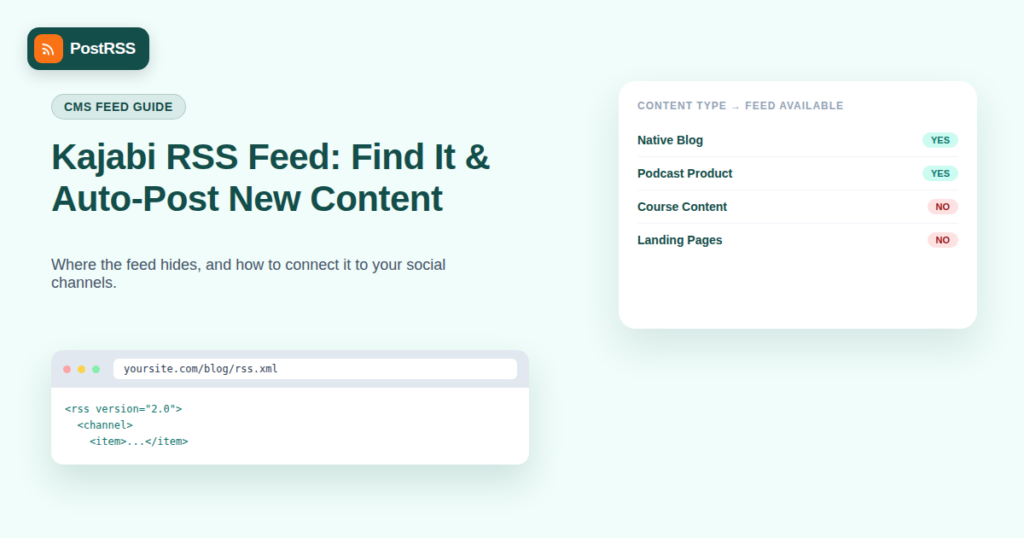
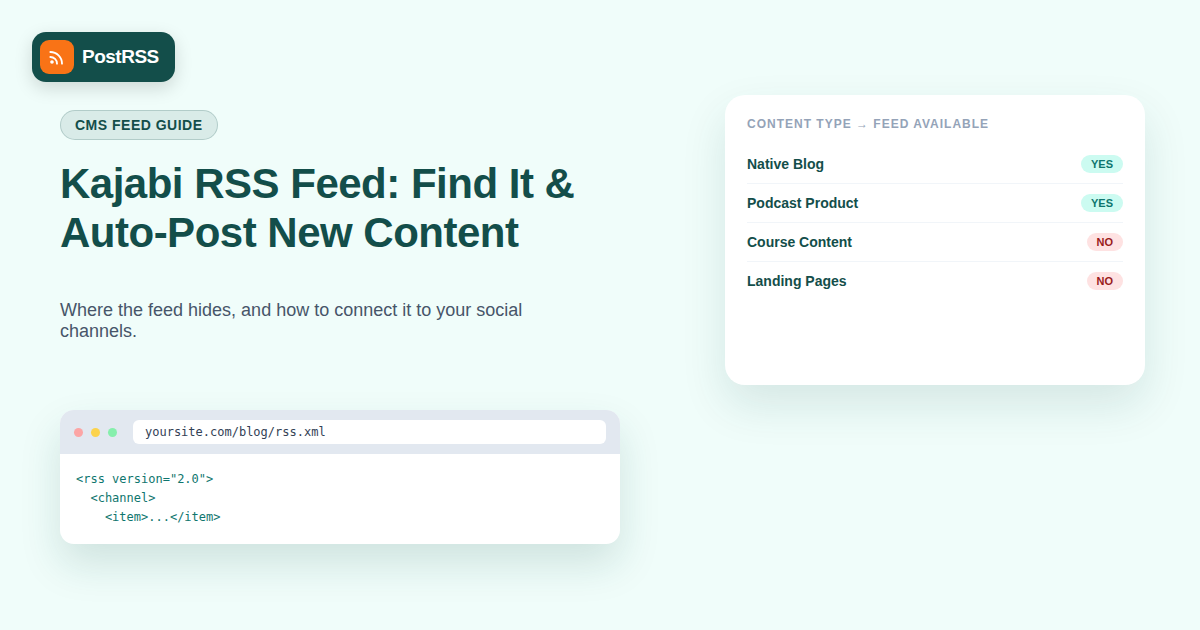
Yes, but only for specific content types, and the behavior differs depending on what you’re running:
If your Kajabi site doesn’t use the native blog or podcast features — for example, if you’re only selling courses with a static sales page as your homepage — there’s no automatic feed to find, because there’s no chronological content stream for Kajabi to generate one from. That distinction trips up a lot of creators searching for a “Kajabi RSS settings” toggle that simply doesn’t exist as a standalone feature separate from the blog or podcast products themselves.
For sites using Kajabi’s native blog feature, the feed follows a predictable pattern. Try these steps in order:
yoursite.com/blog)./rss.xml arba /feed to that URL and check which one loads valid XML — Kajabi’s exact convention can vary slightly by site setup and theme.type="application/rss+xml" — the feed URL is usually linked in the page’s <head> section, which is the most reliable way to find it regardless of URL convention.If you’re running a podcast-type product in Kajabi, the feed URL is available directly from your Kajabi admin dashboard rather than needing to be guessed from a URL pattern:
Note that this podcast feed is built for podcast app submission, so it includes enclosure tags for audio files — useful if you want to auto-post “new episode” announcements to social media whenever you publish.
| Content Type | RSS Feed Available? | Where to Find It | Good for Auto-Posting? |
|---|---|---|---|
| Native Blog | Yes | Page source, /rss.xml arba /feed | Yes |
| Podcast Product | Yes | Admin → Podcast Settings | Yes |
| Course Content | No | N/A | Not applicable — use manual/launch announcements |
| Static Landing/Sales Pages | No | N/A | Not applicable |
Understanding the structure helps when troubleshooting how your auto-posting tool renders each item. A standard Kajabi blog RSS entry typically includes the post title, a permalink back to the full post, the publish date, an author name if configured, a content excerpt (sometimes the full post body depending on your blog settings), and a featured image reference if one was set when the post was created. Most of this maps cleanly onto what an auto-posting tool expects from any blog feed, which is why the connection step itself is usually the easiest part of the whole process — the harder part, as covered above, is just locating the URL.
One quirk worth knowing: Kajabi sometimes serves blog images through its own CDN with query-string parameters attached to the URL, which occasionally trips up tools that expect a clean, static image URL. If your auto-posted content is missing images specifically (rather than failing entirely), check whether your tool’s image parser handles CDN-appended query strings, since that’s the most common cause.
If you’re running a course-only Kajabi site with no blog or podcast, you have two practical options for still getting RSS-driven automation:
| Symptom | Likely Cause | Fix |
|---|---|---|
| Feed URL returns a 404 | Wrong URL pattern for your theme | Check page source for the actual linked feed URL rather than guessing |
| Feed loads but shows old posts only | Caching on Kajabi’s CDN layer | Wait for cache refresh or force a re-fetch in your auto-posting tool |
| Images missing from auto-posted items | Kajabi CDN image URLs not parsed by default | Check your tool’s image field mapping for this feed |
| Podcast feed rejected by directories | Missing required iTunes tags (category, explicit flag) | Complete all fields in Kajabi’s podcast settings before resubmitting |
| Platform | Native Blog RSS? | Native Podcast RSS? | Course Content RSS? |
|---|---|---|---|
| Kajabi | Yes | Yes | No |
| Teachable | No native blog | No | No |
| Thinkific | No native blog | No | No |
| Podia | Limited | Yes, for podcast products | No |
| WordPress + LMS plugin | Yes (native to WordPress) | Yes, if using a podcast plugin | Varies by plugin |
This comparison matters if you’re choosing between platforms with course creator automation in mind — Kajabi’s native blog and podcast RSS support is actually a meaningful advantage over some competitors that require a separate blogging tool bolted on just to get a working feed.
The core reason course content doesn’t get an RSS feed comes down to structure. RSS was designed for chronologically-published, discrete items — blog posts, podcast episodes, articles — each with its own publish date and permalink. Courses on Kajabi are typically structured as persistent, non-chronological products: a customer enrolls once and accesses modules in a fixed structure, not a stream of dated releases. That structural mismatch is why Kajabi (and most course platforms) never built RSS support for course content itself, even though the underlying CMS clearly supports the format elsewhere on the same platform.
This is also why the workaround of “add a lightweight blog for announcements” works so well — it reframes launch news as the kind of chronological, dated content RSS was built for, rather than trying to force the course structure itself into a feed format it was never designed to represent.
Yes — Kajabi’s generated feeds follow standard RSS 2.0 or Atom conventions rather than a proprietary format, so any tool built to read generic RSS feeds, including PostRSS, works with it without needing Kajabi-specific integration code.
No — only sites using Kajabi’s native blog or podcast features generate one automatically. A course-only site with no blog has no chronological content stream for Kajabi to build a feed from.
The most reliable method is viewing your blog page’s HTML source and searching for the RSS link tag in the page head, since Kajabi’s exact URL pattern can vary slightly depending on your site’s theme and setup.
Yes — your podcast’s RSS feed (found in Kajabi’s Podcast Settings) includes each episode as a feed item, which most auto-posting tools can read to generate “new episode” announcements automatically.
Not through RSS, since course content doesn’t generate a feed. Course launch announcements typically need to be handled through a companion blog post or a manual campaign instead.
Yes, as long as it’s valid RSS or Atom XML, which is a universal format — any RSS-compatible auto-posting tool, including PostRSS, can read a properly formatted Kajabi feed the same way it reads a WordPress or Shopify feed.
This usually means the URL pattern you tried isn’t the correct one for your specific theme — check your page source for the actual linked feed URL rather than assuming a standard path.
Yes — most auto-posting tools let you connect multiple feeds (your Kajabi blog, podcast, and any other content source) into a single unified posting calendar across your social accounts.
Yes, as long as your feed items include an image — Kajabi blog posts typically carry a featured image, and most auto-posting tools can pull that image through automatically for image-based platforms like Instagram and Pinterest, the same way they would from a WordPress feed.
It can, in some cases — since the feed URL pattern is tied to how your theme structures blog pages, a significant theme change is worth double-checking by reloading the feed URL and confirming it still returns valid XML before assuming your automation is still working.
Kajabi does generate RSS feeds automatically for native blog and podcast content, but finding the exact URL takes a bit more digging than platforms like WordPress, since Kajabi doesn’t surface it prominently in the dashboard for blogs. Once you’ve located it — usually by checking your blog page’s HTML source or your podcast settings — connecting it to an auto-posting tool works exactly like any other RSS-driven workflow, letting new Kajabi content reach your social audience automatically instead of requiring manual posts for every new article or episode. For course-only sites without a native feed, adding even a small announcements blog is usually the fastest path to unlocking the same level of automation the rest of the platform already supports.
What changed in the networks, what broke, and how to fix it before it costs you reach.
Sukūrė Internet Solutions – PostRSS komanda. Kiekvienas produktas sutaupo laiko savaip.
 English
 Lietuviškai
 Deutsch
 Français
 Русский
 Español
 Polski
 Italiano
 Українська
 Čeština
 Português
 日本語
日本語 Latviešu valoda
 Eesti
Eesti Magyar
 Bahasa Indonesia
 Türkçe
 हिन्दी
 Ελληνικά
 العربية
 ไทย
ไทย Tiếng Việt
 Română
 Bahasa Melayu
 বাংলা
বাংলা