RSS to 66 social networks: Facebook, Instagram, X, LinkedIn, Telegram and more Blogas Partnerių programa Kontaktai
Updated: 2026-09-28
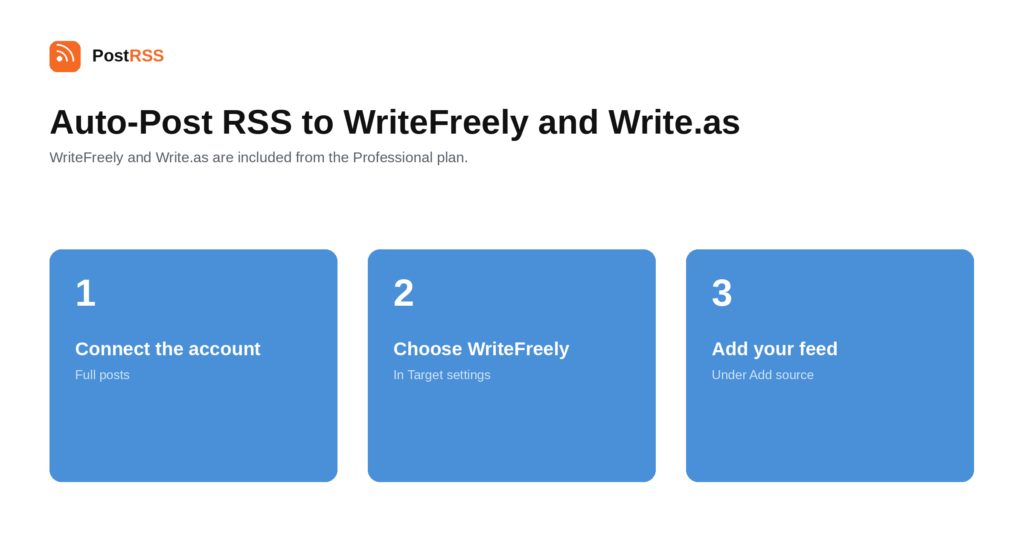
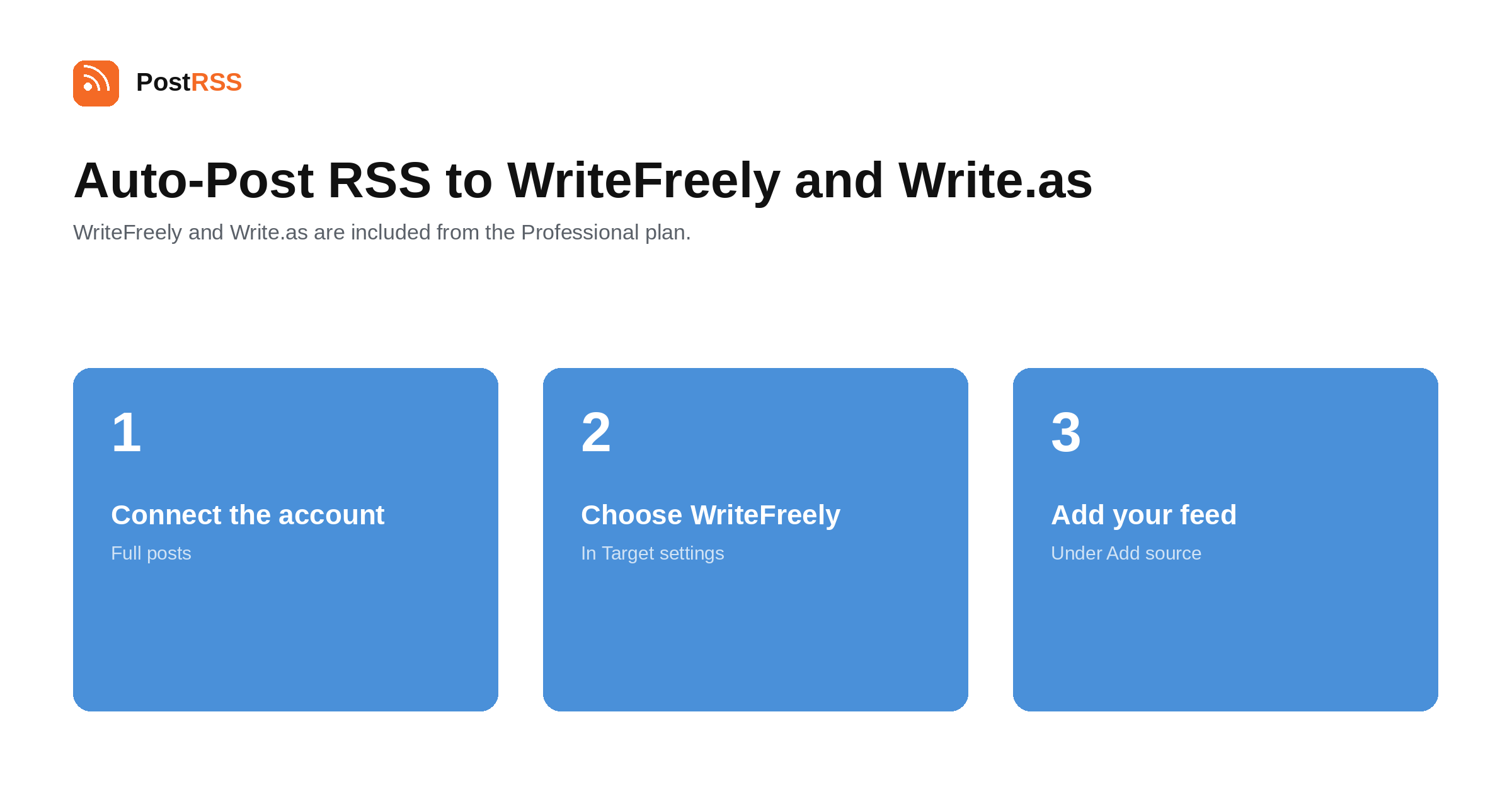
Short answer: in PostRSS open Accounts → Add new WriteFreely / Write.as account and connect either your blog on write.as or your own WriteFreely instance by entering its address. Then open Tikslai → Add feed, choose WriteFreely / Write.as in Target settings and add your feed under Add source (Type = RSS feed, Link = your feed address). Every new feed item is published as a full post on your blog, not as a link. WriteFreely and Write.as are included from the Professional plan.
WriteFreely is open-source blogging software built around one idea: get everything out of the way except the text. No themes to choose, no widgets, no analytics dashboard, no comment section. Write.as is the hosted version run by the same project. This guide is the long version; the auto-post RSS to WriteFreely page has the short one.
This is the distinction that matters when choosing a destination. Most social and chat integrations post a title and a link; WriteFreely publishes the whole post on your blog.
That makes it a genuine publishing destination rather than a notification channel, and it changes what a good source feed looks like. A summary-only feed produces a blog of stubs, which is worse than no blog. If your CMS has a full-text feed option, this is the integration that most rewards turning it on.
The two options behave the same way from here. Write.as is the hosted service, with an account and nothing to maintain. A self-hosted WriteFreely instance is software you run, which is what people choose when the point is that the writing lives on infrastructure they control.
For a self-hosted instance the usual requirement applies: the server has to be reachable from the internet over HTTPS. A blog nobody outside can reach cannot receive posts from an external service either.
It is tempting to read WriteFreely's lack of features as a limitation. For the use case this integration serves — a clean, permanent, fast copy of your writing — the absence is the point.
There is no theme to break on an update, no plugin to keep patched, no comment spam to moderate and no tracking to disclose. A post published there in 2026 will render the same way in 2036 because there is almost nothing to go wrong. For writers who want their words to outlive whatever platform is fashionable, that is the whole proposition.
Among the places PostRSS can publish a full article rather than a link — WordPress, Ghost, Blogger, Webflow CMS, Wix Blog, Dreamwidth, the Japanese platforms — WriteFreely occupies the minimal end. There is no theme system to configure, no plugin ecosystem, and no dashboard beyond the editor.
That makes it a poor choice as your main site and an excellent one as a durable secondary. Ghost gives you a newsletter and memberships; WordPress gives you everything and a maintenance schedule; WriteFreely gives you text at a URL that will keep working. Publishers often run one of the first two as the original and WriteFreely as the copy that outlives it.
If that is your setup, keep the link back to the original in the feed so readers who arrive at the archive can find the live version.
PostRSS publishes items that appear in the feed after the Target starts running. It does not import the back catalogue — the alternative would be a destination flooded with years of archive on its first day.
When a destination goes quiet, the feed is usually the cause. Open the feed URL in a browser first.
All four are fixed in your content system.
WriteFreely and Write.as is included from the Professional plan. Each destination you connect counts as one Target, and your plan decides how many Targets and how many posts a month you get. An annual subscription is cheaper than paying monthly. Current limits per tier are on the pricing page, and the full lineup of 66 networks is on the supported networks page. The WriteFreely and Write.as page has the short version of the setup.
The whole post. WriteFreely is a publishing destination rather than a notification channel, which is why a full-text source feed matters so much here.
Yes. Enter the address of your instance instead of connecting a write.as blog. The instance needs to be reachable over HTTPS from the internet.
WriteFreely is deliberately minimal, so elaborate layout is simplified. Text, headings, links and images are the safe ground — which is generally what people choose it for.
No. WriteFreely has no comments, no likes and no analytics by design. That is a large part of why writers pick it.
Publishing the same text on two domains is duplication, and search engines will pick one to rank. If the original matters for search, treat the WriteFreely copy as an archive rather than as a competing page.
The Professional plan, alongside the other open-web publishing destinations.
That is the usual pattern. The heavier CMS stays the original with its newsletter, memberships and analytics, and the WriteFreely copy is the fast, permanent archive that needs no maintenance.
WriteFreely is for people who want the text and nothing else, and it publishes full posts rather than links. Connect a write.as blog or your own instance, make sure your source feed carries full text, and the archive keeps itself. It is included from the Professional plan.
What changed in the networks, what broke, and how to fix it before it costs you reach.
 English
 Lietuviškai
 Deutsch
 Français
 Русский
 Español
 Polski
 Italiano
 Українська
 Čeština
 Português
 日本語
日本語 Latviešu valoda
 Eesti
Eesti Magyar
 Bahasa Indonesia
 Türkçe
 हिन्दी
 Ελληνικά
 العربية
 ไทย
ไทย Tiếng Việt
 Română
 Bahasa Melayu
 বাংলা
বাংলা