RSS į 66 socialinius tinklus: Facebook, Instagram, X, LinkedIn, Telegram ir kitus Blogas Partnerių programa Kontaktai
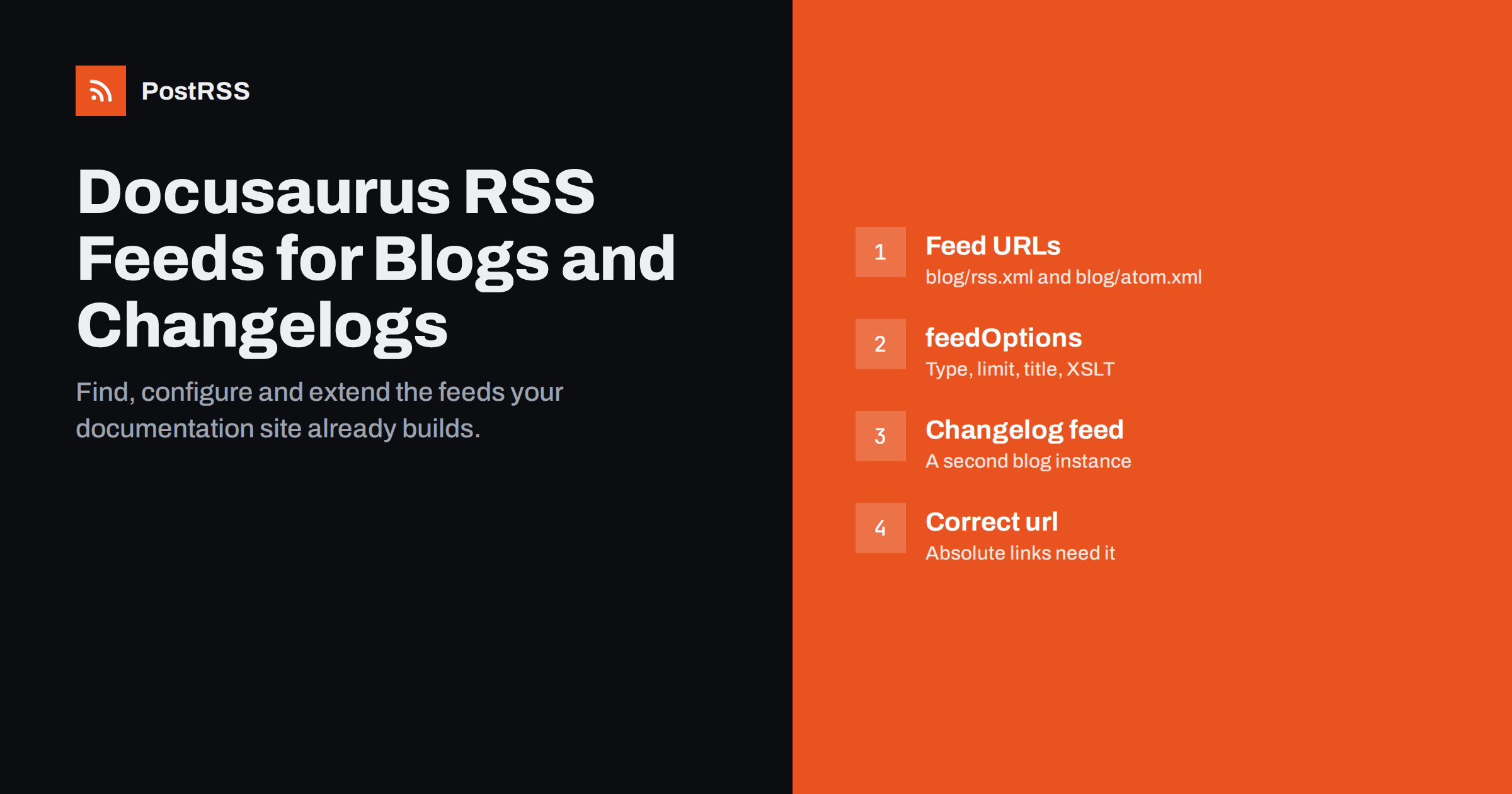
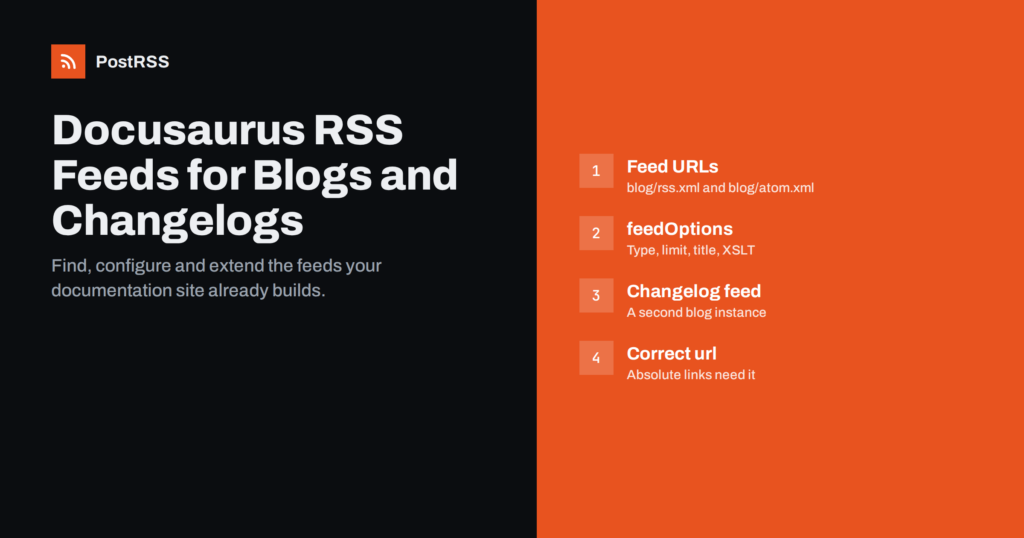
Short answer: Docusaurus generates feeds for its blog automatically. With the default classic preset, the blog plugin builds an RSS feed at /blog/rss.xml and an Atom feed at /blog/atom.xml, and it can also produce a JSON feed at /blog/feed.json. You control the feeds with the blog plugin’s feedOptions: type, title, description, the number of items (20 by default) and more. Documentation pages themselves have no feed, so if you want to announce releases or doc changes automatically, the usual approach is a changelog built as a second blog instance with its own feed.
Docusaurus is widely used for open-source projects, developer platforms and product documentation. These sites usually publish two kinds of content: documentation, which changes continuously, and announcements, such as release notes, tutorials, deprecation notices and engineering posts. The announcements are what users want to hear about, and a feed is the most flexible way to deliver them.
With a feed, developers can follow your project in a feed reader, other sites can syndicate your posts, and an auto-posting tool can publish each new post to your social accounts, community Discord server, Telegram channel or a team chat. None of that requires writing any code, provided the feed is configured correctly.
The nice thing about Docusaurus is that the feed is already there. Many teams simply do not know where to find it or how to shape it.
In a standard setup using @docusaurus/preset-classic, the blog plugin is enabled with the route base path blog. After a production build, the feed files appear next to the blog pages:
https://example.com/blog/rss.xml: RSS 2.0https://example.com/blog/atom.xml: Atom 1.0https://example.com/blog/feed.json: JSON Feed, only if you enable itIf you changed the blog’s routeBasePath, for example to news, the feeds move with it to /news/rss.xml and so on. If your site is deployed under a sub-path set in baseUrl, such as /docs-site/, that prefix is part of the feed URL as well.
Note that the feeds are generated during the build. The development server does not always serve them the same way, so test against a production build (for example with npm run build followed by npm run serve) or against the deployed site.
The feed is configured through the blog section of the classic preset, or through the options of the blog plugin if you configure it directly. A typical configuration looks like this:
presets: [
  ['classic', {
    blog: {
      showReadingTime: true,
      feedOptions: {
        type: ['rss', 'atom'],
        title: 'Example Project Blog',
        description: 'Releases, tutorials and news from Example Project',
        copyright: 'Copyright Example Project',
        limit: 20,
      },
    },
  }],
],
The main options are:
['rss', 'atom'], the value 'all' for RSS, Atom and JSON, or null to disable feeds. The default is RSS and Atom.false arba null includes every post, which makes the file larger.Check the blog plugin documentation for the exact options supported by your Docusaurus version, since the plugin continues to evolve.
If your documentation is translated, each locale is built separately, and the blog feeds exist per locale as well, typically under the locale prefix, such as /fr/blog/rss.xml. That is useful for international communities: connect each language feed to the channels for that language rather than mixing languages in one channel.
Feed consumers need absolute URLs. Docusaurus builds them from the url ir baseUrl fields in docusaurus.config.js. If url still contains a placeholder from the template, or points to a staging domain, every link in your feed will point there too. This is one of the most common reasons why posts shared by feed readers or auto-posting tools lead to the wrong site.
Before you connect any tool to the feed, open it and check the <link> of the channel and of a few items. They should use your production domain, https, and the correct base path. If you deploy the same code to several environments, make sure only the production build uses the production url, and that staging builds are not publicly discoverable, so their feeds are not picked up by mistake.
Each blog post becomes a feed item with its title, link, date, authors, tags and content. A few front matter fields and conventions shape the result:
<!-- truncate --> in Markdown (or the MDX comment form) marks where the excerpt on the blog list ends, which keeps listings tidy.Also keep slugs stable. Feed items are identified by their URL or ID, and changing a post’s slug after publication can make tools treat it as a new item.
The createFeedItems option deserves a special mention. It receives the default items and lets you return a modified list, for example removing posts with a certain tag, such as internal team updates you publish on the blog but do not want announced, or limiting the feed to posts with a particular author. Because it runs at build time, the filtering is reflected in the static feed file that every consumer reads.
Docusaurus documentation pages do not produce a feed, and a feed of every doc change would be too noisy anyway. What users usually want is a stream of meaningful changes: new releases, new guides, breaking changes. The cleanest solution is a changelog built as a second blog.
The blog plugin can run as several instances, each with its own id, path ir routeBasePath. A changelog instance might read Markdown files from a changelog folder and publish them under /changelog/. Each instance has its own feedOptions, so the changelog gets its own feeds, for example /changelog/rss.xml.
This is not an unusual trick. The Docusaurus website itself publishes its changelog this way, and its pages advertise a separate changelog RSS feed at /changelog/rss.xml alongside the blog feeds. A minimal configuration adds a plugin entry such as ['@docusaurus/plugin-content-blog', { id: 'changelog', path: 'changelog', routeBasePath: 'changelog', feedOptions: { type: 'all' } }] to the plugins array, next to the preset’s own blog.
This gives you two clean sources:
Write each changelog entry with a descriptive title such as “Version 3.2: new CLI flags and faster builds” rather than just a version number, and start with a short summary of what changed and who is affected. Those first lines become the automated post.
If your project already writes release notes somewhere else, such as GitHub releases, decide which place is the source of truth. Publishing the same notes in two places by hand invites inconsistencies. Some teams generate the changelog Markdown files from their release process during the build, so the website changelog and its feed update automatically with every release.
Docusaurus adds feed links to the page head for the blog, so browsers, feed readers and tools can discover the feed from your pages. Check your page source for rel="alternate" links after deployment, and make sure a second blog instance for the changelog is discoverable too.
It also helps to link to the feeds visibly, for example in the footer or on the blog sidebar, with a short explanation for readers who have never used a feed. The XSLT option in recent versions makes the feed pleasant to open in a browser, which reduces confusion when someone clicks the link.
Finally, think about the reader who arrives from an automated post. They land on a single blog post or changelog entry, often on a phone. Make sure those pages show clear navigation back to the documentation, a visible date, and links to related guides, so a short announcement leads naturally into the deeper documentation your team has written. A post that ends with “Read the migration guide” and a link is far more useful than one that simply stops.
limit arba sortPosts.PostRSS accepts any RSS 2.0 or Atom feed as a source, so the Docusaurus blog and changelog feeds can be added directly. It checks each feed every 5 minutes (every minute on Enterprise plans) and posts new items with their image and link; the features page lists 66 networks, including X, LinkedIn, Bluesky, Mastodon, Discord, Telegram, DEV / Forem and team chats such as Google Chat, Mattermost and Zulip, plus webhooks for Slack and Microsoft Teams.
A common setup is the blog feed to social networks and the changelog feed to a community Discord server and an internal team chat, each target with its own message format. Hashtags can be generated from the post tags. See the PostRSS features page for details.
Every Docusaurus blog already has RSS and Atom feeds at /blog/rss.xml ir /blog/atom.xml. Configure them with feedOptions, make sure url ir baseUrl are correct, set a description and image on each post, and add a changelog as a second blog instance if you want releases to have their own feed. Test once against the deployed site, and your documentation site becomes a reliable source for readers, communities and automated announcements.
With the classic preset and default settings, the blog’s RSS feed is at /blog/rss.xml and the Atom feed at /blog/atom.xml. If the blog uses a different route base path or the site uses a baseUrl prefix, the feed path changes accordingly.
Not out of the box; feeds are generated by the blog plugin. Most projects announce documentation and release changes through a changelog built as a second blog instance, which has its own feed.
The default limit is 20 posts. You can change it with feedOptions.limit, or set it to false or null to include every post.
The url or baseUrl setting in docusaurus.config.js is probably wrong for the build you deployed. Set them to your production domain and path, rebuild and check the feed again.
Yes. Set feedOptions.type to include json, or to all, and the build creates a feed.json file next to the RSS and Atom feeds.
What changed in the networks, what broke, and how to fix it before it costs you reach.
 English
 Lietuviškai
 Deutsch
 Français
 Русский
 Español
 Polski
 Italiano
 Українська
 Čeština
 Português
 日本語
日本語 Latviešu valoda
 Eesti
Eesti Magyar
 Bahasa Indonesia
 Türkçe
 हिन्दी
 Ελληνικά
 العربية
 ไทย
ไทย Tiếng Việt
 Română
 Bahasa Melayu
 বাংলা
বাংলা