RSS į 66 socialinius tinklus: Facebook, Instagram, X, LinkedIn, Telegram ir kitus Blogas Partnerių programa Kontaktai
Short answer: When an RSS item is posted to a Discord channel through a webhook, Discord creates the link embed itself by fetching your article page and reading its Open Graph tags. Missing or wrong embeds usually come from a page that blocks Discord’s crawler, missing or relative image tags, extra links in the message text, or an embed that Discord cached earlier. Fix the tags, allow the Discordbot user agent, add a summary_large_image Twitter card for big pictures and a theme-color for the side bar, and new posts will show the embed you expect.
Discord servers are a natural home for blog posts, release notes, news and product updates, and a webhook makes posting them automatic. What members actually see, though, is decided by the embed: the coloured card with the site name, title, description and image under each message. This guide explains how Discord builds embeds for auto-posted links, which tags control each part of the card, the most common reasons embeds go missing or look wrong, and how to test and fix them without spamming your community.
A message posted through a Discord webhook can contain text and, optionally, embeds supplied by the sender. When the text contains a URL, Discord also fetches that page and generates an embed from its metadata. PostRSS uses that second route: it posts the item text with the link, and Discord builds the card from your page. The result is that the embed always matches what your website declares for sharing, the same way it does when a member pastes the link by hand.
Discord’s crawler identifies itself with a user agent that contains Discordbot. It reads standard tags from the Open Graph protocol and a few extra ones:
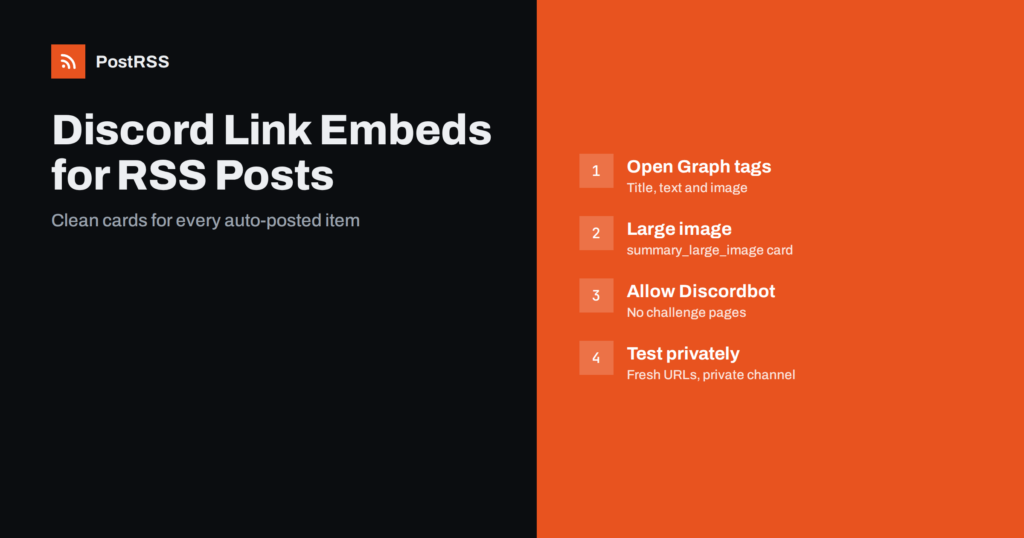
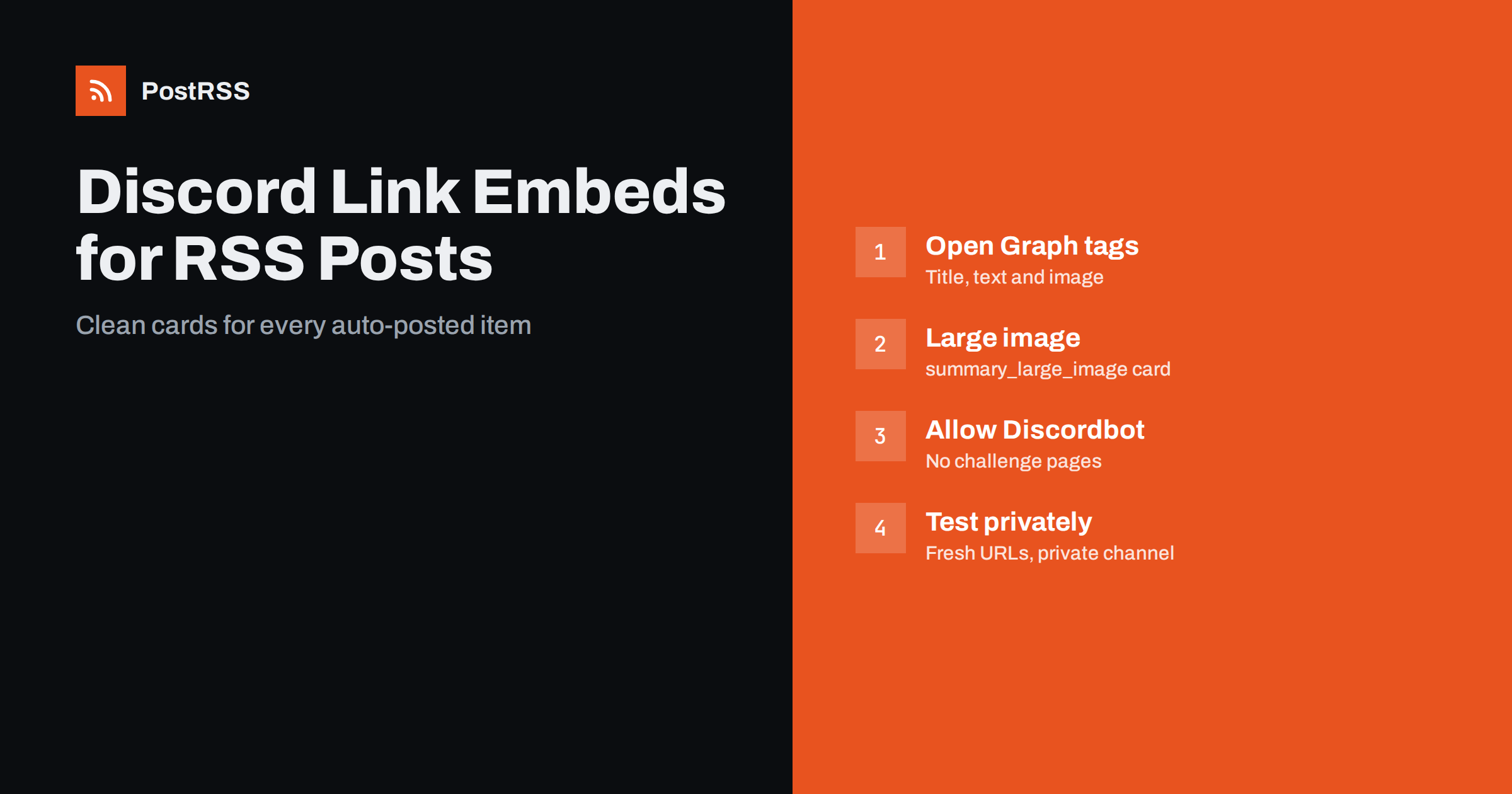
og:site_name for the small line at the top of the embed;og:title for the bold, clickable title;og:description for the text under the title;og:image for the picture;twitter:card set to summary_large_image to show the picture large under the text rather than as a small thumbnail beside it;theme-color for the colour of the bar on the left edge of the embed.Most sites already output Open Graph tags through their theme or an SEO plugin. For Discord, check that each article page has the following in its HTML source:
<meta property="og:site_name" content="Example Blog">
<meta property="og:title" content="How we cut build times in half">
<meta property="og:description" content="Caching, parallel jobs and two config changes.">
<meta property="og:image" content="https://example.com/img/build-times.jpg">
<meta name="twitter:card" content="summary_large_image">
<meta name="theme-color" content="#E8541F">
The image URL must be absolute and use https. The image should be a normal JPEG or PNG file of a sensible size, such as 1200 by 630 pixels, and it must open directly in a browser without a login or redirect. More on the image side is in how to control which image gets auto-posted.
If a message shows only a blue link and no card, Discord could not build an embed. Check these causes in order:
Discordbot, or relax the rules for article pages.Bot protection is the most common cause on modern hosting. The same issue can block feed fetching too, as explained in Cloudflare blocking your RSS feed.
An embed that appears but shows the wrong content has different causes:
twitter:card set to summary_large_image, or the image is small or square.theme-color meta tag with your brand colour.og:description of one or two sentences that works on its own.| Part of the embed | Controlled by | Common problem |
|---|---|---|
| Site name line | og:site_name | Missing or set to a domain |
| Title | og:title | Generic site title used instead |
| Description | og:description | Navigation text or cookie notice |
| Image | og:image | Relative URL or default logo |
| Large or small image | twitter:card | Missing summary_large_image |
| Left colour bar | theme-color | Not set |
Every test message in a real channel notifies members. A private test setup avoids that:
When you test a page you just fixed, use a fresh URL so the cache does not hide the change, for example by adding a harmless query parameter such as ?test=2. Remove the test target once the real channel is set up.
The embed already shows the site, headline, summary and picture, so the message above it can be short. Repeating the full description above an embed that shows the same description makes channels hard to scan. Three formats work well:
Discord message text is limited to 2,000 characters, so long descriptions are shortened anyway. Mentions are another consideration: a feed title that contains something like @everyone could wake up a whole server. PostRSS sends Discord messages with mentions disabled, so such text stays visible as plain text and pings nobody. For channel choice, roles and announcement channels, see our guide to auto-posting to a Discord channel.
Discord fetches a page once to build its embed, not once per member, so even a large server does not cause heavy load on your site. What matters more is that the page answers quickly and with HTTP 200 at the moment the message is posted. If your site publishes many items at once, for example after an import, set a maximum number of posts per update so the channel and your server both receive items at a reasonable pace. Posting windows help further when your community is mostly in one time zone.
You rarely need to write these tags by hand. Most platforms have a place for them:
Whatever the platform, verify the result in the page source of a real article rather than trusting the settings screen. Caching plugins and CDNs sometimes keep serving an older version of the page head for a while after a change.
Embeds make the biggest difference for content with strong pictures and clear headlines: blog posts, product launches, game updates, event announcements and video pages. For release notes and changelogs, where the text matters more than the picture, a title and description format with a smaller embed is often easier to read. For high-volume news feeds, consider a dedicated channel so embeds do not push conversations off the screen, and use keyword filters to send only the items your members care about. Fewer, richer posts usually get more clicks than a constant stream of cards.
PostRSS has posted RSS and Atom feeds to social networks and community platforms since 2014, and Discord is one of its 66 supported networks. You create a webhook in the channel, connect it, add your feed and choose a message format. Each new item is posted with its link, Discord builds the embed from your page, and mentions in feed text never ping your members. Keyword filters, posting windows, posts-per-update limits and UTM parameters let you shape each channel. The steps are on the auto-post RSS to Discord page, every option is on the features page, and plan limits are on the pricing page.
Discord embeds for auto-posted RSS items come from your pages. Give every article complete Open Graph tags with an absolute image, add summary_large_image and a theme-color, let the Discordbot crawler in, and keep extra links out of the message text. Test in a private channel with fresh URLs, keep the message short, and your Discord channel will show clean, consistent cards for every new post.
Discord could not read the page. Bot protection blocking the Discordbot crawler, a slow or not yet public page, or missing Open Graph tags are the usual causes. Members can also turn off link previews in their own settings.
Add a twitter:card meta tag with the value summary_large_image and use a wide og:image, for example 1200 by 630 pixels. Without it, Discord often shows a small thumbnail beside the text.
Discord uses the theme-color meta tag of the linked page for the bar on the left of the embed. Set it to your brand colour in the head of your article template.
Discord caches embeds for a URL for a while. New posts show the corrected card, and for testing you can add a harmless query parameter to get a fresh fetch.
Not with PostRSS. Messages are sent with mentions disabled, so text that looks like a mention stays visible as plain text and does not notify anyone.
What changed in the networks, what broke, and how to fix it before it costs you reach.
Sukūrė Internet Solutions – PostRSS komanda. Kiekvienas produktas sutaupo laiko savaip.
 English
 Lietuviškai
 Deutsch
 Français
 Русский
 Español
 Polski
 Italiano
 Українська
 Čeština
 Português
 日本語
日本語 Latviešu valoda
 Eesti
Eesti Magyar
 Bahasa Indonesia
 Türkçe
 हिन्दी
 Ελληνικά
 العربية
 ไทย
ไทย Tiếng Việt
 Română
 Bahasa Melayu
 বাংলা
বাংলা