RSS į 66 socialinius tinklus: Facebook, Instagram, X, LinkedIn, Telegram ir kitus Blogas Partnerių programa Kontaktai
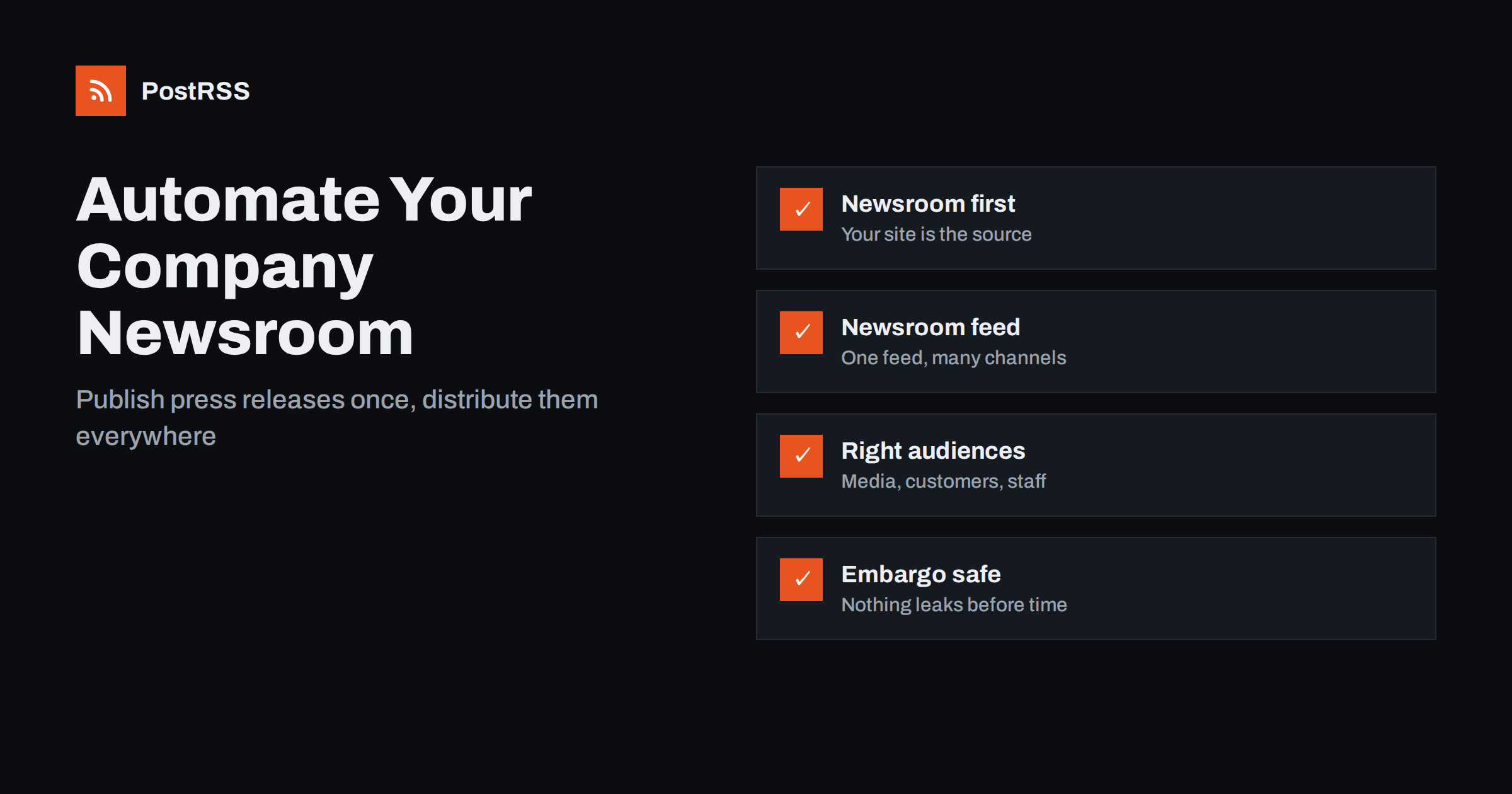
Short answer: Publish every press release and company announcement on a newsroom section of your own website, make sure that section has its own RSS feed, and connect that feed to an auto-posting tool. Each release then appears on your company’s LinkedIn page, X, Facebook, Bluesky, Mastodon and internal team chats within minutes of going live, while journalists and partners can subscribe to the feed directly. Keep embargoed news unpublished until the release time, because anything in the feed is public.
Company news tends to scatter. A press release goes out through a wire service, a slightly different version appears on LinkedIn, the CEO posts a personal take, the sales team forwards an e-mail, and the website’s news page is updated a week later, if at all. Six months on, nobody can find the definitive version, and journalists looking for background land on outdated information.
A newsroom on your own website fixes this. Every announcement gets a permanent page with a date, the full text, approved images, contact details and links to related releases. That page becomes the reference that every other channel points to. When something needs correcting, you correct it in one place. When a journalist searches for your company, they find a complete, chronological record.
Once the newsroom is the source, distribution can be automated, because every channel is just another route to the same page.
You do not need special software. A dedicated section of your existing website works well, as long as a few basics are in place:
/category/press-releases/feed/. Check that it exists and validates.It also helps to decide early what counts as a release. Product launches, partnerships, funding, leadership changes, awards, new locations and major policy changes usually qualify. Blog-style opinion pieces, tips and customer stories belong in the blog, not in the newsroom. Keeping the newsroom focused makes its feed valuable to subscribers: every item is genuine news.
Our guide on using category feeds explains how to find and test a category’s feed address.
A company newsroom serves several audiences, each with its own preferred channel:
| Audience | What they want | Typical channels |
|---|---|---|
| Journalists and analysts | Complete, accurate releases with contacts | RSS feed, e-mail list, X, LinkedIn |
| Customers | News that affects them: products, prices, policies | Facebook Page, LinkedIn, X, Threads, newsletter |
| Partners and investors | Milestones, results, leadership changes | LinkedIn, e-mail, investor pages |
| Employees | To know before or at the same time as the public | Slack, Microsoft Teams, Google Chat, intranet |
| Local community | Jobs, sites, events, sponsorships | Facebook Page, local messaging channels |
RSS auto-posting covers the public social channels and team chats. Journalists who use feed readers can subscribe to the newsroom feed themselves, which is still a common habit among reporters who follow many organisations.
Automation works best for the standard announcement: the release itself, shared to every channel with its headline, image and link. It removes the risk that one channel is forgotten on a busy launch day and ensures the timing is identical everywhere.
Keep these steps manual:
The automated post is the baseline that guarantees everyone can find the news. Manual work adds reach and context on top.
Press releases often have a fixed release time, sometimes under an embargo agreed with journalists. RSS feeds are public, so the rule is simple: nothing goes into the feed before it may be public.
For more on this topic, see scheduling auto-posts around an embargo.
In most automated setups the release headline becomes the social post text and the featured image becomes the preview. That puts extra weight on two things press releases often do badly:
Writing for the feed also improves the release for journalists, who skim headlines and first paragraphs the same way everyone else does.
Few things damage internal trust like staff learning company news from social media. Connecting the newsroom feed to internal team chat channels means everyone sees each release at the same moment it goes public, with a link to the full text. For significant news, such as reorganisations or acquisitions, send an internal message before publication, and let the automated post confirm that the news is now public.
Internal channels are also where colleagues can pick up the news and share it on their own profiles. A short note in the channel, suggesting that people share if they wish, works better than requiring it. See employee advocacy on LinkedIn for approaches that respect personal accounts.
Customer-facing teams benefit most. Support and sales staff are the first people customers ask about new products or changed terms. When the release lands in their channel at the moment of publication, they can read it before the first question arrives and answer consistently with the official wording.
Automation distributes each release once, at the moment it enters the feed. That behaviour is exactly right for new announcements, but it means corrections need a deliberate process:
Keep the archive complete and browsable by year. A newsroom that shows several years of consistent releases signals stability, and it gives journalists the background they need without having to call you.
Newsroom success is harder to measure than product marketing, but a few indicators are useful:
Review these quarterly. If journalists rarely use a channel, keep it for customers; if a channel generates only support questions, consider adding a link to your help centre in the release boilerplate.
PostRSS checks your newsroom’s RSS or Atom feed every 5 minutes on all plans, or every minute on Enterprise plans, and posts each new release with its image and link to the channels you connect, including LinkedIn company pages, X, Facebook Pages, Threads, Bluesky, Mastodon and Telegram, plus team chats such as Google Chat, Mattermost and Zulip and webhooks for Slack and Microsoft Teams, 66 networks in total. One feed can go to many targets, each with its own wording, links can carry UTM parameters, and the log shows every post and error. Official plugins for WordPress, PrestaShop and OpenCart help create the feed and targets. See the features page and the pricing page.
A company newsroom on your own website, with its own RSS feed, turns every press release into a single authoritative page that can be distributed everywhere automatically. Publish at the release time, write headlines that work as social posts, keep employees informed through team chats, and reserve your own time for personal posts and journalist relationships.
The newsroom becomes a quiet piece of infrastructure: every release is published once, reaches every audience the same way, and remains easy to find for years afterwards.
No. A dedicated category or section on your existing website works well, as long as it has its own RSS feed, a consistent release template and contact details for media.
Yes. Publish the feed address on your newsroom page and add autodiscovery tags to the site. Many reporters use feed readers to follow organisations they cover.
Schedule the release to publish at the embargo time and do not publish it earlier in any form. RSS feeds are public, so an item that enters the feed early can be picked up by tools and readers immediately.
Not necessarily. Corporate and financial news suits LinkedIn and X, customer-facing news suits Facebook and Threads, and everything should reach internal team chats. Separate categories or keyword filters help route releases.
No. Automation distributes your news to your own channels and subscribers. Wire services and direct pitches reach outlets and journalists who do not follow you yet, so they complement each other.
What changed in the networks, what broke, and how to fix it before it costs you reach.
Sukūrė Internet Solutions – PostRSS komanda. Kiekvienas produktas sutaupo laiko savaip.
 English
 Lietuviškai
 Deutsch
 Français
 Русский
 Español
 Polski
 Italiano
 Українська
 Čeština
 Português
 日本語
日本語 Latviešu valoda
 Eesti
Eesti Magyar
 Bahasa Indonesia
 Türkçe
 हिन्दी
 Ελληνικά
 العربية
 ไทย
ไทย Tiếng Việt
 Română
 Bahasa Melayu
 বাংলা
বাংলা