RSS į 66 socialinius tinklus: Facebook, Instagram, X, LinkedIn, Telegram ir kitus Blogas Partnerių programa Kontaktai
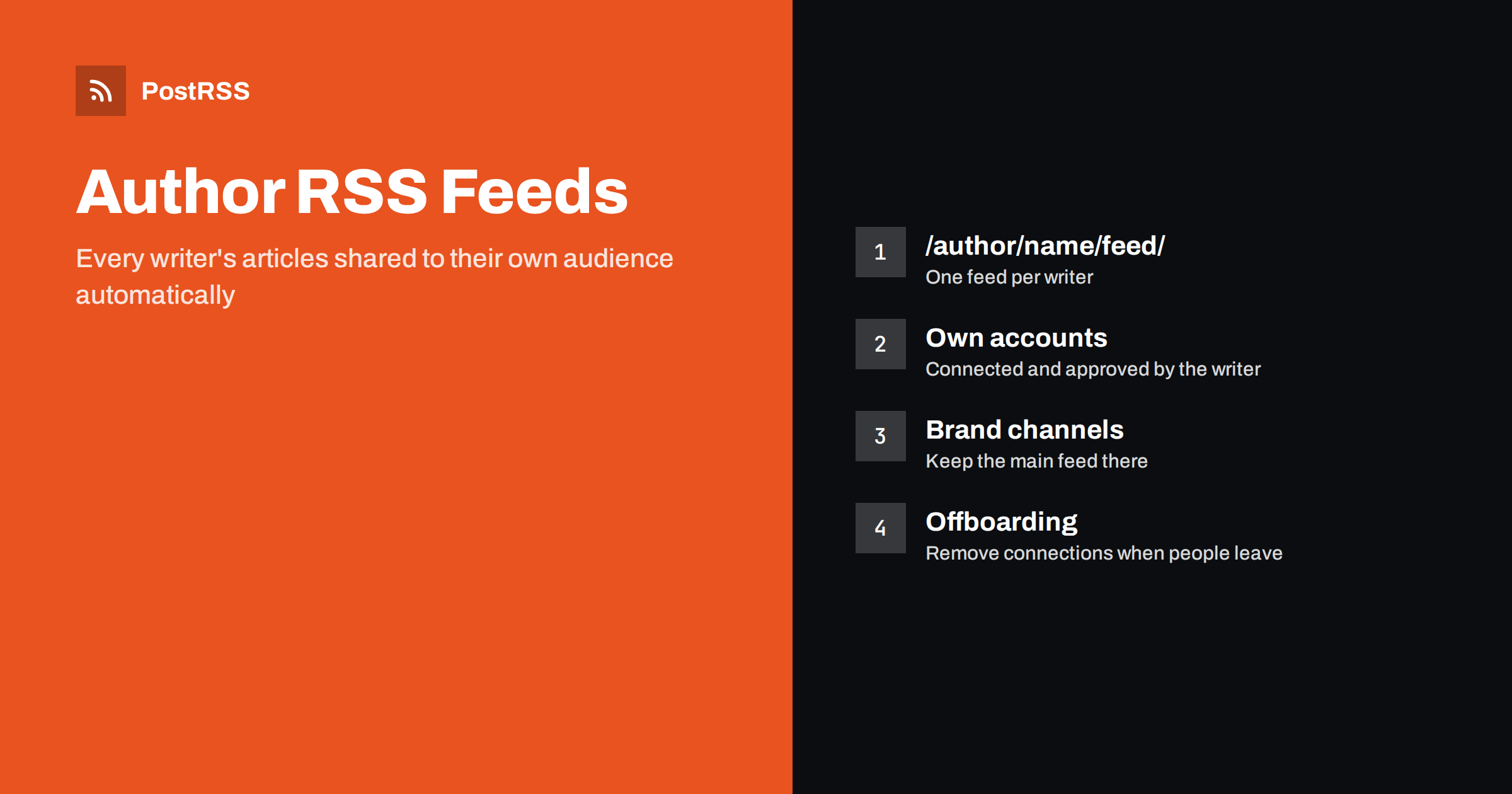
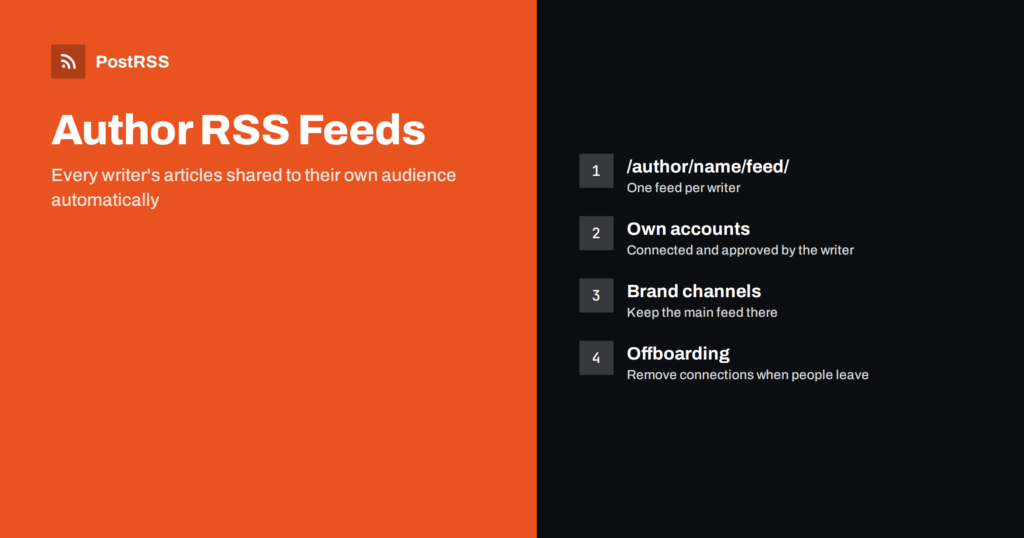
Short answer: An author RSS feed contains only the articles written by one person, so you can auto-post each writer’s work to the accounts where their own audience follows them. Most blog platforms create author feeds automatically; in WordPress the address is the author archive plus /feed/, for example /author/jane/feed/. Connect each author feed to that writer’s accounts, keep the main feed on the brand channels, and agree in advance who owns each connection.
Multi-author blogs, newsrooms, agencies and company blogs share a common problem. The brand account shares everything, but individual writers also want their articles on their own profiles, and they rarely remember to share them. Author feeds solve that without extra work: every new article by a writer appears in their personal feed and can be posted automatically to their own channels. This guide explains where to find author feeds, how to use them, what can go wrong and how to set them up so that nobody posts on someone else’s behalf by accident.
An author feed is an ordinary RSS or Atom feed that a CMS generates for one author archive. It has the same structure as the main feed, with a channel and a list of items, but it lists only the posts attributed to that person. When the writer publishes, the item appears in the main feed and in their author feed at the same time.
Inside the items, the author is usually named in a dc:creator element or, in plain RSS 2.0, in an author element, which the RSS 2.0 specification defines as an email address. Atom feeds use an author element with a name. The format details matter less than the result: each writer has a stable address that delivers only their work.
The exact address depends on the platform and its settings. These patterns cover the most common cases:
/feed/ to the author archive URL, for example https://example.com/author/jane/feed/. Without pretty permalinks the same feed is available with query parameters, such as ?author=3&feed=rss2. The official WordPress feeds documentation lists the variants./rss/, for example /author/jane/rss/.medium.com/feed/@username, which is useful when writers publish on Medium as well as on your site. See how to auto-post your Medium RSS feed.Open the feed in a browser and confirm that the newest article at the top is really by that author. Some themes and plugins change how author archives work, and a feed that silently returns the full site feed would send every article to every writer’s profile.
Writers often have audiences that differ from the brand’s. A developer who writes technical posts may have followers on Mastodon or Bluesky who never follow the company page. A consultant may have a LinkedIn network that trusts their name more than the firm’s. Author feeds let each article reach those people without anyone remembering to share it.
The same idea underlies most employee advocacy programmes. Author feeds are simply a low-maintenance way to do it for the people who write.
Before connecting anything, write down which feed goes where. A simple plan for a blog with three regular writers might look like this:
Two rules keep this manageable. First, every personal account is connected by its owner, who authorises it with their own login. Second, every writer can switch their connection off without asking anyone. Personal profiles belong to people, not to the company, and an automation that posts to them must stay under their control. The questions of who owns which connection are covered in social media account ownership and access.
A post on a personal profile reads differently from one on a brand page. The brand can post the headline and a link; a person sharing their own work sounds more natural with a short personal note. With automation you cannot write a new note for every article, but you can choose a format that works:
Let each writer choose the format for their own account. Some prefer only the headline and link; others want the full summary.
Timing matters too. A writer who lives in another time zone may prefer their posts to go out during their own followers’ working hours rather than the moment the editor presses publish. Posting windows on the personal target solve that without changing anything on the brand channels. Writers who also post by hand should know that the automatic share will appear, so they do not share the same article a second time a few minutes later.
Author feeds are reliable, but several situations need attention:
Duplicate detection in auto-posters works per item and target, so posting the same article through two different feeds to the same account usually creates two posts. The mechanics are explained in how auto-posting tools prevent duplicate posts.
Author archives and feeds expose author names and, on some platforms, the author slug. On default WordPress installations the author slug is often the same as the login name, which makes one half of a login easier to guess. That is not a reason to avoid author feeds, but it is a reason to set a display name and a slug that differ from the username, and to use strong passwords and two-factor authentication for every editor.
Also consider what the feed reveals about people who no longer write for you. An old author feed with a former employee’s name stays online as long as the archive exists. Decide whether to keep their archive, reassign their posts or redirect the page. A broader view of what feeds expose is in is your RSS feed public.
In newsrooms, reporters often build personal followings around a beat. An author feed connected to a reporter’s own channel shares every story they file, while desk or section feeds go to the publication’s accounts. This works well alongside category feeds: the sports desk account receives the sports feed, and the sports reporter’s own account receives their author feed.
Agencies that run blogs for clients can use author feeds differently. A client’s founder may write a monthly column, and their author feed can go to the founder’s personal LinkedIn profile, connected and approved by the founder. The rest of the client’s content goes to the company page. Larger setups are covered in PostRSS for agencies.
Once several writers share their own articles automatically, you will want to know whether it is worth it. The simplest method is to add UTM parameters that identify the channel and the writer to every link posted from an author feed, for example utm_source=linkedin, utm_medium=social ir utm_campaign=author-jane. Your analytics then shows how many visits came from each writer’s personal accounts compared with the brand channels.
Look at more than visits. Articles shared by a writer often bring readers who stay longer or subscribe, because they arrive through a person they already follow. Compare engagement per source over a few months rather than judging one article. Keep the naming consistent so reports stay readable, and share the results with the writers: seeing that their profile brings real readers is the best motivation to keep the connection on. A detailed walkthrough is in how to track the ROI of RSS automation with UTM parameters.
PostRSS has posted RSS and Atom feeds to social networks since 2014. An author feed is added like any other source: paste its address, connect the accounts, and choose the post text from the item title, the item description, the page title or your own static text. Each feed can go to several targets with different settings, so the main feed can serve brand channels while each author feed serves that writer’s profiles across 66 supported networks, including LinkedIn, Mastodon, Bluesky and Telegram. Enterprise plans can invite additional users to the same account. See the features page and the plan limits on the pricing page. Related guides are under the Employee Advocacy tag.
Author feeds give every writer an automatic way to share their own work with their own audience. Find each author feed, confirm it contains only that person’s articles, and connect it to accounts the writer owns and authorises. Keep the main feed on brand channels, avoid sending two feeds to the same account, choose a format that sounds natural on a personal profile, and remove connections when people leave. Done this way, every article reaches both the brand’s followers and the writer’s.
Add /feed/ to the author archive address, for example /author/jane/feed/. On sites without pretty permalinks you can use the author ID with query parameters instead.
Yes. Connect each author feed to accounts the writer owns. The writer should authorise the connection with their own login and be able to turn it off at any time.
Not always. Multiple-author plugins handle feeds differently, so publish a test article with two authors and check both author feeds before relying on it.
It can be, if both feeds are connected to the same account. Send the main feed to brand channels and each author feed only to that writer’s personal channels.
The feed stops getting new items but usually stays online. Remove the writer’s personal connections during offboarding and decide whether to keep, reassign or redirect their archive.
What changed in the networks, what broke, and how to fix it before it costs you reach.
Sukūrė Internet Solutions – PostRSS komanda. Kiekvienas produktas sutaupo laiko savaip.
 English
 Lietuviškai
 Deutsch
 Français
 Русский
 Español
 Polski
 Italiano
 Українська
 Čeština
 Português
 日本語
日本語 Latviešu valoda
 Eesti
Eesti Magyar
 Bahasa Indonesia
 Türkçe
 हिन्दी
 Ελληνικά
 العربية
 ไทย
ไทย Tiếng Việt
 Română
 Bahasa Melayu
 বাংলা
বাংলা