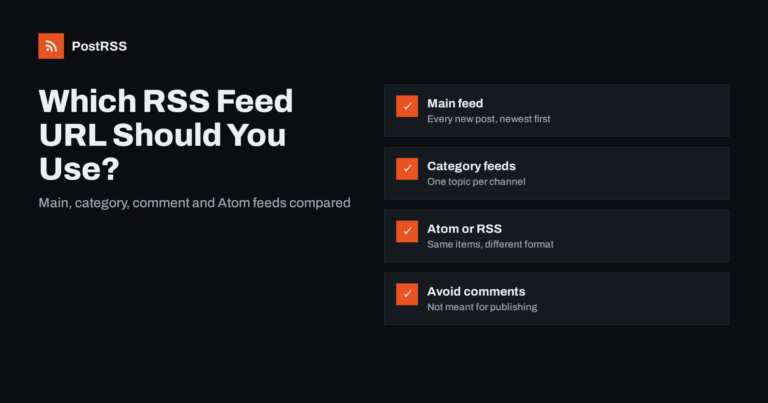
Short answer: For most sites, use the main posts feed: /feed/ on WordPress, /rss/ on Ghost, /feeds/posts/default on Blogger, or...
और पढ़ें »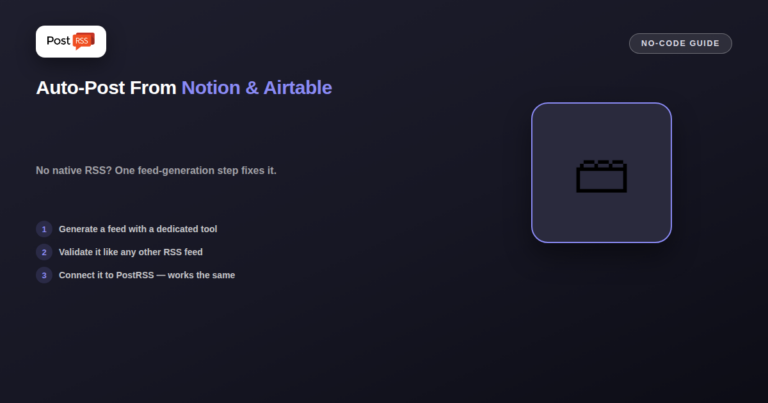
Notion, Airtable, and most headless CMS platforms don't generate a native RSS feed the way WordPress or Ghost do — but that doe...
और पढ़ें »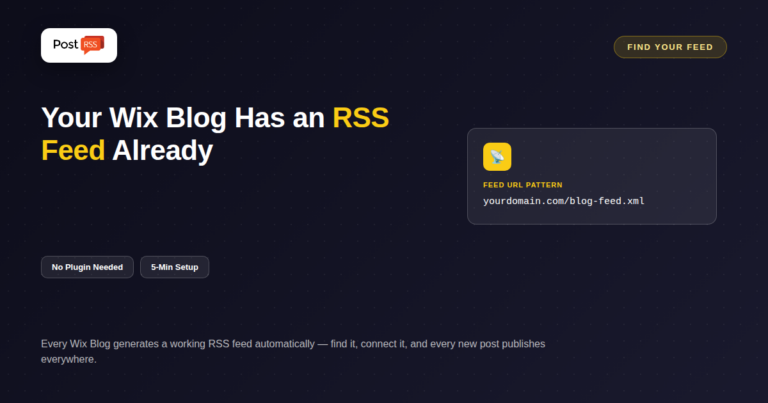
Updated: August 24, 2026 Wix powers millions of websites, and unlike some page-builder platforms, its blog feature does gen...
और पढ़ें »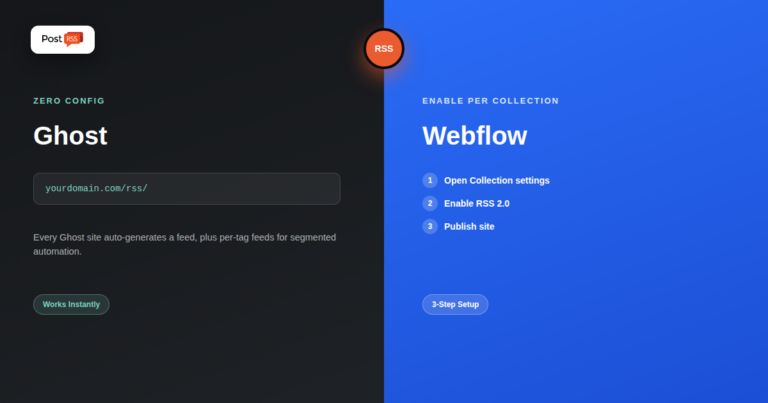
Updated: August 24, 2026 Ghost and Webflow have both grown into serious publishing platforms — Ghost as a modern, dev...
और पढ़ें »
Demystifying Really Simple Syndication, locating your feed URLs, and transforming static content streams into automated marketi...
और पढ़ें »PostRSS बनाने वाली टीम Internet Solutions की ओर से। हर प्रोडक्ट आपका समय अपने तरीके से बचाता है।
 English
 Lietuviškai
 Deutsch
 Français
 Русский
 Español
 Polski
 Italiano
 Українська
 Čeština
 Português
 日本語
日本語 Latviešu valoda
 Eesti
Eesti Magyar
 Bahasa Indonesia
 Türkçe
 हिन्दी
 Ελληνικά
 العربية
 ไทย
ไทย Tiếng Việt
 Română
 Bahasa Melayu
 বাংলা
বাংলা