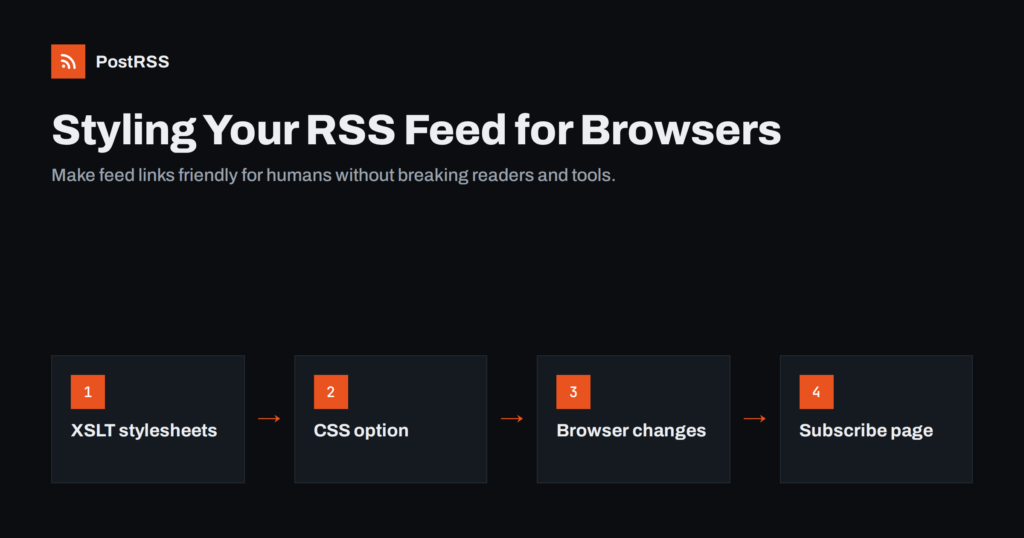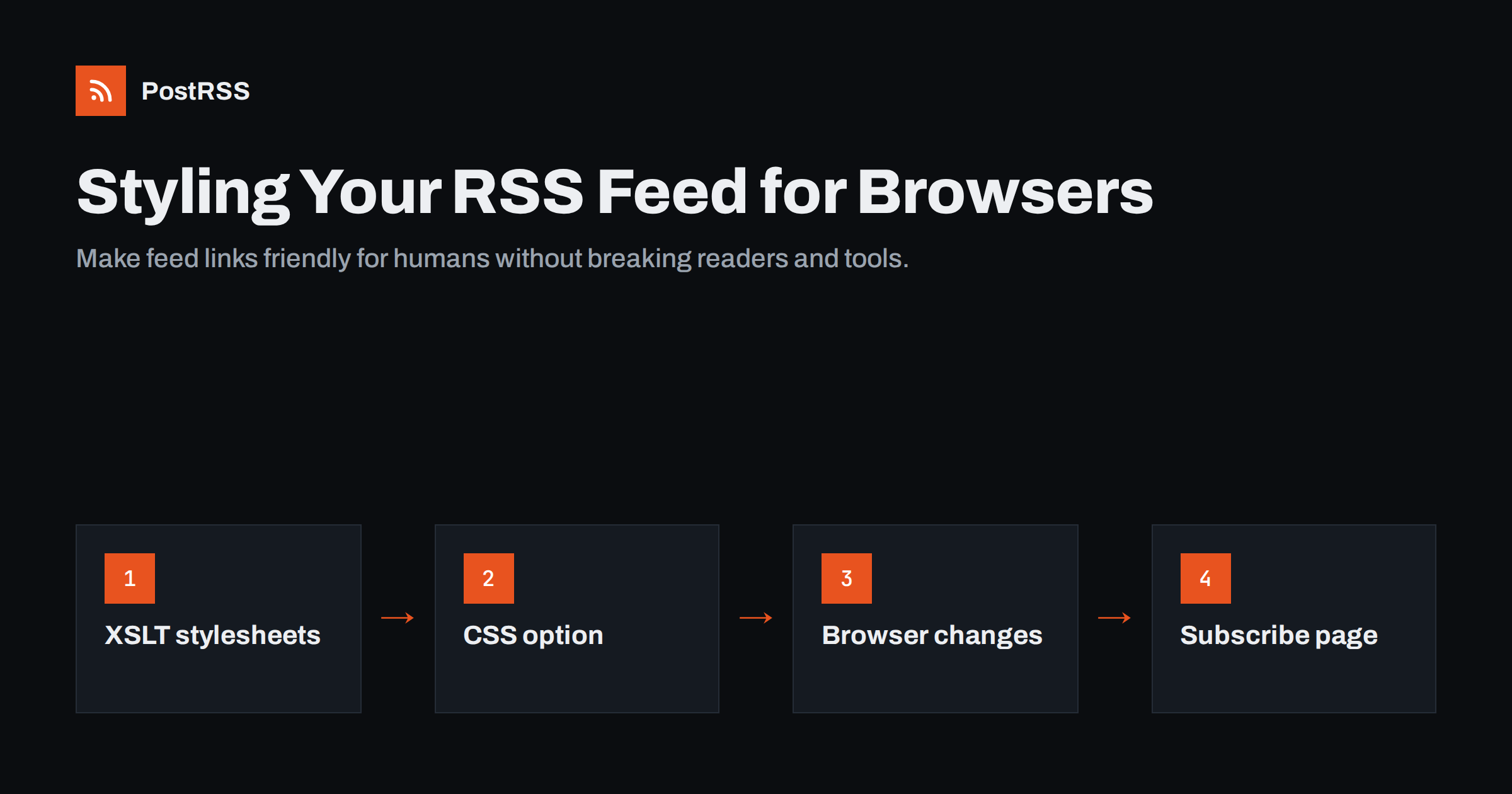
Short answer: When someone clicks your RSS feed link, most browsers show raw XML, which looks broken to non-technical visitors. You can add an xml-stylesheet instruction to the feed so browsers render it as a readable page, traditionally with an XSLT stylesheet or, more simply, with CSS. Feed readers and auto-posting tools ignore the stylesheet, so it does not affect them. Because major browsers have announced plans to phase out built-in XSLT support, the most future-proof approach is to pair your feed with a normal HTML “Subscribe” page that explains what the feed is and how to use it.
RSS feeds are written for software, not for people. When a visitor clicks an RSS icon on a website, they expect to see something useful. Instead, current browsers typically display a dense tree of XML tags, sometimes with a message saying the file has no style information, or they offer to download the file. Years ago some browsers had built-in feed previews with a subscribe button; those features were removed, and today nothing explains to the visitor what they are looking at.
This matters for two groups of people:
The problem has grown as fewer people know what RSS is. A decade or two ago, many web users recognised the orange feed icon and had a reader installed. Today, a large share of visitors who click a feed link are curious rather than experienced, and a wall of angle brackets gives them no reason to stay. Some site owners respond by hiding the feed link entirely, which is a mistake: feeds still power readers, podcast apps, aggregators and automation, and the people who do use them value finding the link easily.
Neither problem affects feed readers, aggregators or auto-posting services, which read the XML directly. Styling is purely about the human experience of clicking the link.
An XML document can reference a stylesheet with a processing instruction placed right after the XML declaration, before the root <rss> या <feed> element:
<?xml version="1.0" encoding="UTF-8"?>
<?xml-stylesheet type="text/xsl" href="/feed-style.xsl"?>
<rss version="2.0">
  ...
</rss>
When a browser that supports this instruction opens the feed, it loads the stylesheet and uses it to display the document. Programs that parse the feed as data, such as feed readers and auto-posting tools, see the same instruction and simply skip it. The feed itself stays exactly the same.
There are two kinds of stylesheet you can reference:
type="text/xsl"): a transformation language that can turn the feed’s XML into a full HTML page with headings, links, dates and explanatory text.type="text/css"): the same styling language used for web pages, applied directly to the XML elements. It can change fonts, colours and layout, but it cannot create links or add new text.XSLT has long been the most powerful way to make a feed look like a web page. A typical feed stylesheet does the following:
Many static site generators and blogging platforms have offered templates for this, and it is a common feature of podcast feeds, where hosts want listeners who click the feed link to see episode titles rather than code.
A few practical rules apply when using XSLT:
.xsl file on your own domain.There is an important caveat. In 2025, Chrome’s developers announced a plan to deprecate and eventually remove built-in XSLT support from the browser, citing low usage and security and maintenance concerns in the old libraries behind it. Other browser engines signalled support for moving in the same direction. Timelines can change, so check the current status before relying on XSLT, but the direction is clear: native XSLT in browsers is not something to build new features on.
What this means for feed owners:
If you already have an XSLT-styled feed, there is no need to rush. Keep it while it works, add a subscribe page, and point your RSS icon at that page. When browser support ends, the feed will simply show as raw XML again to anyone who opens it directly, and your visitors will already be using the better route.
For a new project, it makes more sense to invest in a proper HTML subscribe page than in an XSLT stylesheet.
A CSS stylesheet attached to an XML feed can set fonts, colours and spacing, hide technical elements and display item titles as blocks. It is quick to write and does not depend on XSLT. The limitations are real, though:
<link> element into a clickable hyperlink.Some site owners combine both approaches, using CSS for a light cleanup of the raw feed and a subscribe page for real explanations. That is reasonable, as long as the CSS file is small, hosted on the same domain and does not require any change to the structure of the feed.
CSS styling can make a feed look less alarming, which is sometimes enough, particularly for personal blogs. For a business site, a subscribe page does the job better.
The most reliable way to help human visitors is to stop sending them to the raw feed at all. Instead, link your RSS icon to a normal HTML page, for example /subscribe/, which contains:
At the same time, keep the autodiscovery <link rel="alternate" type="application/rss+xml"> tag in your page head, so feed readers and browser extensions can find the feed automatically. The guide on RSS फ़ीड ऑटोडिस्कवरी explains how to set that up correctly.
Podcasters can use the same idea. Their subscribe page can list buttons for the major podcast apps alongside the raw feed address, so listeners who do not know what to do with a feed URL can still follow the show in one tap. Publishers with many sections can offer a small directory of feeds on the same page, grouped by topic or language.
This approach works in every browser, does not depend on deprecated technology and gives you a page that search engines can index. It also lets you explain your feed in your own words and design.
If you change your feed template in any way, run it through a validator afterwards. Our guide to RSS feed validation lists what to check.
No, in normal circumstances. Auto-posting services parse the feed as XML and ignore the stylesheet instruction. Feed readers do the same. Search engines treat the feed as a feed, not as a page for ranking, so styling it does not improve or harm your rankings. A dedicated subscribe page, on the other hand, is an ordinary web page and can appear in search results for queries about your site’s feeds or newsletter.
The same is true for the subscribe page. It adds a helpful, indexable page to your site, but it does not change the feed that automation reads. You can build it once and leave it, updating it only when you add or rename feeds.
The only way a stylesheet could affect automation is indirectly, by breaking the XML if it is inserted incorrectly. That is why validation after any change is essential.
PostRSS reads RSS and Atom feeds as data, so a stylesheet instruction in your feed makes no difference to it. It checks each feed every 5 minutes, takes the image from the feed item or the page’s Open Graph tags and posts new items to the networks you connect. If a template change ever breaks your feed, the posting log shows the error so you can fix it quickly. The features page explains how feeds are handled.
A raw XML feed confuses human visitors, and a stylesheet can make it readable. XSLT has been the classic tool, but browsers are moving away from built-in support, so it is no longer a good foundation for new work. CSS offers light styling with clear limits. The dependable solution is a simple HTML subscribe page linked from your RSS icon, while the feed itself stays clean XML for readers and automation.
Browsers no longer include built-in feed previews, so they display the raw XML. That is normal and does not mean the feed is broken. Feed readers and tools read it correctly.
No, if the processing instruction is placed correctly after the XML declaration. Feed readers and auto-posting tools ignore it. Always validate the feed after the change.
Support still exists in many browsers today, but Chrome’s developers announced plans to deprecate and remove it, and other engines have signalled similar intentions. Check the current status before relying on it for new work.
A normal HTML subscribe page linked from your RSS icon. It explains what the feed is, shows the address to copy and offers other ways to follow you. It works in every browser.
No. Search engines treat feeds as feeds rather than pages to rank. A separate subscribe page can be indexed like any other page, but the styling itself has no ranking effect.
What changed in the networks, what broke, and how to fix it before it costs you reach.
 English
 Lietuviškai
 Deutsch
 Français
 Русский
 Español
 Polski
 Italiano
 Українська
 Čeština
 Português
 日本語
日本語 Latviešu valoda
 Eesti
Eesti Magyar
 Bahasa Indonesia
 Türkçe
 हिन्दी
 Ελληνικά
 العربية
 ไทย
ไทย Tiếng Việt
 Română
 Bahasa Melayu
 বাংলা
বাংলা