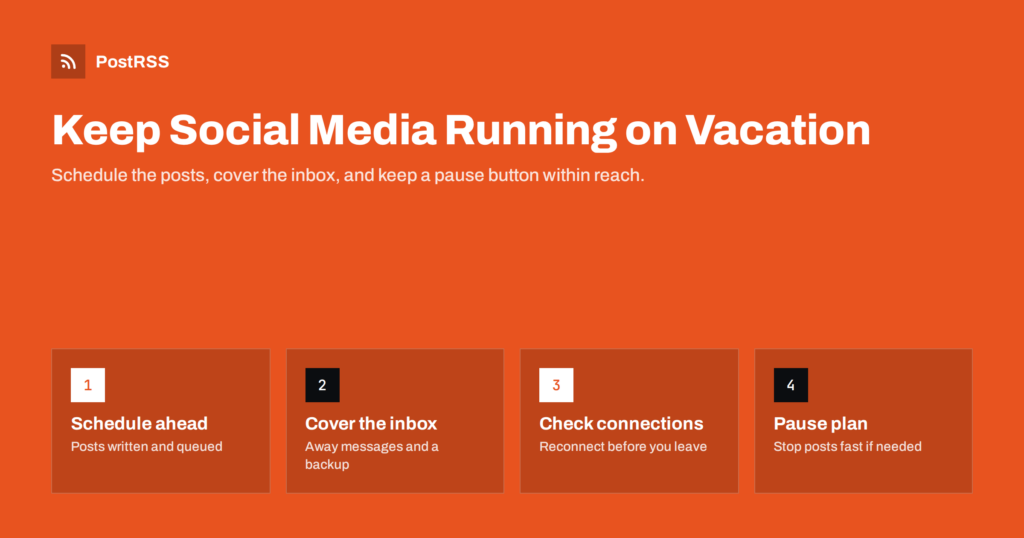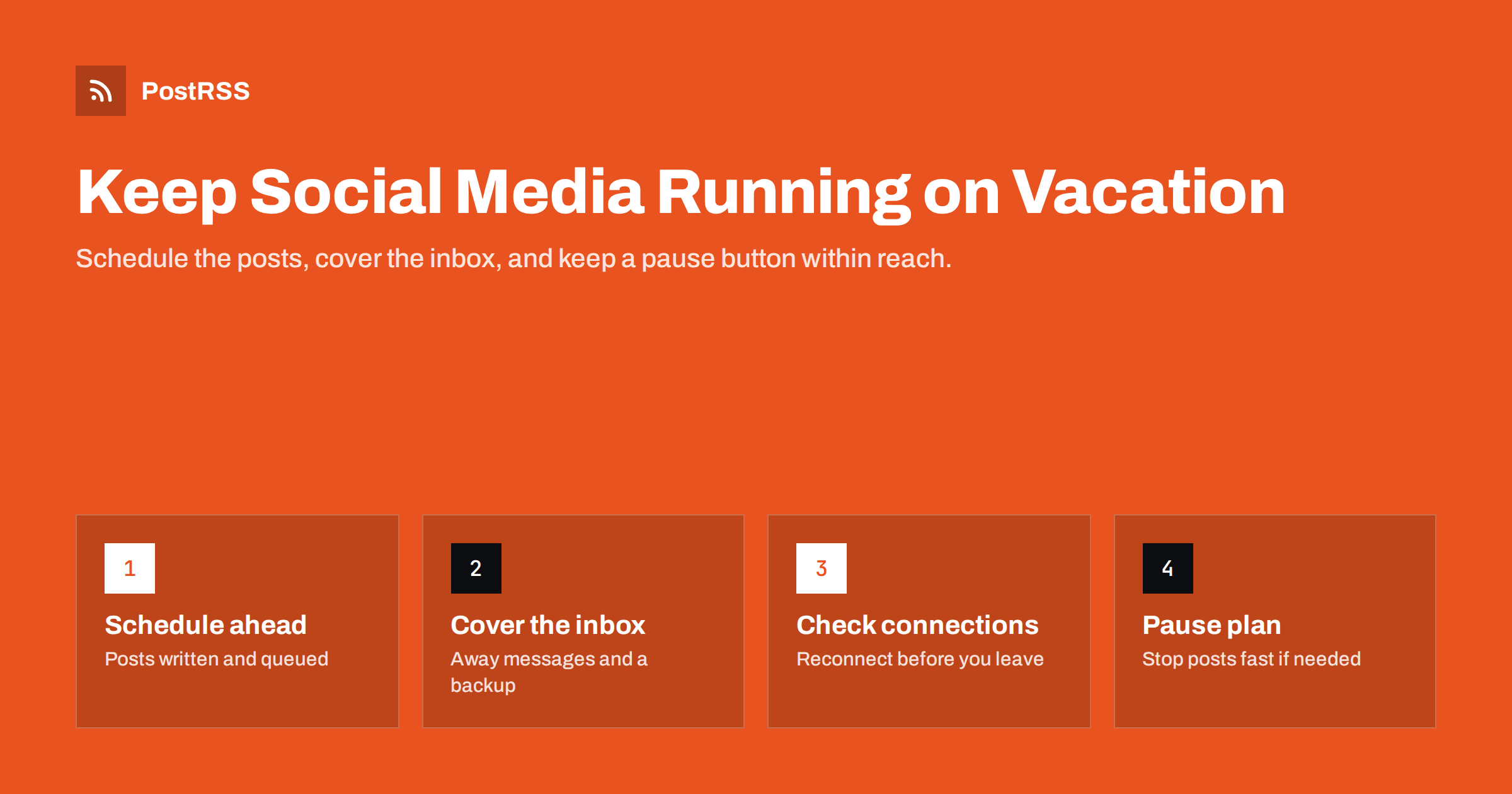
Short answer: To keep social media running while you are on vacation, write and schedule your posts before you leave, ideally on your website so an auto-posting tool publishes them to every channel on the planned dates. Then cover the parts automation cannot handle: set away messages in your business inboxes, give a trusted person backup access with clear instructions, reconnect any accounts that might expire, and keep a simple plan for pausing posts if something unexpected happens. A ten-minute check every few days is usually enough.
For many small businesses, social media stops the moment the owner goes on holiday. The last post before the break sits at the top of every profile for two or three weeks, messages pile up unanswered, and when the owner returns, the channels need a push to get going again.
A short pause is not a disaster. Audiences understand that people take holidays. But silence has costs: potential customers who check your profile during those weeks see an inactive business, messages from people ready to buy go unanswered, and some networks show your posts to fewer people after a long gap. For seasonal businesses whose busy period falls in the holidays, silence at the wrong moment can cost real sales.
The good news is that most of the work can be done before you leave. The publishing part can be almost completely automated. What needs planning is everything around it: messages, comments, access and the unexpected.
It also helps to see a holiday as a test of your systems. If your social media only works when one particular person is at their desk every day, that is a risk for illness, busy seasons and staff changes too. The steps below, from scheduled publishing to backup access, make the business more resilient all year, not just during the summer break.
Before writing anything, decide what level of activity you actually need while away. There are three common options:
Consider your customers’ calendar as well as your own. A garden centre owner who takes a break in midwinter can reasonably go quiet, while a beach café owner who takes a break in spring should keep posting about the coming season. The right choice depends on what your customers are doing while you are away, not only on whether your doors are open.
All three are legitimate. The mistake is not choosing, and ending up with an accidental pause that looks like neglect.
If you publish articles, product pages or news on your website and use an RSS auto-posting tool to share them, scheduling becomes simple. Most website platforms let you write posts now and set a future publication date. When the date arrives, the post goes live on the site, appears in the feed, and the auto-posting tool shares it to every connected network. You schedule once, on the website, instead of scheduling separately on each social network.
Good content for a holiday period includes:
A practical way to build the queue is a short writing session a couple of weeks before departure. Look at your analytics for the articles and topics that performed best over the past year, and write fresh posts around them, or update and republish older favourites where your platform supports it. Each post should stand on its own and point to a page that answers the reader’s questions, so nobody needs you to respond.
Check each scheduled post once more the day before you leave: dates, links, images and any mention of prices or availability. It is much easier to fix a mistake at your desk than on a phone at the airport.
Avoid scheduling anything that will need a quick response, such as a new product launch, a controversial opinion or a competition that requires picking winners. Save those for when you are back.
Spread the posts across the period at your usual times. If your auto-posting tool supports posting windows, check that they match your audience’s time zone, especially if you travel to a different one. A post scheduled for “9:00” should mean 9:00 for your customers, not for your hotel.
Publishing can be automated; conversations cannot. Plan for them:
Write a short list of standard answers for your backup person: opening hours, delivery times, how to book, how refunds work, where to find common information on the website. Mark clearly which questions they should not answer, such as complaints about a specific order or requests for special prices, and how to reply politely that you will respond on your return.
If you are a sole trader, think about how much you reveal. Announcing publicly that you will be away from home for three weeks is not always wise. “Replies may be slower than usual until the 20th” often communicates enough without giving details.
Automated posting depends on connections to your social accounts. Some of these connections expire or need renewing from time to time, and security events such as password changes or new logins from abroad can trigger extra verification. The worst time to discover a broken connection is on the first day of your holiday.
A few days before you leave:
Logging in from a new country can trigger security checks on some networks. That is normal and usually resolved by confirming the login, but it is another reason to have your two-factor method with you.
Scheduled content is written in one situation and published in another. If something serious happens while you are away, such as a crisis in your industry, a tragedy in your area, a problem with your product or simply a change in circumstances, a cheerful scheduled post can look careless.
Prepare a simple plan:
Pausing is also useful for smaller surprises. If you realise that a scheduled post mentions an offer that has sold out, or links to a page that has changed, pausing gives you time to fix it calmly instead of rushing to edit it from a beach with a weak signal.
Most of the time you will never use it. Having it means you can relax.
You do not need to work on holiday, but a brief, planned check prevents surprises. Every two or three days, spend ten minutes:
If something needs attention, decide whether it can wait. Most social media issues can wait a few days. A broken connection can be fixed on your return if the backup person knows to expect a short gap; an unhappy customer can be told politely that you will reply personally when you are back. Only a genuine crisis justifies interrupting your holiday for longer than the planned check.
Then close the apps. Fixed, short checks are far more restful than constant, anxious scrolling.
If you manage social media for clients, agree the arrangement with them in advance: who covers their inbox, what the response time will be, and who can approve an urgent post or a pause. Clients are usually relaxed about holidays when they know the plan, and much less so when they discover it by accident.
Use the first day back to catch up:
PostRSS checks your website’s RSS or Atom feed every 5 minutes (every minute on Enterprise plans) and publishes each new item, with its image and link, to the networks you connect; the features page lists 66. If you schedule posts on your website, they reach every channel automatically when they go live. Paid plans add posting windows and exact posting times in your time zone, and the log shows every post, error and retry, which makes the quick holiday check easy. See the PostRSS features page for details.
A holiday does not have to mean silence on social media. Decide how active you want to be, write and schedule the content on your website before you leave, and let automation carry it to every channel. Cover messages with away replies and a backup person, check connections a few days in advance, and keep a pause plan in your pocket. Then enjoy the break, with a ten-minute check every few days at most.
A short, announced pause is fine for many businesses. Problems come from unplanned silence and unanswered messages, which can look like neglect. Either schedule content or post a clear notice about when you will be back.
Start two or three weeks before you leave, so you have time to write, schedule and test. Leave the last few days for checking connections and briefing your backup person.
It is helpful to say that replies may be slower and when normal service resumes. Sole traders may prefer not to announce exact travel dates publicly for security reasons.
Pause the auto-posting source or unschedule the post on your website. Prepare these steps before you leave and share them with your backup person.
Yes, ideally through proper roles on each network rather than a shared password. Give them standard answers, a clear escalation rule and a way to pause posting if needed.
What changed in the networks, what broke, and how to fix it before it costs you reach.
 English
 Lietuviškai
 Deutsch
 Français
 Русский
 Español
 Polski
 Italiano
 Українська
 Čeština
 Português
 日本語
日本語 Latviešu valoda
 Eesti
Eesti Magyar
 Bahasa Indonesia
 Türkçe
 हिन्दी
 Ελληνικά
 العربية
 ไทย
ไทย Tiếng Việt
 Română
 Bahasa Melayu
 বাংলা
বাংলা