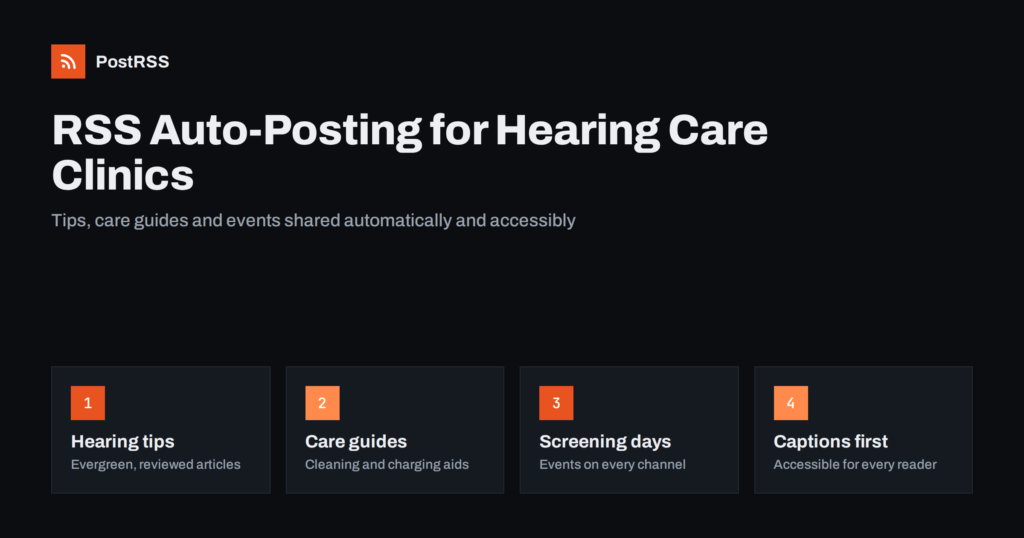
Short answer: RSS auto-posting helps hearing care clinics and audiologists share every new article, hearing tip, service page and event on social media without logging in to each network. Publish once on the clinic website, let an auto-poster read the site’s RSS feed, and the post appears on your Facebook Page and other channels with its image and link. Patient stories, replies and anything involving health information stay in human hands, so automation saves time without creating privacy risks.
Hearing care is a field where trust, patience and education matter more than promotion. Many people wait years before booking a first hearing test, and family members often do the research for them. A clinic that regularly shares clear, friendly information about hearing health, tinnitus, hearing aid care and what happens during an appointment is much more likely to be the one they call. The challenge is time: audiologists and hearing aid specialists spend their days with patients, not scheduling posts. This guide explains how to keep your channels active automatically, what to automate, what never to automate, and how to make posts accessible to people with hearing loss.
Most hearing care practices already produce useful content, even if it lives quietly on the website:
Each of these is worth sharing, but posting them by hand on several networks is easy to postpone. Automation removes that step. When a page is published on your site, it is shared consistently on your channels with its title, picture and link.
Consistency matters for a health service. People check a clinic’s social pages to see whether it is active, approachable and knowledgeable. Regular educational posts answer those questions before anyone picks up the phone.
Most clinic websites already publish an RSS feed:
/feed/ and category feeds such as /category/hearing-tips/feed/.Use category feeds to separate content types. For example, send hearing tips to every channel and location news only to the page of that location.
| Content | Automate? | Why |
|---|---|---|
| Hearing health articles and tips | Yes | Evergreen, educational, already reviewed |
| Hearing aid care guides | Yes | Practical and frequently searched |
| Service pages and new locations | Yes | Factual announcements |
| Screening days and events | Yes, from an events category | Time-sensitive, must reach every channel |
| Patient stories and testimonials | By hand, with written consent | Health information needs care and permission |
| Replies to questions | By hand | Never give individual advice in public |
The rule is simple: automate content that is already finished, reviewed and published on your website. Anything that involves a specific patient is handled personally.
Health information is sensitive everywhere, and in many countries it is legally protected. In the United States, for example, the HIPAA Privacy Rule restricts how covered providers may use patient information, including in marketing; in the European Union, health data is a special category under the GDPR. Practical rules for automated posting:
Automation does not change your obligations, but it does mean that every published page reaches more people faster. Our guide on compliant content distribution for healthcare clinics covers the review process in more detail. This article is not legal advice; check the rules that apply in your country.
Your audience includes many people with hearing loss, so accessibility is not optional. It is also simply good practice:
More advice is in making automated posts readable for everyone.
Hearing care audiences skew older, but the people who research a first appointment are often adult children. That suggests a mix of channels:
Two or three channels that are kept active are better than six that are not. Start with the channel your current patients already use, ask new patients how they found you, and add a second channel only when the first one runs smoothly. That small habit tells you more about the right mix than any general statistic.
If your blog is quiet, these topics are easy to write and genuinely helpful:
For background facts, rely on authoritative sources. The World Health Organization’s fact sheet on deafness and hearing loss is a reliable reference to cite in articles instead of unsourced statistics.
Many clinics run free screening days, talks in community centres or awareness campaigns around World Hearing Day in March. Publish each event as a page in an events category, and let the category feed share it automatically. A few tips:
Multi-location practices can find more ideas in how multi-location businesses automate local social media.
Add UTM parameters to automated links so your analytics shows which networks bring visitors to booking pages. Look beyond clicks: educational articles may not bring instant bookings, but they build the trust that leads people to choose your clinic when they are ready. After a few months, compare topics and write more of what your audience reads and shares.
/feed/, and open it to check recent articles appear.After this one-time set-up, the ongoing work is writing helpful articles, which your team already does every day when explaining hearing to patients.
PostRSS has been automating RSS posting since 2014. It checks your website feed as often as every minute and publishes each new article or event, with its real image and link, to the channels you connect, from Facebook Pages and LinkedIn to Telegram, Viber and many more among its 66 supported networks. You can choose the post format, filter items by keywords, add UTM parameters and post only within chosen hours or at exact times in your time zone. If you use WordPress, the official plugin connects your site in a few clicks. See the PostRSS features page for everything it can do and the pricing page for plan limits. More ideas for medical practices are under the Healthcare Marketing tag.
Hearing care clinics win patients through education and trust. RSS auto-posting shares every reviewed article, care guide, service update and event on your social channels automatically, while patient stories, replies and anything involving health information stay personal. Caption your videos, write in plain language, choose two or three channels and let the feed keep them active.
Yes. If the clinic website has a blog or news section, its RSS feed can be connected to an auto-poster that shares each new article or event. Patient stories and replies should still be handled by staff.
It is safe for content that has been reviewed and published on your website, such as general tips and service news. Never publish anything that identifies a patient without consent, and never give individual advice in public comments.
Facebook is usually the most important for local clinics, because patients and their families use it. YouTube suits explainer videos, and messengers or LinkedIn can work well depending on your audience and country.
Caption every video, write clear alt text for images and use plain language. Offer contact options other than the phone, such as online booking or e-mail, in your posts.
Explain what happens during a hearing test, how to care for hearing aids, how to protect hearing and how families can help. Practical, reassuring articles build trust with people who are thinking about a first appointment.
What changed in the networks, what broke, and how to fix it before it costs you reach.
PostRSS बनाने वाली टीम Internet Solutions की ओर से। हर प्रोडक्ट आपका समय अपने तरीके से बचाता है।
 English
 Lietuviškai
 Deutsch
 Français
 Русский
 Español
 Polski
 Italiano
 Українська
 Čeština
 Português
 日本語
日本語 Latviešu valoda
 Eesti
Eesti Magyar
 Bahasa Indonesia
 Türkçe
 हिन्दी
 Ελληνικά
 العربية
 ไทย
ไทย Tiếng Việt
 Română
 Bahasa Melayu
 বাংলা
বাংলা