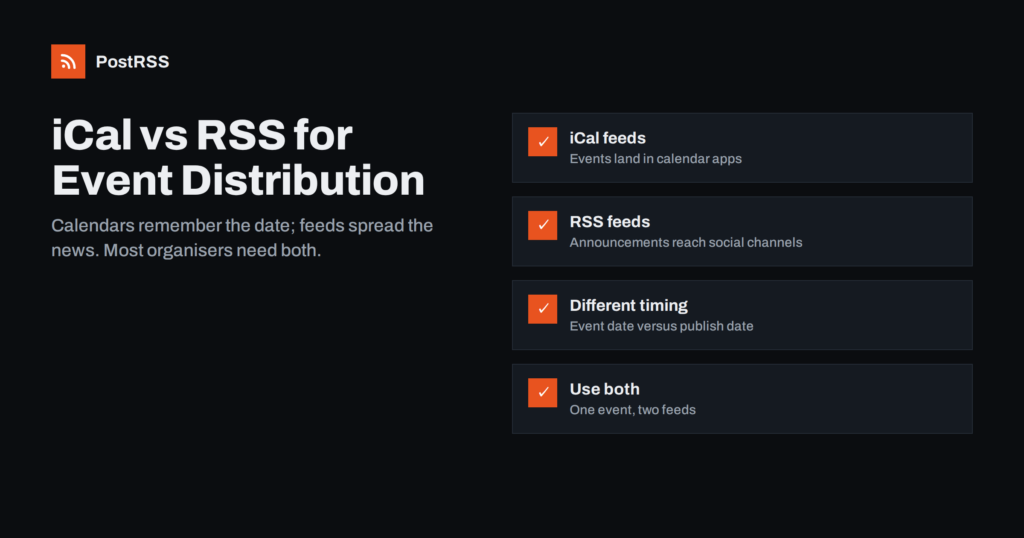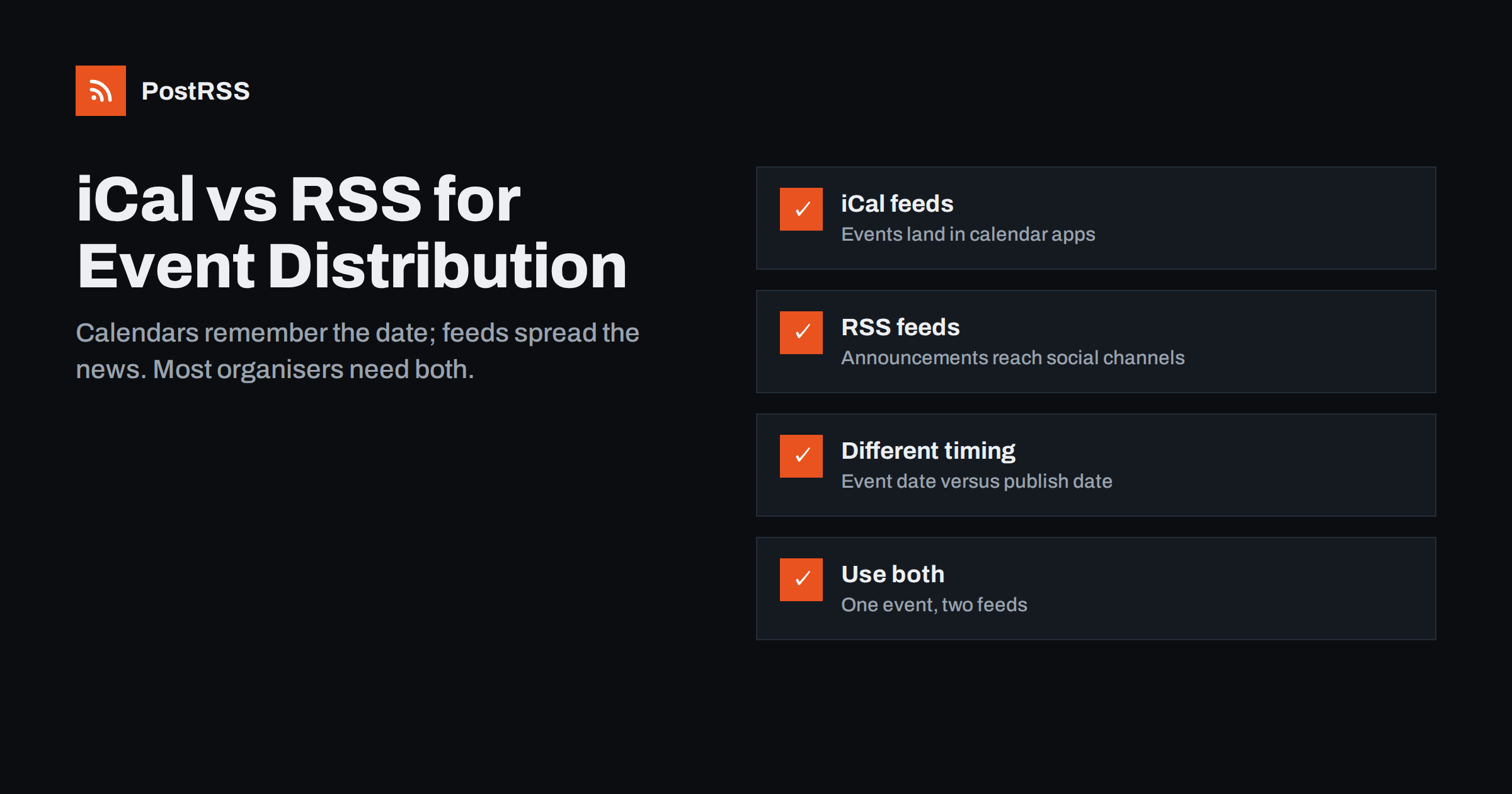
Short answer: An iCal feed (an iCalendar .ics file that people subscribe to) puts your events directly into calendar apps such as Google Calendar, Apple Calendar and Outlook, so subscribers see dates, times and locations next to their own appointments. An RSS feed announces new events as they are published, which makes it the right source for auto-posting to social networks, messaging channels and feed readers. They solve different problems: iCal is about remembering the event, RSS is about spreading the news. Most organisers who publish events regularly benefit from offering both from the same event listings.
Organisations that publish events, such as venues, clubs, schools, libraries, councils, community groups and conference organisers, often ask which feed they should offer. The confusion is understandable, because both iCal and RSS are “feeds” that software checks for updates. But they are built around different ideas.
iCalendar, defined in RFC 5545, describes calendar data: events with a start time, an end time, a time zone, a location, a description and optional recurrence rules. A calendar app that subscribes to an iCal feed shows those events in the calendar grid at the right dates.
RSS describes a stream of published items: each with a title, a link, a description, an image and a publication date. A feed reader or auto-posting tool that checks an RSS feed sees what is new since last time and shows or shares it.
The key difference is time. In iCal, the important date is when the event happens. In RSS, the important date is when the item was published. An event published today for a concert next spring appears in a calendar next spring, but in an RSS feed today.
Another difference is who controls the refresh. With iCal, the calendar app decides when to check your feed again, and the organiser has no influence over it. With RSS, the reader or automation tool decides, and many tools let the user choose an interval. That is one reason RSS is better suited to announcements that should go out promptly.
| Aspect | iCal (.ics) feed | RSS फ़ीड |
|---|---|---|
| Main purpose | Show events in calendar apps | Announce new items to readers and tools |
| Key date | Event start and end time | Publication date |
| Typical consumers | Google Calendar, Apple Calendar, Outlook | Feed readers, auto-posting tools, aggregators |
| Time zones and recurrence | Built in | Not part of the format |
| Images and rich descriptions | Limited support in apps | Common, with images and HTML |
| Update checks | Calendar apps refresh subscriptions on their own schedule | Tools check at intervals they control |
| Social media distribution | Not designed for it | The standard source for it |
Offer an iCal feed when your audience wants your events in their own calendar. That is especially useful for:
An iCal subscription also builds a quiet, long-term relationship. Once someone has added your calendar, your events appear in their week without any further action, next to their own plans. For organisations whose audience attends often, that visibility can be worth more than any single social post.
Keep in mind that subscribed calendars are not instant. Calendar apps decide how often to refresh subscriptions, and some can take hours or longer to show changes. For urgent changes, such as a cancellation on the day, an iCal feed alone is not enough.
Offer an RSS feed of events when you want to announce them widely. It is the better tool for:
RSS also plays well with automation tools beyond social media. A webhook can send each new event to a team chat so staff know what has been announced, or into a spreadsheet or newsletter tool through services like Zapier or n8n. The same feed item can therefore inform the public, the team and partners at the same time.
Our guide on how event organisers automate announcement distribution covers the social side in more detail.
Because RSS items are ordered by publication date, an events feed behaves differently from what many people expect. A few consequences are worth understanding before you automate:
None of this is a flaw in RSS. The format was designed for news, where publication time is what matters. Once you treat an events RSS feed as an announcement stream rather than a calendar, its behaviour becomes predictable and easy to plan around. The calendar role belongs to iCal, and the announcement role belongs to RSS.
A practical pattern is to publish events in batches that match your promotion plan: announce this month’s events at the start of the month, and add reminder posts for the biggest ones a few days before.
You should not have to maintain events twice. Most event management tools and CMS plugins can produce both formats from the same listings:
/feed/..ics file for calendars and an RSS feed for announcements.If your events are a custom post type in WordPress, finding and fixing custom post type feeds explains how to get a working RSS feed for them. On the event pages themselves, adding schema.org Event structured data helps search engines understand dates and locations.
Whatever system you use, test both outputs with a real event before promoting them. Subscribe to the iCal link in at least two calendar apps and check the time, location and description. Open the RSS feed and check that the event appears with a title, a useful description, a full link and an image. Fixing problems before people subscribe is much easier than after.
Whichever formats you offer, a few details decide whether they are actually useful:
Finally, think about the end of an event’s life. Past events should drop out of the upcoming calendar naturally, but they can stay on your website as a record, with photos and a short report. That report can itself become a new RSS item, giving your social channels a follow-up post after the event.
PostRSS handles the RSS side of event distribution. It checks your events feed every 5 minutes and posts each new event, with its image and link, to the networks you connect, such as Facebook Pages, X, LinkedIn, Telegram and team chats. You can limit how many items are posted per update to avoid floods after bulk imports, choose posting windows or exact times on paid plans, and use keyword filters to post only featured events. PostRSS does not read iCal files, so calendar subscriptions stay with your event system. See the features page for details.
iCal and RSS are complementary. An iCal feed helps people remember your events by putting them in their calendars; an RSS feed helps you tell the world about new events by powering social media and other channels. Generate both from the same event listings, write dates clearly into your RSS items, and publish separate updates for important changes. Your regulars get reliable calendars, and everyone else hears about what is coming.
An iCal feed contains calendar events with dates, times and time zones for calendar apps. An RSS feed contains published items with titles, links and images for readers and automation tools. iCal is organised by event date, RSS by publication date.
Social media auto-posting tools generally work with RSS or Atom feeds, not calendar files. Use an RSS feed of your events for social posting. Most event systems can produce both from the same listings.
RSS items appear when they are published, not when the event takes place. Schedule publication of event listings to match your promotion plan, and add reminder posts closer to the date.
No. Calendar apps refresh subscribed calendars on their own schedule, which can take hours. Announce urgent changes separately on your website and social channels.
Yes, or at least in the first line of the description. RSS has no event date field, so writing the date into the text makes social posts clear without a click.
What changed in the networks, what broke, and how to fix it before it costs you reach.
 English
 Lietuviškai
 Deutsch
 Français
 Русский
 Español
 Polski
 Italiano
 Українська
 Čeština
 Português
 日本語
日本語 Latviešu valoda
 Eesti
Eesti Magyar
 Bahasa Indonesia
 Türkçe
 हिन्दी
 Ελληνικά
 العربية
 ไทย
ไทย Tiếng Việt
 Română
 Bahasa Melayu
 বাংলা
বাংলা