RSS 66 sotsiaalvõrgustikku: Facebook, Instagram, X, LinkedIn, Telegram ja teised Blogi Partnerprogramm Kontaktid
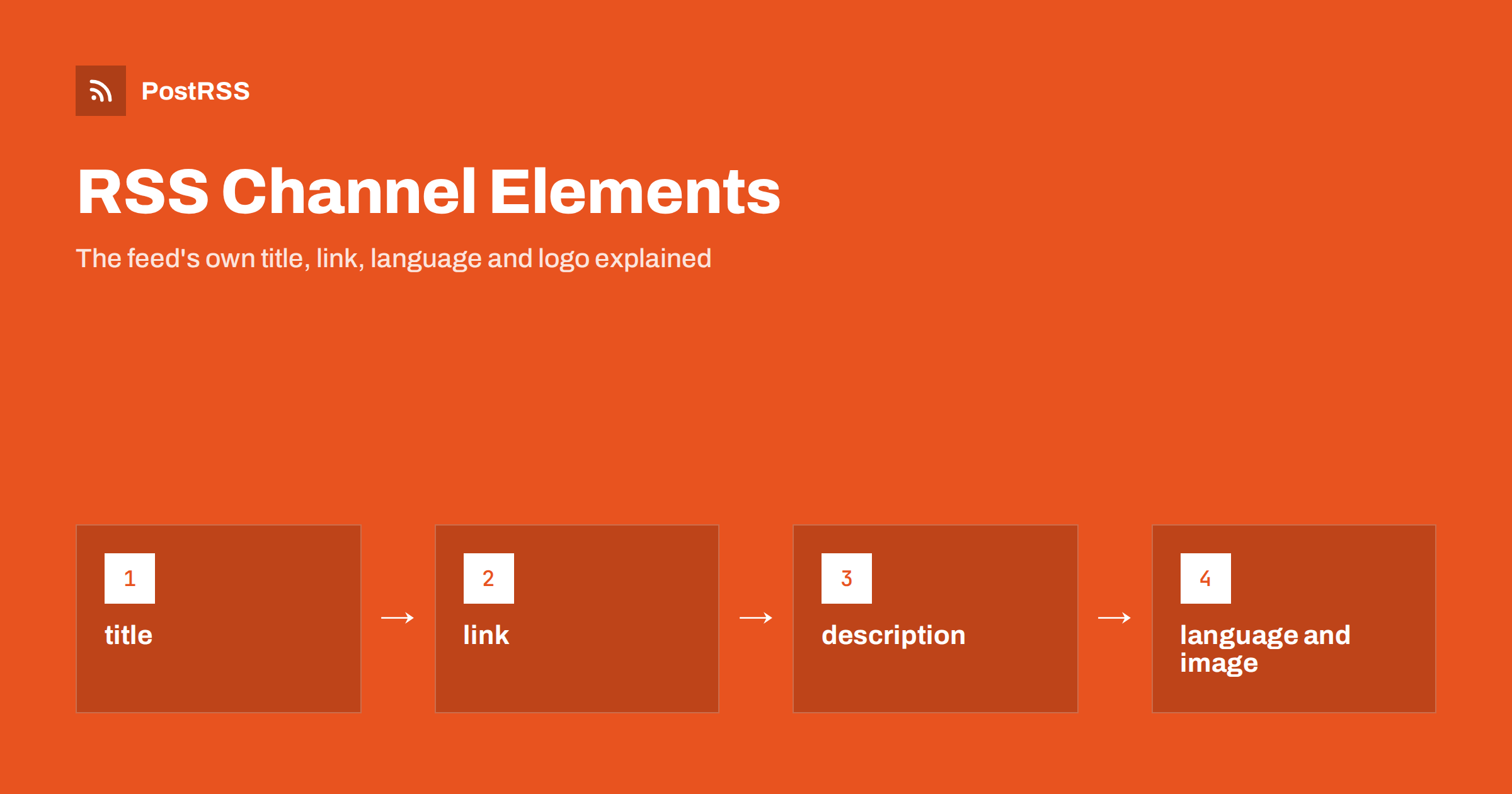
Short answer: RSS channel elements describe the feed as a whole rather than any single article. RSS 2.0 requires three of them, title, link ja description, and offers optional ones such as language, image, lastBuildDate ja ttl. Readers and tools use them to name, identify and display your feed, but social posts are built from item elements, so the channel image does not become the picture on your auto-posted posts.
Most guides about feeds focus on items: titles, links, GUIDs and dates of individual articles. The channel block at the top of the feed gets less attention, and it is often left with whatever default the CMS produced, such as a feed titled with the site’s tagline or a language code that does not match the content. This guide walks through the channel elements of RSS 2.0, their Atom equivalents, what each one is used for and which of them matter when the feed powers social media automation.
An RSS 2.0 document has one rss root element, one channel inside it and any number of item elements inside the channel. Everything inside the channel but outside the items describes the feed itself:
<rss version="2.0">
  <channel>
    <title>Example Garden Blog</title>
    <link>https://example.com/blog/</link>
    <description>Practical gardening advice every week</description>
    <language>en-gb</language>
    <lastBuildDate>Sat, 10 Oct 2026 08:00:00 +0000</lastBuildDate>
    <item>...</item>
  </channel>
</rss>
The full list of channel elements, with their exact rules, is in the RSS 2.0 specification. Item elements are explained separately in RSS feed XML anatomy.
title is the name of the feed. Feed readers show it in the subscription list, and many automation tools show it as the name of the source when you add a feed. Use the name people know, such as the site or blog name, and avoid generic defaults like My Blog or a long marketing tagline.
link is the address of the website the feed belongs to, usually the home page or blog index, not the address of the feed itself. Tools use it to open the site from the reader and sometimes to identify the feed’s owner.
description is a short sentence about the feed. Readers display it under the title in directories and subscription dialogs. One plain sentence that says what the feed contains and how often it is updated is enough.
If you run several feeds, for example one per category, give each a distinct title and description. When several feeds share the same title, it becomes hard to tell them apart in any tool, which leads to mistakes such as connecting the wrong feed to the wrong account.
language states the language the feed is written in, using codes such as en, en-us, de või lt. Readers may use it to group or filter feeds, and directories and podcast platforms use it to list content for the right audience.
Two practical points matter:
en-US. Check the code after any language change.The channel language does not translate anything and does not change how social networks display your posts. It is metadata for tools that care about it, which is why it is easy to forget and worth getting right.
The optional image element gives the feed a logo. It has three required sub-elements, url, title ja link, and optional width ja height. The specification sets a maximum width of 144 pixels and a maximum height of 400 pixels, with defaults of 88 by 31, a reminder of how old the format is.
<image>
  <url>https://example.com/logo-144.png</url>
  <title>Example Garden Blog</title>
  <link>https://example.com/blog/</link>
</image>
Feed readers may show this image next to the feed name; many modern readers use the site’s favicon instead. What the channel image does not do is supply the picture for each social post. Auto-posters take images from each item, through an enclosure, a media:content element or an image in the description, or from the Open Graph tags of the linked article. If your posts show your logo instead of the article image, the problem is in the items or in the article page, not in the channel. See how to control which image gets auto-posted.
Podcast feeds are the exception where a channel image matters a lot. Podcast directories use the channel artwork from the itunes:image element as the show cover, and Apple Podcasts expects square artwork between 1400 and 3000 pixels wide. That is a podcast requirement, separate from the RSS 2.0 image element.
At channel level, pubDate is the publication date of the feed content and lastBuildDate is the last time the feed was changed. Both use the RFC 822 date format, such as Sat, 10 Oct 2026 08:00:00 +0000.
Some readers and tools look at lastBuildDate to decide whether anything has changed. If your CMS updates it every time the feed is generated, even when nothing new was published, it carries no information. If it never updates, a tool that trusts it may assume the feed is stale. Most auto-posters compare item identifiers instead, but a correct lastBuildDate is still good practice. The difference between the two dates is covered in pubDate vs lastBuildDate.
ttl (time to live) suggests how many minutes a feed may be cached before it is fetched again. skipHours ja skipDays list hours and days when readers need not check the feed. These are hints, and many modern tools ignore them or treat them loosely. They do not reliably control when your items are posted to social networks. If you need posting only in business hours, set that in your automation tool’s posting windows. The details are in RSS ttl, skipHours and skipDays explained.
RSS 2.0 lists several more channel elements. Most are harmless and rarely used:
Many feeds also include an atom:link element with rel="self", which states the feed’s own address. Validators warn when it is missing; the fix is explained in the missing atom:link rel self warning.
Atom feeds, defined in RFC 4287, describe the feed in the feed element with slightly different names:
| RSS 2.0 channel | Atom feed | Notes |
|---|---|---|
| title | title | Required in both |
| description | subtitle | Optional in Atom |
| link | link rel alternate | Atom also uses link rel self for the feed address |
| image | logo and icon | Logo is wider, icon should be square |
| lastBuildDate | updated | Required in Atom, in RFC 3339 format |
| no equivalent | id | Required permanent identifier of the feed |
| copyright | rights | Optional |
| language | xml:lang attribute | Set on the feed element |
Atom is stricter in a useful way: id ja updated are required, which gives tools a reliable way to recognise the feed. Whether the format matters for auto-posting is discussed in Atom vs RSS for auto-posting.
When you open a typical feed, the same few problems appear again and again. Each one takes only a few minutes to fix in the CMS settings or the feed template:
en-US in the feed is common after a CMS was installed in English. Correct the site language setting.managingEditor ja webMaster are public. Replace personal addresses with a role address or remove the elements.After any fix, validate the feed again and open it in a feed reader to see how the name, description and logo appear. Some readers cache channel information, so changes may take a while to show there. Automation tools that you connected before the change may also keep the old source name until you edit it, which is harmless but worth knowing when you compare dashboards. If you change the feed address itself, not just its channel elements, treat it as a migration and update every tool that uses it.
For social media automation, the item elements do the real work. Channel elements still help in a few ways:
Spend five minutes on the channel block whenever you set up a new feed, then focus your effort on item titles, descriptions, links and images, which are what your followers actually see.
PostRSS has published RSS and Atom feeds to social networks since 2014. It builds each post from item data, using the item title, the item description, the page title or your own static text, and takes the picture from the feed item or from the page’s Open Graph tags, so the real article image is posted rather than a feed logo. Any valid RSS 2.0 or Atom feed can be a source, and one feed can go to several of the 66 supported networks, messengers, team chats and blogs, each with its own settings. See the features page and the plan limits on the pricing page. More technical articles are under the RSS Feed tag.
The channel block names and describes your feed. Give it a real title, a link to the site and a one-sentence description, set the language code that matches the content, and keep dates valid. Add a small logo in the image element if you like, but remember that social posts take their pictures from items and article pages, not from the channel. With the channel tidy, put your effort into the items that become posts.
Three: title, link and description. Everything else in the channel, including language, image and lastBuildDate, is optional.
No. Auto-posters take images from each item or from the Open Graph tags of the linked article. The channel image is a small feed logo that some readers display next to the feed name.
The RSS 2.0 specification allows a width of up to 144 pixels and a height of up to 400 pixels, with a default of 88 by 31. Podcast artwork is a separate element with much larger requirements.
Use the code of the language the content is written in, such as en, en-gb, de or lt. If your site publishes in several languages, offer a separate feed for each language.
Not reliably. They are hints for feed readers, and many tools ignore them. Use the posting windows of your automation tool to control when posts go out.
What changed in the networks, what broke, and how to fix it before it costs you reach.
Loonud Internet Solutions, PostRSS-i taga olev meeskond. Iga toode säästab aega omal moel.
 English
 Lietuviškai
 Deutsch
 Français
 Русский
 Español
 Polski
 Italiano
 Українська
 Čeština
 Português
 日本語
日本語 Latviešu valoda
 Eesti
Eesti Magyar
 Bahasa Indonesia
 Türkçe
 हिन्दी
 Ελληνικά
 العربية
 ไทย
ไทย Tiếng Việt
 Română
 Bahasa Melayu
 বাংলা
বাংলা