RSS 66 sotsiaalvõrgustikku: Facebook, Instagram, X, LinkedIn, Telegram ja teised Blogi Partnerprogramm Kontaktid
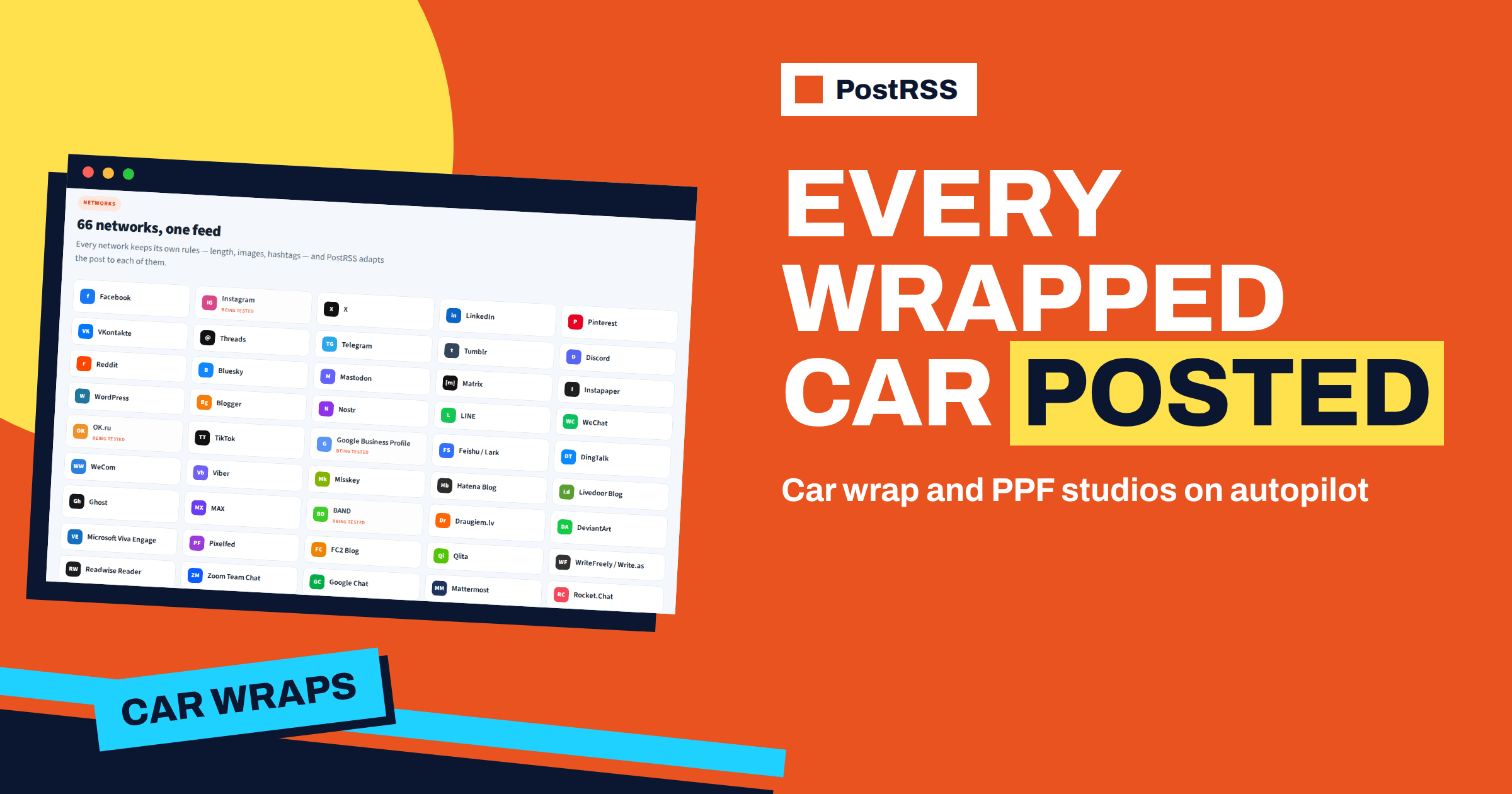
Short answer: a car wrap, paint protection film or detailing studio can use PostRSS to turn every finished car on its website into a post on Facebook, Pinterest and Telegram without anyone retyping a caption. Publish each job as a short gallery entry with the car model and the service as categories, connect the website feed as a source, and use keyword filters to send the right jobs to the right place. Local customers see fresh work on the studio’s Facebook Page, collectors find the best photos on Pinterest, and repeat customers get new jobs in a Telegram channel.
Few businesses are as visual as a studio that changes the look of cars. A matte black wrap, a clear film on the front of a sports car, a ceramic coating that makes water bead like glass: every job ends with a customer who is proud and a set of photos that sell the next job. The studio, however, is busy at exactly the moment the photos are ready. The car has to be handed over, the bay has to be cleaned and the next vehicle is waiting. Posting to several networks falls to the end of the day, and then to the weekend, and then it does not happen. PostRSS removes the last step. If the finished job is on the website, the posts follow on their own. This guide shows a practical setup with the options that PostRSS offers today.
The foundation is a page for every finished job. A good entry is short: the model of the car, the service, the materials, how long it took and four to eight photos. Give it a clear title, for example a wrap on a specific model with a specific finish. The title becomes the headline of every post, so it should make sense without the page.
Use categories the way your customers think. A studio might have wraps, paint protection film, window tint, ceramic coating, detailing and restoration, and it may also tag the make of the car. Categories travel in the feed, and PostRSS can use them for keyword filters and for hashtags. If your site runs on WordPress, a feed already exists, and the official plugin can create the target for you. Other platforms have their own feeds, and the integrations page lists their addresses.
A studio has three audiences. Local customers look for a studio near them and check the Facebook Page before they call. Enthusiasts browse for ideas and save images, and Pinterest boards are made for that. Regular customers and clubs want to know what is new and are happy to follow a channel. Telegram suits that audience because it gives instant updates with large previews.
The Free plan offers one target, either a Facebook Page or a Telegram channel, and is a good way to test the idea with the most important audience. For several targets you need a plan from Professional upwards, which includes ten targets and the Pinterest board option. PostRSS posts to Facebook Pages and not to personal profiles or groups, so connect the Page of the studio. Two networks that studios often ask about, Instagram and Google Business Profile, are listed with the label being tested, which means that publishing is waiting for approval from the platform. Prepare for them, but do not rely on them yet.
PostRSS uses the image that comes with the feed item or the one defined by the page, so the featured image of every entry matters. Choose the strongest photo of the job as the first one: a clean side view in good light usually beats a close-up. Pinterest needs an image for every pin, and items without one are skipped for that board. If you want the best result in link previews, make sure that the Open Graph image and description of every page are filled in, because networks such as Telegram build their preview cards from them.
Keep the file size reasonable and the orientation consistent. A landscape photo works for most previews. Do not put the plate number or the customer’s face in the first image unless they agreed to it.
PostRSS can build the post from the item title, the item description, the page title or your own static text, in nine combinations. Studios often like a short fixed line followed by the title, for example a phrase that announces a new job and then the title of the entry. Choose the format that combines static text and the item title, type the phrase once and every post will look consistent.
If you want to know which network brings enquiries, add a query parameter to the links, such as the name of the network. Then look at your analytics after a month and see which target sent visitors who asked for a quote.
Create one source for every target and add keyword filters. For Pinterest, include the visual services, such as wraps and detailing, and exclude the technical ones. For the Telegram channel, include a category such as news or offers. For the Facebook Page, post everything. Filters search the title, the description and the categories, ignore capital letters and match parts of words, with quotes available for exact words. Items that a filter removes are not posted and do not use your plan allowance. Read the guide to include and exclude keyword filters for the full rules.
If your studio serves a few brands, you can also create a target for a club or a community: for example, a Telegram group for owners of one make, with a filter for that make in the title. The same feed can then feed several niches without extra work on the website.
A studio finishes jobs irregularly. A week may bring one wrap and a week of coatings may bring six. If six entries appear on Friday afternoon, you do not want six posts in an hour. Use the maximum posts per update with a low value and choose the publishing order. With a limit of one post per update and exact times on three days, the posts spread across the week. Add a posting window that matches the working day of your customers, so that posts do not appear at night. The guide to exact times, windows and intervals explains the options. They are available on paid plans.
On networks where hashtags help, PostRSS can add your own fixed hashtags to every message and can also turn the categories and tags of the item into hashtags. Use two or three fixed ones, such as the name of the studio and the city, and let the categories do the rest. On Facebook and LinkedIn at most five hashtags are added in total, and yours come first. The article on automatic, custom and random hashtags shows how to rotate them.
A studio that has been working for years has a large archive. When you open a new Pinterest board, it starts empty, and a board with a hundred pins looks more serious than a board with three. Set a start date for the source and enable catch-up, and PostRSS will also post older items that were never published. Keep the number of posts per update low so that the archive is released gradually. The guide to catching up older feed items describes this setting.
In the morning the installer finishes a clear film on the front end of a customer’s car. At lunch the manager takes eight photos in the yard, picks the best three and writes the entry in the website editor: the model, the film, the covered areas and the time it took. He gives it two categories, paint protection film and the name of the make, and publishes. By the next scheduled slot the Facebook Page has the entry with its title, link and photo, and the Telegram channel for owners of that make receives it as well. The manager did not open either network. The only extra work was a few lines of text that he would have written for the customer anyway.
On Friday the studio finishes two more jobs, and the limit of one post per update spreads them over the next two slots. On Saturday nothing is posted, because the posting window is set for working days. The page looks active all week while the team works on cars.
Demand in this trade has seasons. Spring and early summer bring wraps and coatings for people who want their cars to look good for the season. Autumn brings film and protection before winter. You can reflect this in PostRSS without changing the website: add a temporary source with a keyword filter for the service you want to push, give it its own hashtags and a short line of static text, and switch it off when the season ends. A second source with a filter and an on and off switch is all the seasonal push needs, and it leaves the everyday source untouched.
| Target | Filter | Rhythm | Goal |
|---|---|---|---|
| Facebook Page | All jobs | One post on three weekdays | Local trust and enquiries |
| Pinteresti tahvel | Wraps, detailing, restoration | One post on two days | Ideas that people save |
| Telegrami kanal | News and offers | When published | Regular customers and clubs |
Three targets need a plan with at least three, which means the Professional plan or above. Check the limits on the pricing page and compare them with the number of jobs you finish each month.
Open the reports and look at the posts per target. If the Pinterest board receives far less than you expect, check that entries have images. If a Telegram channel is quiet, confirm that the bot is still an administrator. Look at your analytics for the query parameter you added and note which network sent the most visitors. Adjust the filters, rhythm or networks based on what you learn. A short monthly review keeps the setup healthy.
For a car wrap or protection film studio, PostRSS turns the gallery of finished jobs into a steady stream of posts. Write each job on the day it is done, use categories that match your services, connect the feed, route the categories to the right networks and spread the posts with a limit and exact times. Fill new boards with archive work, check the reports monthly and prepare for the networks that are still being tested. See the options on the features page and compare plans on the pricing page.
Yes, from the Professional plan upwards, through Pinterest boards. Each pin needs an image, so entries without a photo are skipped for the board.
No. PostRSS posts to Facebook Pages only, because Meta closed the interface for groups in 2024. You can use a Telegram group for a community instead.
You need a feed. A gallery or news section on your website that publishes a feed is enough, and WordPress sites can use the official plugin.
Set the maximum posts per update to one and use exact times or a posting window, so that the entries are released over several slots.
Yes. PostRSS can add your own hashtags to every message on networks where hashtags are used, and it can add hashtags from the categories of the item as well.
What changed in the networks, what broke, and how to fix it before it costs you reach.
Loonud Internet Solutions, PostRSS-i taga olev meeskond. Iga toode säästab aega omal moel.
 English
 Lietuviškai
 Deutsch
 Français
 Русский
 Español
 Polski
 Italiano
 Українська
 Čeština
 Português
 日本語
 Latviešu valoda
 Eesti
 Magyar
 Bahasa Indonesia
 Türkçe
 हिन्दी
 Ελληνικά
 العربية
 ไทย
 Tiếng Việt
 Română
 Bahasa Melayu
 বাংলা