RSS 66 sotsiaalvõrgustikku: Facebook, Instagram, X, LinkedIn, Telegram ja teised Blogi Partnerprogramm Kontaktid
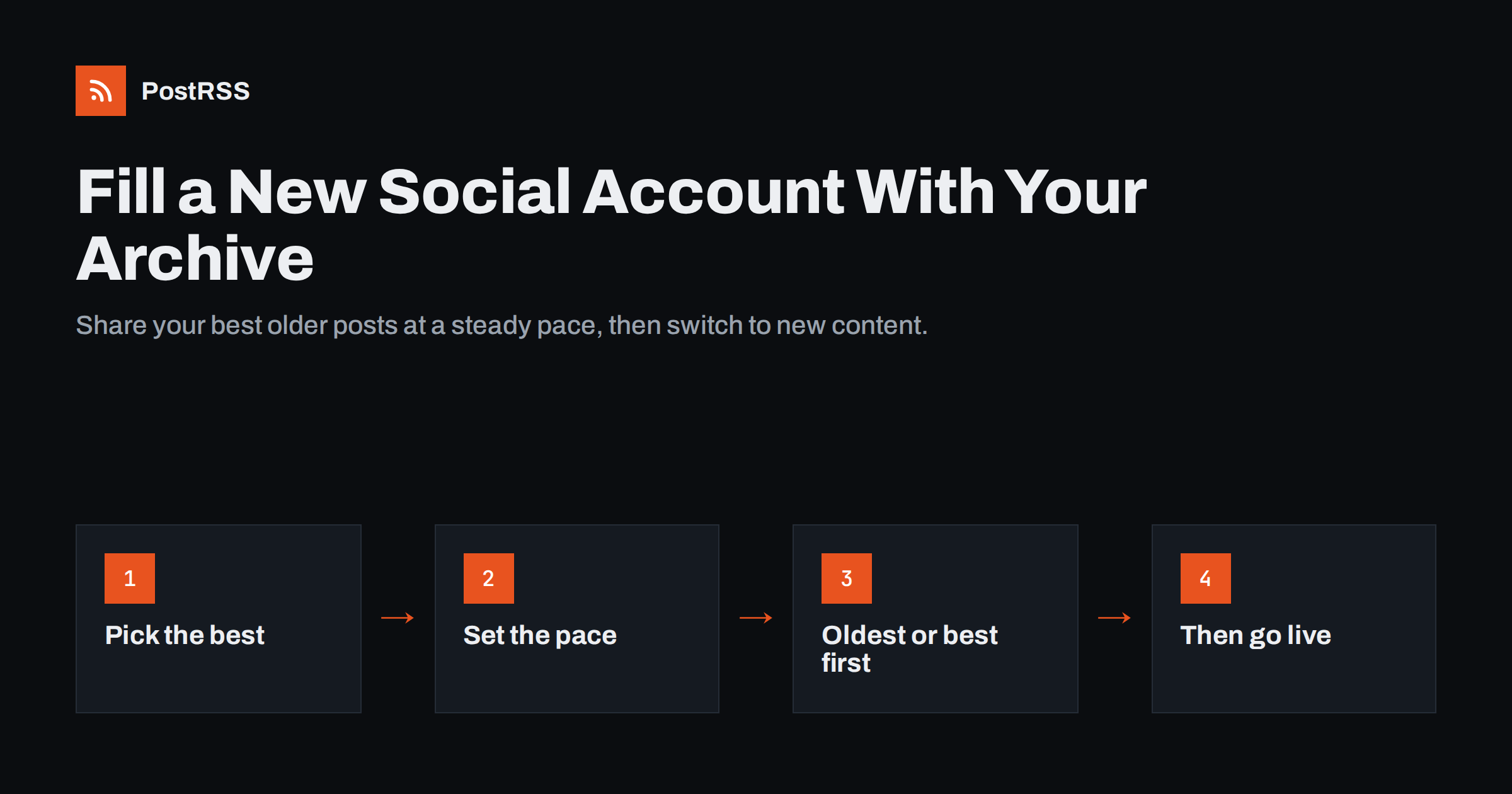
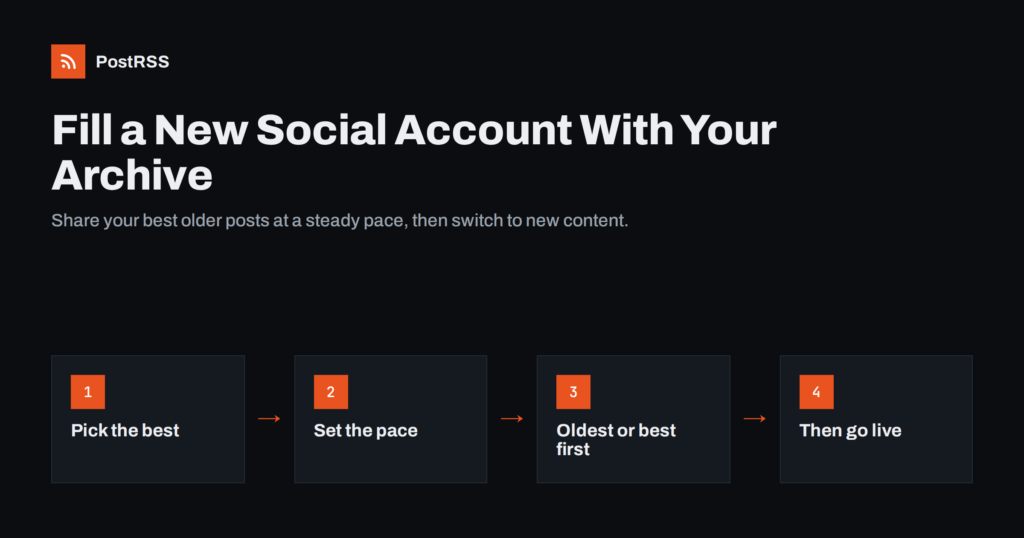
Short answer: When you open a new social account, an empty profile gives visitors no reason to follow. Instead of waiting months for new posts to build up, share a selection of your best older blog posts at a steady, modest pace, for example a few a day, and then switch the account to new posts only. An RSS auto-posting tool with a catch-up or start-date option and a limit on posts per update makes this easy, as long as your feed contains the older items and you check that each one is still accurate.
People decide whether to follow an account in a few seconds. They look at the profile, scroll a little and ask whether future posts will be worth seeing. A new account with two posts answers that question poorly, even if the business behind it has published hundreds of useful articles over the years.
That gap is common. A business opens a Bluesky, Threads or Mastodon account because part of its audience moved there. A publisher adds a Telegram channel for readers who prefer messengers. A company finally sets up a LinkedIn page. In each case the website already holds a large archive of content, but none of it is visible on the new channel.
Backfilling closes the gap. By sharing a curated selection of older content over the first few weeks, you give the new account a history that shows what followers can expect. Visitors see real, useful posts instead of an empty page, and the first followers get value straight away.
A new account also has a practical advantage: nobody is following it yet, so the backfill phase is the one time when sharing older content bothers no one. The first people who arrive see a full profile, and those who follow early receive a steady flow of posts that shows the account is alive. Waiting until you have a large following before sharing your best older work gets the order backwards.
Backfilling means publishing older content to a new channel in a planned, spaced-out way. It is not dumping two hundred links into a new account in one afternoon. That approach looks like spam to followers and to the platform, and on many networks it can trigger rate limits or automated restrictions on new accounts.
It is also different from continuous evergreen recycling, where the same archive is reshared on existing channels again and again. Backfilling is a one-time phase with a clear end: once the new account has a reasonable history, it switches to sharing new content as it is published, like your other channels.
Finally, backfilling does not mean everything old is worth sharing. News about a price change from four years ago, an event that has passed or a guide to a feature that no longer exists does more harm than good. The archive needs selecting and, sometimes, updating first.
Start with a list. A good backfill selection is usually a few dozen posts, not hundreds. Look for:
Leave out anything time-bound, outdated or embarrassing. If a strong article needs a small refresh, update it on the website before it is shared. The social post will link to the current page, so corrections made now benefit every channel.
Also check the images. Older posts often have small, low-quality or missing featured images, and on most networks the image is what people notice first. Replace weak images before the posts go out.
RSS auto-posting tools read your feed, and they can only see the items that are in it. Many sites show only the most recent items: WordPress, for example, shows ten by default, set under Settings, Reading. That is fine for new posts but not enough for backfilling.
You have several options:
A dedicated tag or category feed is often the neatest solution, because the selection is visible on the website and easy to adjust. If you add a post to the tag later, it simply joins the queue.
Before the backfill starts, test one item. Share a single older post to the new account and look at the result on a phone. Does the preview show the right image, or a logo or a blank box? Is the title readable, and does the link go to the correct page rather than an old address that now redirects? Older posts are the ones most likely to have missing Open Graph images, outdated links or odd formatting from a previous theme, so it is worth catching those problems on the first post rather than the fortieth.
The pace should look natural for the network and for a new account. As a general guideline, a few posts a day is usually plenty during a backfill, spread across the day rather than published at once. On networks where people expect fewer posts, such as LinkedIn, one or two a day is typically enough. Messaging channels, where each post can trigger a notification on followers’ phones, deserve an even lighter touch.
Useful controls in an auto-posting tool include:
At a few posts a day, a selection of forty posts takes a couple of weeks, which is a reasonable length for a backfill. It gives early followers a steady stream of useful content without overwhelming them.
A simple example: a blog with forty selected posts sets the backfill source to publish at most one item per update, checks it every three hours, and allows posting only between 8:00 and 20:00 in the audience’s time zone. That produces roughly four posts a day, spread evenly, and the backfill finishes in about ten days. Adjust the numbers to your network and audience, but the principle stays the same: small, regular steps rather than one large burst.
The order depends on what you want the profile to show. Posting oldest first tells the story of your content chronologically and ends with your most recent work, which then sits at the top of the profile. Posting newest first gives early followers your most current thinking immediately. Random order mixes topics and avoids long runs of similar posts, which can be useful if your archive has clusters of related articles.
For many businesses, a hand-picked selection posted oldest first works well, because when the backfill ends, the newest and most relevant posts appear at the top of the profile, followed seamlessly by genuinely new content.
When the backfill is finished, connect the new account to your main feed in the normal way, so it receives each new post as it is published. If you used a separate backfill feed, disconnect or pause it so older items are not repeated.
Check the transition carefully. The first new post should arrive on the new account at the same time as on your other channels, with the right image and link. From here on, the new account behaves like the rest of your distribution.
After a month, look at the numbers. Which backfilled posts brought clicks, replies or shares on the new network? Those topics tell you what this particular audience cares about, which may differ from your other channels. Use that knowledge when you write new posts, and consider giving the best performers a small update and a second share a few months later.
PostRSS has the controls a backfill needs. The catch-up option lets you pick a start date so that older feed items that were never published are posted too. You can choose whether newer or older items are published first, or random order, and set the maximum number of posts per update. Each source can be checked anywhere from every 5 minutes to once a week, and paid plans add posting windows and exact posting times.
Because one feed can go to several targets, each with its own settings, you can connect a backfill feed to the new account only and keep your existing accounts on the main feed. On Professional plans and above you can also upload a CSV file where each row becomes a post. The details are on the PostRSS features page.
A new social account does not have to start empty. Pick your best evergreen posts, refresh anything outdated, put them in a feed the auto-posting tool can read, and share them at a calm pace for a couple of weeks. Then switch the account to new posts only. Followers who arrive early see a profile full of useful content, and the channel starts life looking like it has been there all along.
A few dozen carefully selected posts is usually enough to give a new profile substance. The goal is a representative history, not a copy of your entire archive. Quality and relevance matter more than quantity.
Posting at a moderate pace, spread across the day, looks like normal activity. Publishing dozens of links in a short burst is what tends to trigger limits, especially on new accounts. Follow each network’s rules and keep the volume reasonable.
Yes. A category or tag feed containing only the selected posts works well, and so does a CSV file where your tool supports one. Your main feed and existing channels stay untouched.
If a post contains outdated facts, prices or screenshots, update it first. The social post links to the live page, so the correction reaches every reader. Posts that cannot be updated are better left out.
Connect the new account to your main feed so it receives new posts as they are published, and pause the backfill source. From then on the account works like your other automated channels.
What changed in the networks, what broke, and how to fix it before it costs you reach.
 English
 Lietuviškai
 Deutsch
 Français
 Русский
 Español
 Polski
 Italiano
 Українська
 Čeština
 Português
 日本語
日本語 Latviešu valoda
 Eesti
Eesti Magyar
 Bahasa Indonesia
 Türkçe
 हिन्दी
 Ελληνικά
 العربية
 ไทย
ไทย Tiếng Việt
 Română
 Bahasa Melayu
 বাংলা
বাংলা