RSS σε 66 κοινωνικά δίκτυα: Facebook, Instagram, X, LinkedIn, Telegram και άλλα Blog Συνεργατικό Πρόγραμμα Επικοινωνία
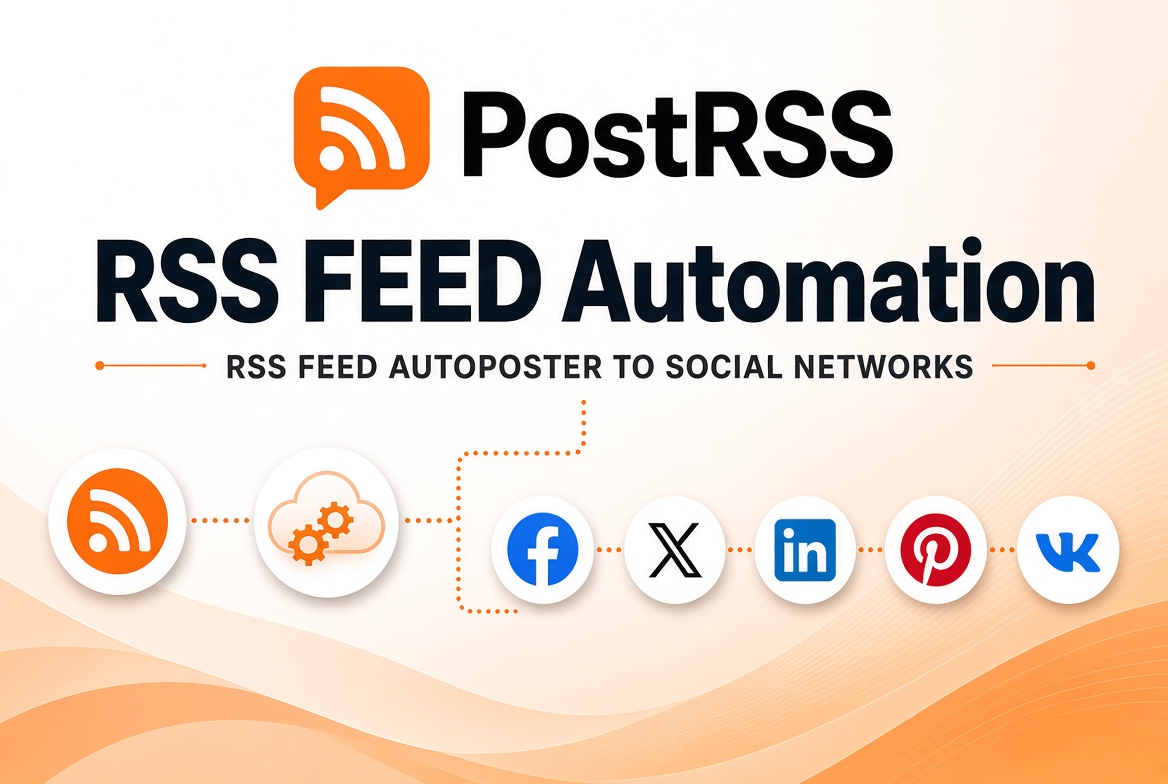
Demystifying Really Simple Syndication, locating your feed URLs, and transforming static content streams into automated marketing engines.
Updated: 2026-09-27
Short answer: an RSS feed is a machine-readable list of a site's newest items — title, link, date and usually an image — that any program can read without scraping the page. Most sites already publish one: WordPress at /feed/, Ghost at /rss/, Substack at /feed. Its main practical use in 2026 is automation: a tool watches the feed and acts each time a new item appears. PostRSS is one of those tools — it checks the feed every 5 minutes and posts each new item to up to 66 networks, free for one Facebook Page. If you need the format explained first, see RSS feeds explained.
An RSS feed is a machine-readable file listing a site's newest items, and almost every publishing platform generates one for you. If you want the format itself explained — how it works, how to find one, how it compares with Atom and with a sitemap — start with our guide to RSS feeds explained. This article assumes you have a feed and goes straight to what you can make it do.
RSS automation means using that file as a trigger. A tool checks the feed on a schedule, notices anything it has not seen before, and publishes it wherever you told it to — a Facebook Page, a Telegram channel, a Discord server, a team chat room, another blog. Nobody copies a link, nobody schedules a post, and nothing sits in a queue waiting for a person to approve it.
The reason this is worth setting up once is that it keeps working while you do not. Publishing is the only action you take; distribution happens on its own, in the same order and at the same speed on a Tuesday afternoon as at two in the morning. The rest of this guide covers the three things that decide whether it works well: finding the right feed, fixing what the feed contains, and choosing sensible destinations.
You do not need to understand XML to automate a feed, but four fields inside each entry decide what your posts look like. title becomes the text people read on most destinations. link must be absolute, or it breaks outside your site. guid is how a tool knows an item is new, so changing guids on old posts makes them all publish again. pubDate decides ordering, and a wrong date is the most common cause of strange behaviour.
That is the whole of it for practical purposes. The full structure, field by field, is in RSS feed XML anatomy explained, and the format itself is covered in RSS feeds explained.
Most modern website frameworks generate an RSS feed automatically out of the box. However, because these paths run in the background, many site owners do not know their specific feed URLs. Below is a practical guide to locating RSS feeds on the world's most widely used content and e-commerce platforms.
| Platform CMS | Standard RSS Feed URL Formula | Example Format |
|---|---|---|
| WordPress (Self-Hosted & Com) | Append /feed/ to your main domain or category path. | https://example.com |
| Blogger / Blogspot | Append /feeds/posts/default to the blog URL. | https://blogspot.com |
| Shopify | Append .atom to any collection or product main URL. | https://example.com |
| Joomla | Append ?format=feed&type=rss to active blog view menu paths. | https://example.com |
| YouTube Channels | Use the standard channel video feed path combined with your unique Channel ID. | https://youtube.com... |
If you are utilizing a custom-built website framework or cannot locate your feed using standard formulas, you can discover it directly through your web browser. Simply navigate to your website homepage, right-click anywhere on the page, and select "View Page Source". Use the search command (Ctrl+F or Cmd+F) and type in type="application/rss+xml" ή type="application/atom+xml". If an RSS stream is supported, you will find a hidden link element in the website header pointing directly to your live feed URL.
Historically, web users relied on desktop RSS readers (like Feedly or the classic Google Reader) to organize their morning news consumption. While consumer feed reading remains popular, the true power of RSS today lies in B2B marketing automation and content syndication.
When you connect your site's RSS feed to a dedicated auto-posting tool like PostRSS, you convert a static file into an active broadcasting system. Rather than manually copying links and writing social updates every time an item is published, an automated platform monitors your feed file for changes. The moment a new entry is detected, it extracts the title, image, and link, formats the update to match platform guidelines, and instantly posts it to connected networks.
An RSS feed is a machine-readable list of a site’s newest items, with a title, link, date and usually an image for each one, that any program can read without scraping the page.
Most platforms generate one automatically: WordPress at /feed/, Ghost at /rss/ and Substack at /feed. If the usual paths do not work, view the page source and search for application/rss+xml or application/atom+xml.
It checks the feed on a schedule, notices items it has not seen before and publishes them to the destinations you chose. PostRSS checks every 5 minutes on all plans and every minute on Enterprise plans.
Usually because the guid values of old items changed, for example after a migration or a plugin change. Automation tools use the guid to decide whether an item is new, so keep it stable.
Not in practice. PostRSS accepts both RSS 2.0 and Atom feeds, and the same fields — title, link, identifier and date — decide what gets posted and when.
What changed in the networks, what broke, and how to fix it before it costs you reach.
Από την Internet Solutions, την ομάδα πίσω από το PostRSS. Κάθε προϊόν σάς εξοικονομεί χρόνο με τον δικό του τρόπο.
 English
 Lietuviškai
 Deutsch
 Français
 Русский
 Español
 Polski
 Italiano
 Українська
 Čeština
 Português
 日本語
日本語 Latviešu valoda
 Eesti
Eesti Magyar
 Bahasa Indonesia
 Türkçe
 हिन्दी
 Ελληνικά
 العربية
 ไทย
ไทย Tiếng Việt
 Română
 Bahasa Melayu
 বাংলা
বাংলা
