RSS to Facebook, Instagram, X, LinkedIn, Telegram and 11 more networks Бλογ Συνεργατικό Πρόγραμμα Επικοινωνία
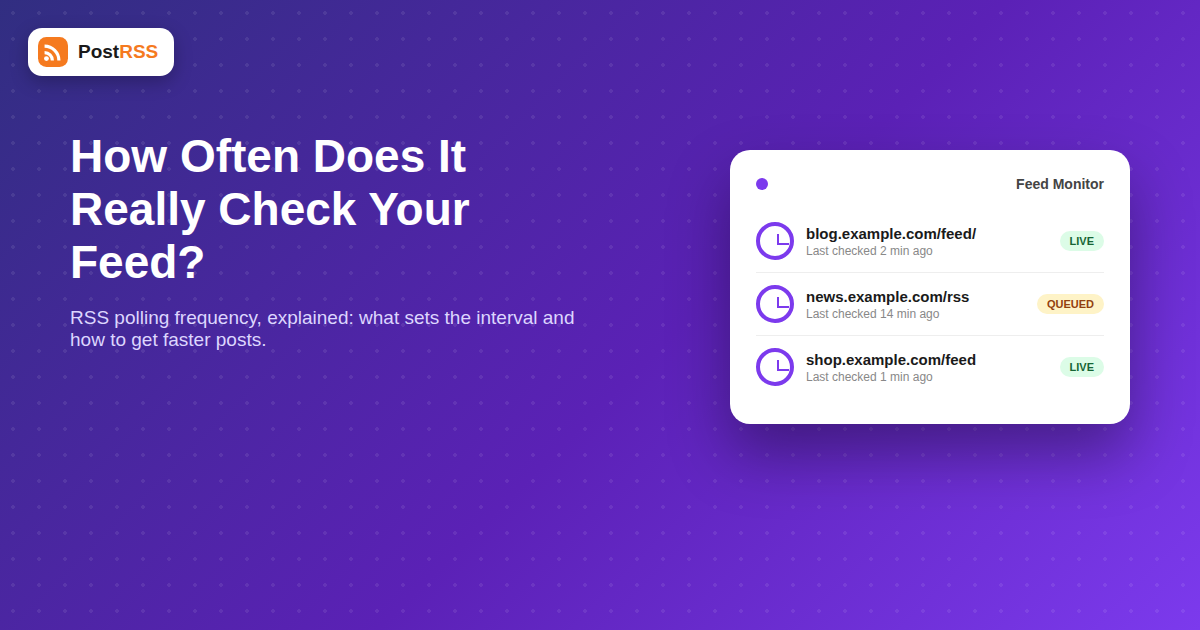
You publish a new post, refresh your Facebook page, and nothing. Ten minutes later, still nothing. Then, twenty-two minutes after you hit publish, the auto-post finally appears. If you’ve ever wondered why RSS-to-social tools don’t post the instant you publish, the answer is polling frequency — and understanding it will save you a lot of unnecessary troubleshooting.
This isn’t a flaw specific to any one platform. It’s a structural fact about how RSS itself works, and it applies whether you’re posting to Facebook, X, LinkedIn, Pinterest, or all four at once. Once you know what’s actually happening behind the scenes, a delay that felt like a broken integration usually turns out to be completely expected behavior.
RSS feeds are not pushed to anyone. Your WordPress site, Squarespace blog, or podcast host doesn’t notify the world the moment a new item appears. Instead, tools that want to know about new content have to ask, repeatedly, on a schedule. That act of checking is called polling. An RSS feed automation service like PostRSS fetches your feed’s URL at set intervals, compares the items it sees against what it already posted, and queues up anything new.
This is fundamentally different from a webhook-based system, where your site would actively push a signal the instant something changes. Almost no blogging platform supports that for RSS, so polling is the default mechanism nearly every auto-posting tool relies on — PostRSS included.
Several factors combine to determine how long you wait between hitting “Publish” and seeing the post land on your social accounts:
There’s no universal standard, but here’s roughly how it breaks down across the industry, based on published plan documentation and common practice:
| Plan Type | Typical Check Interval | Expected Delay to First Post |
|---|---|---|
| Free / trial tiers | Every 1-4 hours | Up to 4 hours |
| Standard paid plans | Every 15-30 minutes | 15-30 minutes |
| Premium / business plans | Every 2-10 minutes | Under 10 minutes |
| Enterprise / custom | Near-instant on some platforms | Seconds to a couple of minutes |
If you’re seeing a delay that’s dramatically longer than what your plan promises — say, a six-hour wait on a plan advertised as checking every 15 minutes — that’s a sign something else is interfering, not that polling itself is broken.
Even the fastest polling tier is still, technically, asynchronous. A feed is fetched, parsed, matched against a history of already-posted items, queued according to your posting rules, and then pushed out to each connected network’s API — each of which has its own response time and, in some cases, its own rate limits. Add all of that up and a two-minute polling interval can still mean a five-minute round trip from publish to live post. That’s normal, not a malfunction.
Before assuming the auto-posting tool is broken, work through this checklist:
yoursite.com/feed/) in a browser immediately after publishing. If your new post isn’t in the raw XML yet, the delay is on your site’s end, not the poster’s.If the interval itself isn’t something you can change without upgrading plans, there are still practical steps that shrink the gap between publishing and posting:
/feed/ ensures every poll gets the freshest version of your content.Well-built polling systems don’t just download your entire feed from scratch every single cycle and eyeball it for differences — that would be wasteful at scale. Instead, most rely on a mix of HTTP mechanisms designed specifically to make repeated checks cheap:
pubDate against the current time, partly to avoid accidentally re-posting old content if a feed’s item order gets reshuffled by a plugin update.If your hosting setup strips out ETag and Last-Modified headers (some overly aggressive security plugins do this), the auto-poster is forced back into full re-downloads every cycle, which won’t change your posting delay directly but does add unnecessary load to your server.
It’s a common misconception that the delay you experience is set by Facebook, LinkedIn, or Pinterest. In reality, the network side is almost always fast once a post is actually queued to publish — the bottleneck is nearly always the feed-checking step, not the social API call. That said, a few platform-specific quirks do add their own small variables:
| Network | Typical Publish-Side Delay Once Queued | Notes |
|---|---|---|
| X (Twitter) | Seconds | Fast API response once the poster has the content ready |
| Facebook Pages | Seconds to low minutes | Occasional review delay on links flagged by automated spam filters |
| Seconds to low minutes | Company Page posts can lag slightly behind personal profile posts | |
| Low minutes | Rich Pin metadata fetch can add a short delay on the first crawl of a new URL |
In short: once your feed poll has detected the new item, the trip to the social network itself is rarely where meaningful time is lost.
Many platforms, PostRSS included, offer a manual “check feed now” or “force refresh” button precisely because polling schedules can’t cover every situation. If you’ve just published something time-sensitive and don’t want to wait for the next automatic cycle, triggering a manual check is the fastest way to get an accurate, on-demand fetch without needing to change your plan.
Because RSS auto-posting works by polling — checking your feed on a fixed interval — rather than being instantly notified. The delay you’re seeing is most likely just your plan’s normal check interval, unless the “last checked” time in your dashboard has stopped updating altogether.
True real-time push isn’t how RSS works technically, but many tools offer a manual refresh option and faster polling tiers on higher plans that shrink the gap to a few minutes.
It’s a real technical difference. Checking a feed every two minutes at scale, across thousands of customer feeds, requires meaningfully more server capacity than checking every few hours, so the pricing tiers generally reflect genuine infrastructure cost.
If your server returns an error, times out, or serves malformed XML during a particular poll, most tools will simply skip that cycle and try again at the next scheduled check rather than retrying immediately.
Yes. A cache set to expire every 10-30 minutes can mean the auto-poster is fetching a stale snapshot of your feed for that entire window, even though it’s technically polling on schedule.
It won’t change your plan’s scheduled interval, but it will reduce the download and parsing time for each individual poll, which matters more on sites with slow hosting or very large feeds.
Most established auto-posting dashboards, including PostRSS, display a “last polled” or “last checked” timestamp per feed connection so you can verify the schedule is running as expected instead of guessing.
No — hammering your own feed URL doesn’t make a third-party polling schedule check any sooner, and it can add unnecessary server load. It’s more useful to confirm the item is actually present in the raw feed, then either wait for the next scheduled poll or use a manual “check now” option if your plan offers one.
RSS auto-posting isn’t slow by accident — it’s built on polling, a check-in-check-out model rather than instant push notifications. Once you understand what controls that interval (plan tier, feed caching, server response time, and feed size) most “why isn’t this working” moments turn out to be perfectly normal behavior, not a bug. Start by looking at your raw feed and your dashboard’s last-checked timestamp before assuming anything is broken, and if speed is genuinely business-critical, treat a faster polling tier the same way you’d treat any other infrastructure upgrade: a cost worth paying when timing matters. For most publishers, automating the whole pipeline end to end still beats manually cross-posting every update, even with a modest polling delay built in.
What changed in the networks, what broke, and how to fix it before it costs you reach.
 English
 Lietuviškai
 Deutsch
 Français
 Русский
 Español
 Polski
 Italiano
 Українська
 Čeština
 Português
 日本語
日本語 Latviešu valoda
 Eesti
Eesti Magyar
 Bahasa Indonesia
 Türkçe
 हिन्दी
 Ελληνικά
 العربية
 ไทย
ไทย Tiếng Việt
 Română
 Bahasa Melayu
 বাংলা
বাংলা