RSS σε 66 κοινωνικά δίκτυα: Facebook, Instagram, X, LinkedIn, Telegram και άλλα Blog Συνεργατικό Πρόγραμμα Επικοινωνία
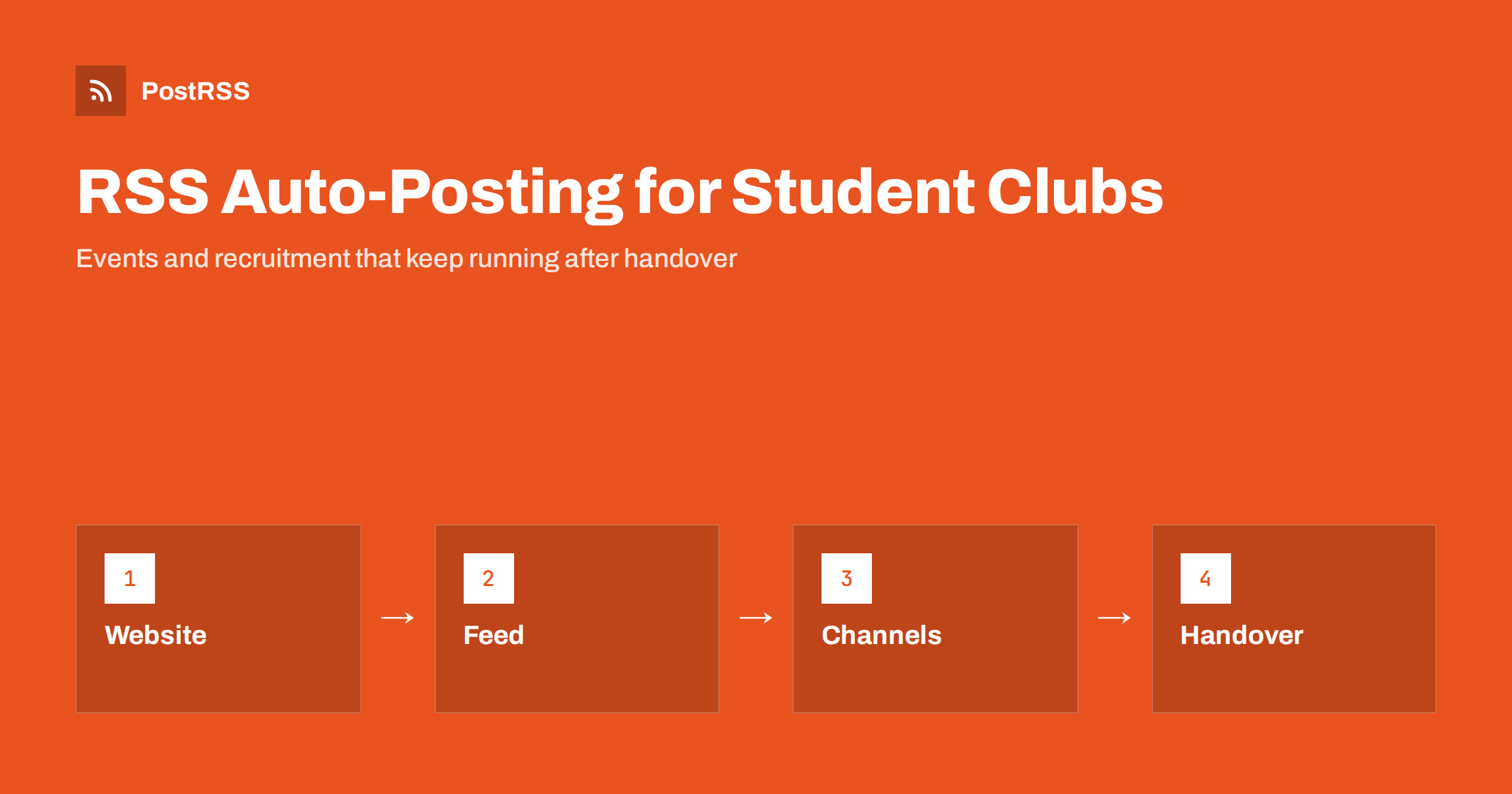
Short answer: RSS auto-posting lets student clubs, societies and campus organisations share event dates, meeting times, recruitment calls and results on social media automatically. Publish each event or announcement as a page on a club website or blog, let an auto-poster read the RSS feed, and every new page appears on your Facebook Page, Discord server, Telegram channel and other networks with its link and image. Officers change every year, but the feed keeps running, so the club does not go quiet when the person who ran the accounts graduates.
Student organisations have a problem that most businesses do not: the people who run them leave after a year or two. A treasurer who kept the social accounts alive graduates, the password is lost, and the club goes silent for a term. New members find an inactive page and assume the society has folded. A simple website with a page for every event and announcement, connected to an auto-poster, gives the club a routine that survives a change of committee. This guide explains how to set it up, what to publish and where a person still needs to decide.
The advice fits many kinds of campus group:
Each has a steady supply of announcements, and each can keep them on a free or low-cost website that the next committee inherits.
A student organisation has more to say than a poster in the corridor:
Each can be a short page on the club website. When the page is published, the feed announces it. You write it once, in a place that the club owns, and the automation spreads it across the networks where students spend time.
Student groups often use simple tools that publish feeds without extra work:
/feed/ and one for every category, such as /category/events/feed/. If you are unsure of the address, see how to find your WordPress feed link.Use categories to separate audiences: events, news, results and recruitment. Each category has its own feed, and each feed can go to the channel where it works best; events to the Facebook Page, results to a Discord server and recruitment to the channels that new students use. Routing by category is explained in category filtering for auto-posting.
| Content | Automate? | Notes |
|---|---|---|
| Event announcements | Yes | One page per event, with date, room and a registration link |
| Recruitment calls | Yes | Schedule a series at the start of each term |
| Results and match reports | Yes | Short pages with the score and a link to the full report |
| Room or time changes | Carefully | Update the page, and message registered members directly |
| Photographs of members | Only with consent | Ask first, and respect requests to remove a picture |
| Disciplinary or welfare matters | Never | Handled privately by the right people |
A simple rule: if it is a general announcement on a finished page, automate it. If it affects one person, a welfare matter or a change that happens within hours, tell the people involved directly.
The real benefit of this approach for a student group is continuity. Keep the website and the feed under an address that belongs to the club, and not to one member. Register the domain or the account with a shared club email address, store the login in the handover notes, and name at least two people who can reach it. Write down in the notes where the feed address is, which auto-poster reads it and which channels receive the posts. A new secretary then needs an hour, not a term, to take over. If the club has a faculty adviser or a union staff contact, ask them to hold a recovery option as well.
A good event page answers the questions a student asks before deciding to come. What is it, and who is it for? When does it start and finish? Where exactly is the room, and is it accessible? Do I need to register, and is there a limit? Is it free, or do I need to bring money? Will there be food, and are dietary needs covered? Who can I ask? Give each event its own page with a clear image and a registration link, and update the page if the room changes. After the event, add a short recap and thanks to the speakers; the page then stays useful and keeps its place in search results.
The first weeks of a term decide the size of a club for the year. Prepare the recruitment pages before the term starts: what the club does, what a typical week looks like, how much it costs, which roles are open and how to join. Schedule them across the weeks of the fair and the first meetings, with one page for each message rather than the same text repeated. Mix recruitment with real content, such as a recap of last year’s best event or a profile of a member, so that your channels do not look like an advertisement only. Tell students that no experience is needed if that is true, because many hesitate for that reason alone.
Many clubs depend on small grants from the union, donations from alumni and sponsorship from local companies. A website page for each sponsor or funding round, with a short thank-you and a description of what the money paid for, builds trust and makes the next request easier. Publish the annual review in the same way: a summary of events held, members gained and money spent, written in plain language. These pages are not urgent, so they suit scheduled posts, and they give supporters and future committees a record that does not depend on anyone’s memory. Check with your union about the wording that sponsors are allowed to use before you publish.
Most clubs do best with one channel where students already are and one for alumni and supporters. Two active channels beat five forgotten ones.
PostRSS has been automating RSS posting since 2014. It checks your website feeds as often as every minute and publishes each new event, announcement and result, with its real image and link, to the channels you connect, from Facebook Pages and Discord to Telegram, LinkedIn, Bluesky, Mastodon and many more among its 66 supported networks. You can choose how each post is built, filter items by keywords, add UTM parameters and post only within chosen hours or at exact times in your time zone. See the PostRSS features page for everything it does and the pricing page for plan limits. More ideas for groups and communities are under the Community Growth tag.
A student club has frequent news and a committee that changes every year. RSS auto-posting shares each event, result and recruitment call automatically on the channels where students are, and it keeps running when officers graduate. Keep the website and accounts under the club’s own name, give every event its own page, plan recruitment before the term starts, respect consent for photographs, route content by category, message people directly about urgent changes and write handover notes that name every address and recovery option.
Yes. If the club has a website with a news or events section, its RSS feed can be connected to an auto-poster that shares each new page on your channels. Welfare matters and last-minute changes should still go to people directly.
The feed and the auto-poster keep running as long as the accounts belong to the club and the handover notes say where everything is. Register them with a shared club email address, not a personal one.
A simple one helps. A page on the university system may not have a feed, and it can disappear when the university changes its platform. A small site that the club owns gives you a feed and a stable address.
Yes. A Discord webhook can receive each new item from your feed in an announcements channel, so members see events and results without anyone copying them.
Yes. PostRSS reads any valid RSS or Atom address that is reachable without a login. Paste the address, connect your channels and new pages are shared as soon as they appear.
What changed in the networks, what broke, and how to fix it before it costs you reach.
Από την Internet Solutions, την ομάδα πίσω από το PostRSS. Κάθε προϊόν σάς εξοικονομεί χρόνο με τον δικό του τρόπο.
 English
 Lietuviškai
 Deutsch
 Français
 Русский
 Español
 Polski
 Italiano
 Українська
 Čeština
 Português
 日本語
日本語 Latviešu valoda
 Eesti
Eesti Magyar
 Bahasa Indonesia
 Türkçe
 हिन्दी
 Ελληνικά
 العربية
 ไทย
ไทย Tiếng Việt
 Română
 Bahasa Melayu
 বাংলা
বাংলা