RSS σε 66 κοινωνικά δίκτυα: Facebook, Instagram, X, LinkedIn, Telegram και άλλα Blog Συνεργατικό Πρόγραμμα Επικοινωνία
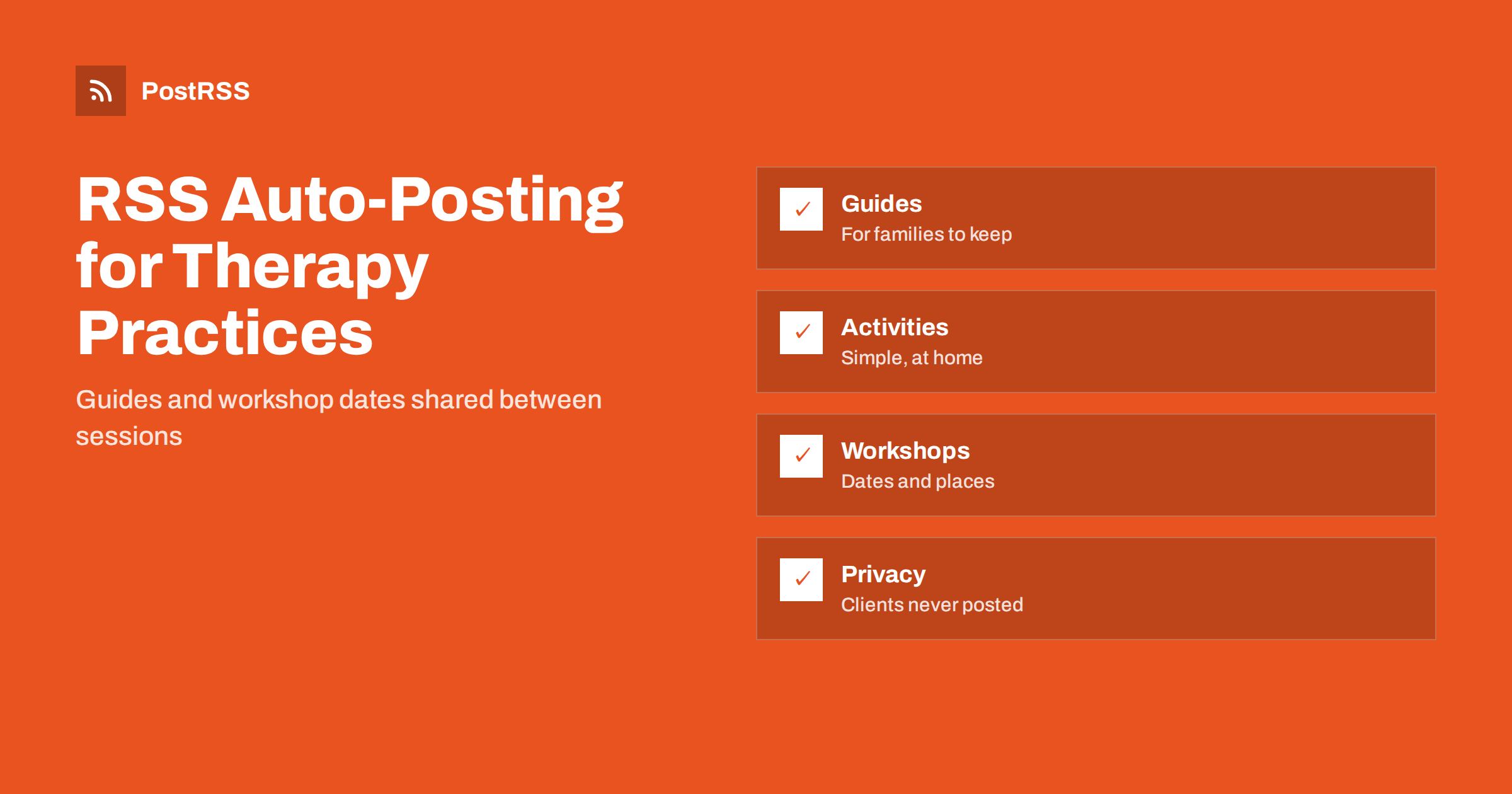
Short answer: RSS auto-posting lets speech and occupational therapy practices share home activity ideas, parent guides, workshop dates and clinic news on social media automatically. Publish each item as a page on your website, let an auto-poster read the RSS feed, and it appears on your Facebook Page, Pinterest boards, LinkedIn and other channels with its link and image. Families find useful guidance between sessions without anyone retyping it after a full clinic day, while client stories, clinical questions and anything about an individual child stay private and in the hands of a qualified person.
Speech and language therapists and occupational therapists spend their days with clients, notes, reports and calls with teachers and doctors. Parents and carers, meanwhile, search the internet at night for answers: why is my child not talking yet, what can we do to practise at home, how do I find help with handwriting or feeding. The practice that answers these questions in clear, careful language earns trust long before the first appointment. The difficulty is time. A website with a short page for each guide, activity and workshop solves most of the problem, because automation can carry those pages to the networks where families look for support. This guide explains how to set it up and where privacy, wording and professional judgement must lead.
A therapy practice has a steady supply of useful material, much of it already written for handouts and newsletters:
Each of these can be a short page on your own website. When the page is published, the feed announces it. You write it once, in a place you own, and the automation spreads it across the networks where families spend time. Pages on your site also appear in search results when a parent looks for help in your area, which social posts alone do not achieve.
Most practice websites run on platforms that publish feeds without extra work:
/feed/ and a feed for every category, such as /category/home-activities/feed/. If you are unsure of the address, see how to find your WordPress feed link.Use categories to separate the audiences: home activities, parent guides, workshops and clinic news. Each category has its own feed, and each feed can go to the channel where it works best; activities to Pinterest, workshops to the Facebook Page and team news to LinkedIn. Routing by category is explained in category filtering for auto-posting.
| Content | Automate? | Notes |
|---|---|---|
| Home activities and parent guides | Yes | Evergreen pages that keep helping families and keep bringing visitors |
| Workshop and group announcements | Yes | One page per event, with date, age range, place and enrolment link |
| Clinic news and team introductions | Yes | Planned changes only, with the staff member’s agreement |
| Client stories and photographs | Only with written consent | Consider whether to publish them at all |
| Questions about a particular child | No | Answer privately, never in public comments |
| Waiting list and availability details | By hand | These change often and must be accurate |
A simple rule: if it is general information on a finished page of your website, automate it. If it concerns one child, one family or a clinical judgement, handle it personally and privately.
Therapy practices handle some of the most sensitive information there is, and the people they serve are often children. Social media makes it easy to cross a line without noticing.
Parents who read a guide are often worried, and careful wording protects both them and you.
Activity pages are where a practice can be most useful, and they work well on Pinterest, where parents save ideas and return to them. Give each activity a clear title, the age range it suits, a short list of materials that most homes have, numbered steps and a note on how to adapt it to make it easier or harder. Add a line explaining which skill the activity supports and when to ask for professional advice. Use a bright photograph or a simple illustration that does not show a child’s face unless a parent has given written consent. Mark each activity as a general idea, not a treatment plan, and avoid wording that suggests it replaces therapy. A page like this can bring families to your website for months.
Workshops and groups are easy to automate because every event has a page with fixed details. Give each one its own page with the title, the date and time, the place or the online link, the age range, the number of places, the price if there is one and how to enrol. Update the page if places run out and mark it clearly as full, rather than leaving an old announcement circulating. After the event, add a short summary and a link to the next one. If you hold events at a school or a library, link to their page as well, which helps people who search for the venue.
Most practices do best with a Facebook Page and Pinterest, and add LinkedIn if they work closely with referrers. Two active channels beat five forgotten ones.
/feed/, and check that it lists recent items.PostRSS has been automating RSS posting since 2014. It checks your website feeds as often as every minute and publishes each new guide, activity and workshop, with its real image and link, to the channels you connect, from Facebook Pages and Pinterest boards to LinkedIn, Telegram and many more among its 66 supported networks. You can choose how each post is built, filter items by keywords, add UTM parameters and post only within chosen hours or at exact times in your time zone. See the PostRSS features page for everything it does and the pricing page for plan limits. More ideas for local businesses are under the Local Business tag.
A speech or occupational therapy practice has guidance that families need and almost no spare time to publish it. RSS auto-posting shares each new activity, guide and workshop automatically on your Facebook Page, Pinterest boards and other channels, on time and with the right image. Give every item its own page, protect client privacy absolutely, describe services without promising outcomes, never diagnose in public, keep fees and waiting times on one page, route content by category and answer questions about individual children privately and personally.
Yes. If your website has a guide, activity or news section, its RSS feed can be connected to an auto-poster that shares each new page on your Facebook Page, Pinterest boards and other channels. Client information and individual questions must stay out of it.
Home activities, parent guides, workshop dates, how referrals and assessments work, seasonal advice and team news. Each item should have its own page on your website so the feed can share it.
Only with clear written consent, and only after considering whether the story could identify a child. Many practices choose not to publish client material at all and use general guides instead.
No. Describe what therapy involves and what your practice offers, and avoid guarantees. Rules on health advertising differ by country, so check the standards of your profession.
A Facebook Page reaches parents and carers locally, and Pinterest is the strongest home for home activities, because people save pins and return to them.
What changed in the networks, what broke, and how to fix it before it costs you reach.
Από την Internet Solutions, την ομάδα πίσω από το PostRSS. Κάθε προϊόν σάς εξοικονομεί χρόνο με τον δικό του τρόπο.
 English
 Lietuviškai
 Deutsch
 Français
 Русский
 Español
 Polski
 Italiano
 Українська
 Čeština
 Português
 日本語
日本語 Latviešu valoda
 Eesti
Eesti Magyar
 Bahasa Indonesia
 Türkçe
 हिन्दी
 Ελληνικά
 العربية
 ไทย
ไทย Tiếng Việt
 Română
 Bahasa Melayu
 বাংলা
বাংলা