RSS σε 66 κοινωνικά δίκτυα: Facebook, Instagram, X, LinkedIn, Telegram και άλλα Blog Συνεργατικό Πρόγραμμα Επικοινωνία
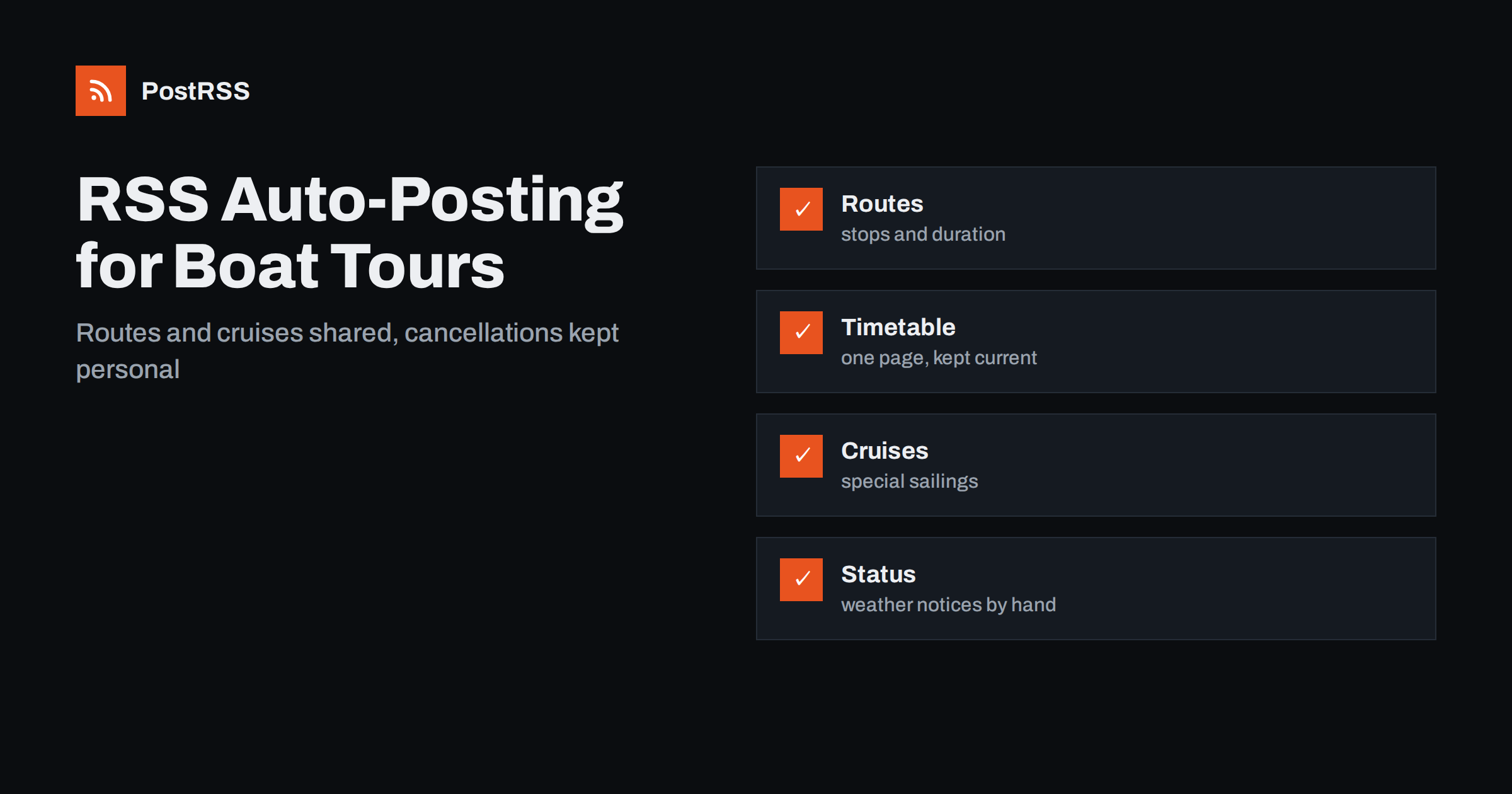
Short answer: RSS auto-posting lets ferry and boat tour operators share timetables, seasonal routes, special cruises, weather notices and crew vacancies on social media automatically. Publish each item as a page on your website, let an auto-poster read the feed, and every new page appears on your Facebook Page, Pinterest boards, Bluesky account, Telegram channel and other networks with its link and image. Passengers learn what is sailing and when, while live departure status, ticket availability and safety instructions stay on pages you keep current.
A boat is a product that cannot be stored. A departure that leaves with empty seats is revenue lost for good, and a cruise that is cancelled in rough weather leaves people standing on a quay with questions. Passengers choose a trip by looking at a photograph, a route and a time, and they check again on the morning of the journey to see whether it is still running. Operators of ferries, water taxis, sightseeing cruises, fishing trips, whale watching tours and island hopping services therefore live by information. They publish seasonal timetables, special sailings for holidays and festivals, notices about tides and weather and appeals for deckhands and guides. All of that fits in a short page on the website, and a feed can turn each page into a social post as soon as it is published. This guide explains what to publish, how to connect it and where to be careful, because the weather changes, safety comes first and promises about departures must be kept.
The advice fits many kinds of water transport and tourism businesses:
Each has a timetable, a crew and a website with route pages. That website is the natural source for every other channel.
Much of the seasonal and daily work can be turned into short pages:
Each page stays on your site, where a visitor planning a day out can find it. The feed then announces it elsewhere without more typing.
Most operators already use a system that creates feeds:
/feed/ and one for every category, such as /category/cruises/feed/. If you are unsure of the address, see how to find your WordPress feed link.Use categories to separate topics: routes, timetables, special cruises, notices and jobs. Each category has its own feed, and each feed can go where it works best, for example special cruises to a Facebook Page and job openings to a professional channel. Routing by category is explained in category filtering for auto-posting.
| Content | Automate? | Notes |
|---|---|---|
| Route and vessel pages | Yes | Photographs, stops, duration |
| Seasonal timetable announcements | Yes | Link to the one timetable page |
| Special cruises and events | Yes | Date, time, how to book |
| Job openings | Yes | Duties, certificates, how to apply |
| Same-day cancellations | By hand | A person checks the wording |
| Prices and seats left | No | Link to the booking page |
A simple rule: if the information stays true for weeks, automate it. If it changes with the wind, the tide or the number of seats left, write it by hand and link to the one page that you keep current.
Nothing damages a boat business faster than a passenger who travels to the pier and finds the service cancelled without notice. Decide in advance where passengers will look for the status of the day. Make one page, near the top of the website, that states whether sailings are running, delayed or cancelled, with the time of the last update. Update it before the first departure and whenever something changes. A feed is poor at urgent news, because it relies on a page being published and read within minutes, so use it for the notice that explains a long disruption, such as works on a pier or a vessel in the yard, and not for a cancellation at seven in the morning. Mention the status page in every timetable post. Passengers who know where to look call less and complain less.
Operating a vessel with passengers is regulated, and rules about certificates, capacity, life jackets and weather limits differ between countries and waters. Do not describe a trip as safe in all conditions, and do not promise a sighting of whales or dolphins, because nobody can guarantee one. Describe what you do: carry the required equipment, brief passengers before departure and decide on weather using the limits in your safety plan. Link to the safety page of your website and, where one exists, to the page of the competent authority. Explain what passengers should wear, how children are looked after, which areas are not open to the public and whether the vessel is accessible for people who cannot manage steps. A calm, accurate page protects passengers and the business.
Boats are photogenic, and the best marketing pictures show real trips. Ask guests for permission before you publish a photograph in which they are recognisable, especially children, and put a short notice on board and on the booking page that pictures are taken. Avoid images that show the crew doing something unsafe, because they send the wrong message. For wildlife trips, respect the local rules for approaching animals and do not publish pictures taken too close, because they invite imitation. Credit photographers by name when guests send in their own pictures. A feed carries the image that your page marks as the main one, so choose the picture for each page in advance, as explained in controlling which image gets auto-posted.
Many operators work in a short season and spend the rest of the year preparing. Use the quiet months to publish the pages that you have no time for in summer: a guide to the whole route, a history of the vessel, a page for school groups and a page that explains how to plan a visit with local hotels, cafes and museums. Link to those partners and ask them to link back, because a visitor who finds a good plan for a weekend will book several things at once. Announce the opening of the season with a page that states the first sailing date, the changes since last year and the special trips already planned. After the last sailing, publish a short thank-you page and the date when the timetable will return. A feed keeps your account alive through the winter without extra work.
Group bookings fill quiet departures, and they come from people who search for details. Give schools, clubs, companies and wedding parties a page of their own with the capacity of each vessel, the minimum and maximum group size, the catering that is possible, the notice needed and one email address that is read every day. Add a short checklist for teachers, such as the ratio of adults to children and the arrangements for coats and lunch. Share the page again before the school booking season, with a fresh opening line, and the feed will carry it to your channels.
Most operators do best with a Facebook Page and one more channel, plus the website and a phone number that is answered on sailing days.
/feed/, and check that it lists recent pages.PostRSS has been automating RSS posting since 2014. It checks your website feeds as often as every minute and publishes each new page, with its real image and link, to the channels you connect, from Facebook Pages and Pinterest boards to Bluesky, Mastodon, Telegram and many more among its 66 supported networks. You can choose how each post is built, filter items by keywords, add UTM parameters and post only within chosen hours or at exact times in your time zone. See the PostRSS features page for everything it does and the pricing page for plan limits. More ideas for local businesses are under the Local Business tag.
A ferry or boat tour business sells departures, and every empty seat is gone for good. RSS auto-posting shares every route page, timetable announcement, special cruise and job opening automatically, as soon as it is published on your website. Keep one status page for the day and update it by hand, write cancellations as personal messages, avoid promises about weather and wildlife, link to the booking page for prices and seats, ask permission for photographs of guests and let the crew spend their time on the water and not at the keyboard.
Yes. If your business has a website with a news or trips section, its RSS feed can be connected to an auto-poster that shares each new page on your Facebook Page, Pinterest boards and other channels.
No. Keep one status page that you update by hand and link to it from your timetable posts. A feed is better for planned announcements than for urgent news.
It is safer to link to the booking page, because prices and seats change daily. Automated posts should describe the trip and invite readers to check availability.
No. Describe what guests may see and how your crew behaves around animals, without any guarantee.
Yes. PostRSS reads any valid RSS or Atom address that is reachable without a login. Paste the address, connect your channels and new pages are shared as soon as they appear.
What changed in the networks, what broke, and how to fix it before it costs you reach.
Από την Internet Solutions, την ομάδα πίσω από το PostRSS. Κάθε προϊόν σάς εξοικονομεί χρόνο με τον δικό του τρόπο.
 English
 Lietuviškai
 Deutsch
 Français
 Русский
 Español
 Polski
 Italiano
 Українська
 Čeština
 Português
 日本語
 Latviešu valoda
 Eesti
 Magyar
 Bahasa Indonesia
 Türkçe
 हिन्दी
 Ελληνικά
 العربية
 ไทย
 Tiếng Việt
 Română
 Bahasa Melayu
 বাংলা