RSS σε 66 κοινωνικά δίκτυα: Facebook, Instagram, X, LinkedIn, Telegram και άλλα Blog Συνεργατικό Πρόγραμμα Επικοινωνία
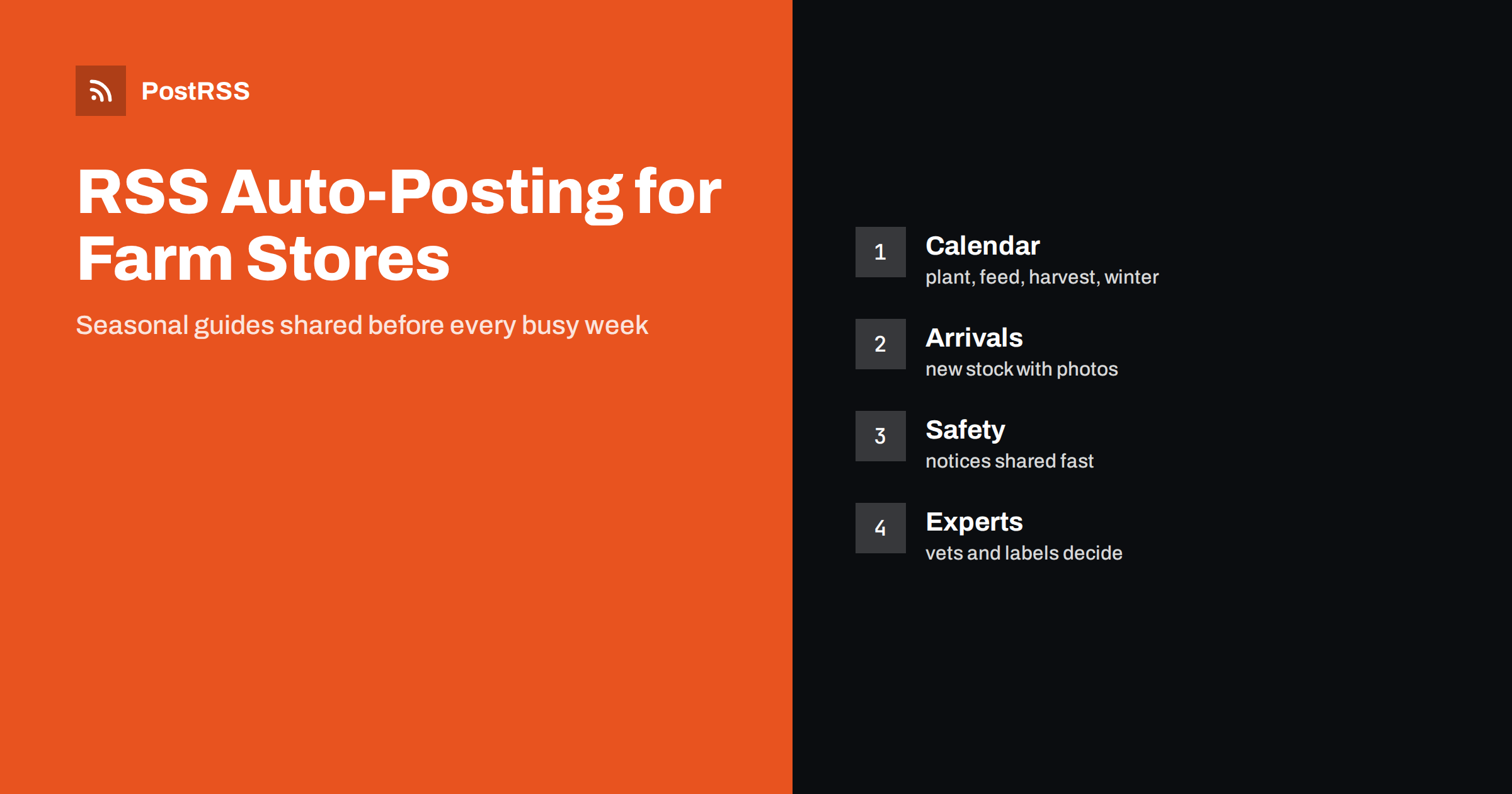
Short answer: RSS auto-posting lets farm supply stores and farm equipment dealers share seasonal planting guides, animal care basics, new arrivals, workshop dates, safety reminders and store news on social media automatically. Publish each item as a page on your store website, let an auto-poster read the feed, and every new page appears on your Facebook Page, LinkedIn page, Telegram channel and other networks with its link and image. Farmers, hobby growers and rural households see what the store offers and when to prepare, while prices, stock counts and veterinary or chemical advice stay with the people and authorities who are qualified to give it.
A farm supply store is part shop, part meeting place and part advice desk. Customers arrive before sunrise for feed and fence posts, in spring for seed and fertiliser, in autumn for winter bedding and heaters and in between for tools, boots, water tanks and a part for a tractor that stopped in the middle of a field. Many are loyal for decades, but the customer base is changing: small acreages, hobby farms, backyard hens and new growers who have never bought a bale of hay. These newcomers search for answers online, and they remember the shop that explains things clearly. The store has the knowledge, and a lot of it can be written once as a page and used year after year. A feed turns each page into a post as soon as it is published. This guide explains what to publish, how to connect it and where to be careful, because animals, chemicals and machinery are matters of welfare and safety.
The advice fits many kinds of businesses that supply farms and rural households:
Each has a seasonal calendar, a list of departments and customers who need both products and advice. The store website is the natural source for every other channel.
Most of the useful content can be turned into a short page:
Each page appears on your website, where a person who searches for a supplier can find it. The feed then announces it automatically, and a short post about a seasonal guide reaches the people who follow your store.
Most stores already use a system that creates feeds:
/feed/ and one for every category, such as /category/seasonal-guides/feed/. If you are unsure of the address, see how to find your WordPress feed link.Use categories to separate audiences: seasonal guides, new arrivals, animal care basics, equipment, events and careers. Each category has its own feed, and each feed can go where it works best: seasonal guides and events to a Facebook Page, equipment news to a channel for professional farmers, job openings to LinkedIn. Routing by category is explained in category filtering for auto-posting.
| Content | Automate? | Notes |
|---|---|---|
| Seasonal guides and checklists | Yes | Published before each busy period |
| New arrivals and department pages | Yes | Manufacturer data, real photographs |
| Events and workshops | Yes | Date, place and how to register |
| Job openings and opening hours | Yes | Keep them current |
| Prices, stock and credit terms | Careful | They change quickly; link to the product page |
| Customer names, accounts and farm locations | No | Private business information |
A simple rule: if it helps many growers and keepers prepare for the season, automate it. If it concerns one customer, one account or a price that will change tomorrow, point to the website or handle it in person.
Farm supply stores sell products that affect animal health, crops and the environment: medicated feed, wormers and other treatments, pesticides, herbicides, fertilisers and disinfectants. Many of these are regulated, may need a licence or a prescription and must be used exactly as the label says. Do not give dosage or treatment advice in a post, do not suggest that a product cures a disease and do not recommend using a product in a way that is not on its label. For health questions, send readers to a veterinarian, and for crop protection, to the label and to the local agricultural authority or extension service. Describe what a product category is for, link to the manufacturer sheet and remind readers to read the label and to store chemicals safely. If your store runs a clinic with a qualified partner, describe it as the partner’s service. A careful page protects animals, customers and the store.
Some stores sell chicks, ducklings or other young animals in spring, or host events for them. Rules about selling live animals differ between countries and regions, and animal welfare is a sensitive topic. Do not promote impulse buying of animals. Publish pages that explain what a new keeper needs before bringing animals home: housing, space, heat, feed, water, local rules about keeping them and the length of the commitment. Make the information at least as prominent as the announcement of the sale. Never use a post to pressure someone with scarcity. If a seasonal sale has ended, mark the page as finished. Readers who see that your store cares about welfare tend to trust it with larger purchases.
Tractors, mowers, chainsaws, power take-off shafts and trailers cause serious injuries every year. A store that sells and services machinery has a responsibility to publish safety content, not only product news. Pages about checking a machine before the season, about guards and shields, about safe use of tools and about training courses offered by local organisations are valuable. Do not post pictures of people working in an unsafe way, such as without guards or protective equipment, and do not use stunts or humour that suggests carelessness. When a manufacturer issues a recall or a safety notice, publish it at once as a clearly marked page and make it easy to find. A post that helps a farmer avoid an accident is the most important post the store will ever send.
The farming year is the best editorial calendar you could ask for. Plan pages a few weeks ahead of each task: seed starting before the last frost, fence repair before the animals go out, hay and bedding before winter, equipment service before the busy season. Use the scheduling features of your website to prepare the pages in advance, and let the feed announce them when they go live. Mark the dates of events and closing days in the same way. A short reminder page published a few days before a workshop works better than a long post written a month earlier. If your region has several climate zones, say which zone each guide is written for, because planting dates differ.
Most stores do best with a Facebook Page and one more channel, plus the website and a phone number that is answered early in the morning. Two active channels beat five forgotten ones.
/feed/, and check that it lists recent pages with their images.PostRSS has been automating RSS posting since 2014. It checks your website feeds as often as every minute and publishes each new page, with its real image and link, to the channels you connect, from Facebook Pages and LinkedIn pages to Pinterest, Bluesky, Mastodon, Telegram and many more among its 66 supported networks. You can choose how each post is built, filter items by keywords, add UTM parameters and post only within chosen hours or at exact times in your time zone. See the PostRSS features page for everything it does and the pricing page for plan limits. More ideas for shops and service businesses are under the Local Business tag.
A farm supply store sells things that keep a farm running and the knowledge to use them. RSS auto-posting shares every seasonal guide, new arrival, workshop, safety reminder and job opening automatically, as soon as it is published on your website. Write each page for a newcomer who has never bought a bale of hay, follow the farming calendar, leave treatment and chemical advice to veterinarians and labels, put welfare and safety before sales, keep prices and customer accounts out of automated posts and let your staff spend their time with customers and not at the keyboard.
Yes. If your store has a website with a guides or news section, its RSS feed can be connected to an auto-poster that shares each new page on Facebook, LinkedIn and other channels. Prices and customer details should stay out of automated posts.
Seasonal guides, new arrivals, beginner guides for keepers, equipment care pages, events, opening hours and job openings. Link to the product page for prices and to a veterinarian for health questions.
It is safer not to. Describe what a product category is for, link to the manufacturer sheet and send readers to a veterinarian or the local agricultural authority, because regulations and labels differ.
Publish it as a page in its own category, link it from the home page and let the feed announce it. Name the affected products and say clearly what the owner should do.
Yes. PostRSS reads any valid RSS or Atom address that is reachable without a login. Paste the address, connect your channels and new pages are shared as soon as they appear.
What changed in the networks, what broke, and how to fix it before it costs you reach.
Από την Internet Solutions, την ομάδα πίσω από το PostRSS. Κάθε προϊόν σάς εξοικονομεί χρόνο με τον δικό του τρόπο.
 English
 Lietuviškai
 Deutsch
 Français
 Русский
 Español
 Polski
 Italiano
 Українська
 Čeština
 Português
 日本語
 Latviešu valoda
 Eesti
 Magyar
 Bahasa Indonesia
 Türkçe
 हिन्दी
 Ελληνικά
 العربية
 ไทย
 Tiếng Việt
 Română
 Bahasa Melayu
 বাংলা