RSS σε 66 κοινωνικά δίκτυα: Facebook, Instagram, X, LinkedIn, Telegram και άλλα Blog Συνεργατικό Πρόγραμμα Επικοινωνία
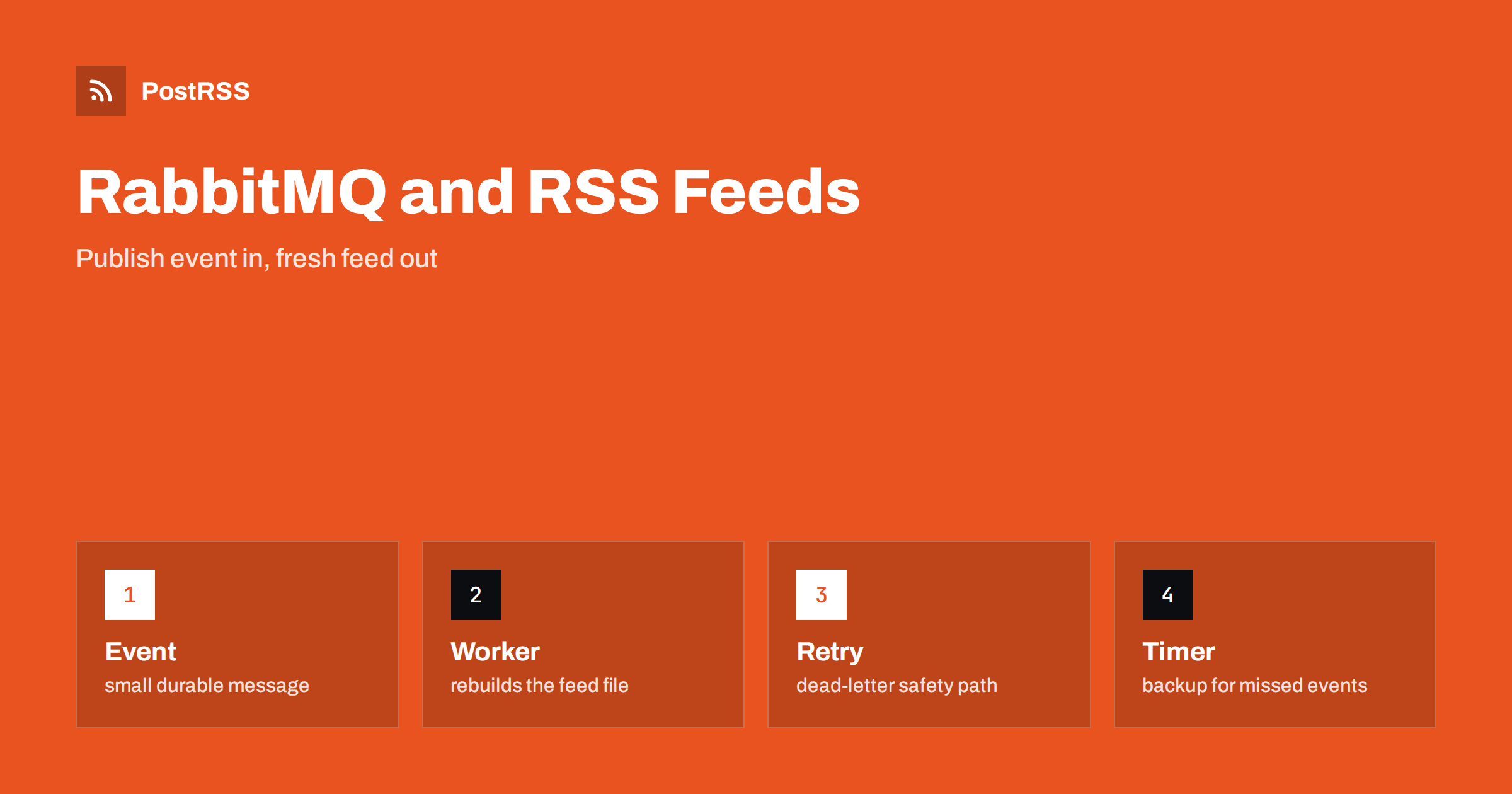
Short answer: With RabbitMQ you can keep an RSS feed fresh without polling: when an article is published, the publishing system sends a small durable message to a queue, a worker consumes it, rebuilds the feed file from the database, writes it atomically and purges the cache, and acknowledges the message only after the work succeeds. Use durable queues, persistent messages, a retry and dead-letter path for failures, and make the rebuild idempotent, so that a repeated message does no harm. An auto-poster such as PostRSS then sees the new item within moments of publication.
Many sites generate a feed on a timer. A scheduled job runs every few minutes, reads the database and writes a file. It works, but it has two weaknesses: a new article waits for the next run, and the job does the same work thousands of times when nothing has changed. A message queue offers a different design. Publishing an article becomes an event, and the systems that care about that event react to it. One consumer rebuilds the feed, another purges the cache of a content delivery network, another updates the sitemap. RabbitMQ is a widely used message broker for this kind of work. This guide explains how to apply it to an RSS feed: what to put in the message, how to build a reliable consumer, how to handle failures and duplicates and how to combine events with a safety net, so that the feed is fresh and dependable. Option names change between versions, so check your client library for exact syntax.
A timer is the simplest thing that works, and for a small blog it may be all you need. Events become attractive in three situations. The first is when freshness matters: a news site wants the feed to carry the new story within seconds, so social posts go out quickly. The second is when the rebuild is expensive, for example because it merges several sources, so you want to run it only after a change. The third is when several systems must react to the same publication, and you do not want the publishing code to know about each of them. In these cases a broker lets the publisher say that something happened and leaves the rest to the listeners.
The design has four parts. The publisher is your content system, which sends a message when an article changes state. The exchange and queue are the broker structures that receive and hold messages. The consumer is a worker process that reads the queue. The output is the feed file, written to a place where the web server or a storage bucket can serve it. The message itself should be tiny, for example the identifier of the article and the kind of event, such as published, updated or unpublished. The consumer does not trust the message for the content; it reads the current state from the database. That keeps the broker light and prevents stale data from creeping in.
| Part | Responsibility |
|---|---|
| Publisher | Sends a small event after the database change is saved |
| Exchange and queue | Route and hold events; durable, so they survive a restart |
| Consumer | Rebuilds the feed from the database and purges caches |
| Dead-letter queue | Holds messages that failed repeatedly for inspection |
Send the message only after the database transaction has been committed. If the message goes out first, the consumer may rebuild the feed before the article is visible, and the feed will miss it until the next event. Mark the message as persistent and the queue as durable, so that a broker restart does not lose it.
import json
import pika

params = pika.ConnectionParameters("localhost")
conn = pika.BlockingConnection(params)
ch = conn.channel()
ch.queue_declare(queue="feed.rebuild", durable=True)

def announce(article_id, kind):
    body = json.dumps({"id": article_id, "event": kind})
    ch.basic_publish(
        exchange="",
        routing_key="feed.rebuild",
        body=body,
        properties=pika.BasicProperties(delivery_mode=2, content_type="application/json"),
    )
In a real application, reuse the connection, handle disconnects and consider the outbox pattern, where the event is written to a table in the same transaction as the article and a small process forwards it to the broker. That way a crash between the commit and the publish cannot lose an event.
The consumer receives a message, does the work and acknowledges the message only when the work has succeeded. If the process dies in the middle, the broker delivers the message again to another consumer, which is exactly what you want.
def on_message(ch, method, properties, body):
    try:
        rebuild_feed()        # query the database and write the file atomically
        purge_cache("/feed/") # tell the CDN to refresh the feed address
        ch.basic_ack(delivery_tag=method.delivery_tag)
    except Exception:
        ch.basic_nack(delivery_tag=method.delivery_tag, requeue=False)

ch.basic_qos(prefetch_count=1)
ch.basic_consume(queue="feed.rebuild", on_message_callback=on_message)
ch.start_consuming()
The nack with no requeue sends the message to a dead-letter exchange if you configured one for the queue, which keeps a failing message from blocking the line. Prefetch of one makes a consumer take one message at a time, which suits a task that reads the whole feed.
A broker guarantees that a message is delivered at least once, which means that sometimes it will be delivered twice. Design the rebuild so that running it twice gives the same result: read the current state, build the whole feed from it and replace the file. Do not append to the feed or keep counters that depend on the number of messages. Because the work does not depend on the content of the message, ten events in a row can even be collapsed into one rebuild: after reading a message, drain the queue of the messages that are waiting, rebuild once and acknowledge them all. This keeps the feed fresh without wasting effort during a burst, such as when an editor publishes twenty articles in a minute.
The consumer should write the feed to a temporary file and rename it over the real one, so that a reader never receives half a document. If you store the feed in object storage, upload the new object with the correct content type and cache headers in a single operation. Keep the identifiers of items and their dates stable between rebuilds; only the list of items should change. After writing, validate the XML in the consumer with a quick parse, and refuse to replace a good feed with an invalid one. If the parse fails, nack the message and keep the previous file, then let the alert tell you that the rebuild is failing.
Failures come in two kinds. Temporary ones, such as a database that is briefly unavailable, deserve a retry after a delay. Permanent ones, such as a bug in the template, will fail every time. A common pattern is a retry queue with a time to live, which sends the message back to the main queue after a pause, and a limit on the number of attempts, after which the message goes to a dead-letter queue. Watch the size of the dead-letter queue and alert when it is not empty. Inspect its messages, fix the cause and publish them again. Without this path, a single bad message can stall the feed for hours.
Events are fast but not infallible. A broker may be down during a deployment, a publisher may fail to send, a consumer may crash. Add a low-frequency timer, for example every ten or fifteen minutes, that triggers the same rebuild. The timer is a safety net, and the events are the fast path. With both in place the feed is usually updated within seconds and always within minutes. This combination is easier to reason about than either approach alone, and it makes the system forgiving when something unexpected happens.
Watch four numbers: the length of the queue, the age of the oldest message, the number of messages in the dead-letter queue and the time since the feed file last changed. An alert on the age of the oldest message tells you that consumers are stuck. An alert on the file age, compared with the date of the newest published article, tells you that the feed is stale even if everything else looks healthy. Log every rebuild with the number of items and the duration. Validate the live feed with the W3C Feed Validation Service after each release of the consumer.
The advantage of events shows when a second need appears. Suppose you also want to notify a search engine, rebuild the sitemap or warm the cache of a content delivery network. Instead of adding more code to the publisher, declare a fanout exchange and bind one queue for each interested system. Every queue receives its own copy of the event and each consumer works at its own pace. If the sitemap worker is slow or broken, the feed worker is unaffected. Keep each consumer small and focused on one job, give it its own dead-letter queue and monitor it separately. This separation also makes it easy to retire a consumer later without touching the others.
A broker that is open to the internet is an invitation to trouble. Keep it on a private network, require a user name and password for every client, give the publisher permission only to publish and each consumer permission only to read its own queue. Use encrypted connections between machines and keep the credentials in a secret store and not in the repository. Do not expose the management console publicly. Limit the size of messages and the length of queues so that a runaway publisher cannot fill the disk. These precautions are inexpensive, and they keep an internal tool from becoming a security problem.
Before trusting the system, test it end to end in a staging environment. Publish an article and measure the time until the feed shows it. Stop the consumer, publish three articles and start the consumer again to confirm that it catches up. Send a message that makes the rebuild fail and confirm that it ends in the dead-letter queue and that the old feed stays in place. Restart the broker with messages waiting and confirm that none are lost. Run these tests again after each significant change, and record the typical delay so that you notice when it grows.
PostRSS has been publishing RSS and Atom feeds to social networks since 2014. Paste the address of your feed, connect your accounts and choose how each post is built; PostRSS can check the feed as often as every minute and publishes each new item with its real image and link to the networks you select among its 66 supported networks. When your feed is rebuilt the moment an article is published, the next check finds the item at once. Add UTM parameters to the posted links to see which network brings readers. See the PostRSS features page for the options and the pricing page for plan limits.
RabbitMQ turns publishing into an event, and the feed follows within seconds. Send small durable messages after the commit, rebuild from the current database state, write the file atomically, acknowledge only after success, retry temporary failures, collect permanent ones in a dead-letter queue and keep a slow timer as a safety net. Monitor the age of the queue and the age of the feed. Then connect the address to an auto-poster, so each new article reaches your audience on social networks quickly.
No. A scheduled job is enough for many sites. A queue helps when freshness matters, when rebuilding is expensive or when several systems must react to a publication.
Very little: the article identifier and the kind of event. The consumer reads the current state from the database instead of trusting the message.
Make the rebuild idempotent. It reads the whole state and replaces the file, so running it twice gives the same feed.
Events can be missed during outages or deployments. A slow timer triggers the same rebuild and guarantees the feed catches up.
Yes. PostRSS reads any valid RSS or Atom address that is reachable without a login, however the file is produced.
What changed in the networks, what broke, and how to fix it before it costs you reach.
Από την Internet Solutions, την ομάδα πίσω από το PostRSS. Κάθε προϊόν σάς εξοικονομεί χρόνο με τον δικό του τρόπο.
 English
 Lietuviškai
 Deutsch
 Français
 Русский
 Español
 Polski
 Italiano
 Українська
 Čeština
 Português
 日本語
 Latviešu valoda
 Eesti
 Magyar
 Bahasa Indonesia
 Türkçe
 हिन्दी
 Ελληνικά
 العربية
 ไทย
 Tiếng Việt
 Română
 Bahasa Melayu
 বাংলা