RSS σε 66 κοινωνικά δίκτυα: Facebook, Instagram, X, LinkedIn, Telegram και άλλα Blog Συνεργατικό Πρόγραμμα Επικοινωνία
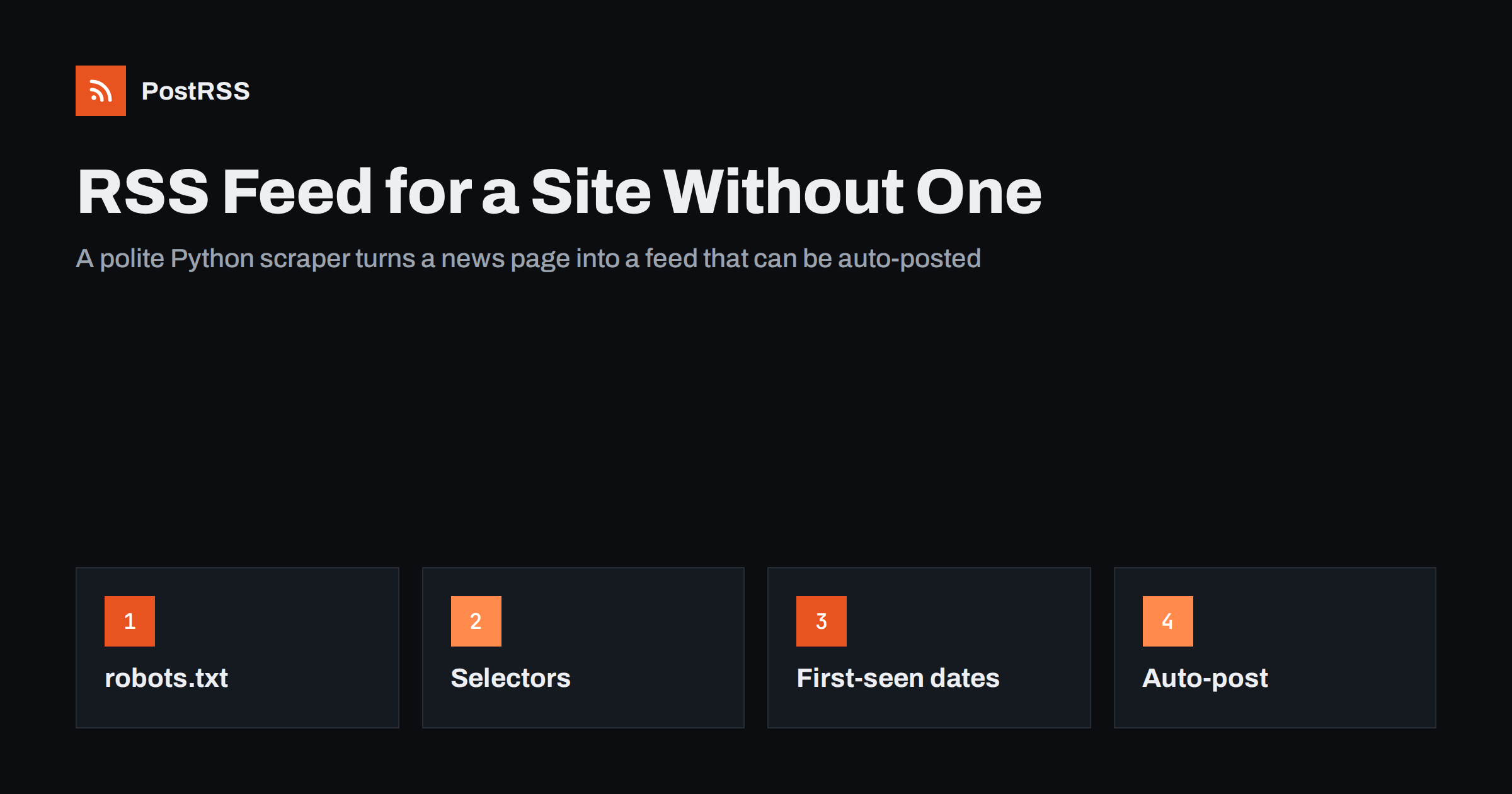
Short answer: If a website has no RSS feed, you can create one with a short Python script. Download the news page politely, read the headlines and links with BeautifulSoup, remember which links you have already seen in a small SQLite database, write the newest items as RSS 2.0 XML and refresh the file on a schedule. Do this only for sites you own or have permission to use, share headlines and links rather than copied articles, and give the finished feed address to an auto-poster.
Plenty of useful sources publish no feed: a local council with a news page, a supplier with a list of announcements, a sports club with a results page, or your own older website built before feeds were common. People then copy links by hand, or they miss updates. A scraper that turns the page into a feed fixes the problem once and keeps working. It is also the part of automation where a careless script causes real trouble, for the website you read and for you. This guide builds a small, polite scraper that creates a clean feed, explains how to give items stable identifiers and dates, and shows how to run it reliably.
Before writing any code, look for an existing feed. Many sites have one that is not advertised:
application/rss+xml ή application/atom+xml;/feed/, /rss, /rss.xml και /atom.xml;If the site owner can add a feed, ask. It is better for everyone than scraping. A scraper is the right tool only when there is no feed, no API and no willingness to add one.
Scraping is acceptable only when it is respectful and permitted. Follow these rules:
You need Python 3 and two libraries: requests to download the page and beautifulsoup4 to read the HTML. Install them in a virtual environment with pip install requests beautifulsoup4. Everything else in the script comes from the standard library.
Open the news page in a browser, right-click a headline and choose Inspect. Look for the element that wraps one news item, for example an article tag with a class, a list item or a table row. Inside it you need the link with the title, and optionally a summary and a date. Write down the CSS selectors that match them, such as article.news-item for the wrapper, h2 a for the title link and p for the summary. Choose selectors that describe the structure rather than the layout, because class names such as col-md-6 change with every redesign.
Save this as make_feed.py. Change the address, the selectors and the file paths to match your page.
import os
import sqlite3
import tempfile
import urllib.robotparser
from datetime import datetime, timezone
from email.utils import format_datetime
from urllib.parse import urljoin
from xml.sax.saxutils import escape

import requests
from bs4 import BeautifulSoup

START = "https://www.example.org/news/"
DB = "/opt/feeds/seen.db"
OUT = "/var/www/feeds/example-news.xml"
AGENT = "ExampleFeedBot/1.0 (+https://www.example.com/contact)"
LIMIT = 20


def allowed(url):
    robots = urllib.robotparser.RobotFileParser()
    robots.set_url(urljoin(url, "/robots.txt"))
    robots.read()
    return robots.can_fetch(AGENT, url)


def scrape():
    response = requests.get(START, headers={"User-Agent": AGENT}, timeout=20)
    response.raise_for_status()
    soup = BeautifulSoup(response.text, "html.parser")
    found = []
    for card in soup.select("article.news-item"):
        link = card.select_one("h2 a")
        if not link or not link.get("href"):
            continue
        summary = card.select_one("p")
        found.append({
            "title": link.get_text(strip=True),
            "url": urljoin(START, link["href"]),
            "summary": summary.get_text(strip=True) if summary else "",
        })
    return found


def main():
    if not allowed(START):
        raise SystemExit("robots.txt does not allow this page")
    items = scrape()
    if not items:
        raise SystemExit("Nothing found: the page layout may have changed")

    db = sqlite3.connect(DB)
    db.execute("CREATE TABLE IF NOT EXISTS items (url TEXT PRIMARY KEY, title TEXT, summary TEXT, first_seen TEXT)")
    now = datetime.now(timezone.utc).isoformat()
    for item in items:
        db.execute("INSERT OR IGNORE INTO items VALUES (?, ?, ?, ?)", (item["url"], item["title"], item["summary"], now))
    db.commit()
    rows = db.execute("SELECT url, title, summary, first_seen FROM items ORDER BY first_seen DESC, rowid DESC LIMIT ?", (LIMIT,)).fetchall()
    db.close()

    parts = []
    for url, title, summary, seen in rows:
        stamp = format_datetime(datetime.fromisoformat(seen), usegmt=True)
        parts.append(
            "<item><title>" + escape(title) + "</title>"
            "<link>" + escape(url) + "</link>"
            '<guid isPermaLink="true">' + escape(url) + "</guid>"
            "<pubDate>" + stamp + "</pubDate>"
            "<description>" + escape(summary) + "</description></item>"
        )

    xml = (
        '<?xml version="1.0" encoding="UTF-8"?><rss version="2.0"><channel>'
        "<title>Example Organisation News</title>"
        "<link>" + START + "</link>"
        "<description>Unofficial feed of the news page</description>"
        + "".join(parts) + "</channel></rss>"
    )
    handle, temp_path = tempfile.mkstemp(dir=os.path.dirname(OUT), suffix=".tmp")
    with os.fdopen(handle, "w", encoding="utf-8") as out:
        out.write(xml)
    os.chmod(temp_path, 0o644)
    os.replace(temp_path, OUT)


if __name__ == "__main__":
main()urljoin call turns relative links into full addresses, which avoids the problems described in relative URLs in RSS feeds.If the page shows real dates, parse them and use them instead of the first-seen time. Read the date text with datetime.strptime or a library such as dateutil, assume a time zone if the page gives none, and convert to UTC. Real dates are more accurate, but a parsing error should never stop the run: fall back to the first-seen time and log a warning. On the very first run, every item on the page is new to your database and gets the same time. Check how your auto-poster treats a feed it sees for the first time, and consider letting the first run finish before you connect the feed, so old headlines are not shared as news. The rules for timestamps are explained in RSS date formats and pubDate errors.
Some pages show an empty shell in the HTML and fill the list later with JavaScript. Your script then finds nothing, even though the browser shows plenty of headlines. Before reaching for a full browser, open the network tab of your browser tools and look for a request that returns the list as JSON. If the page calls such an address, the site already provides a structured source, and reading it is usually simpler and lighter than parsing HTML. Check the terms for that address in the same way as for the page itself. Only if no such source exists is a headless browser worth considering, and it is heavier to run, slower and easier to break, so keep it as the last choice. Also remember that summaries on listing pages are often shortened, which is fine for a feed: a title and one sentence are what an auto-poster needs.
Use cron or a systemd timer. A line like the following runs the script every thirty minutes and keeps a log:
*/30 * * * * /opt/feeds/venv/bin/python /opt/feeds/make_feed.py >> /var/log/make_feed.log 2>&1Use full paths for Python and the script, because cron has a minimal environment. Thirty minutes is enough for most news pages, and it keeps the load on the source site very low. Serve the output folder with your web server and check the content type; see the Content-Type guide. Monitor the age of the file, because a scraper fails silently when the source page changes; the checklist in RSS feed not updating helps when updates stop.
PostRSS has been publishing RSS and Atom feeds to social networks since 2014. Paste the address of your generated feed, connect your accounts and choose how each post is built from the title, the description or the page title. PostRSS checks the feed as often as every minute and shares each new item, with its link, to the channels you choose among 66 supported networks, messengers, team chats and blogs, including LinkedIn, X, Bluesky, Mastodon and Telegram. Keyword filters, UTM parameters and posting windows let you tune each channel. See the PostRSS features page and the plan limits on the pricing page. More developer guides are under the Technical Guide tag.
A scraper that creates a feed is a small and useful tool when a source has none, as long as you use it with care. Look for a real feed first, get permission, respect robots.txt, identify your script, request pages rarely and share headlines with links. Use the page address as the identifier, store the first-seen time so dates stay stable, fail loudly when the page changes and write the file atomically. Run it on a schedule, validate the result and connect it to an auto-poster so that new items are shared without manual copying.
It depends on the site, its terms and your country, so this is not legal advice. The safest route is permission from the owner. Read the terms of use, respect robots.txt and share only headlines and links.
Every thirty minutes or every hour is enough for most news pages. More frequent requests rarely help and put needless load on the source site.
The selectors may stop matching. The script in this guide stops with a message and keeps the old feed online. Watch the log or the file age so you notice and update the selectors.
Because every run would give every item a new date, and an auto-poster could treat old headlines as fresh news. Store the time when each item was first seen, or parse the real date from the page.
Yes, once the feed is served at a public address. Add that address as a source in PostRSS, connect your social accounts and each new item is posted automatically. Make sure you are allowed to share the content you are republishing.
{“@context”: “https://schema.org”, “@type”: “FAQPage”, “mainEntity”: [{“@type”: “Question”, “name”: “Is it legal to create an RSS feed from a website that has none?”, “acceptedAnswer”: {“@type”: “Answer”, “text”: “It depends on the site, its terms and your country, so this is not legal advice. The safest route is permission from the owner. Read the terms of use, respect robots.txt and share only headlines and links.”}}, {“@type”: “Question”, “name”: “How often should the scraper run?”, “acceptedAnswer”: {“@type”: “Answer”, “text”: “Every thirty minutes or every hour is enough for most news pages. More frequent requests rarely help and put needless load on the source site.”}}, {“@type”: “Question”, “name”: “What happens when the website changes its layout?”, “acceptedAnswer”: {“@type”: “Answer”, “text”: “The selectors may stop matching. The script in this guide stops with a message and keeps the old feed online. Watch the log or the file age so you notice and update the selectors.”}}, {“@type”: “Question”, “name”: “Why not use the current time as the publication date?”, “acceptedAnswer”: {“@type”: “Answer”, “text”: “Because every run would give every item a new date, and an auto-poster could treat old headlines as fresh news. Store the time when each item was first seen, or parse the real date from the page.”}}, {“@type”: “Question”, “name”: “Can I connect a scraped feed to PostRSS?”, “acceptedAnswer”: {“@type”: “Answer”, “text”: “Yes, once the feed is served at a public address. Add that address as a source in PostRSS, connect your social accounts and each new item is posted automatically. Make sure you are allowed to share the content you are republishing.”}}]}
What changed in the networks, what broke, and how to fix it before it costs you reach.
Από την Internet Solutions, την ομάδα πίσω από το PostRSS. Κάθε προϊόν σάς εξοικονομεί χρόνο με τον δικό του τρόπο.
 English
 Lietuviškai
 Deutsch
 Français
 Русский
 Español
 Polski
 Italiano
 Українська
 Čeština
 Português
 日本語
日本語 Latviešu valoda
 Eesti
Eesti Magyar
 Bahasa Indonesia
 Türkçe
 हिन्दी
 Ελληνικά
 العربية
 ไทย
ไทย Tiếng Việt
 Română
 Bahasa Melayu
 বাংলা
বাংলা