RSS σε 66 κοινωνικά δίκτυα: Facebook, Instagram, X, LinkedIn, Telegram και άλλα Blog Συνεργατικό Πρόγραμμα Επικοινωνία
Short answer: a hi-fi or audio shop can use PostRSS to turn every new arrival in its online catalogue, every review on its blog and every demo night announcement into posts on a Facebook Page, a Telegram channel for collectors and a Pinterest board, without retyping a single description. Use the feed of the shop platform, such as a collection feed on Shopify, as a source, let keyword filters send turntables, amplifiers or vintage pieces to the audiences who care about them, and use exact times so that new arrivals are announced on the day your regulars expect them.
Audio is a hobby of detail and loyalty. A customer who loves valve amplifiers follows three shops, two forums and a handful of collectors, and the first shop to announce a rare pre-owned piece often makes the sale. Many shops have the opposite habit: the stock is added to the website in the afternoon, the photos are taken in a hurry, and the announcement waits until someone has time to write a post, which often means the next week. By then the piece may be sold or the interested customer has bought elsewhere. PostRSS closes the gap between the listing and the announcement. If the item is on the website, the feed contains it, and the post follows at the time you choose. This guide shows how a specialist audio shop can set up the whole thing with the options that PostRSS offers today.
The first question is the source. Many shops sell through a platform that already publishes feeds. The integrations page of PostRSS says that every Shopify collection has an Atom feed, with the form of the store address followed by the collection path and the ending atom, and that the blog has its own. Other platforms have similar feeds, and the official plugins for PrestaShop and OpenCart build a products feed for you. A WordPress site produces a feed for posts, and the official PostRSS plugin can create the target for you.
For an audio shop it is useful to have two feeds. One is a collection of new arrivals, which contains only the pieces that were added recently. The other is the blog, with reviews, buying guides, demo nights and news from manufacturers. The first drives sales, and the second builds trust. PostRSS can read both and treat them differently.
The quality of a feed depends on the quality of the entries. A good product entry for audio gear has a clear title with the brand and the model, a short description with the condition and the key specifications, a price if you publish it and at least three photos, with the best one first. The first photo becomes the picture of the post, so make it a clean front view in good light.
Use categories or tags that match how customers search: turntables, amplifiers, speakers, headphones, cables, vintage, new and pre-owned. If you can also tag by brand, even better. Categories travel in the feed, and PostRSS can use them in keyword filters and in hashtags.
An audio shop has at least three audiences. Local customers who may visit the shop follow the Facebook Page, which is searchable and shareable. Collectors and enthusiasts want to hear about rare pieces first and often like a channel with instant messages, and Telegram suits them. Browsers who save ideas for a future system use Pinterest, where photos of well-built systems live a long time. Some shops also have a community on Discord or a presence on Mastodon or Bluesky, where audiophiles gather.
PostRSS posts to Facebook Pages and not to personal profiles or groups, because Meta closed that interface in 2024, so connect the Page of the shop. Instagram, which many shops would like, is listed with the label being tested, which means that publishing is waiting for approval from the platform, so prepare for it and do not rely on it yet.
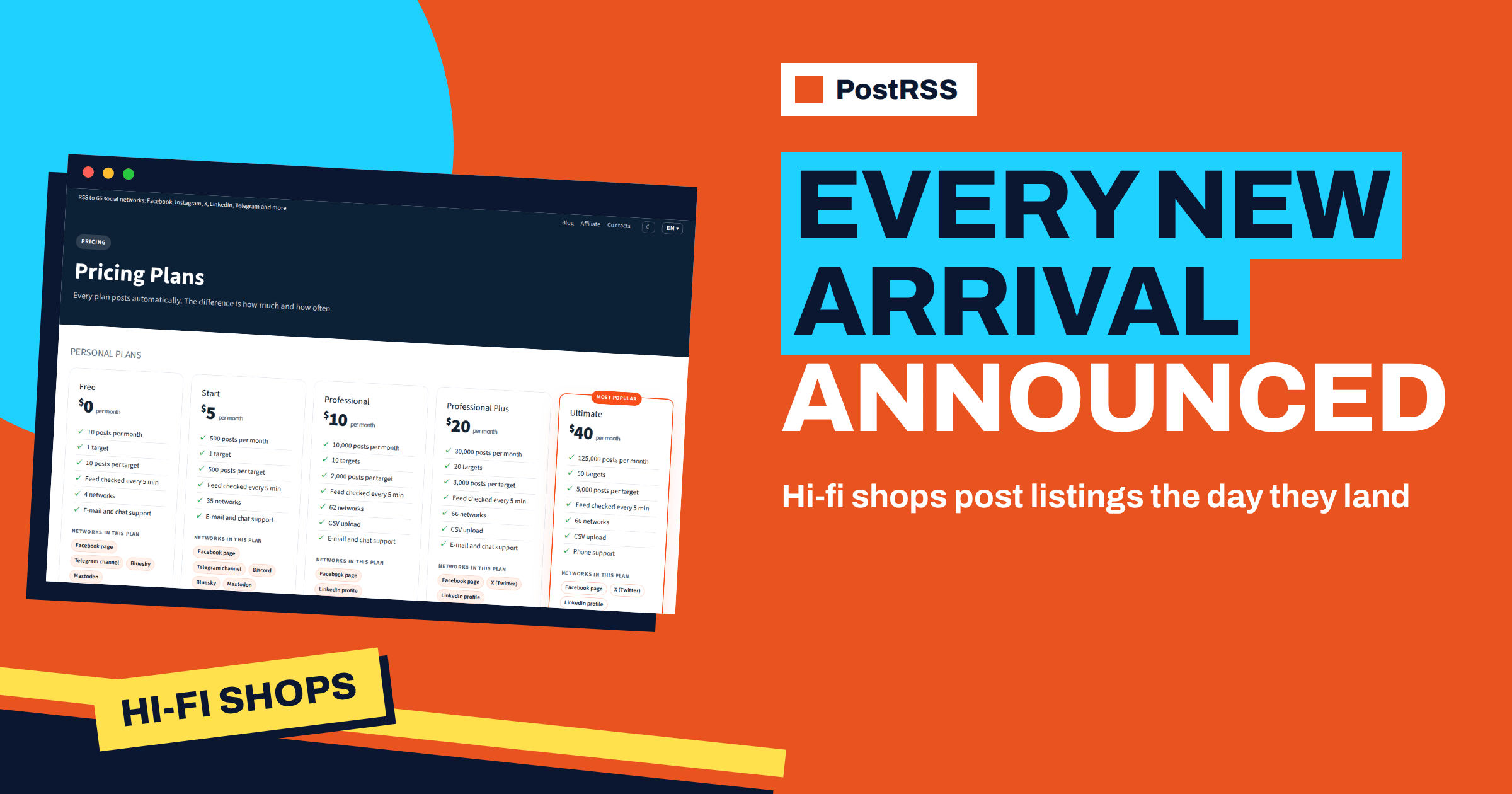
The Free plan has one target, which can be a Facebook Page or a Telegram channel, with a small number of posts. For a Page, a channel and a board together, you need a plan with at least three targets, and the Professional plan has ten and includes Pinterest boards. A shop with a modest number of new arrivals a month uses few posts, so the number of targets is the deciding factor. Check the figures on the pricing page.
Create a PostRSS account and add the new arrivals feed as a source. Connect the Facebook Page, choose how often the feed is checked and save. At the next check, every new item appears on the Page with its title, link and photo. PostRSS can build each post from the item title, the item description, the page title or your own static text, in nine combinations. For a shop, the title followed by the description is often right, because the description carries the condition and the main facts. A short fixed phrase before the title, such as a label for new arrivals, helps regular customers recognise the posts.
Create separate sources with keyword filters. The filters search the title, the description and the categories, ignore capital letters and match parts of words, and you can put a word in quotes to match it exactly. The include list can match any word or all words, and exclude always wins over include. Items that a filter removes are not posted and do not count against your allowance. The guide to include and exclude keyword filters explains the rules.
Examples. The Telegram channel for collectors includes the words vintage and pre-owned, so that rare pieces reach the people who care. The Pinterest board includes categories with beautiful photos, such as turntables and speakers, and excludes cables. The Facebook Page receives everything new. A separate source can send only a chosen brand to a Telegram group of owners of that brand.
Regular customers learn when new stock appears, and a predictable rhythm builds the habit. Use exact times on chosen days in your time zone, for example Thursday at ten in the morning for new arrivals and Saturday at nine for blog entries. Exact times and posting windows are available on paid plans. If several items are added at once, a limit of one or two posts per update spreads them over the slots, and the publishing order decides whether the newest or the oldest goes first. The guide to exact times, windows and intervals describes the options.
For the collectors channel you may prefer speed over rhythm, because a rare piece can be gone within hours. Use a short interval for that source and no exact times.
One practical issue for shops that sell unique items is that a post about a piece that is already sold is worse than no post. PostRSS posts new items that it has not posted before, and it does not know the stock status of your shop. The safest approach is to build the feed so that it contains only available pieces, for example a collection that removes items when they are sold. If an item is sold before the next check, remove it from the collection, and the feed will no longer contain it. Test the behaviour with one item before you rely on it.
You can add extra query parameters to the links, such as the name of the network. After a month, your analytics will show which network sent visitors who bought, and not only the ones who looked. If the Pinterest board sends many visits and few sales, treat it as an inspiration channel. If the Telegram channel sends few visits and many sales, it is your best place for pieces that sell. Adjust your effort accordingly.
On networks where hashtags make sense, PostRSS can add your own fixed hashtags and can also turn the categories of the item into hashtags. Audio enthusiasts search by brand and by type of gear, so the categories are valuable. Add two or three fixed hashtags with the name of the shop and the town. On Facebook at most five hashtags are used in total, with yours first. The article on automatic, custom and random hashtags explains the options.
| Target | Source and filter | Timing | Purpose |
|---|---|---|---|
| Facebook Page | New arrivals feed, everything | Thursday morning, one or two posts | Local customers |
| Κανάλι Telegram | New arrivals feed, vintage and pre-owned | Short interval | Collectors |
| Πίνακας Pinterest | Blog and arrivals, photogenic categories | One post a day on three days | Inspiration and long-lived pins |
The blog feed gives you a second stream. A review of an amplifier, a comparison of two cartridges or an announcement of a listening evening brings readers who may not be ready to buy. Send the blog to the Page and the board, and use a category for demo nights that goes to the Telegram channel with a short static line. A demo night announced three times, a week before, two days before and on the day, fills the room. Write the entries as separate items if you want the reminders to be posted, since PostRSS posts each item once.
On Monday the owner buys a collection of pre-owned equipment from a customer and adds the best pieces to the new arrivals collection with photos and honest notes about the condition. On Tuesday nothing is posted, because the slot for arrivals is on Thursday. The Telegram channel for collectors, however, uses a short interval, so the vintage turntable reaches its subscribers within minutes of being listed, and one of them reserves it the same evening. On Thursday morning the Facebook Page posts the rest of the new arrivals, one or two at a time, and on Saturday the blog entry about the demo night goes out. The owner wrote the descriptions once, when the pieces were listed.
The post is only as trustworthy as the entry. Audio customers read descriptions closely, and a vague phrase about condition leads to returns and bad reviews. Write what you tested, what you did not and what the buyer should know. If a unit has a small scratch, say so, and show it in a photo. Because PostRSS carries the title and the picture into the post, honest titles and photos travel with the item to every network. Over time, a reputation for clear descriptions becomes the best advertising that a specialist shop has.
For a hi-fi shop, PostRSS closes the gap between a new listing and its announcement. Use a clean arrivals feed and the blog as sources, let filters send each kind of gear to the right audience, set predictable slots for regulars and a short interval for collectors, keep sold items out of the feed and read the reports every month. The options are on the features page, and the plans are on the pricing page.
Yes, if your shop platform publishes a feed. Shopify collections have Atom feeds, and the PrestaShop and OpenCart plugins build a products feed.
Yes. Create a source for the channel with an include filter for words such as vintage and pre-owned, so only those items are posted there.
No. PostRSS reads the feed, so keep sold items out of the feed, for example by using a collection that contains only available pieces.
Yes, from the Professional plan upwards, through Pinterest boards. Each pin needs an image, and items without one are skipped.
Start with the Free plan to test one target. For a Page, a channel and a board you need a plan with at least three targets, which starts with Professional.
What changed in the networks, what broke, and how to fix it before it costs you reach.
Από την Internet Solutions, την ομάδα πίσω από το PostRSS. Κάθε προϊόν σάς εξοικονομεί χρόνο με τον δικό του τρόπο.
 English
 Lietuviškai
 Deutsch
 Français
 Русский
 Español
 Polski
 Italiano
 Українська
 Čeština
 Português
 日本語
 Latviešu valoda
 Eesti
 Magyar
 Bahasa Indonesia
 Türkçe
 हिन्दी
 Ελληνικά
 العربية
 ไทย
 Tiếng Việt
 Română
 Bahasa Melayu
 বাংলা