66টি সোশ্যাল নেটওয়ার্কে RSS: Facebook, Instagram, X, LinkedIn, Telegram এবং আরও অনেক কিছু ব্লগ অ্যাফিলিয়েট যোগাযোগ
Updated: 2026-09-27
Meta has tightened third-party access to its platform steadily since 2022, and that history has left a lot of outdated or confusing advice circulating about what auto-posting actually still works. The short answer for 2026: automating posts to a Facebook পৃষ্ঠা through official Graph API access remains fully supported and reliable. What changed — significantly — is Facebook Groups, where automated posting was effectively shut down in 2024. This guide covers exactly what's current, what isn't, and how to set up genuinely working Facebook Page automation today.
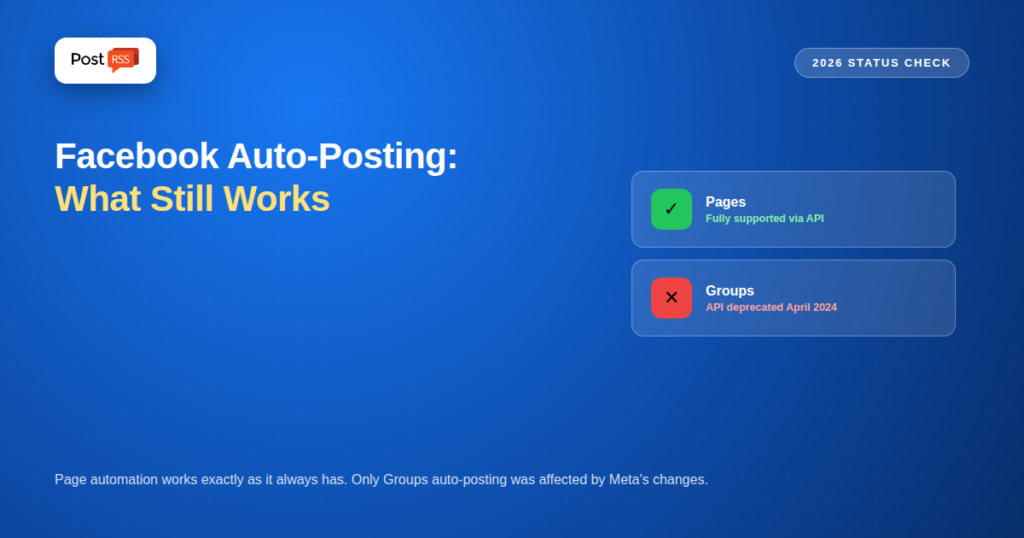
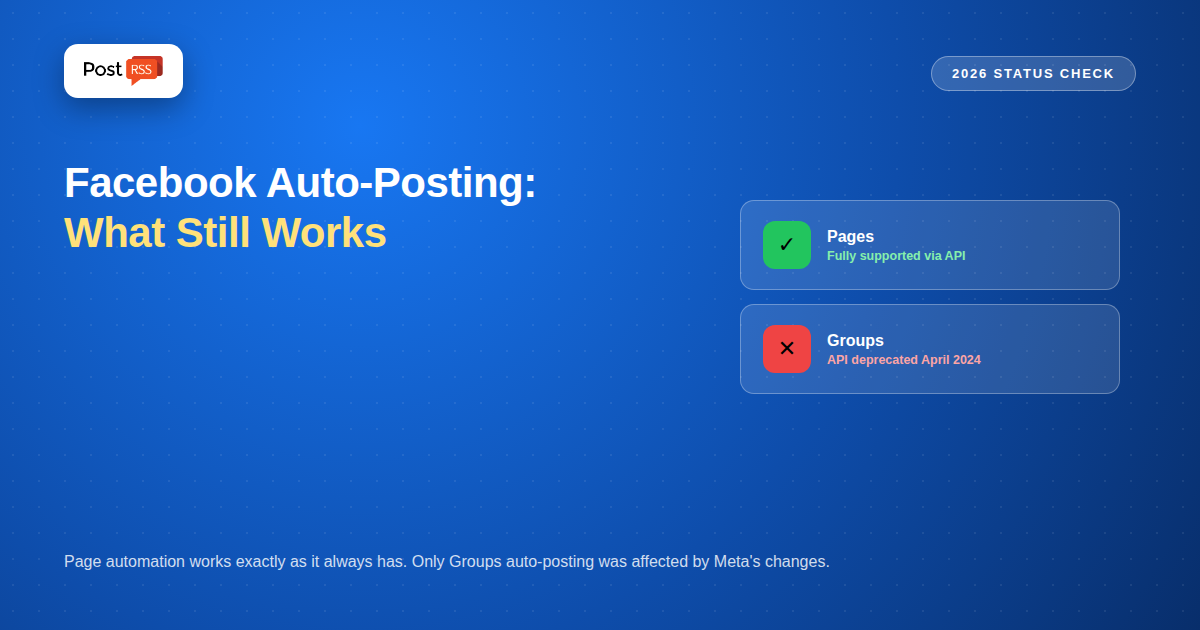
Confusion about Facebook automation almost always traces back to conflating Pages and Groups, which Meta treats as entirely separate systems with different rules. A Facebook পৃষ্ঠা is a public business or brand presence, and posting to it through the official Graph API remains a core, fully-supported capability — this is what tools like PostRSS use, and it hasn't been restricted the way Groups access has. A Facebook Group is a community space, and as of April 2024, Meta deprecated the API permissions (publish_to_groups এবং groups_access_member_info) that let third-party tools post into Groups automatically. If you've read that "Facebook auto-posting is broken," that claim is accurate for Groups specifically and inaccurate for Pages.
Our auto-post RSS to Facebook page covers the connection steps and the posting template in detail.
Meta announced the Groups API deprecation in January 2024 alongside a broader Graph API update, citing spam prevention and community protection as the reasoning. The practical effect: tools that previously auto-posted into Groups on your behalf can no longer do so through the official API. Some tools that still list "Groups" as a feature have shifted to a reminder-based workaround — the tool prepares your post and pings you to manually paste it into the Group yourself at the scheduled time, which is a fundamentally different (and much less automatic) experience than true API-driven posting.
Automating posts to a Facebook Page through the Graph API remains complete and reliable, and this is the workflow PostRSS is built around. Meta Business Suite itself continues to support scheduled Page posting up to 75 days in advance for manual use, and third-party tools with proper API access can publish immediately or on a schedule via the same underlying infrastructure. For a business, publisher, or creator whose actual need is keeping a Facebook Page updated automatically, nothing about the 2024 Groups changes affects that workflow at all.
Meta has become increasingly strict about which apps get approved for Page publishing permissions, requiring app review and adherence to platform policies. This is actually good news for reliability: a tool using proper, approved API access (rather than a workaround or unofficial method) is far less likely to suddenly stop working when Meta makes a policy change, since it's operating within the sanctioned system rather than around it. When evaluating any Facebook automation tool, confirming it uses official Graph API access — rather than browser automation or other unofficial methods — is a reasonable, practical due-diligence step.
Meta has continued evolving its API ecosystem beyond the 2024 Groups changes. Ephemeral Data Tokens have been introduced for third-party apps, part of a broader push toward more granular, time-limited access controls rather than standing permissions. Meta has also begun allowing third-party tools to access its own Llama-based AI models directly through the API, a capability some scheduling and content tools have started incorporating, though this is separate from the core posting mechanism itself. Neither development changes the fundamentals of Page posting; they add options around it.
If Groups are genuinely important to your strategy, the realistic 2026 options are limited: manually posting, using a tool's reminder/notification workaround (which still requires you to personally paste content in at the scheduled time), or exploring whether your specific Group has any newer, narrower API pathway Meta has opened since the 2024 deprecation. For most businesses whose primary need is a public-facing content presence, redirecting that energy toward Page automation (which works fully) rather than fighting Group limitations tends to be the more productive path. See our dedicated guide on what happened to Groups auto-posting for the full history and alternatives.
Businesses often ask about Instagram alongside Facebook Page automation, since Meta owns both. Instagram Business account publishing through the official API follows a different set of requirements and isn't currently part of PostRSS's supported platform list, which focuses on 66 networks, including Facebook, X, LinkedIn, Pinterest, Threads, Bluesky, Mastodon, Telegram, Discord, Tumblr, VKontakte, Matrix, Webhook and Instapaper. If Instagram automation is a requirement, that specifically needs a tool built for Instagram's API requirements, separate from Facebook Page automation.
If you set up Facebook Page automation some time ago and haven't checked on it recently, it's worth confirming it's still functioning rather than assuming silence means success. Visit your Page directly and compare its most recent posts against your website's actual publishing history — if there's a gap, the connection may have quietly lost authorization at some point, which happens occasionally after a password change or an extended period without any account activity. This is the same silent-failure pattern worth checking across any automated distribution setup (see our RSS automation health-check guide for a fuller routine), and reconnecting a lapsed Page authorization typically takes under a minute once identified.
Meta has increasingly tied certain Page capabilities to business verification status as part of its broader push toward accountability on the platform. For straightforward Page posting through an approved third-party app, standard Page ownership and app authorization remain the core requirements; business verification becomes more relevant for advertising features and certain advanced API access levels rather than basic automated posting itself. If you encounter an unexpected permission restriction, checking your Page and Business Manager verification status is a reasonable first troubleshooting step.
Authorizing PostRSS's Facebook app and selecting your Page as a Target typically takes under five minutes, using Meta's standard OAuth-style authorization flow. Connecting your RSS feed source takes another few minutes. From that point forward, new content on your site automatically reaches your Facebook Page without any further manual action — a one-time setup replacing what would otherwise be a recurring task every time you publish something new.
Facebook Pages are the one destination PostRSS covers on every plan, including the free one, so you can test the whole pipeline before paying anything.
| Plan | Price | Posts per month | টার্গেট | Feed checked |
|---|---|---|---|---|
| ফ্রি | $0 | 10 | 1 Facebook Page | As often as every minute |
| শুরু করুন | $5/month | 500 | 1 Facebook Page | As often as every minute |
| প্রফেশনাল | $10/month | 10,000 | 10 targets, more networks | As often as every minute |
| এন্টারপ্রাইজ | From $100/month | 1,000,000 | 100টি টার্গেট | Every 1 minute |
The free plan is genuinely free and needs no card: 10 posts a month to one Page. For most blogs publishing a few times a week, the $5 Start plan and its 500 posts a month is the practical tier — that is roughly 16 posts a day, far more than a normal publishing schedule needs. An annual subscription takes 20% off. Both of these entry plans cover a single target; if you also want X, LinkedIn or Pinterest, look at the higher tiers on the pricing page.
| Destination | Supported | Why |
|---|---|---|
| Facebook পৃষ্ঠা | Yes | Official Graph API publishing permission, stable and intended for this |
| Facebook Group | No | Meta shut down automated Group posting in 2024; no compliant route exists |
| Facebook personal profile | No | Meta has never offered an API for publishing to personal timelines, and any tool claiming it is using a method that breaks or risks the account |
This is worth being blunt about, because it is the single most common misunderstanding: you cannot auto-post to a personal Facebook profile or to a Group, with PostRSS or with anything else that stays inside Meta’s rules. If your audience currently lives in a Group, the durable fix is to create a Page alongside it and automate that.
If you haven't connected Facebook to PostRSS yet, see our setup guide for the full walkthrough, and our pricing breakdown if you're evaluating plans — Facebook Page automation is available starting on the Free plan.
Much of the anxiety around "Facebook automation is broken" traces back to a real, significant change that only ever affected Groups, not Pages. For the far more common use case — keeping a business or publisher's Facebook Page updated automatically as new content is published — the setup remains exactly as straightforward and reliable in 2026 as it's been for years, connected through the same official API infrastructure Meta itself relies on for its own tools.
The usual objection to auto-posting is that the output looks obviously automated. It does not have to. Reading your page’s Open Graph metadata produces the same large, clickable link-preview card Facebook builds for any manually shared link — featured image, headline and a clean summary. What followers see scrolling their feed is a properly formatted post, not a bare URL.
No — Meta deprecated the API permissions that allowed third-party apps to post automatically into Groups in April 2024. PostRSS, like all tools using official API access, is subject to that same platform-wide restriction.
Page publishing via the Graph API has remained a stable, core-supported capability throughout Meta's various policy changes; the Groups restriction was specific to Groups, not a signal that Page automation is at similar risk.
No — connecting your Page to PostRSS uses a standard authorization flow where you simply grant permission through your existing Facebook account; no separate developer account setup is required on your end.
PostRSS's list runs to 66 networks, but Instagram support is still being tested (it sits on the Professional Plus plan) and isn't live yet, so pairing a Facebook Page with Instagram from one feed would need a separate tool built for Instagram's API.
Using official, approved API access significantly reduces this risk compared to unofficial workarounds; occasional re-authorization may be needed after account-level changes, but sudden, unexplained breakage is uncommon for properly connected Page automation.
Generally no — standard Page ownership and app authorization cover basic automated posting; verification requirements are more commonly tied to advertising features and certain advanced API access levels.
No. Facebook Page automation is available starting on the Free plan, so the full setup can be tested before deciding whether to upgrade for more volume or additional networks.
No. The feed is read externally in the cloud, so no additional load is placed on your server.
The feed is checked every five minutes on every plan, so a new post typically reaches Facebook within minutes of going live.
Posting stops and the error is logged rather than silently producing malformed posts. Checking a new feed before connecting it rules out most of this in advance.
Yes. A per-network template decides what text accompanies the link, so the Facebook version can read differently from the LinkedIn অথবা X version of the same article.
What changed in the networks, what broke, and how to fix it before it costs you reach.
PostRSS-এর পেছনের টিম Internet Solutions-এর তৈরি। প্রতিটি পণ্য নিজের মতো করে আপনার সময় বাঁচায়।
 English
 Lietuviškai
 Deutsch
 Français
 Русский
 Español
 Polski
 Italiano
 Українська
 Čeština
 Português
 日本語
日本語 Latviešu valoda
 Eesti
Eesti Magyar
 Bahasa Indonesia
 Türkçe
 हिन्दी
 Ελληνικά
 العربية
 ไทย
ไทย Tiếng Việt
 Română
 Bahasa Melayu
 বাংলা
বাংলা